App Store screenshot design: less is more.
Struggling with App Store screenshots? Too much freedom will paralyze you. Constraints let you move faster.
Simple constraints to start with
Follow these rules and watch your screenshots improve instantly.
Use only one accent color
Pick a single accent color and stick with it. This creates visual consistency and makes your screenshots instantly recognizable.
One font only
A sans-serif black weight will do. No need for fancy typography. Clarity beats creativity here.
Only 3-4 elements per image
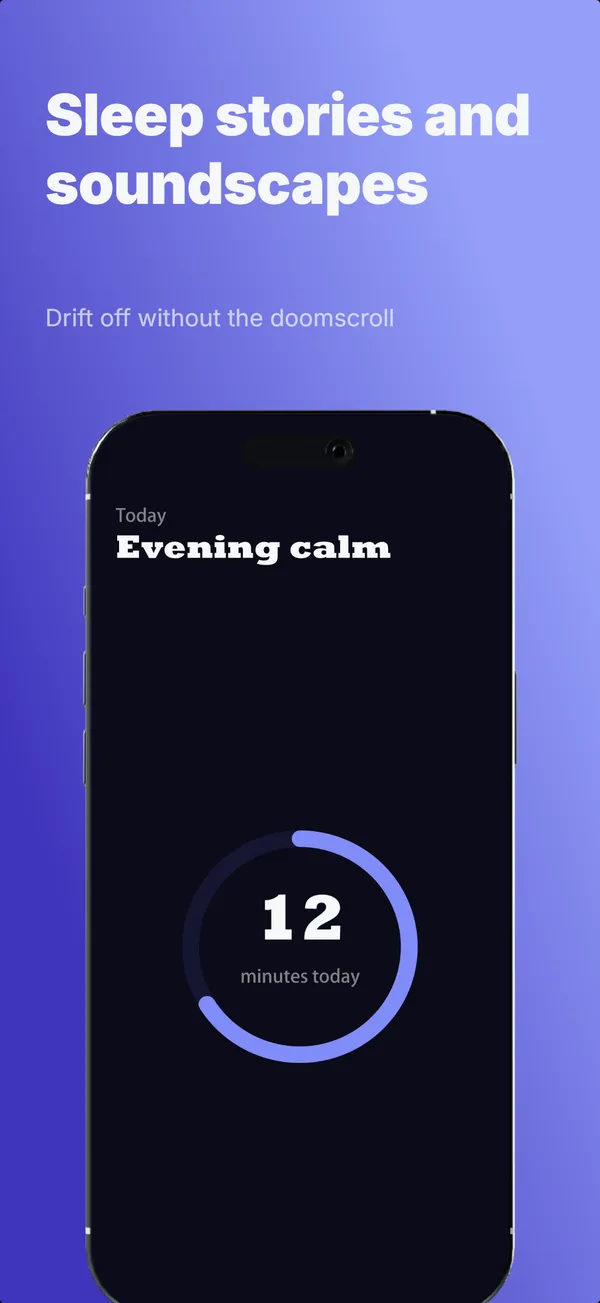
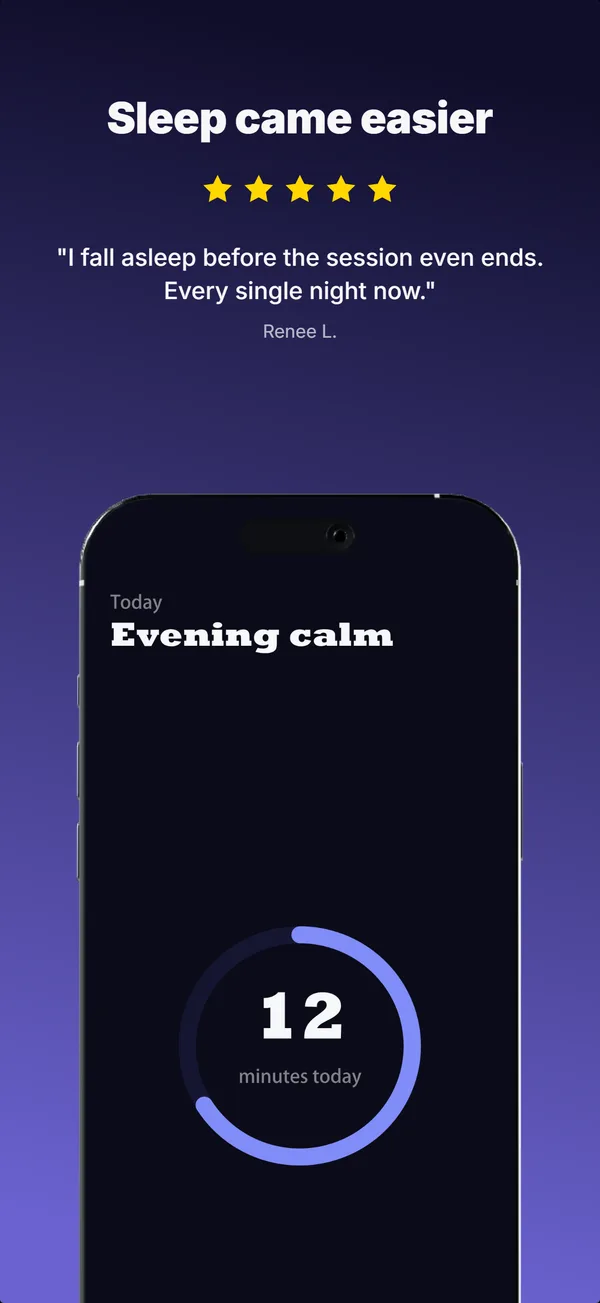
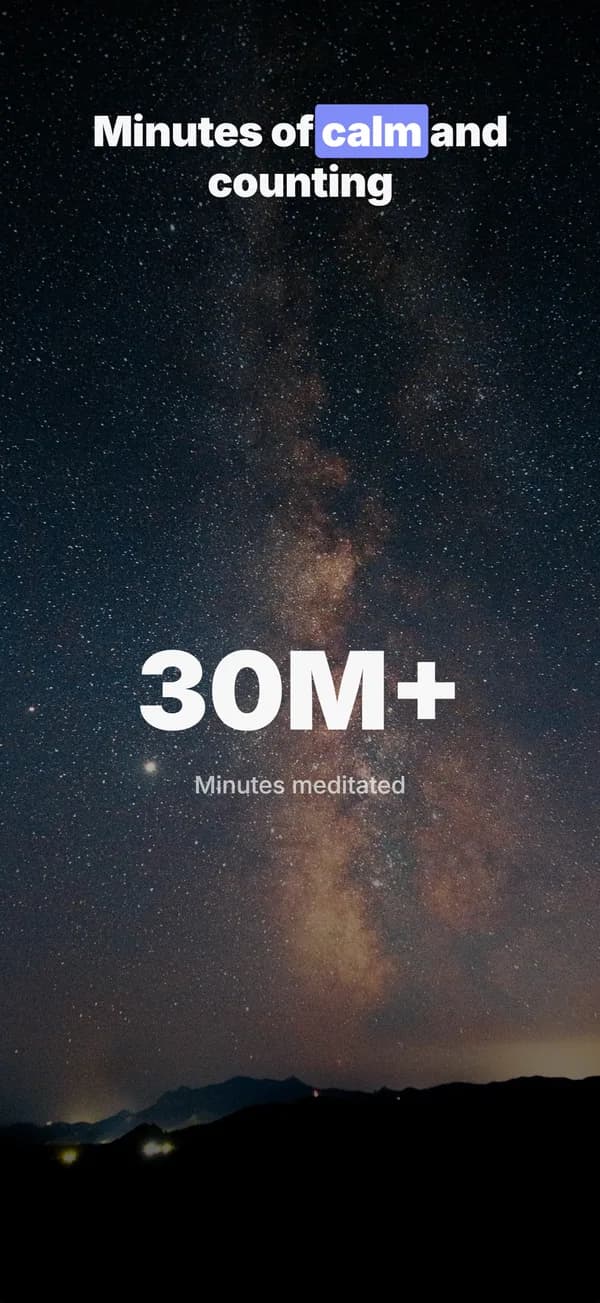
Device, headline, maybe a background element. That's it. Every additional element dilutes your message.
The removal test
Remove ALL elements from an image one by one. If you can still understand what it communicates, remove that element permanently. Keep only what's essential.
The grandma test
Your grandma should be able to read your text from a tiny phone display without squinting. If she can't, your text is too small.
One copy per screenshot
One message. One benefit. One idea. Don't try to say everything in one image. That's what multiple screenshots are for.
One attention grabber
Include at least one element to catch the user's eye. An emoji, a zoom-in, a highlight. Something that makes them stop scrolling.
The rules, applied
Four of the rules above, each on a complete set generated in AppScreenshotStudio. The apps are fictional; the design choices are the point.
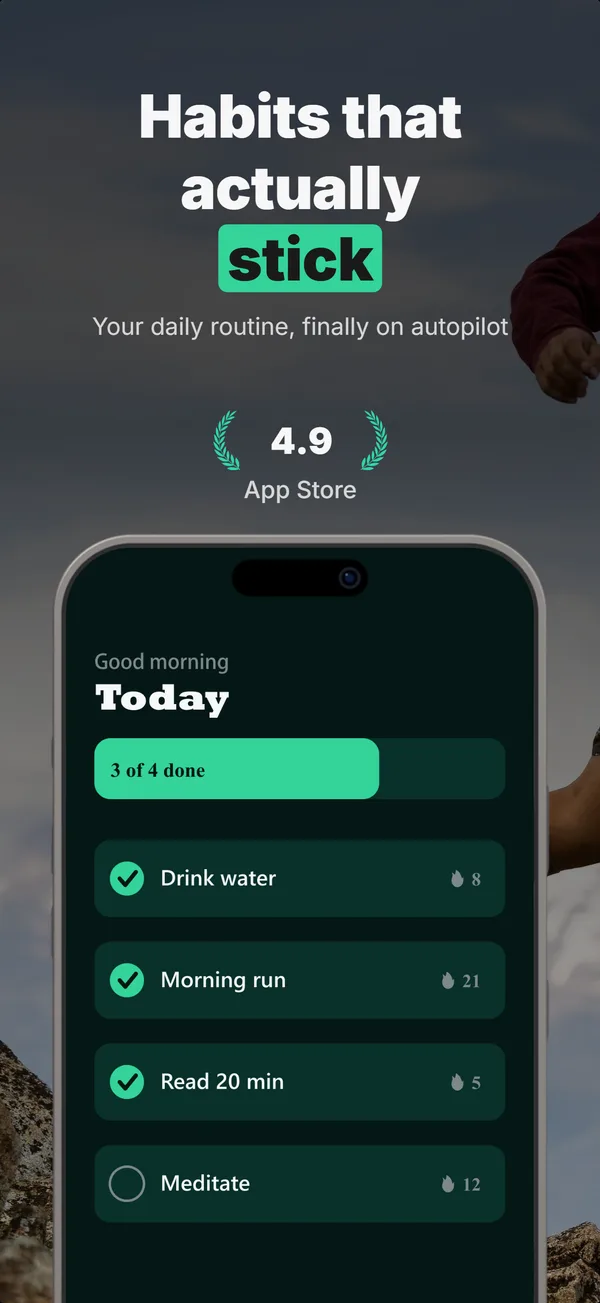
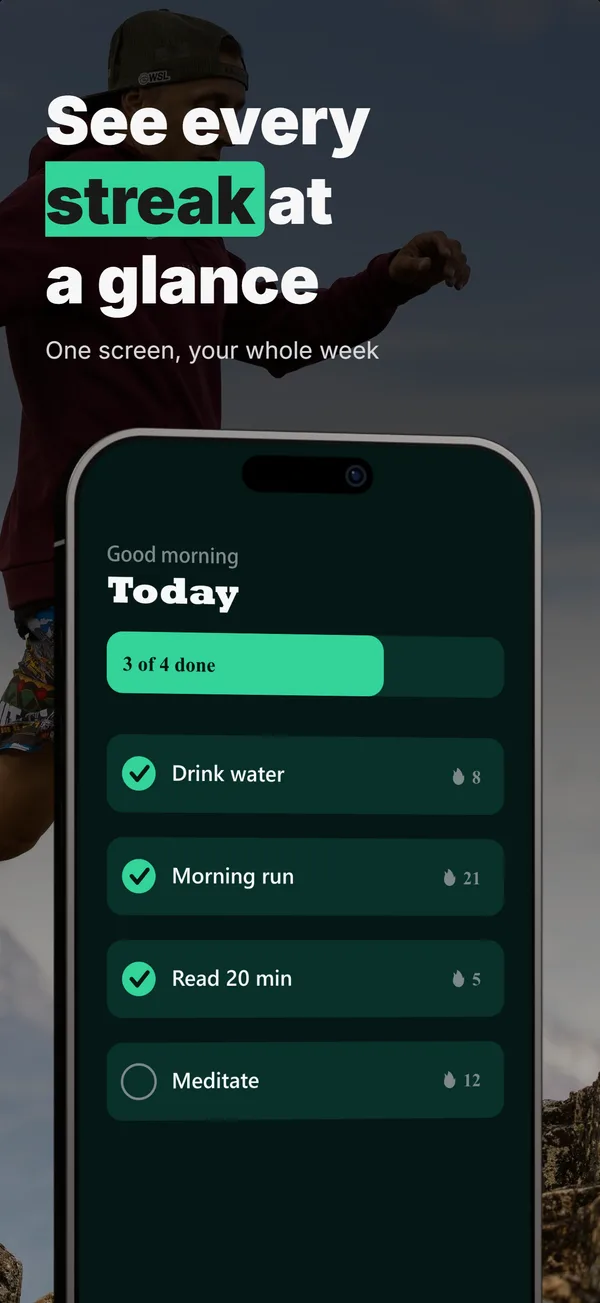
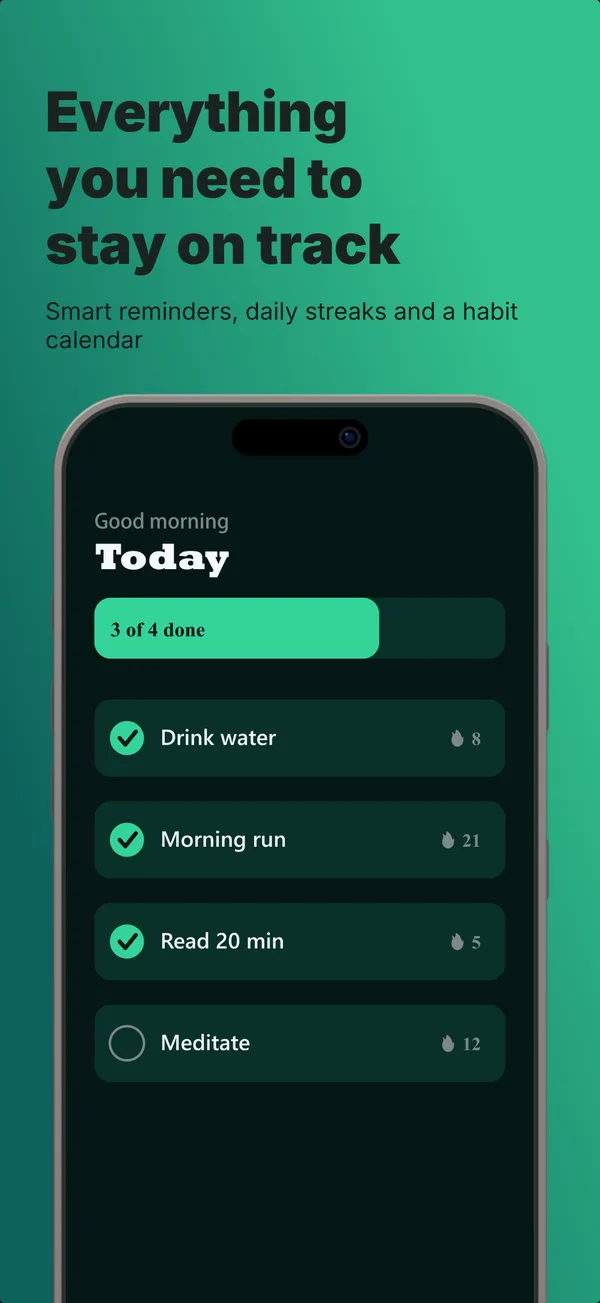
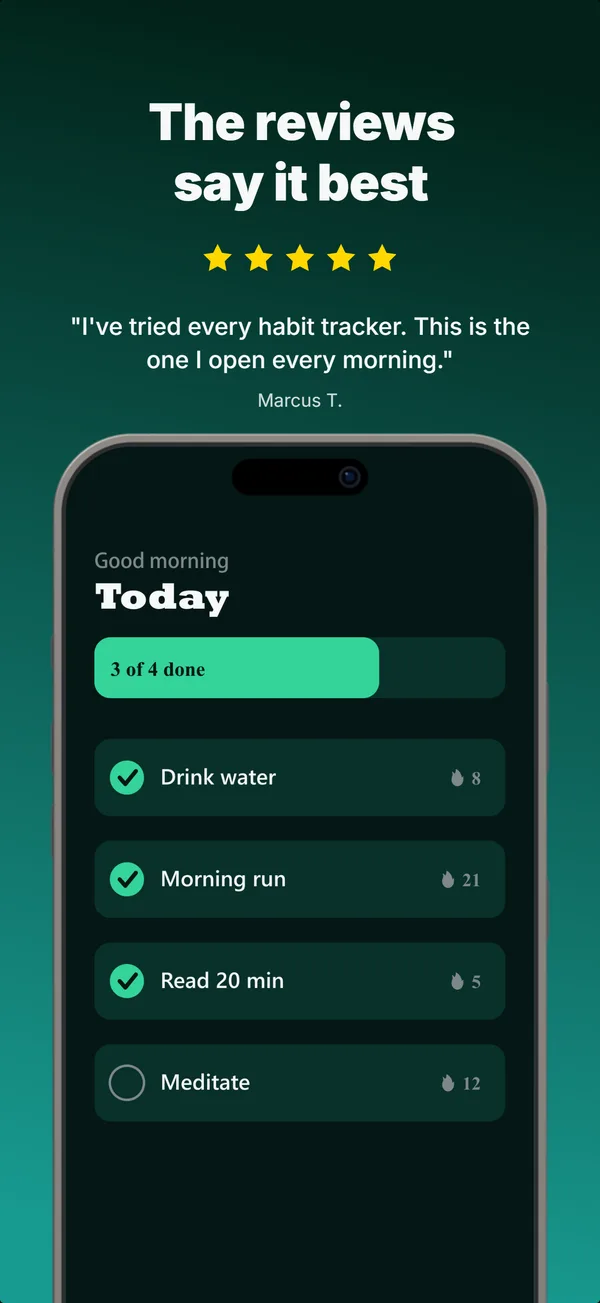
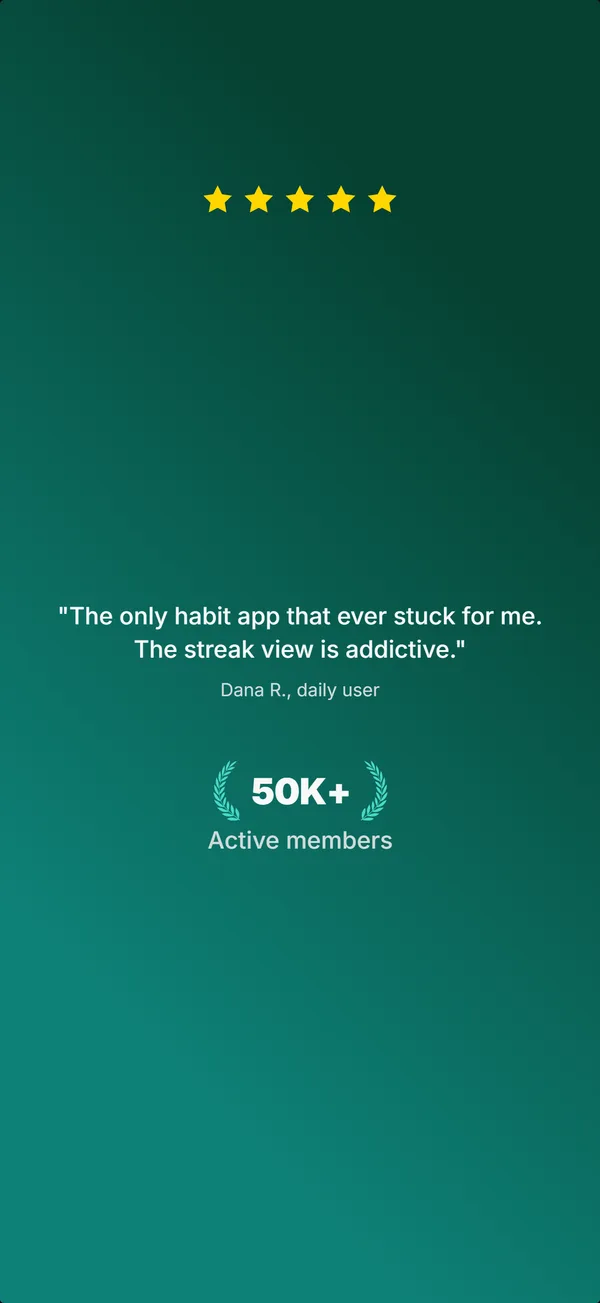
One accent colour
Habit tracker
The same green marks the headline highlight, the progress bar and every checkmark, across all five frames.
Open the full set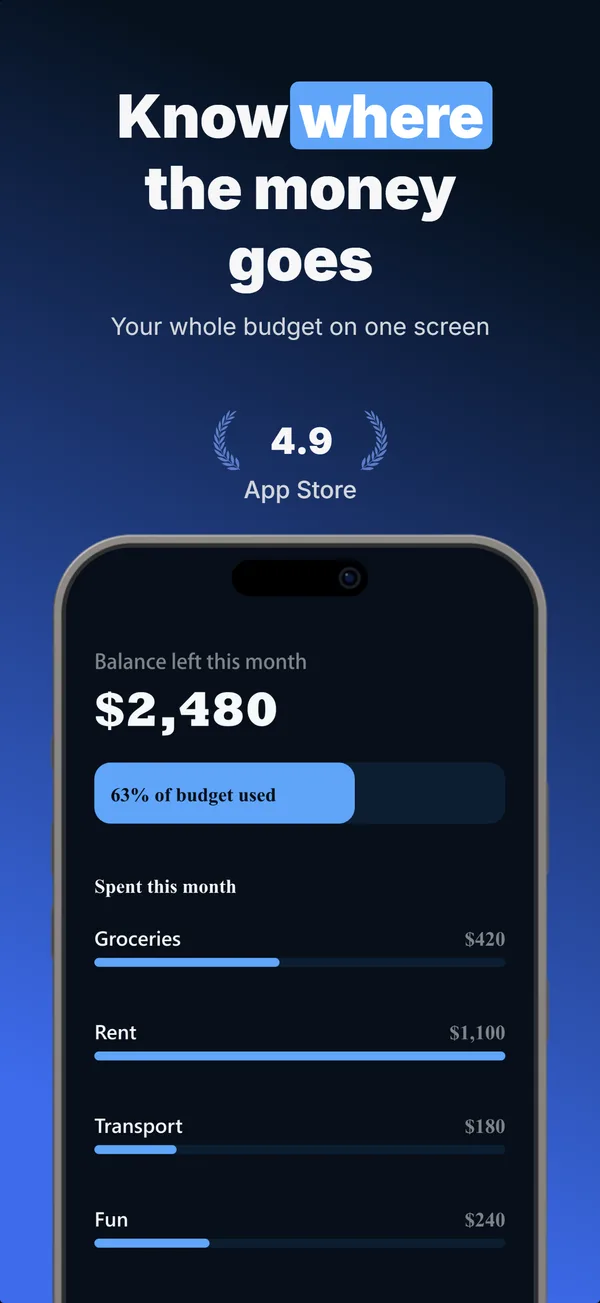
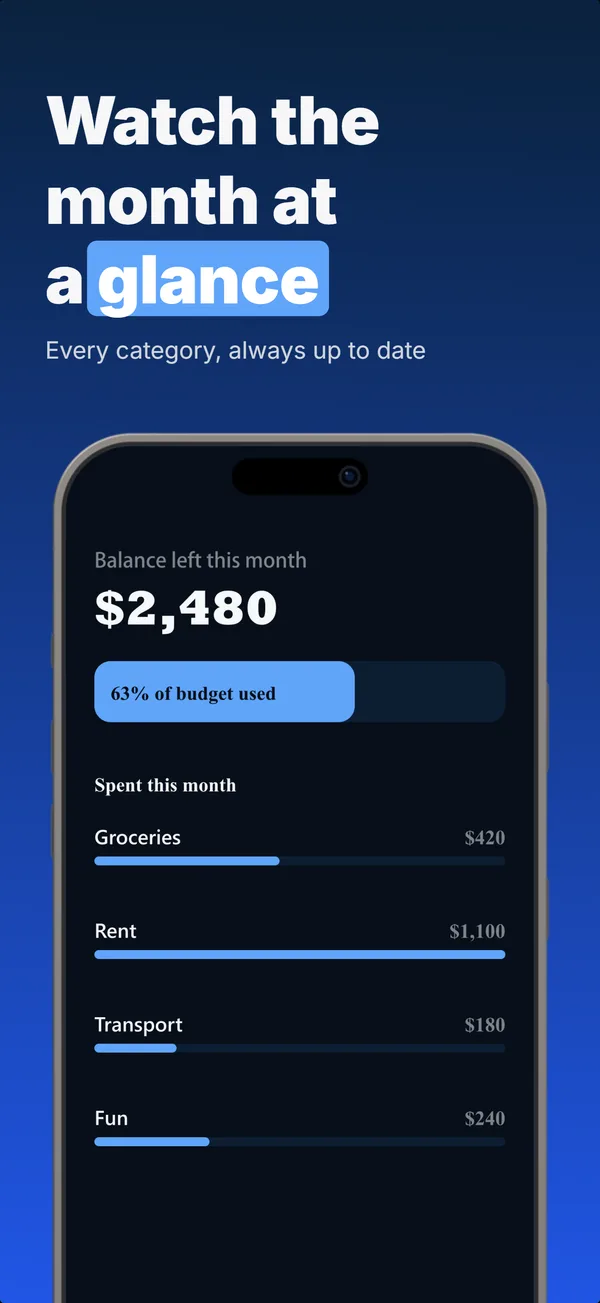
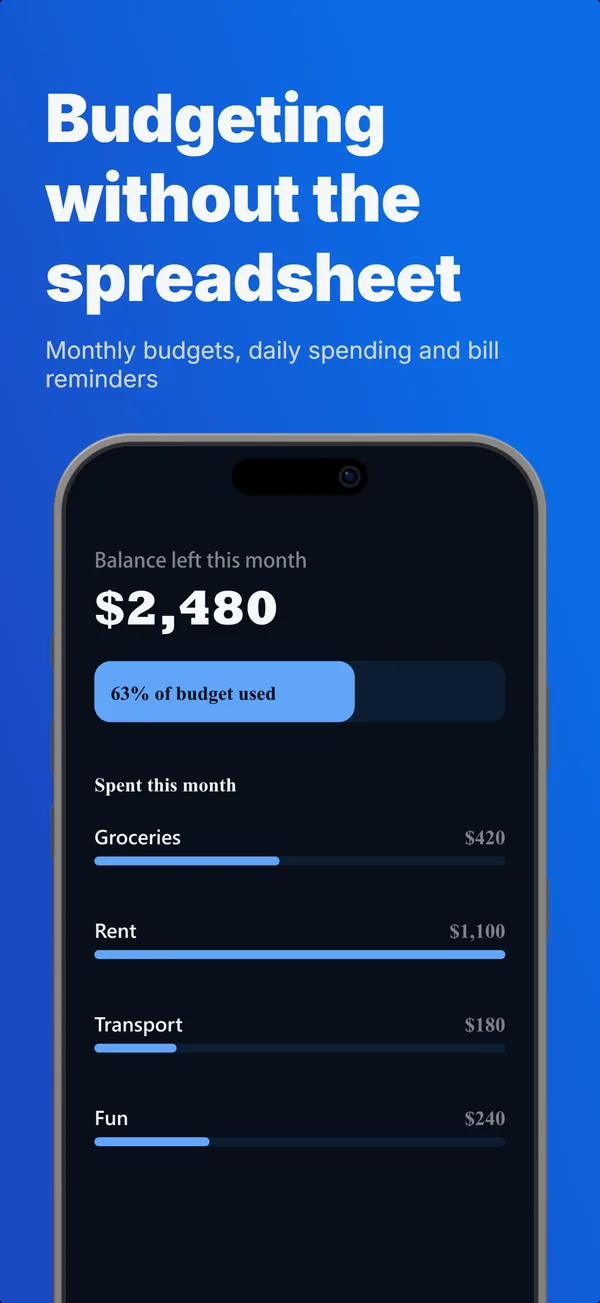
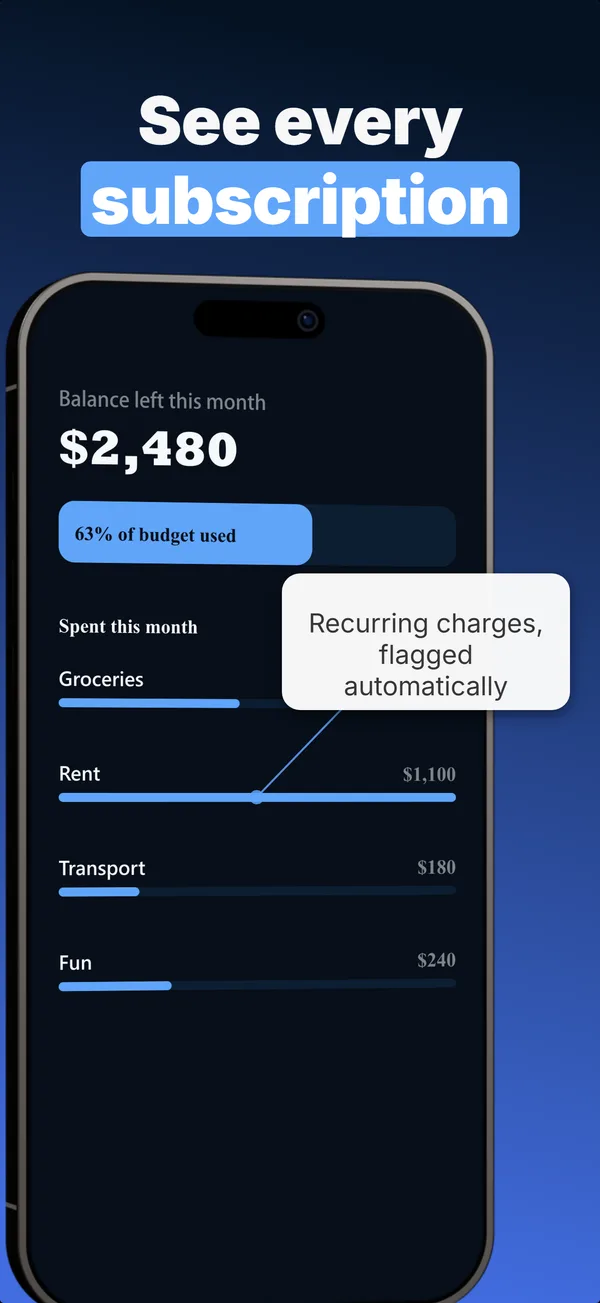
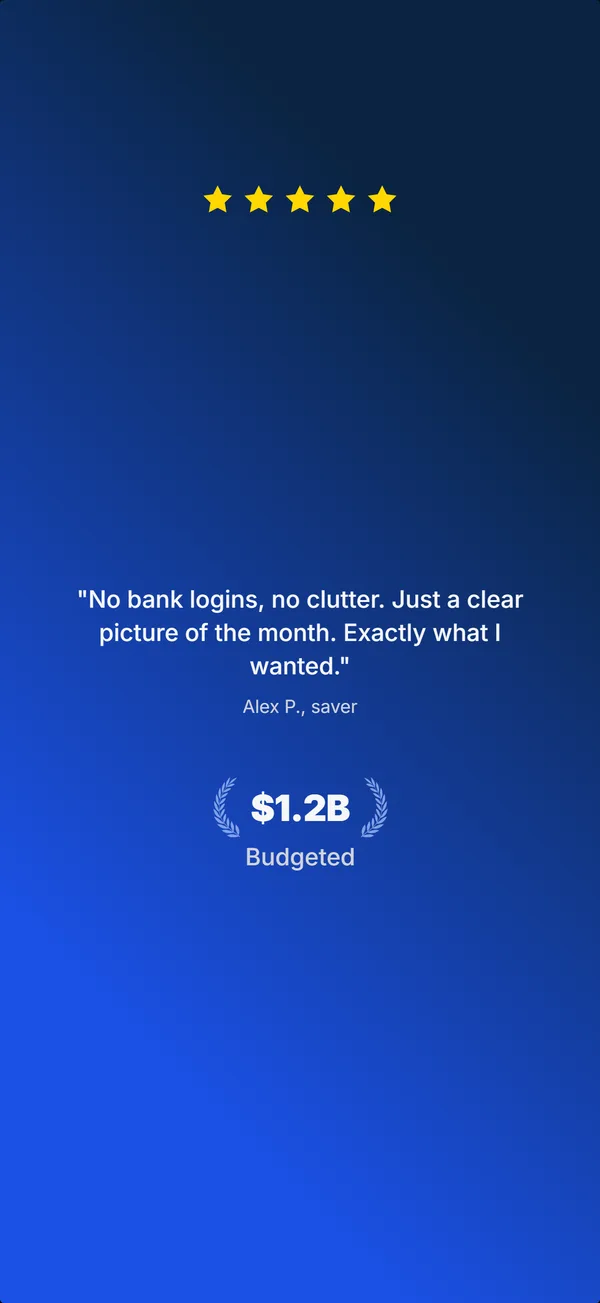
One attention grabber
Budgeting app
Frame 4 adds a single callout, "Recurring charges, flagged automatically", and nothing else competes with it.
Open the full set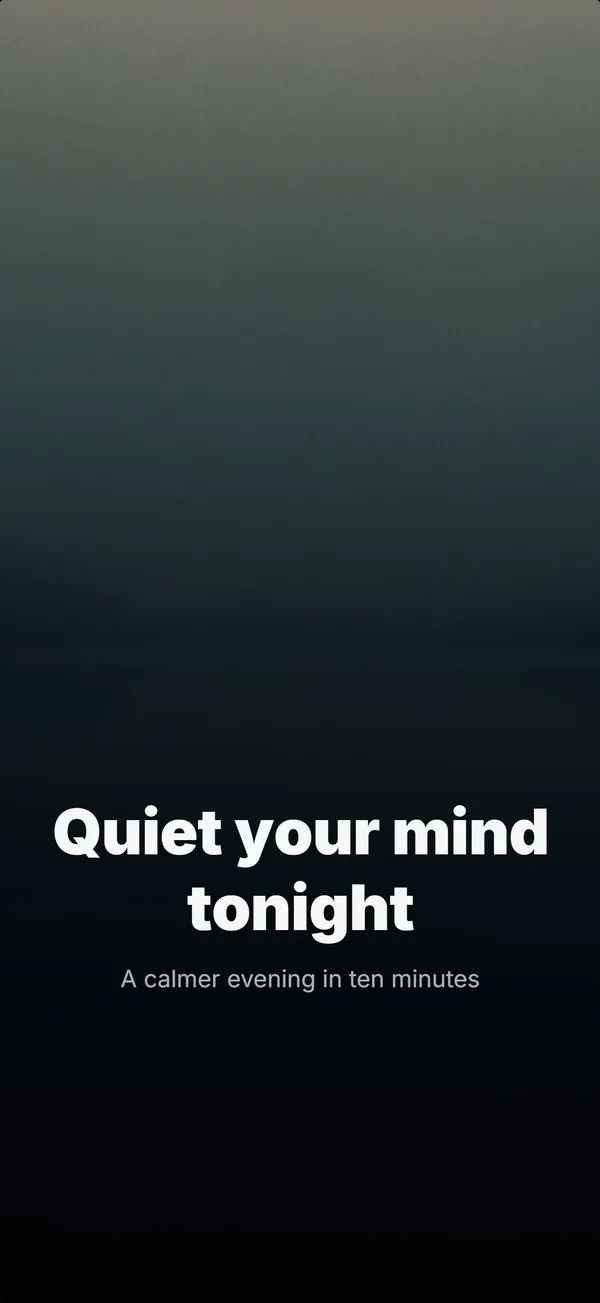
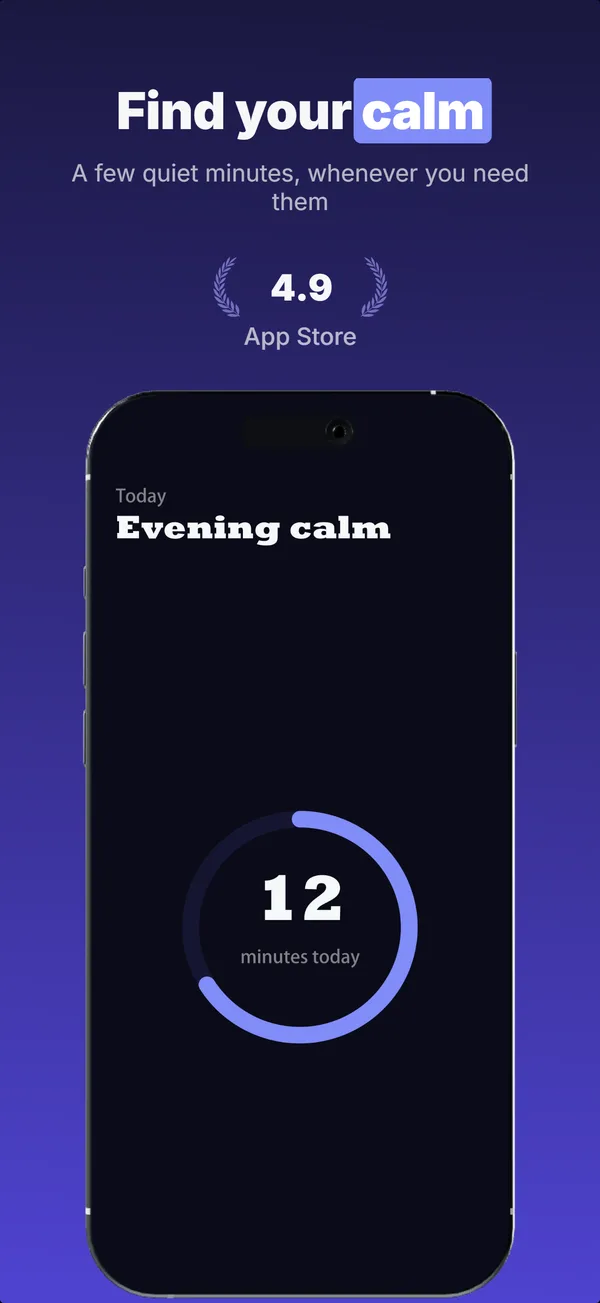
Only 3-4 elements per image
Meditation app
Frame 3 is a headline, one supporting line and the device. Frame 2 adds a rating and stops there.
Open the full set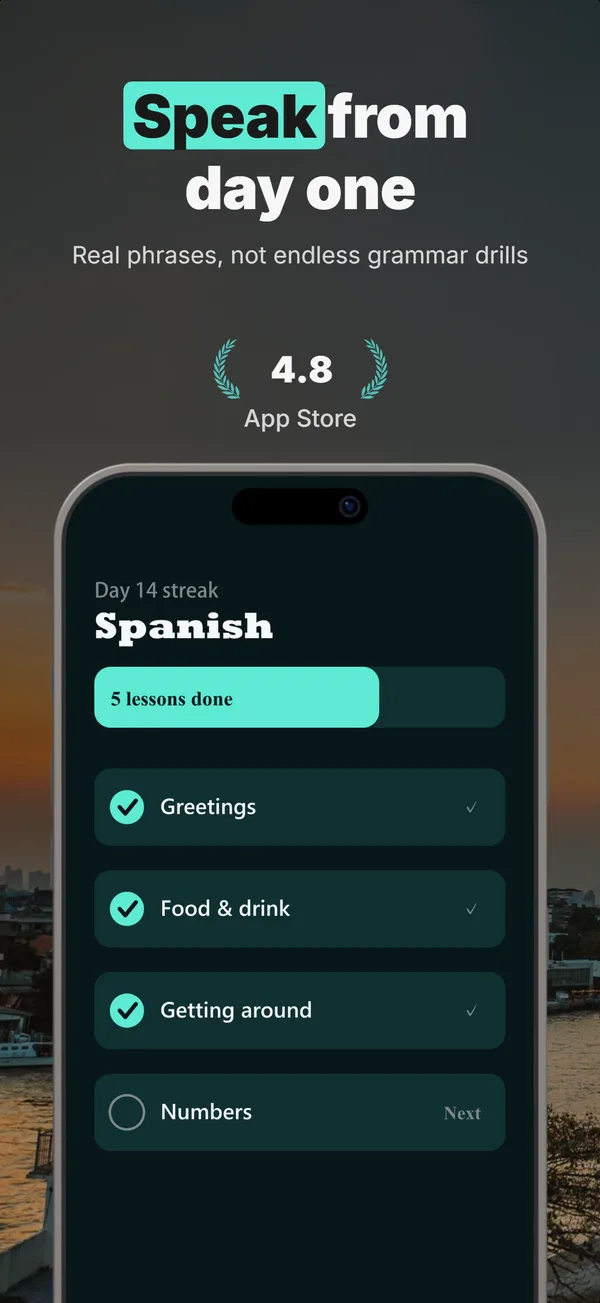
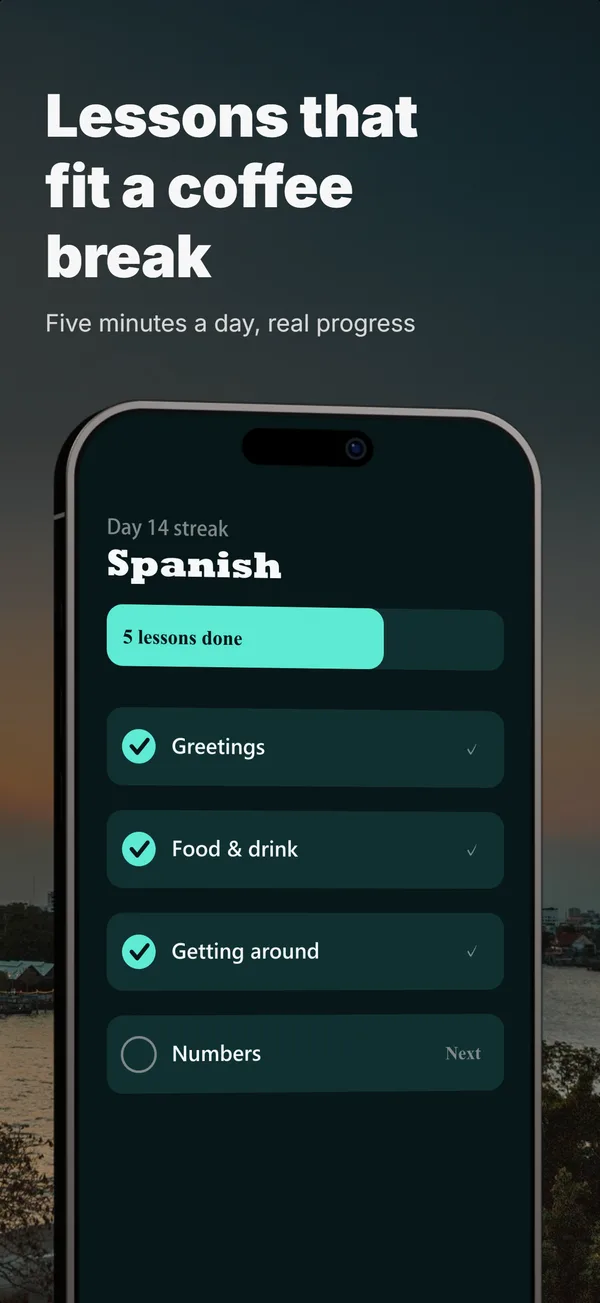
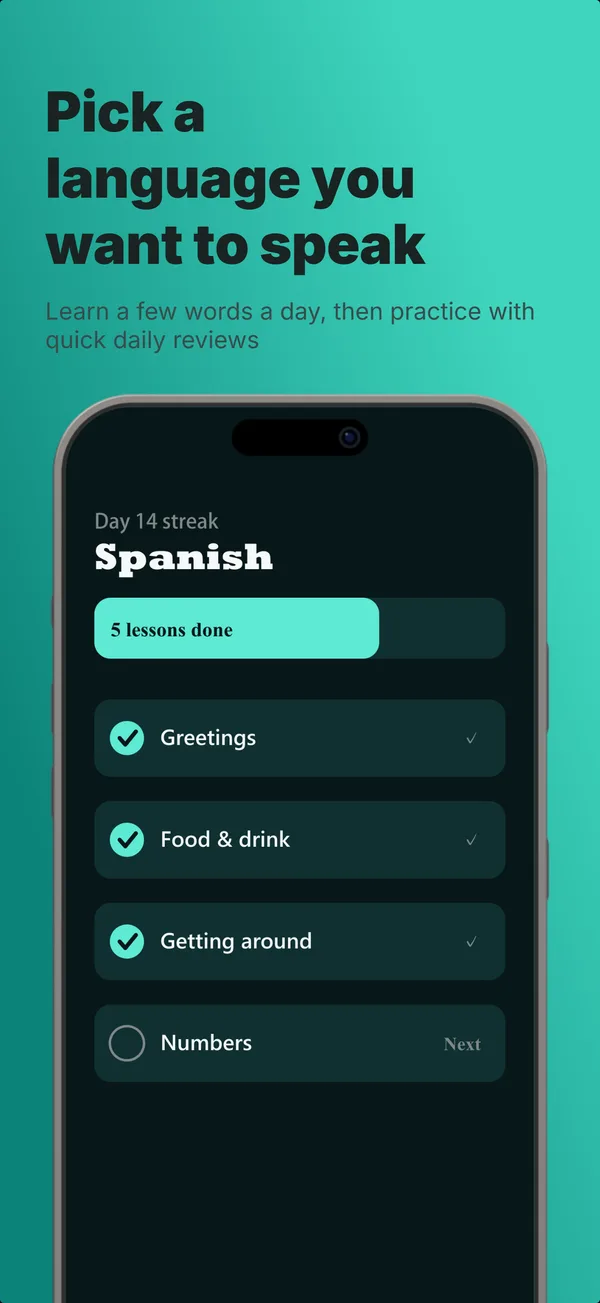
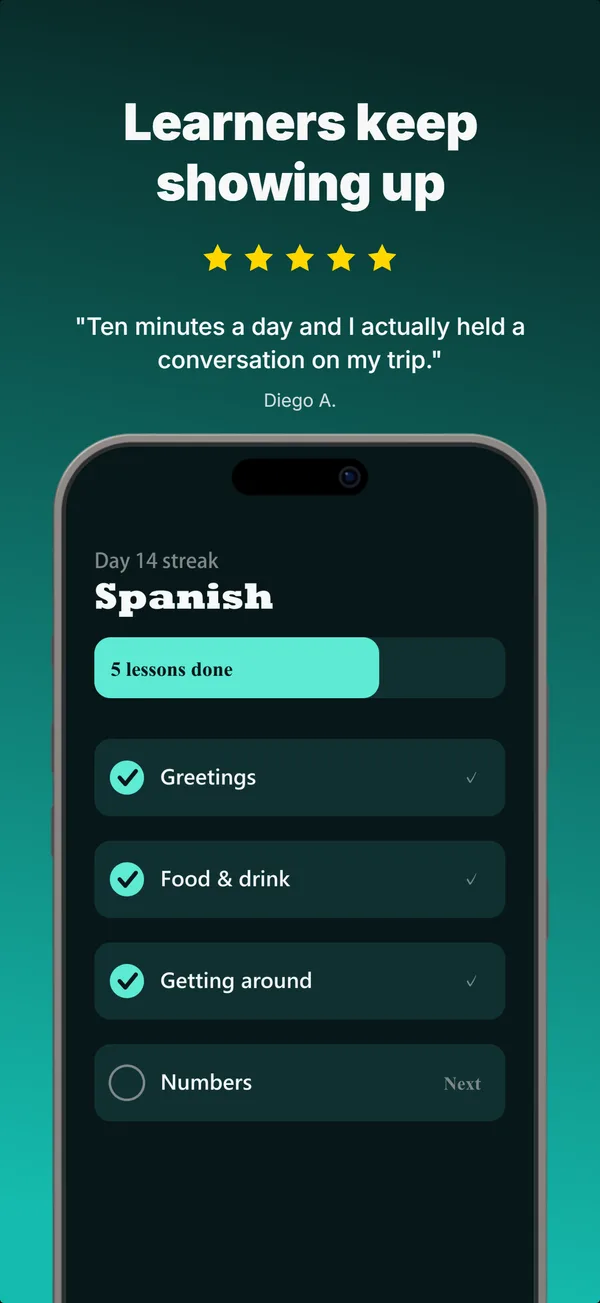
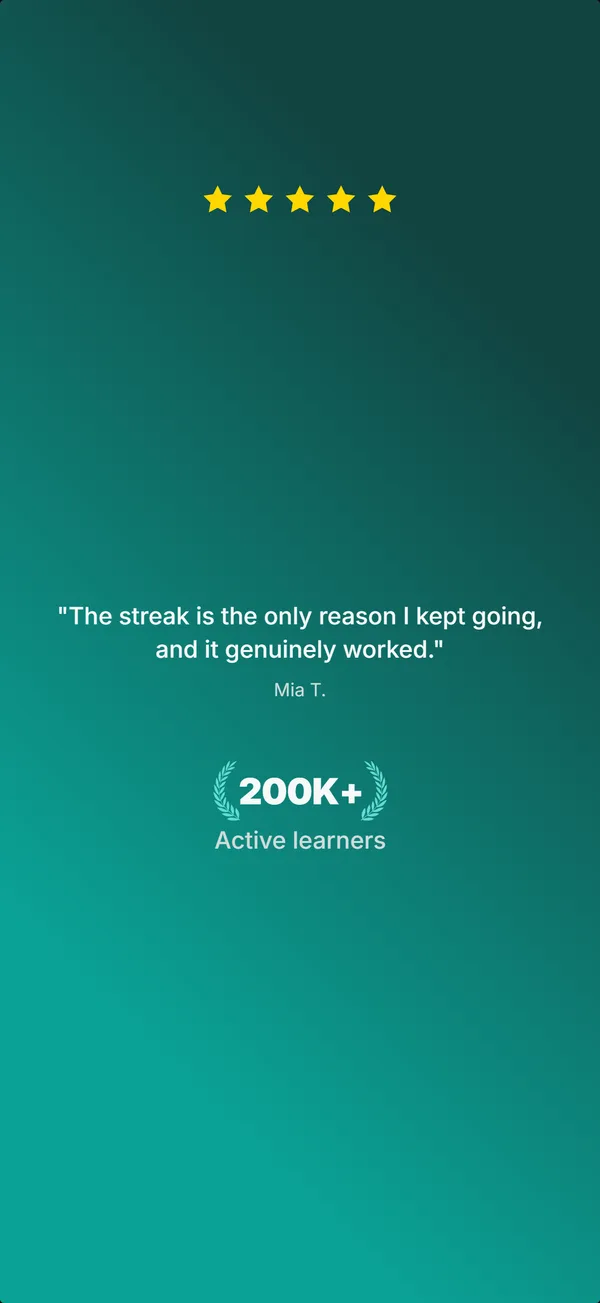
One copy per screenshot
Language learning app
Speak from day one. Lessons that fit a coffee break. Each frame makes one claim and leaves the next one to the next frame.
Open the full setMore in the App Store screenshot examples gallery: 20 sets, one per app category.
The checklist
- One accent color
- One font (sans-serif black)
- 3-4 elements max
- Passed the removal test
- Passed the grandma test
- One message per screenshot
- One attention grabber
Ready to create?
Apply these constraints and let the builder handle the rest.