The App Store screenshot generator built to earn installs
A designer hands you one beautiful set and no way to know if it works. Describe your app or drop its URL, refine the set in chat, then make the variants Apple's own A/B test picks a winner from.
2,205 screenshots designed here so far
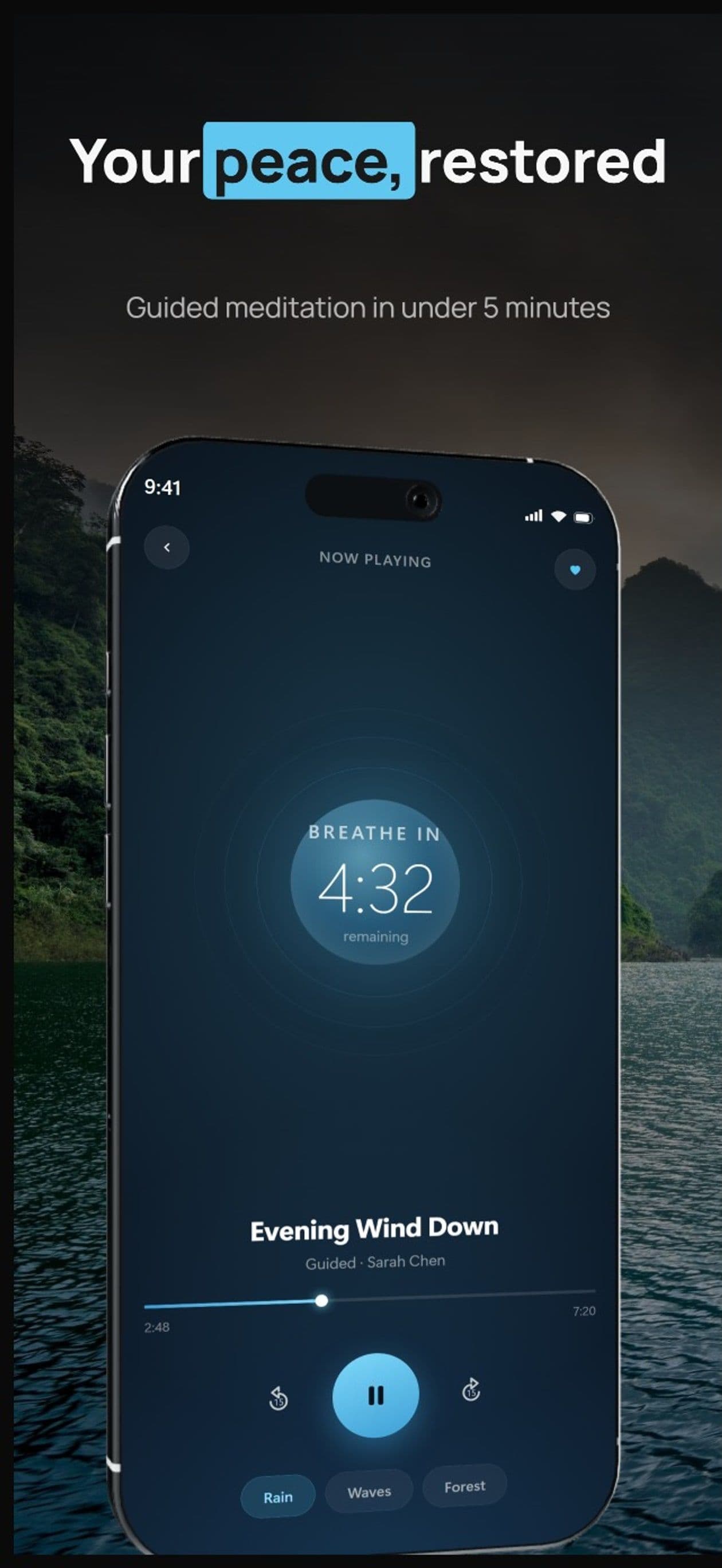
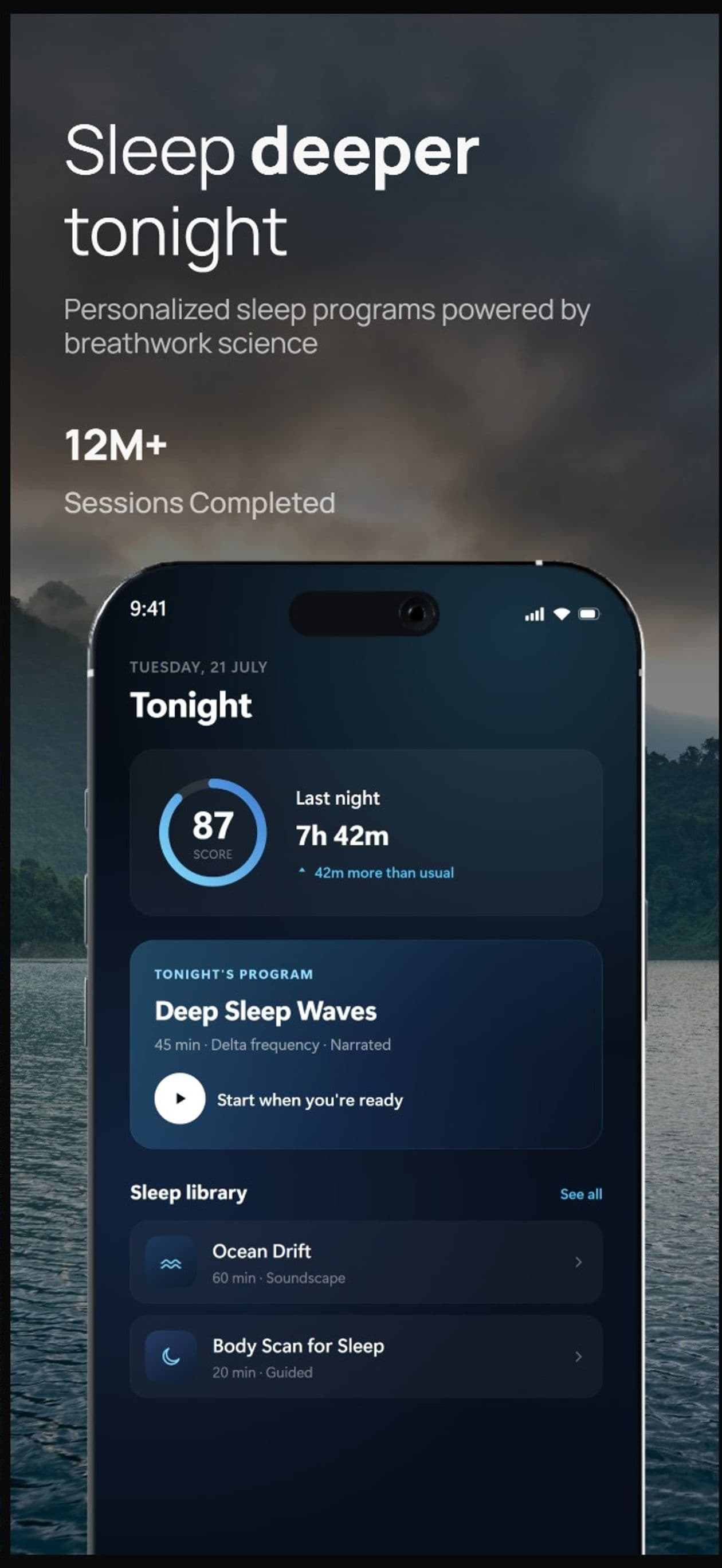
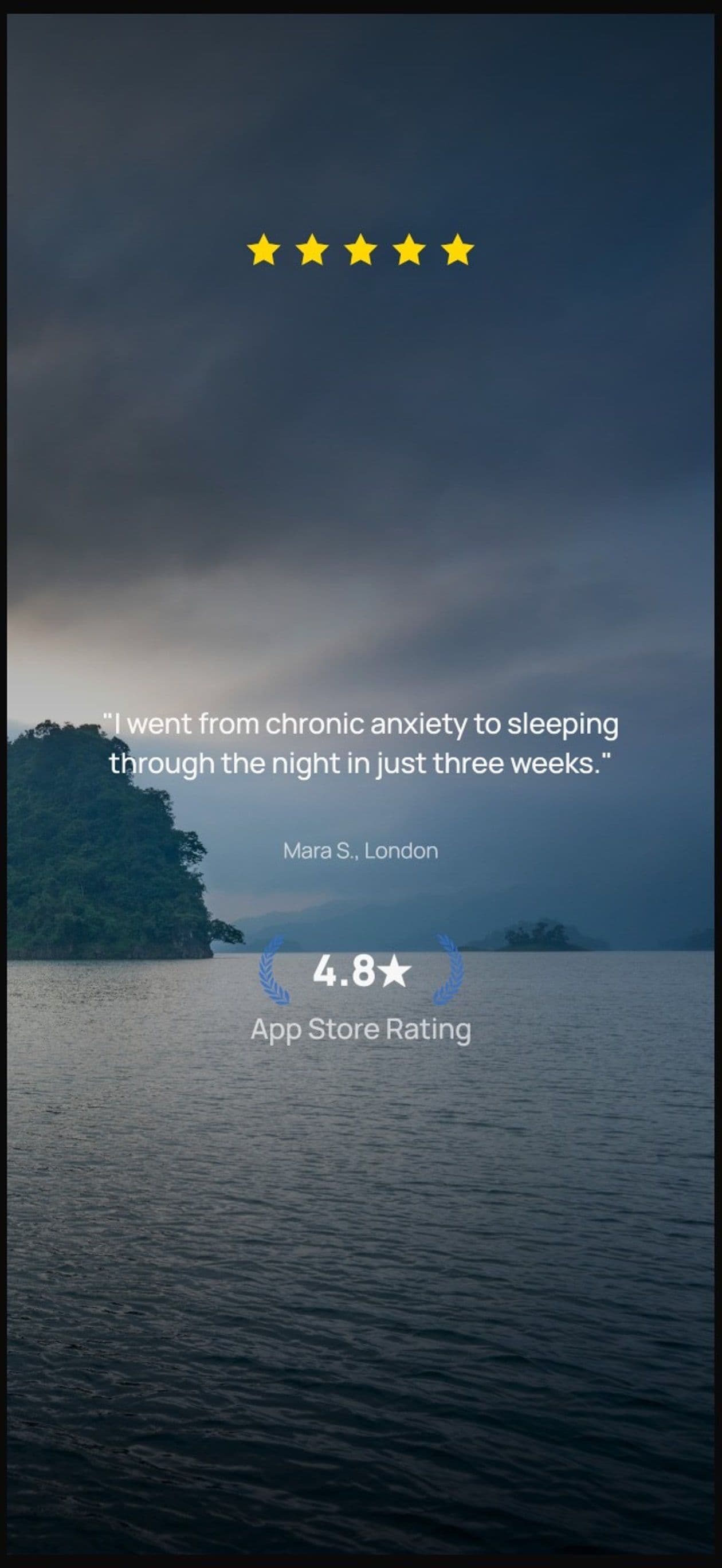
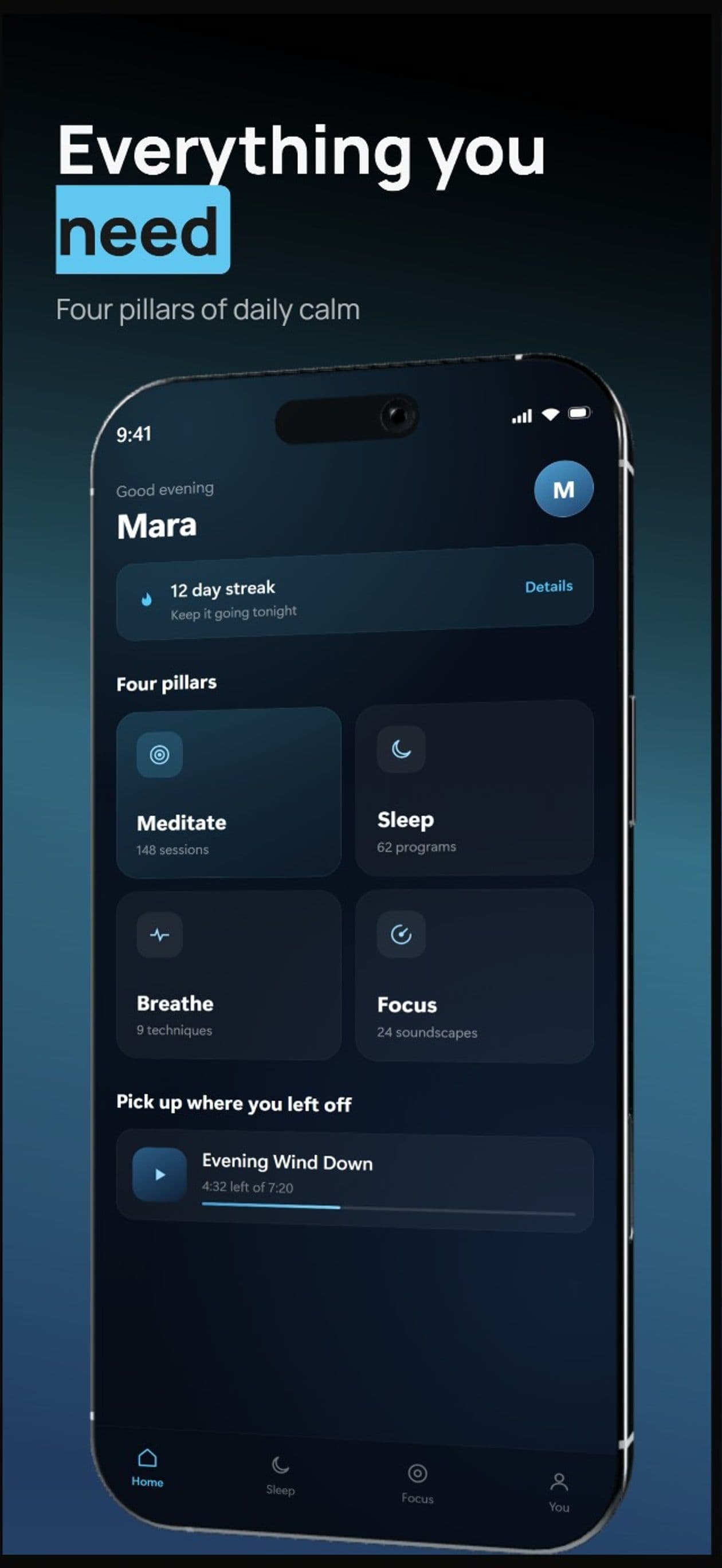
The first set takes two minutes.Making it convert takes a few messages.
You type. The canvas builds.
Describe your app, see your first set, refine via chat until each frame pulls its weight, then make the variants to test it against. No layout panels, no alignment tools, no blank canvas.

AppScreenshotStudio
AppScreenshotStudio
AppScreenshotStudio
AppScreenshotStudio
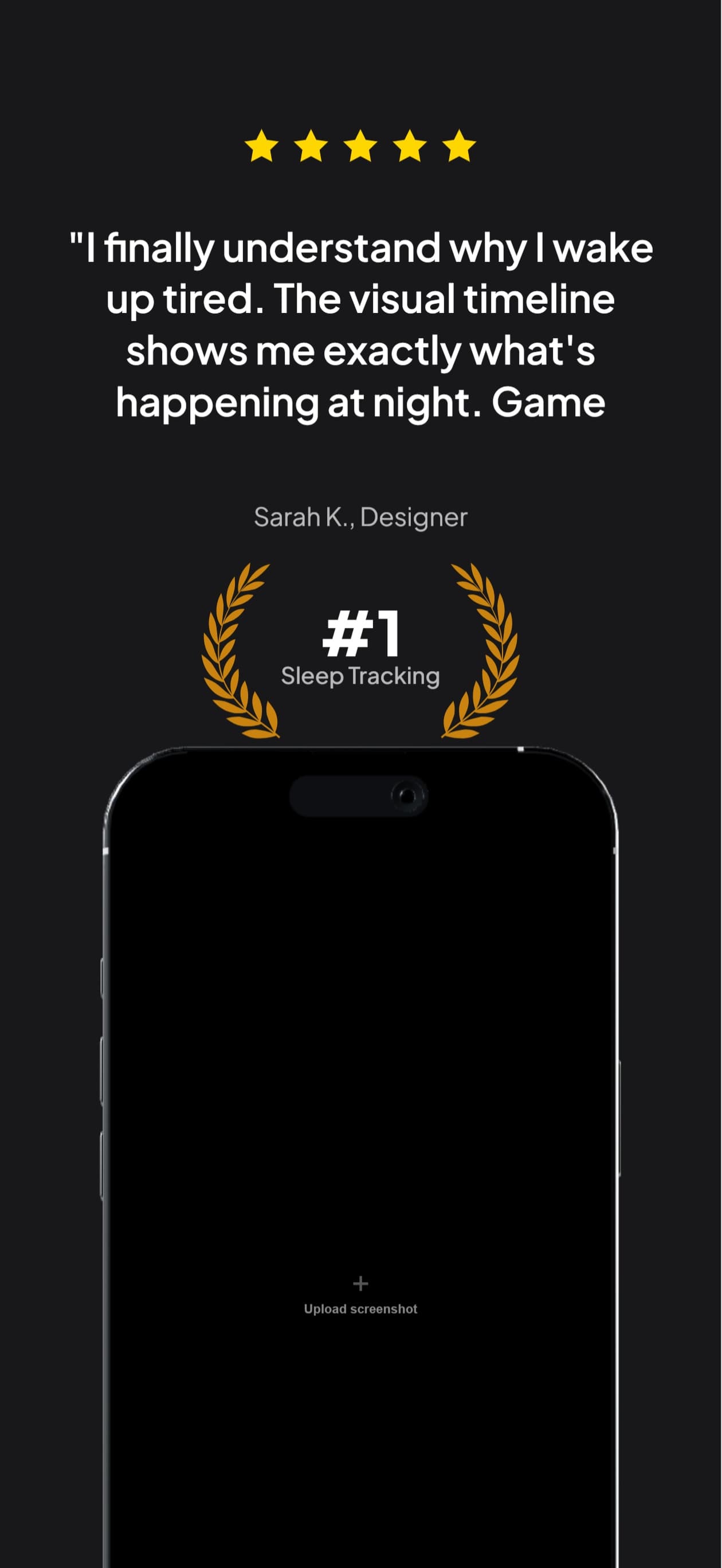
Make the variants. Let the store decide.
A set you like is still a guess. One run makes up to 3 alternates of it for Apple's Product Page Optimization, which shows each version to real shoppers and reports which one converts better.
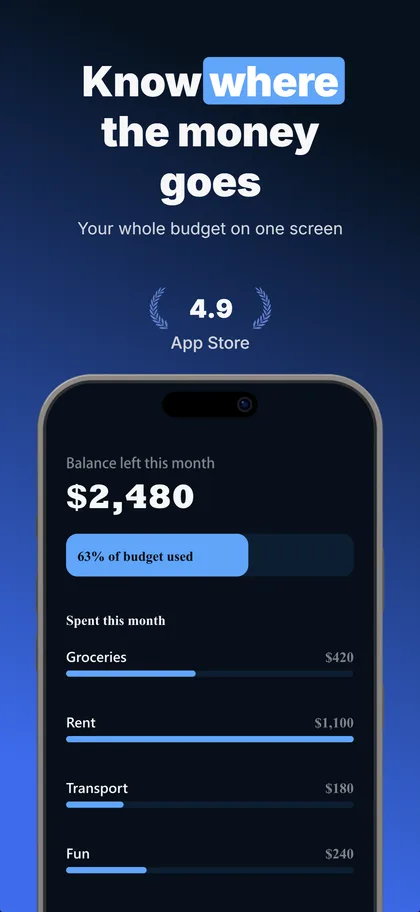
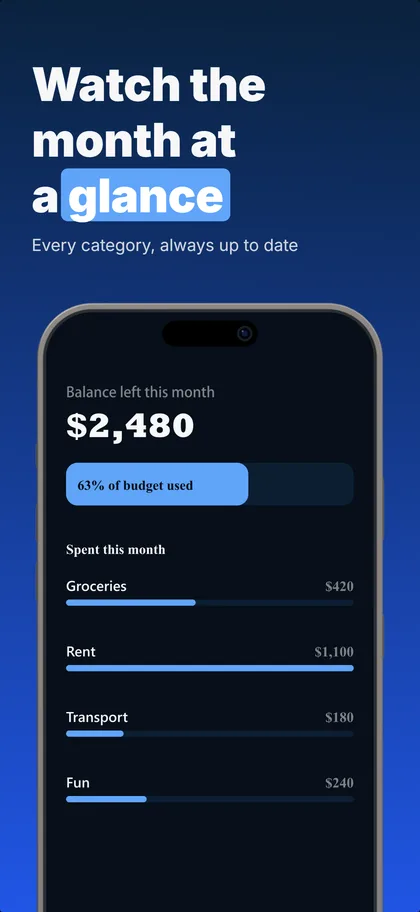
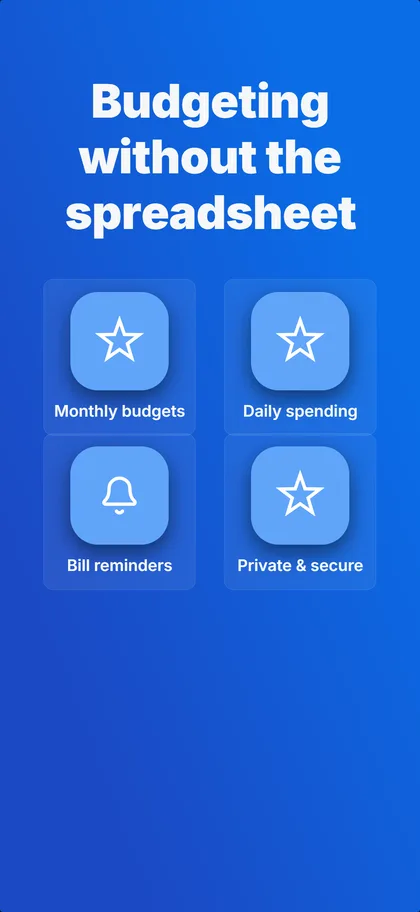
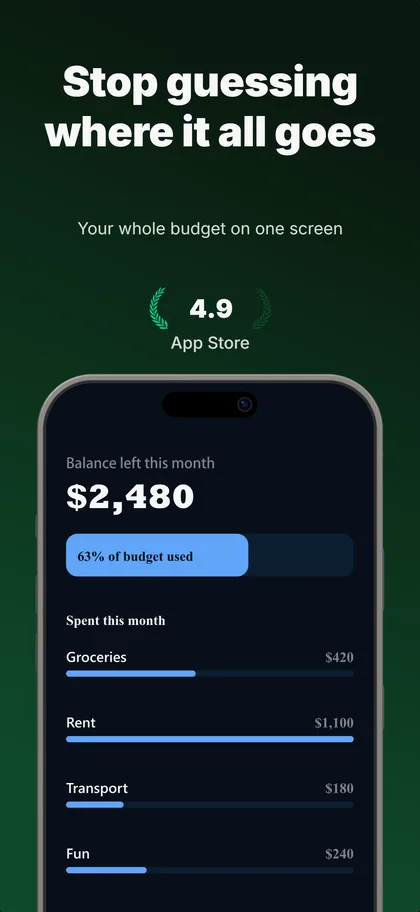
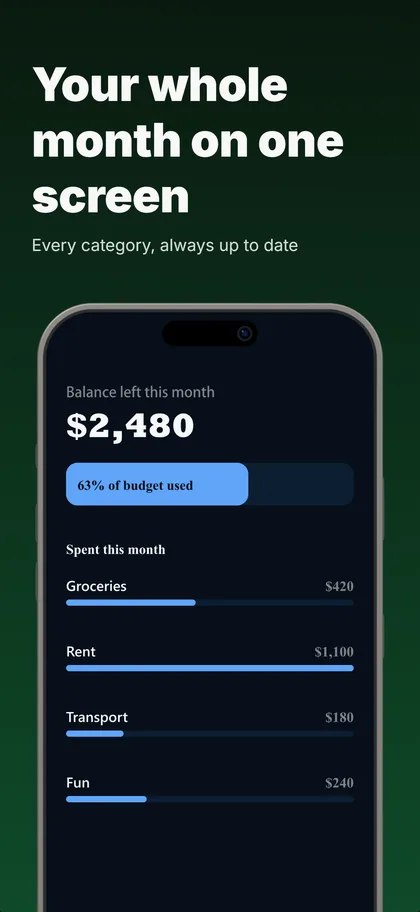
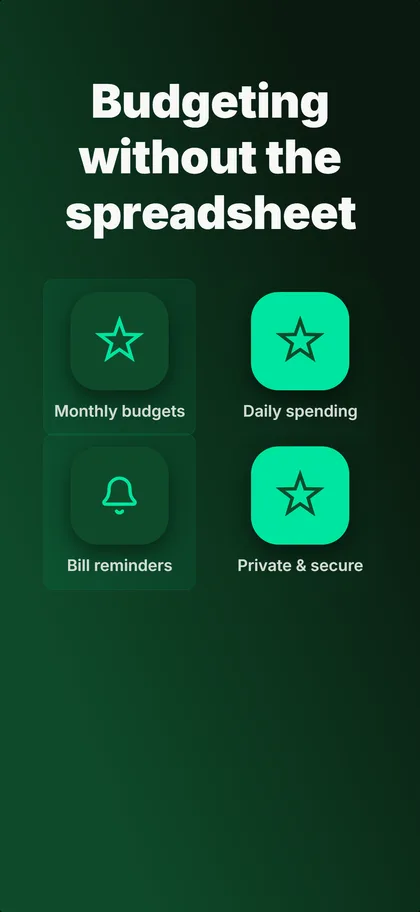
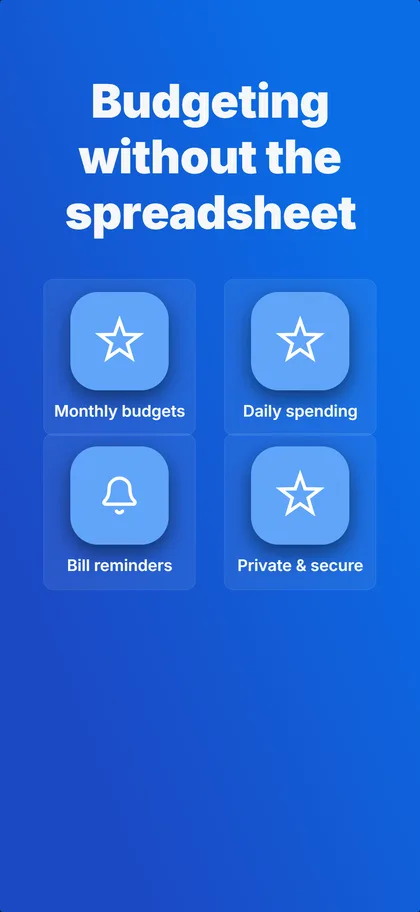
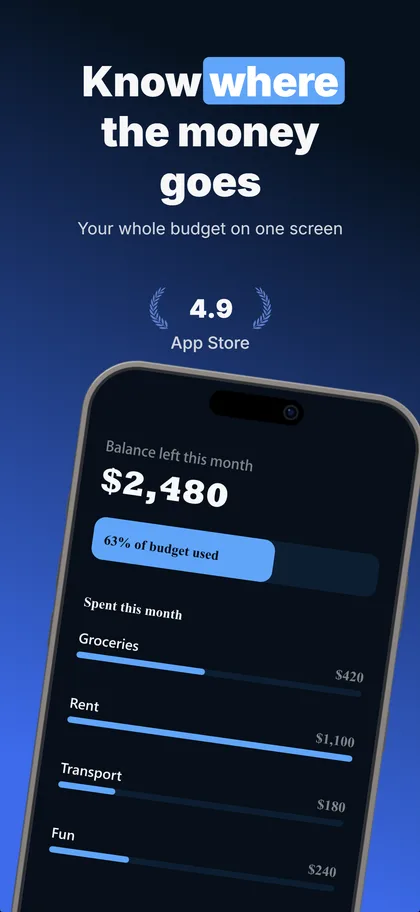
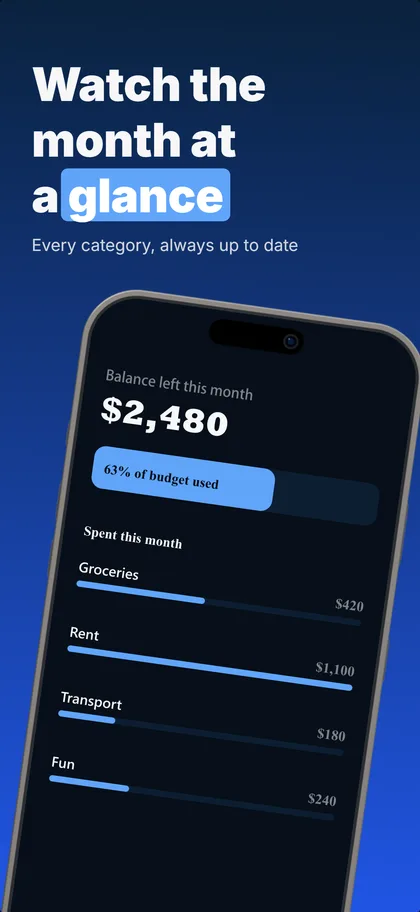
Real output: three concepts the builder made from our budgeting example set, first three screenshots of each.
Up to 3 per set
The same number of treatments Apple tests against your current page.
Concepts or one change
Concepts try a different reason to install, ready in under a minute. One change each shows exactly what won.
5 credits each
A variant that fails its readability or layout checks is refunded.
Compared as they download
Every version on its real cards, flipped card by card.
Apple's test needs store traffic: practitioners put the floor around 500 product page views a day. A new app launches with the concept it believes in and keeps the rest ready for the day the traffic arrives.
Why not just ask ChatGPT?
A chatbot can make you an image. It can't make you a store listing.
A flat image vs. a live canvas
A chatbot hands you one baked picture. Here every headline, device frame, and background is an element you can click, restyle, or move, across every card at once.
Roughly right vs. exact store specs
Stores reject wrong dimensions. Every export lands at the exact pixel specs App Store Connect and Google Play require, for every device size you need.
One shot vs. a refine loop
When a chatbot misses, you regenerate and hope. Here you say what is off and the canvas updates. The refine loop is the product.
For Developers
Generate and refine your screenshots without leaving Claude Code, Cursor, or any MCP client. The same iteration loop, in the tools you already work in.
- Works with Claude Code, Cursor, and any MCP-compatible IDE
- Create and manage projects from the command line
- Generate backgrounds and chat programmatically
- Full REST API access on Growth and Pro plans
9 Perspectives. 6 Devices.
Flat, tilted, isometric, landscape. Every angle you need for a polished store listing.
Don't Start From Zero.
Pick a template, then steer it through chat until it's yours.
Chat is the interface. This is the toolbox.
Stock Photo Library
Search thousands of free stock photos from Pexels. Drop them straight onto your canvas, no credits, no watermarks.
Generated Backgrounds
Describe the vibe you want. Get a unique, brand-matched background in one click. Or pick from 29 ready-made gradient presets.
Generated Elements
Need a custom icon, badge, or illustration? Describe it and drop it onto your canvas.
170+ Shapes & Icons
90+ decorative shapes and 80+ UI icons. Browse by category, search, and add to any card. All free.
9 Device Angles
Flat, isometric, tilted, landscape. Rotate and position your mockup exactly how you want it.
Multi-Card Editing
Select the same element across all cards and edit them at once. Change a headline everywhere in one click.
Store-Ready Export
iPhone 16 Pro Max, iPad Pro 13”, and every required size. Pixel-perfect dimensions that pass review.
Screenshots built to convert,
for less than a Figma seat.
14-day trial with 25 credits. Card required, cancel anytime before it ends.
Starter
For your first launch
Billed as $59.88/year
- Room for ~15 chat iterations every month
- 1 test variant per set: an A/B testNew
- 2 projects
- All device formats
- Gradient backgrounds
- Stock photo backgrounds (Pexels library)
- Full editing capabilities
- High-resolution export
- Email support
Growth
For a shipping app
Billed as $119.88/year
- Room for ~40 chat iterations every month
- Full store test: up to 3 variants per set, bold or one change eachNew
- Unlimited projects
- All device formats
- AI-generated backgrounds
- Extract elements from screenshotsNew
- Custom device colorsNew
- Full editing capabilities
- High-resolution export
- REST + MCP API access
- Priority support
Pro
For a portfolio of apps
Billed as $239.88/year
- Room for ~120 chat iterations every month
- Full store test: up to 3 variants per set, bold or one change eachNew
- Unlimited projects
- All device formats
- AI-generated backgrounds
- Extract elements from screenshotsNew
- Custom device colorsNew
- Full editing capabilities
- High-resolution export
- REST + MCP API access
- Priority support
Stop guessing what your screenshots should look like.
Describe your app. See options. Refine via chat. 14-day trial with 25 credits. Card required, cancel anytime before it ends.
Create my first set2,205 screenshots designed here so far, across 415 projects.
Questions & Answers
What is AppScreenshotStudio?
AppScreenshotStudio is an App Store and Google Play screenshot tool built around conversion rather than decoration. You describe your app in plain English, see a first set of store-ready screenshots, then refine via chat until the frames say what the app does. It also makes up to 3 variants of the set to test against it in Apple's Product Page Optimization. Device frames, layouts, copy, and exact store dimensions are handled for you. It is aimed at anyone shipping a new app or relisting an existing one.
How does the builder work?
Start from a template or a blank canvas. Type what you want in the chat ("Create 5 screenshots for my fitness app with a dark theme") and watch your cards appear on the canvas. Click any element to customize, or keep chatting to refine.
How is this different from other screenshot tools?
Two differences. The first is the loop: other tools hand you a Figma-like editor and templates to customize yourself, and one-shot AI generators give you a single chance to be right. Here you describe your app, see a first draft, and refine via chat. The second matters more: most screenshot tools are judged on how the output looks. This one is built around what the frames have to do, which is make someone scrolling a store listing understand the app fast enough to stop. Those are different goals and they produce different screenshots.
Can I A/B test these screenshots on the App Store?
Yes, and Apple runs the test for free. Product Page Optimization in App Store Connect puts up to three alternate versions against your live listing and reports which converts better. What it needs is traffic: Apple publishes no minimum, but in practice a listing under a few hundred product page views a day will not reach a conclusive result inside a month. A brand-new app does not have that yet, so the usual order is to launch with the strongest set you can make, then test once there are enough visitors to measure. AppScreenshotStudio makes the variants: "Make test variants" builds up to 3 alternates of your set, either bold concepts that each try a different reason to install or one change each so a win shows exactly what worked, at 5 credits a variant. Apple does the measuring.
Why not just ask ChatGPT or Claude for screenshots?
A chatbot returns a single flat image: dimensions are approximate, the text is baked in, and the only way to change anything is to regenerate and hope. AppScreenshotStudio builds a layered screenshot set on a canvas instead. Every headline, device frame, and background stays editable, exports land at the exact pixel specs App Store Connect and Google Play require, and refining is a chat message, not a re-roll. And if your coding agent does the work anyway, our MCP server lets it drive the same builder.
What device sizes do you support?
All required App Store and Google Play dimensions: iPhone 16 Pro Max, iPhone 17 Pro, iPad Pro 13", Google Pixel 11 Pro, Samsung Galaxy S26 Ultra, Apple Watch Ultra 2, and Android tablets. Screenshots export at exact pixel specifications so they pass store review.
Can I edit things manually?
Yes. Click any element on the canvas to open its properties: adjust position, size, color, text, shadows, rotation. You can also select the same element across multiple cards and edit them all at once.
How do credits work?
14-day trial with 25 credits. Card required, cancel anytime before it ends. Each chat message costs 5 credits, each test variant 5 credits, and background generation 6 credits. Paid plans from $4.99/mo with 75+ credits.
Is there an API or MCP integration?
Yes. The Growth and Pro plans include REST API access. We also offer an MCP server (@appscreenshotstudio/mcp) that works with Claude Code, Cursor, and any MCP-compatible IDE. Create and manage screenshots right from your terminal.