Hebrew
App Store Screenshots
Translate your set into Hebrew without rebuilding the layout. Locale he, captions run 25 to 35% shorter than English, set in Noto Sans Hebrew.
2,205 screenshots designed here so far


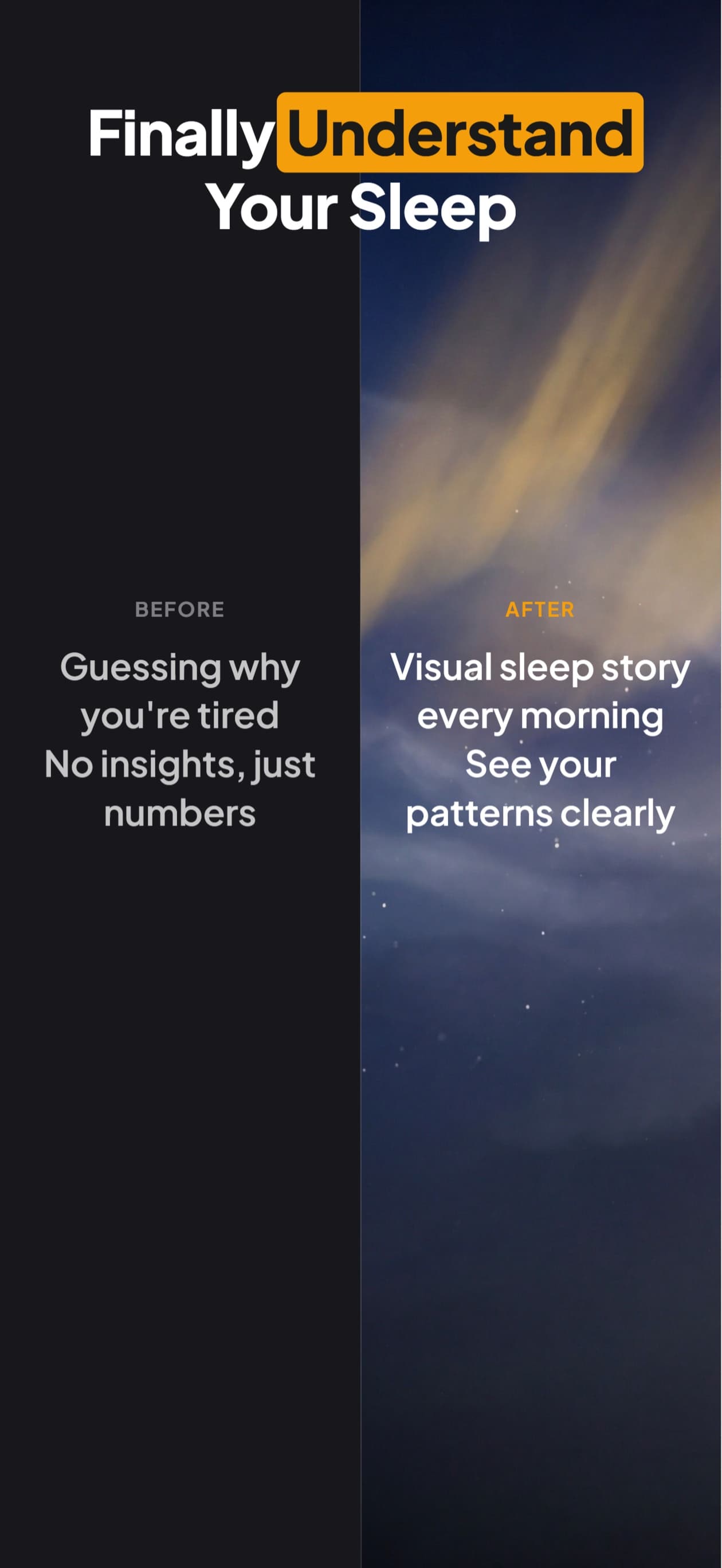
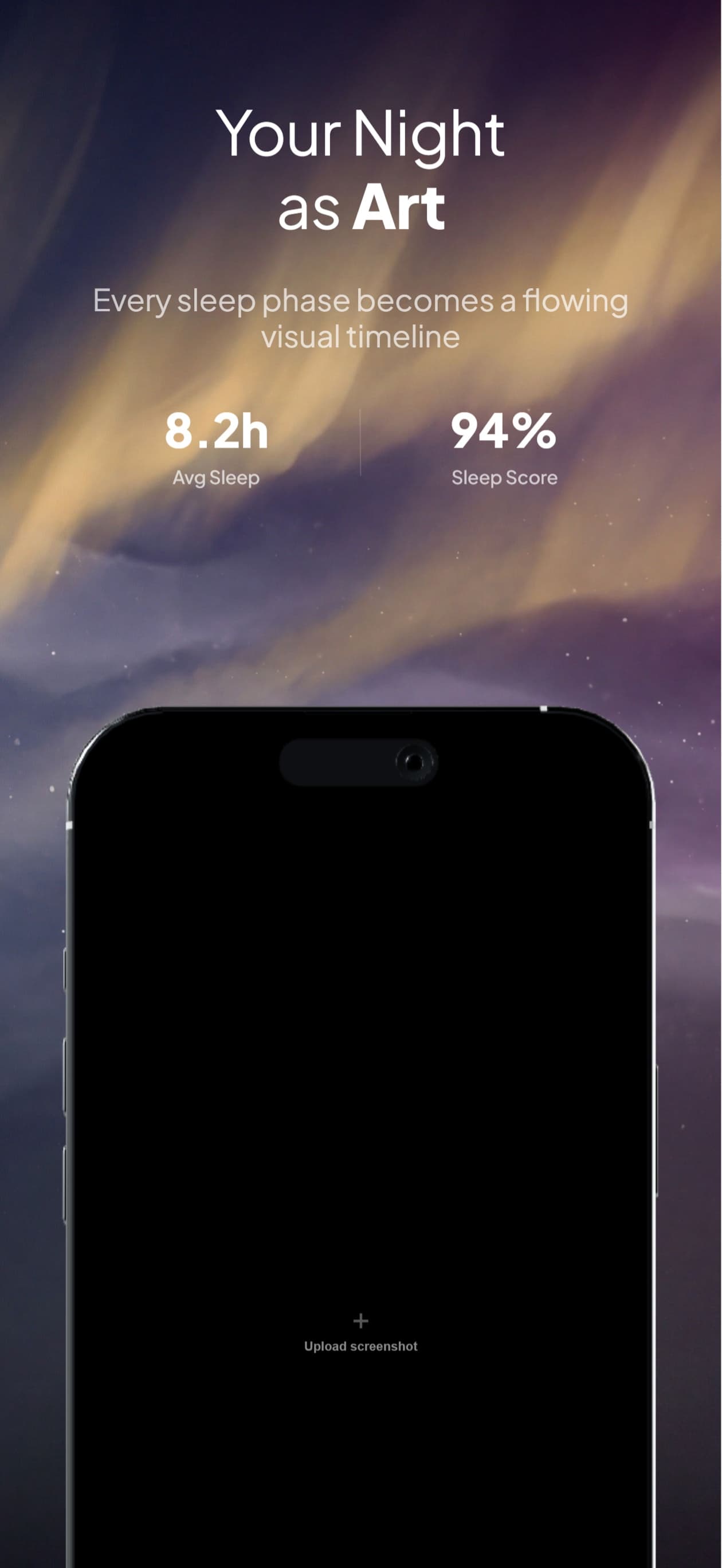
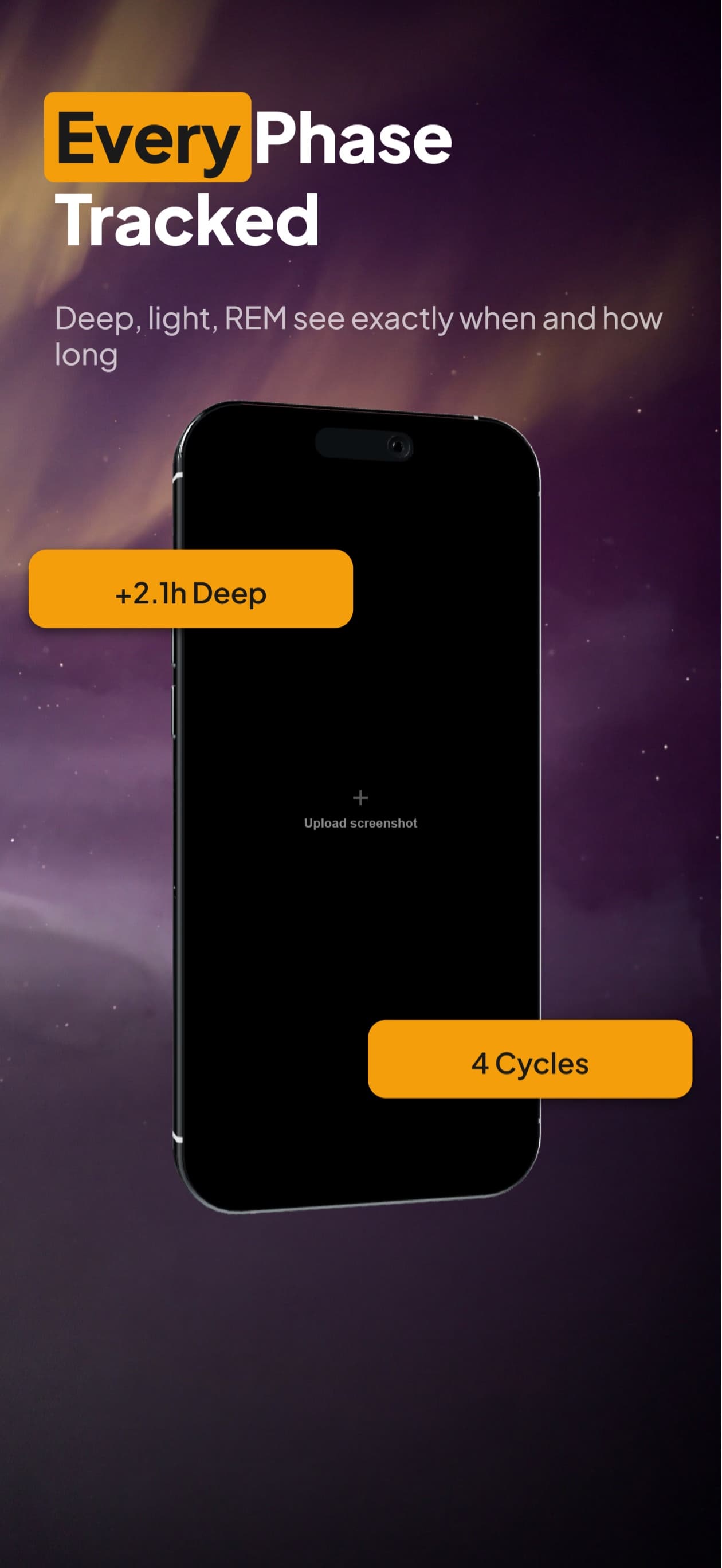
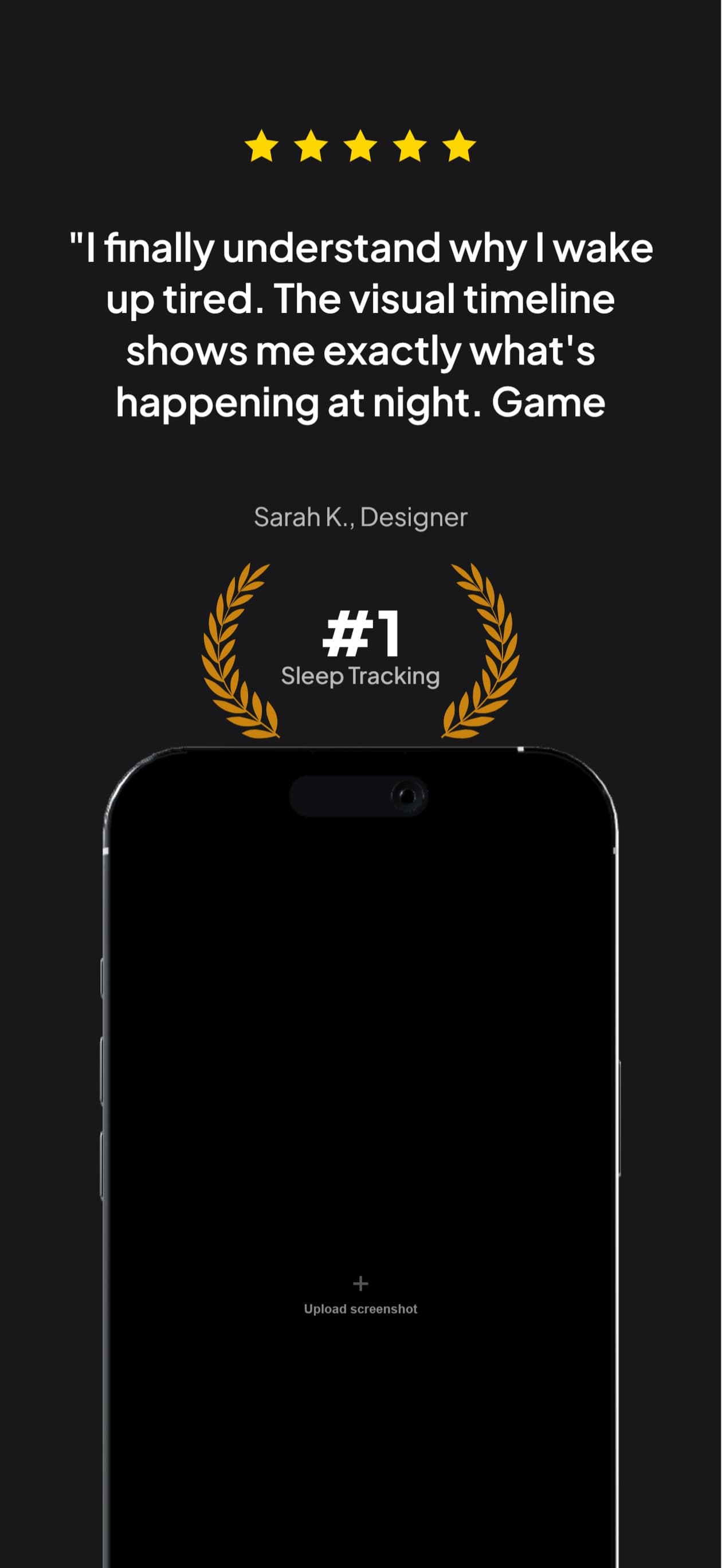
The same five-frame set, rendered in Hebrew. Real output from the pipeline, not a mockup of one.
עברית
Israel is a small storefront with unusually high revenue per user and a dense concentration of technical buyers. English literacy is high, so a Hebrew listing is less about comprehension than about signalling that the product is actually maintained for that market.
Israel.
A translator returns a spreadsheet of strings.You get finished frames.
What breaks in Hebrew
Hebrew is one of the few localizations that reliably shrinks. It has no capital letters, drops most vowels in ordinary writing, and its words are short. A caption box sized for English is comfortably large, which sounds like good news and mostly is: the risk with Hebrew is layout direction, not overflow.
The whole layout mirrors, not just the text: a device on the right in English belongs on the left in Hebrew, and progress flows the other way
Numbers and Latin brand names inside a Hebrew sentence keep their own direction, so a naive reversal puts digits in the wrong order
Five Hebrew letters take a different form at the end of a word, and a substitution that loses them is visible to any reader
Right-aligning text is not the same as laying out right-to-left, and stopping at alignment is the most common half-fix
You type. The canvas builds.
Describe your app, see your first set, then ask for Hebrew. The layout survives the language change because you are editing the same set, not starting a new one.

AppScreenshotStudio
AppScreenshotStudio
AppScreenshotStudio
AppScreenshotStudio
Hebrew sets, handled
Text alignment flips to the right automatically when you translate into Hebrew
Numbers and embedded Latin words keep their own reading order inside a Hebrew line, following the Unicode bidirectional algorithm
Noto Sans Hebrew rendering verified in exported pixels, final letter forms intact
Captions shrink into their existing boxes rather than needing a size step down
Exports at the exact dimensions App Store Connect requires for the he localization
Questions & Answers
Does translating to Hebrew mirror my whole layout?
Text alignment flips automatically. Whether the composition should mirror is a design judgement we leave to you, and it is worth making deliberately: a phone sitting on the right with copy on the left reads naturally in English and slightly wrong in Hebrew. You can drag the device across in the builder without rebuilding the card.
What happens to numbers and English brand names in Hebrew text?
They keep their own left-to-right order inside the right-to-left line, which is what the Unicode bidirectional algorithm specifies and what a Hebrew reader expects. The failure mode in naive implementations is reversing everything uniformly, which turns a version number or a price into nonsense.
Is right-aligning my English text enough?
No, and it is the most common half-measure. Right alignment moves the block; it does not reorder the runs inside a line. A sentence containing a number or a Latin word needs those runs placed in the correct visual order, which is a different operation from setting text-align.
Do I need Hebrew if Israeli users read English?
English literacy in Israel is genuinely high, so comprehension is rarely the blocker. The localization works as a maintenance signal instead: a Hebrew listing says the product is supported here. In a small, high-spending storefront that signal is worth more than the translation itself.
Hebrew screenshots,
handled.
Try AppScreenshotStudio. 14-day trial with 25 credits. Card required, cancel anytime before it ends.
Start your trial