Japanese
App Store Screenshots
Translate your set into Japanese without rebuilding the layout. Locale ja, captions run 40 to 60% shorter than English, set in Noto Sans JP.
2,205 screenshots designed here so far


The same five-frame set, rendered in Japanese. Real output from the pipeline, not a mockup of one.
日本語
Japan has the highest App Store spend per capita of any storefront and sits in the top three for total consumer spend. It is also the market where an English listing costs you the most, because English reading comfort is low relative to the spending power. If you localize one language, this is the one.
Japan.
A translator returns a spreadsheet of strings.You get finished frames.
What breaks in Japanese
Japanese says the same thing in far fewer characters, but each character occupies a full-width box. A caption that shrinks on paper can still take the same width on screen, so the headline that fit in English usually fits, and the one that was already tight gets tighter.
Japanese does not put spaces between words, so a naive line-break engine either overflows or breaks mid-word
Line-break rules (kinsoku shori) forbid certain characters from starting or ending a line
Full-width punctuation carries its own spacing, so trailing gaps appear where Latin text would sit flush
Mixed Latin and Japanese in one headline needs different tracking per run
You type. The canvas builds.
Describe your app, see your first set, then ask for Japanese. The layout survives the language change because you are editing the same set, not starting a new one.

AppScreenshotStudio
AppScreenshotStudio
AppScreenshotStudio
AppScreenshotStudio
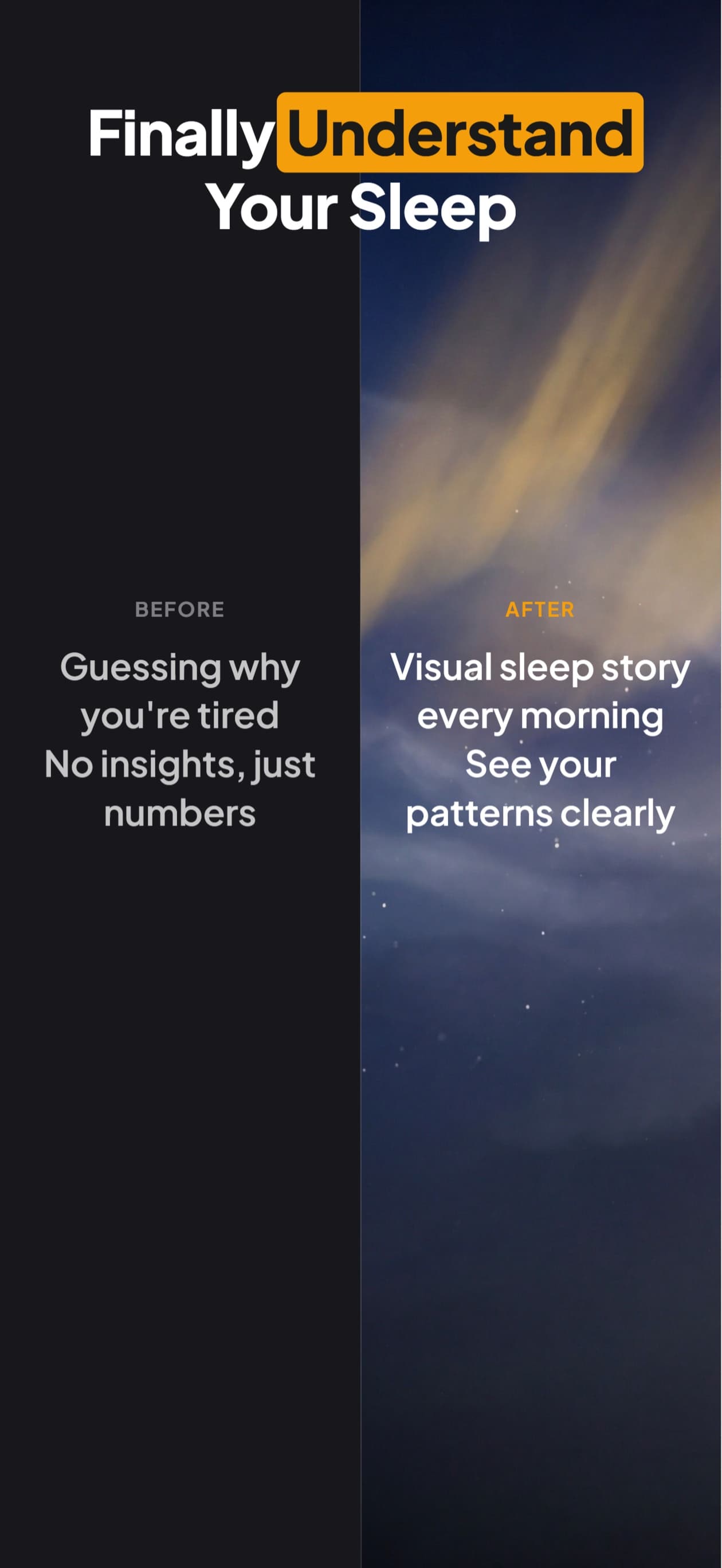
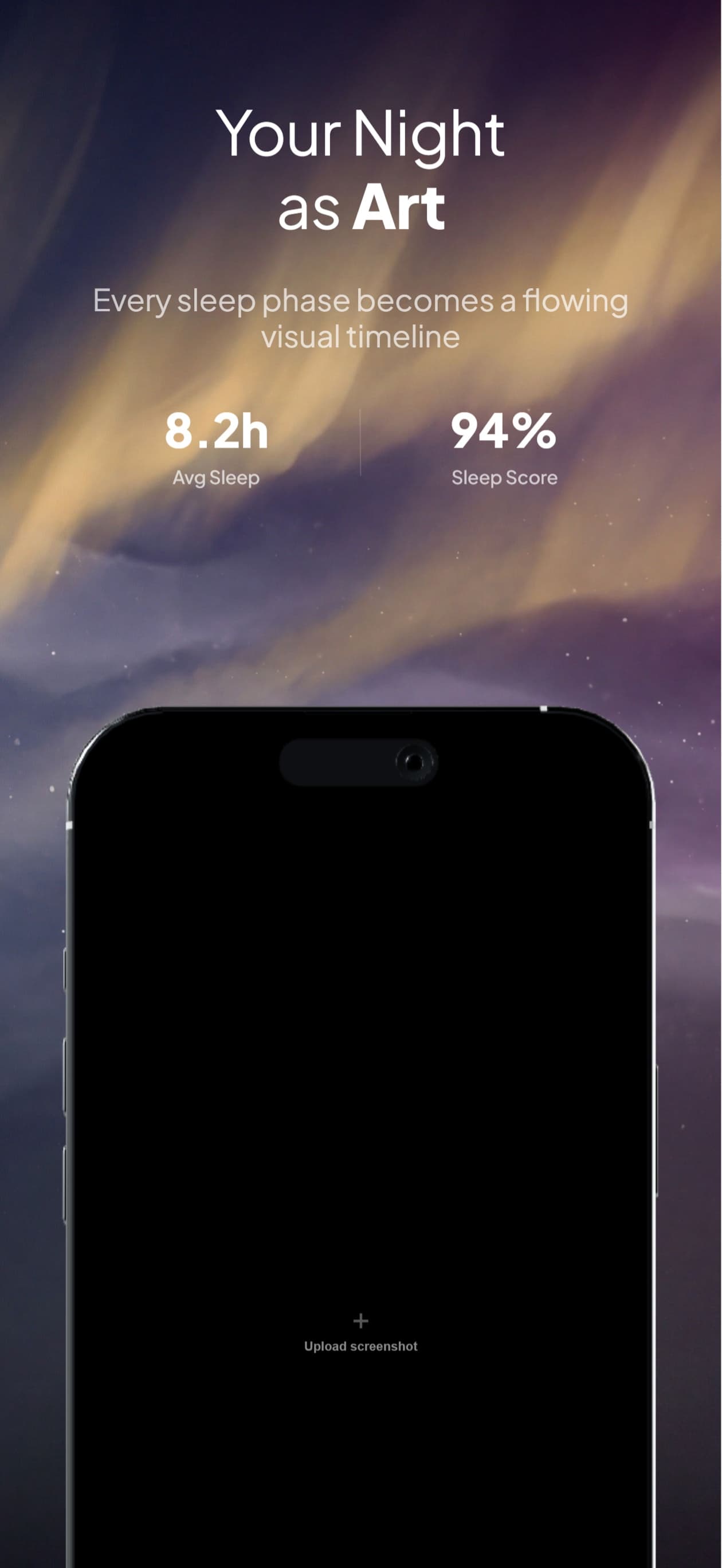
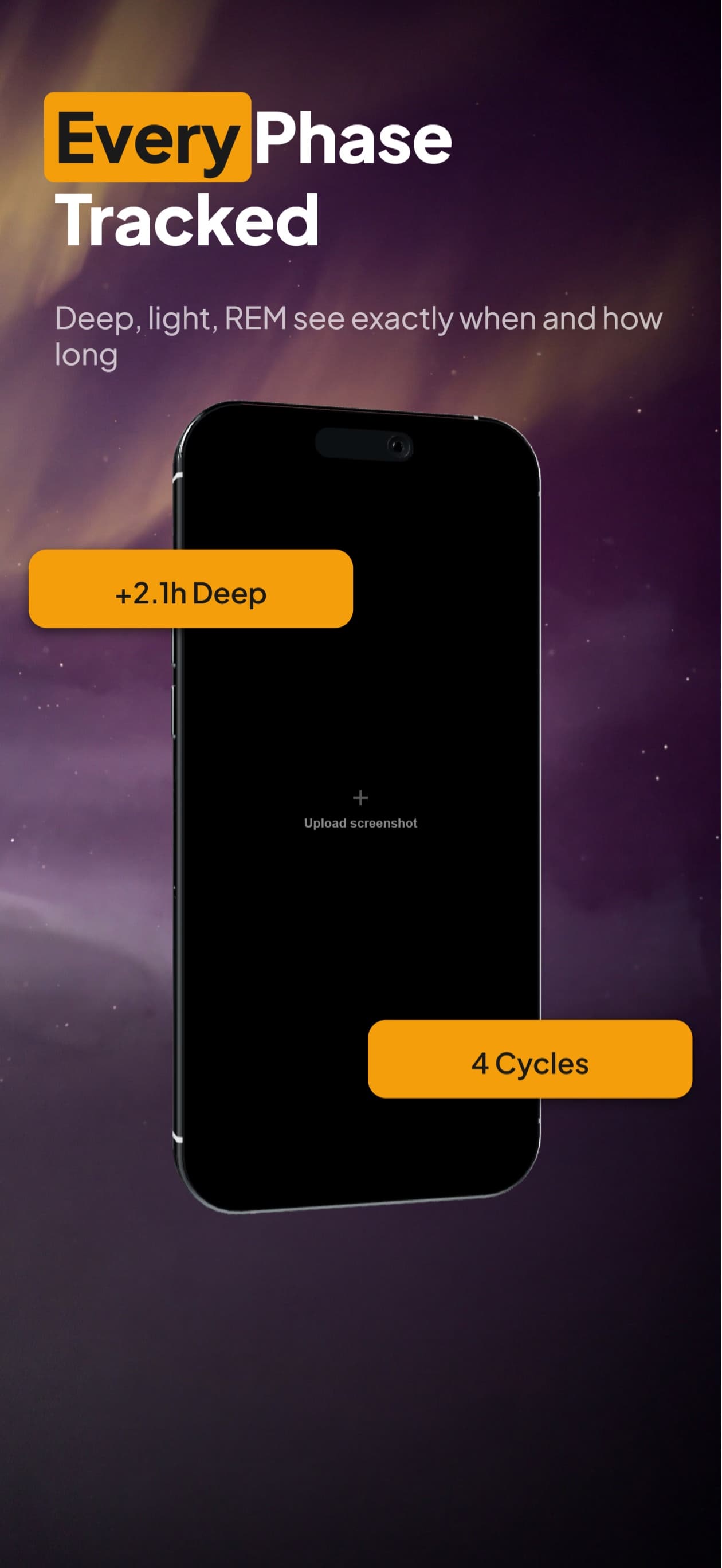
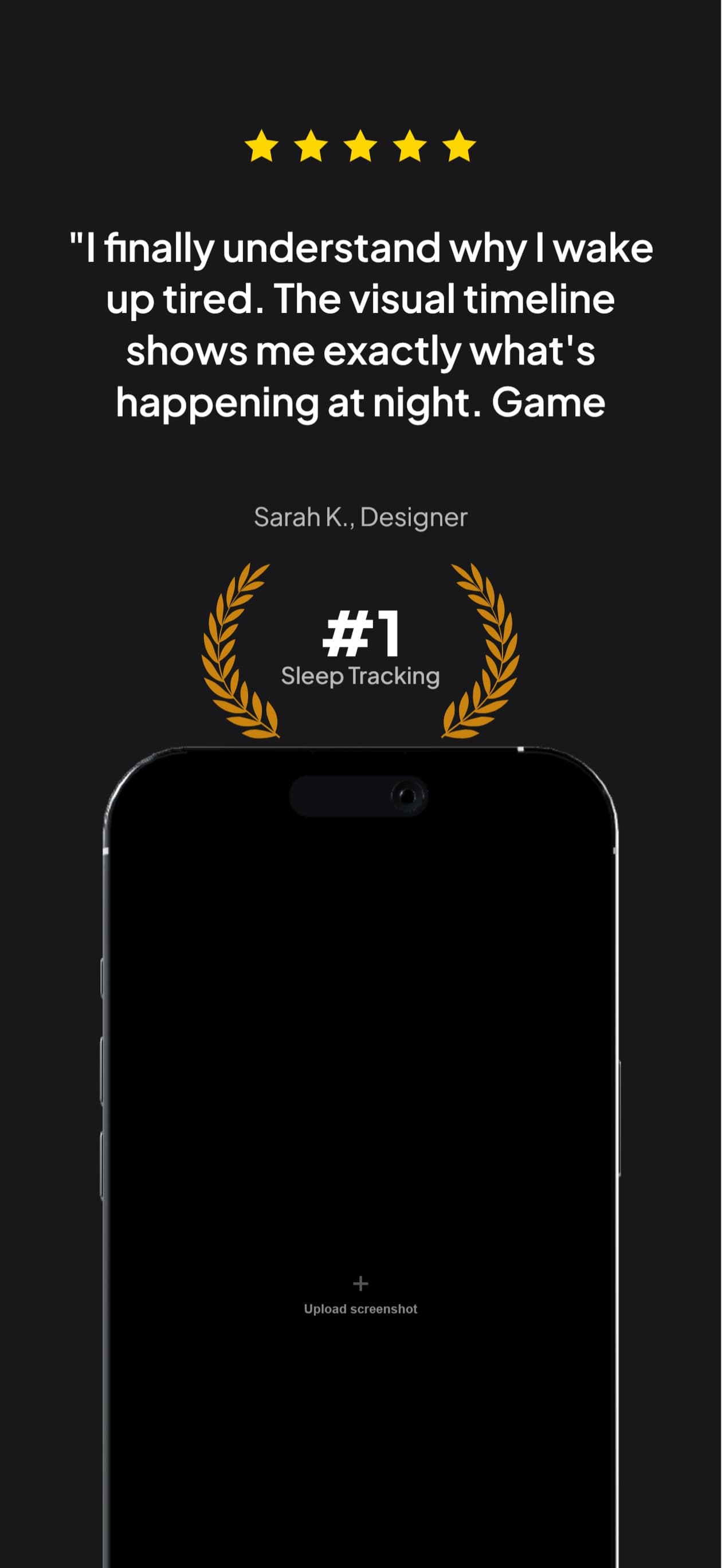
Japanese sets, handled
Captions wrap on real Japanese character boundaries, not on spaces that are not there
Noto Sans JP rendering verified in exported pixels, no tofu boxes
Full-width punctuation spacing handled so headlines sit flush
The same set you built in English, retranslated in chat without rebuilding the layout
Exports at the exact dimensions App Store Connect requires for the ja localization
Questions & Answers
Do I need separate screenshots for the Japan storefront?
You need a separate ja localization, which is not the same thing as a separate storefront. Japanese users see your ja screenshots when their device language is Japanese, wherever they are. If you never add ja, they see whatever your primary language is instead.
Does Apple translate my screenshots automatically?
No. Apple translates its own interface (the Get button, the ratings header, category names) into the user’s language. Everything you upload stays exactly as you uploaded it. An English-only listing shows English screenshots inside a Japanese-language store.
Will Japanese text break my existing layout?
Usually it gets shorter in character count and stays similar in width, because Japanese characters are full-width. The failure mode is wrapping rather than overflow: Japanese has no spaces, so an engine that breaks on whitespace produces one long unbroken line. Our text engine breaks on character boundaries for Japanese instead.
What font is used for Japanese captions?
Noto Sans JP, loaded as a real webfont in both the browser preview and the headless export, so the two cannot disagree. Hiragino Sans is what a Japanese reader sees in iOS itself, but a screenshot is a flat image: the only typeface that reaches the store is the one we paint, and Hiragino is an Apple face we cannot licence for export.
Japanese screenshots,
handled.
Try AppScreenshotStudio. 14-day trial with 25 credits. Card required, cancel anytime before it ends.
Start your trial