Apple Watch
Mockup Generator
Describe your app, see App Store screenshots for Apple Watch Ultra 2, refine via chat until they click. Generated backgrounds, exact 410×502 dimensions.
2,205 screenshots designed here so far
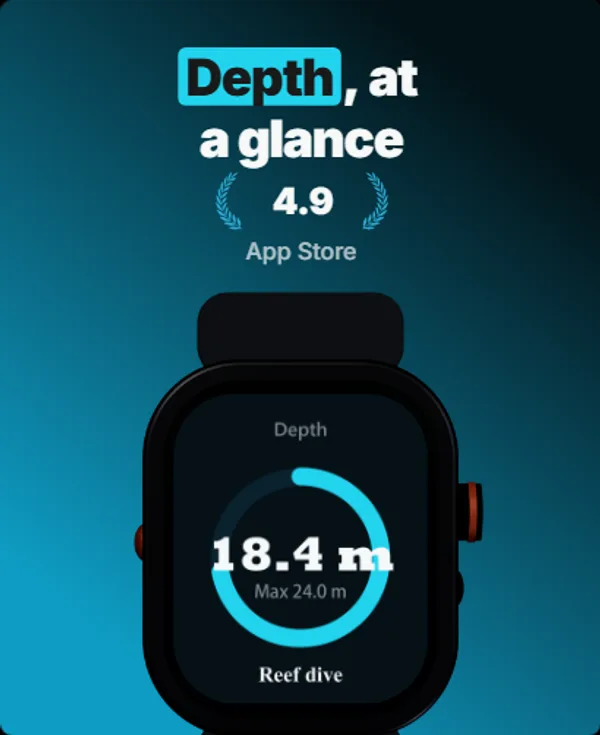
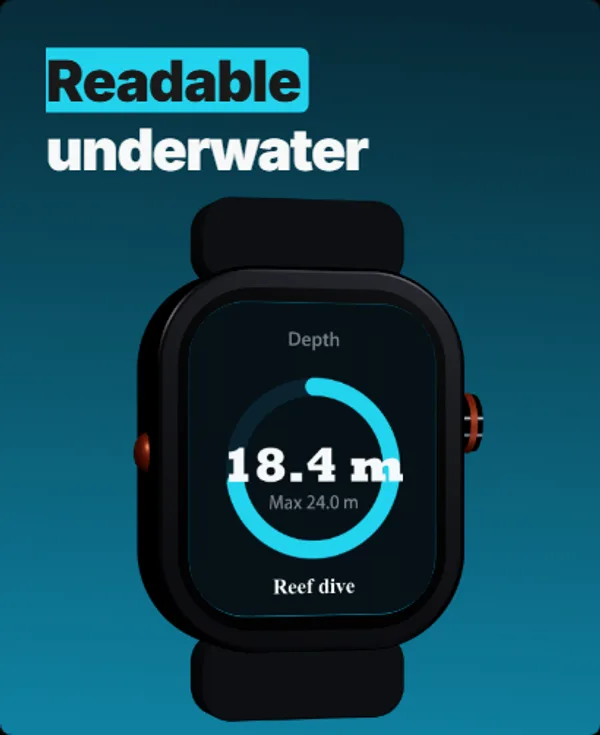
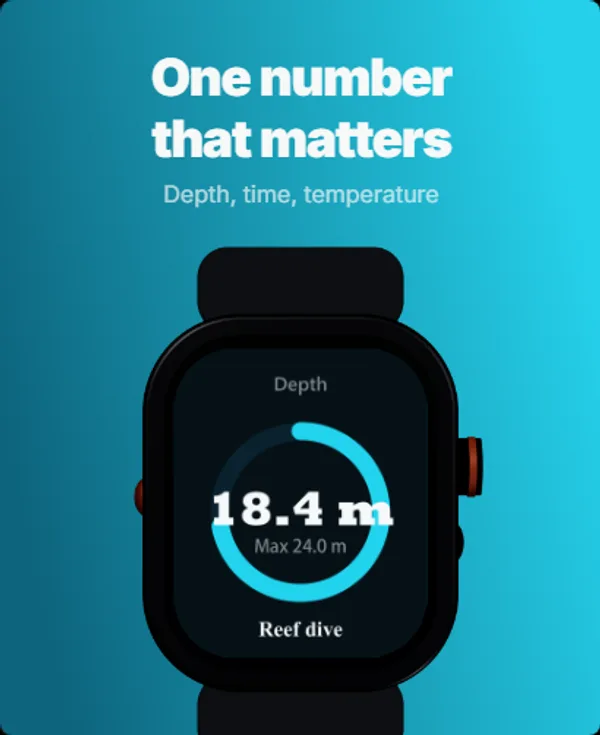
A real five-frame set, generated in AppScreenshotStudio.
Designers charge $150 and take days.You type a message.
You type. The canvas builds.
Describe your app, see your first set, refine via chat until it clicks. No layout panels, no alignment tools, no blank canvas.

AppScreenshotStudio
AppScreenshotStudio
AppScreenshotStudio
AppScreenshotStudio
Questions & Answers
What dimensions does this generate for Apple Watch?
Exactly 410×502 pixels, the size App Store Connect lists for the Apple Watch Ultra 2 and the original Ultra (49mm). Apple accepts one watch size out of six, so check this pair matches your newest supported model before you upload. No resizing or manual cropping needed.
Does the App Store require Apple Watch screenshots?
Yes, if your app ships a watchOS app: Apple marks the Apple Watch row "Required for Apple Watch apps". What it does not do is fix one resolution. Apple accepts one size out of six, running from 312×390 up to 422×514, and 410×502 is the Apple Watch Ultra 2 and Ultra pair. Unlike iPhone and iPad, Apple documents no scaling fallback for the watch sizes you skip, so the canvas you upload is the one every watch owner sees.
Can I use the same project for iPhone and Apple Watch?
You can duplicate any project to Apple Watch. The layout engine rescales for the Watch’s unique aspect ratio. Each device gets its own set of store-ready screenshots.
What perspective angles are available for Apple Watch?
All 9 perspectives: flat (front-facing), tilted left/right at 15° and 30°, isometric 3D, top-down, and both landscape orientations.
Deep Dives
Which Apple Watch screenshot size to upload
Apple Watch takes one canvas from six accepted sizes, and Apple documents no scaling fallback the way it does for iPhone. How to pick, and whether a watch-only app owes iOS screenshots too.
Watch screenshot design: what fits 410 x 502
The watch canvas is 1.77x wider in proportion than an iPhone one and holds 6% of the pixels, so phone layouts cannot be scaled into it. What to compose instead, and what a device frame costs you.
App Store screenshot sizes 2026: every device
The full table of accepted dimensions, including all six Apple Watch sizes from Series 3 up to Ultra 3.
Apple Watch screenshots,
handled.
Try AppScreenshotStudio. 14-day trial with 25 credits. Card required, cancel anytime before it ends.
Get Started Free