Thai
App Store Screenshots
Translate your set into Thai without rebuilding the layout. Locale th, captions run 15% shorter to 15% longer than English, set in Noto Sans Thai.
2,205 screenshots designed here so far


The same five-frame set, rendered in Thai. Real output from the pipeline, not a mockup of one.
ไทย
Thailand has one of the highest mobile-first usage rates in Southeast Asia and a population that largely does not read English comfortably, so the gap between a localized and an English listing is wider here than in Singapore or Malaysia. It is the clearest single-storefront case in the region.
Thailand.
A translator returns a spreadsheet of strings.You get finished frames.
What breaks in Thai
Thai character count usually falls against English, but that number is misleading because Thai writes without spaces between words. The constraint is not how long the text is, it is that there is nothing for a line-breaking engine to break on. A tool that wraps on whitespace treats an entire Thai sentence as one unbreakable word.
Thai writes without spaces between words, so an engine that wraps on whitespace produces a single overflowing line that gets clipped
Vowels and tone marks stack up to two levels above and one below, so the line box is much taller than the font size suggests
A break placed between a base character and its tone mark strands the mark at the start of the next line as a dotted circle
Thai has no capital letters, so an all-caps headline style silently does nothing and the visual hierarchy of the English design disappears
You type. The canvas builds.
Describe your app, see your first set, then ask for Thai. The layout survives the language change because you are editing the same set, not starting a new one.

AppScreenshotStudio
AppScreenshotStudio
AppScreenshotStudio
AppScreenshotStudio
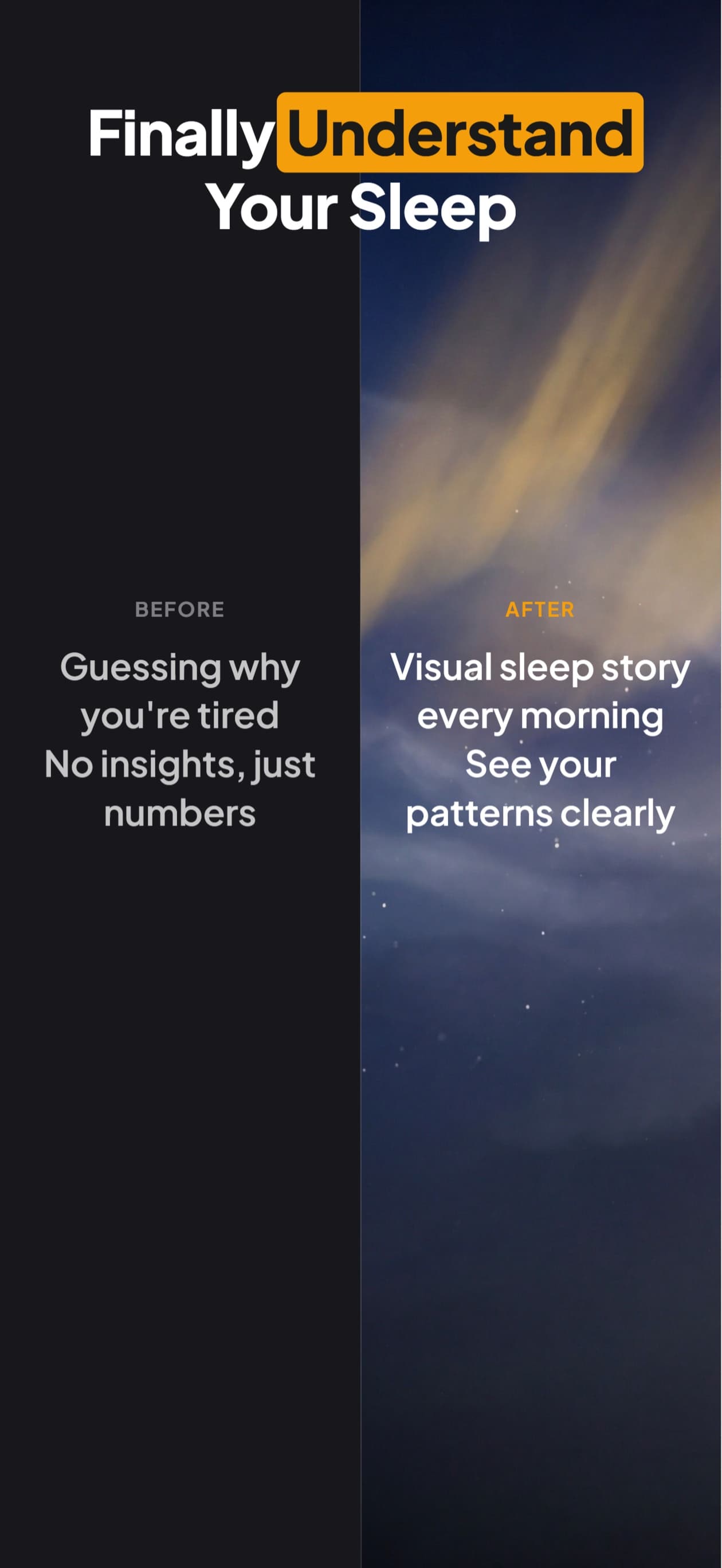
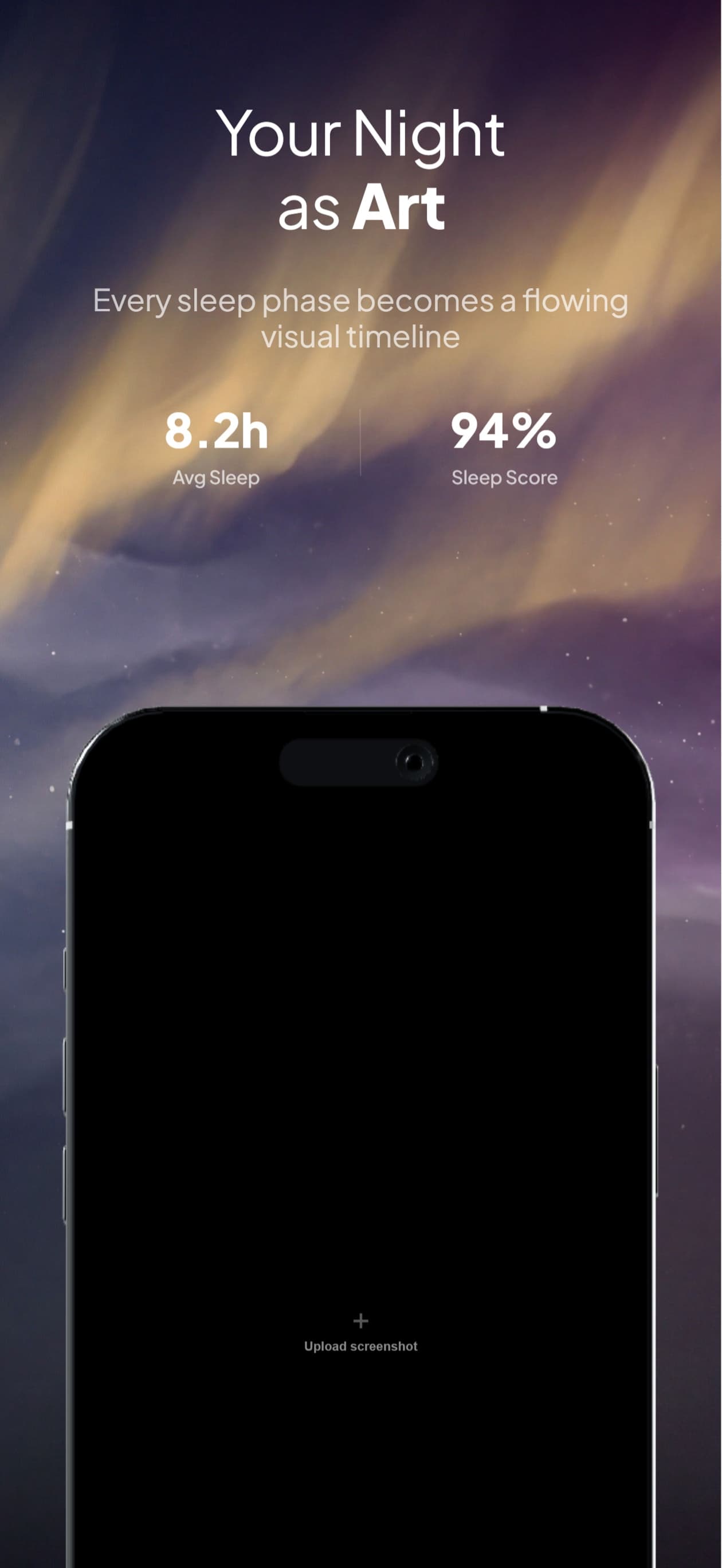
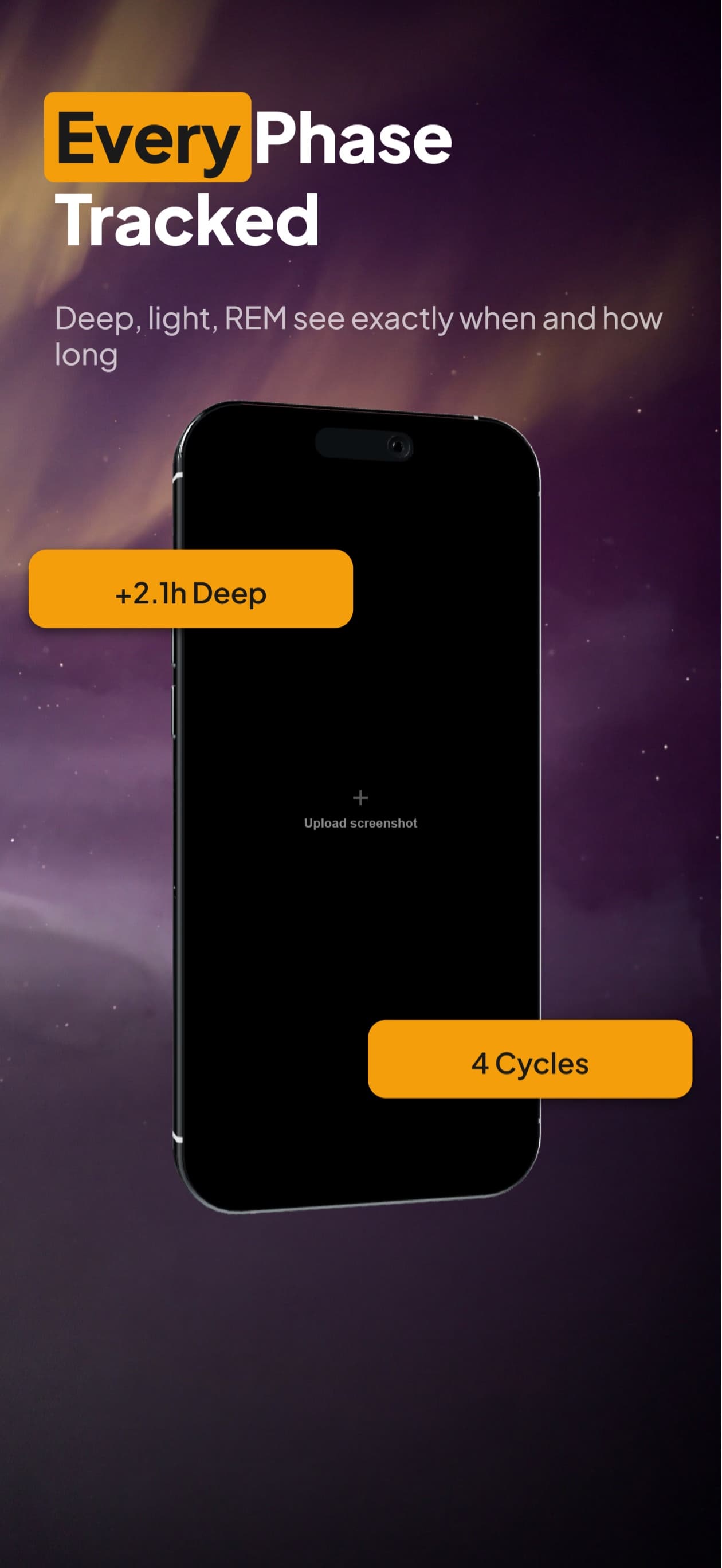
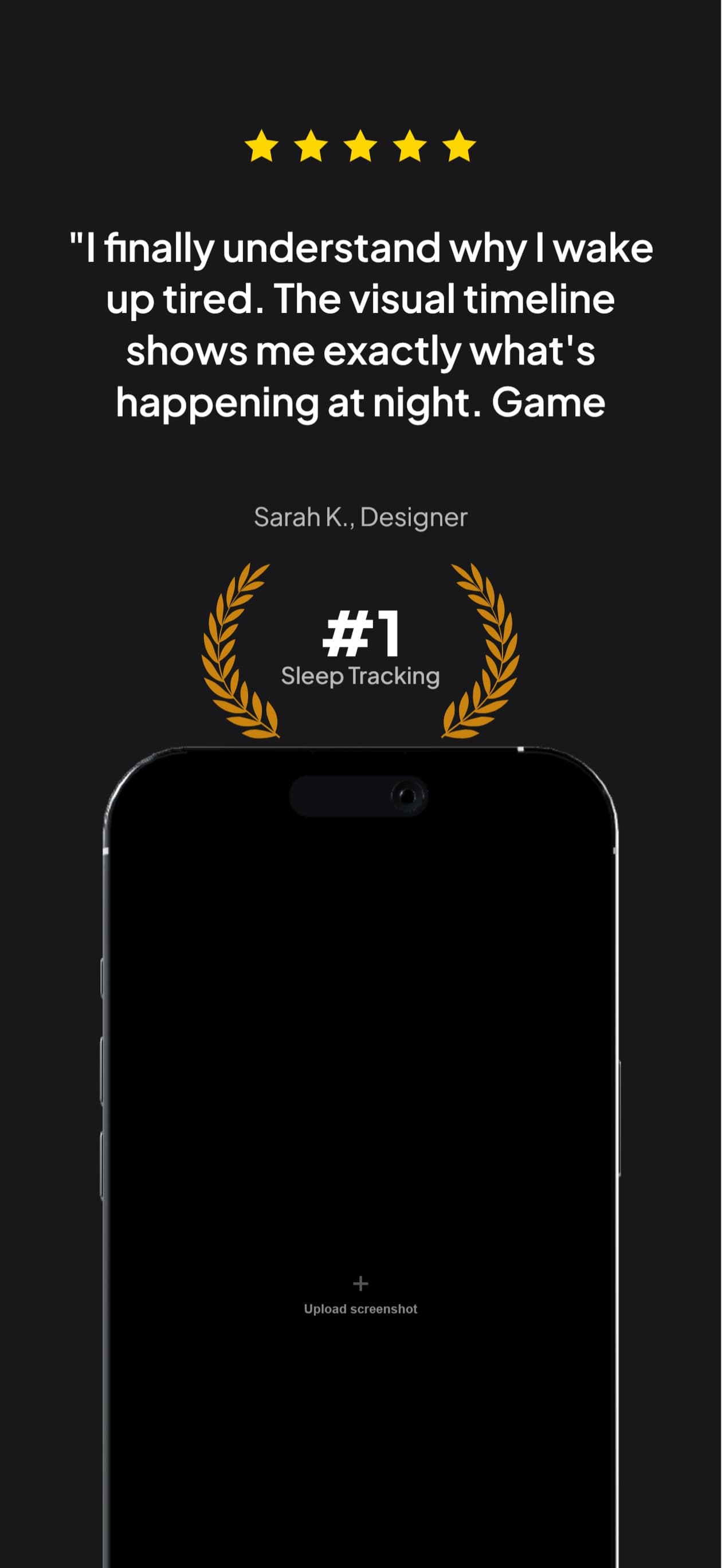

Thai sets, handled
Thai wraps at character boundaries, which is what the renderer actually does, so the reserved box matches the painted result
Tone marks and vowel signs stay attached to their base character across a line break
Line height reserves all three levels of stacking rather than assuming Latin ascent and descent
Noto Sans Thai rendering verified in exported pixels, no tofu boxes
Exports at the exact dimensions App Store Connect requires for the th localization
Questions & Answers
Why does my Thai caption run off the edge of the screenshot?
Because Thai has no spaces and most layout engines only break lines on whitespace. With nothing to break on, the whole sentence is treated as one very long word, which overflows the caption box and then gets cut off wherever the box ends. Our engine breaks Thai at character boundaries instead, which is what the underlying renderer does, so the line count we reserve matches what gets painted.
Is character-level breaking correct for Thai?
It is not linguistically ideal. Proper Thai line breaking needs dictionary-based word segmentation, which the rendering layer does not have. The choice is between breaking at characters and not breaking at all, and not breaking means clipped text. We match the renderer so that nothing is silently dropped, and you can place a manual break if a particular split reads badly.
Why does my Thai text look vertically cramped?
Thai stacks vowels and tone marks two levels above the base character and one below. At Latin line spacing the upper marks of one line collide with the lower marks of the line above. Thai needs more leading than English at the same font size, and we reserve it rather than inheriting the English value.
Do uppercase headline styles work in Thai?
No. Thai has no letter case, so a text-transform that capitalises an English headline does nothing at all to the Thai one. If uppercase was carrying the visual hierarchy in your English design, the Thai version needs weight or size to carry it instead.
Thai screenshots,
handled.
Try AppScreenshotStudio. 14-day trial with 25 credits. Card required, cancel anytime before it ends.
Start your trial