iPad Pro
Mockup Generator
Describe your app, see App Store screenshots for iPad Pro, refine via chat until they click. Generated backgrounds, exact 2064×2752 dimensions.
2,205 screenshots designed here so far
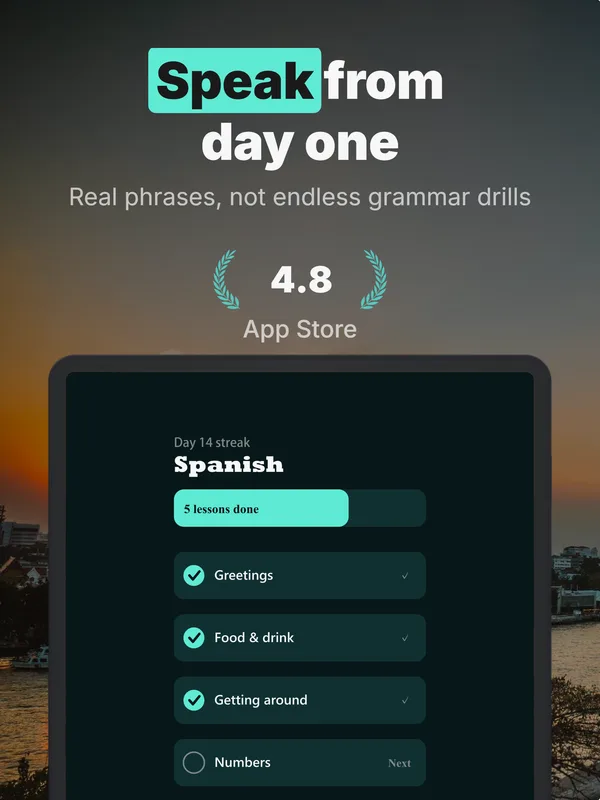
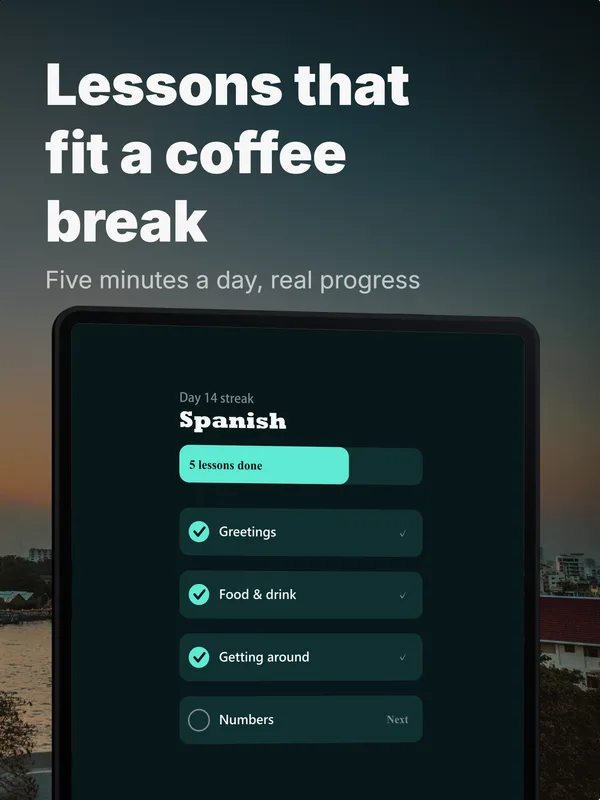
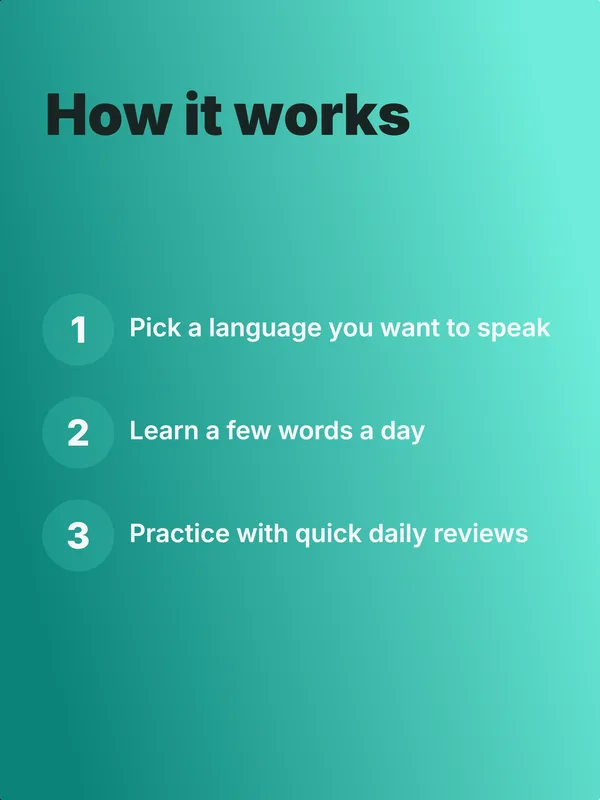
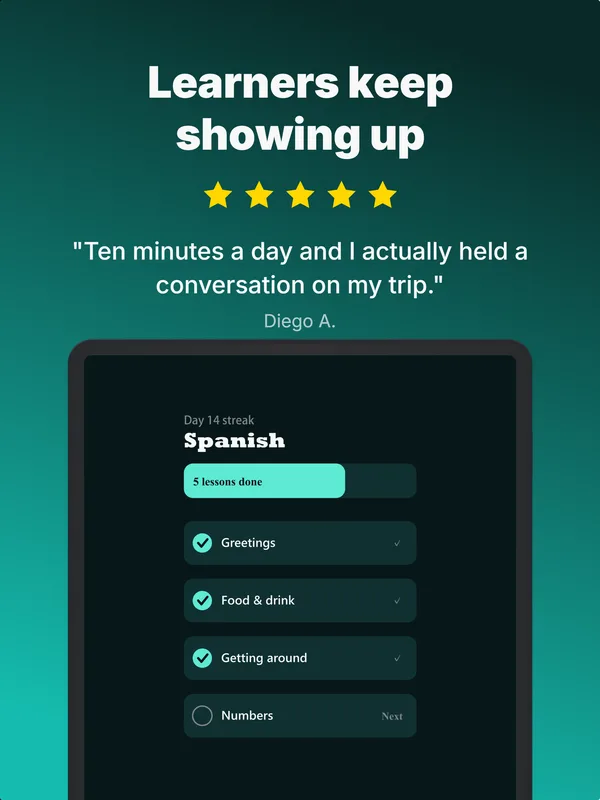
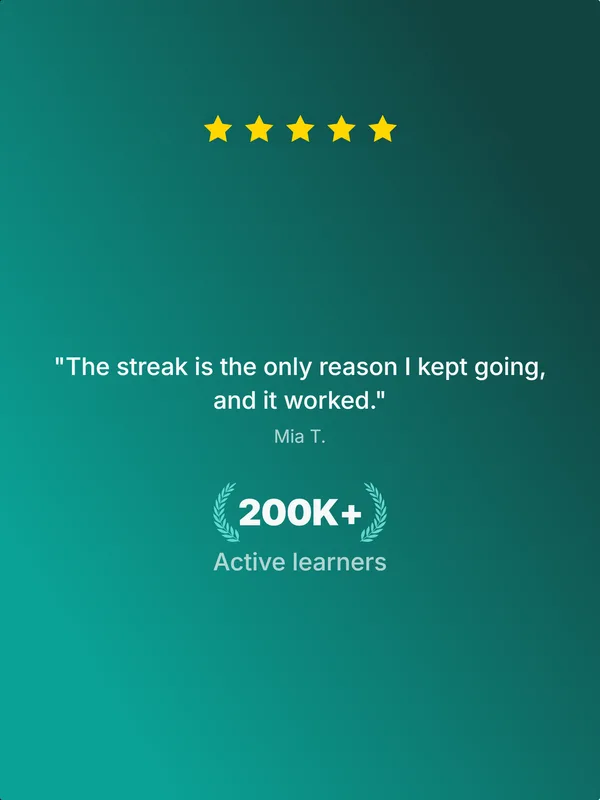
A real five-frame set, generated in AppScreenshotStudio.
Designers charge $150 and take days.You type a message.
You type. The canvas builds.
Describe your app, see your first set, refine via chat, then make the variants to test. No layout panels, no alignment tools, no blank canvas.

AppScreenshotStudio
AppScreenshotStudio
AppScreenshotStudio
AppScreenshotStudio
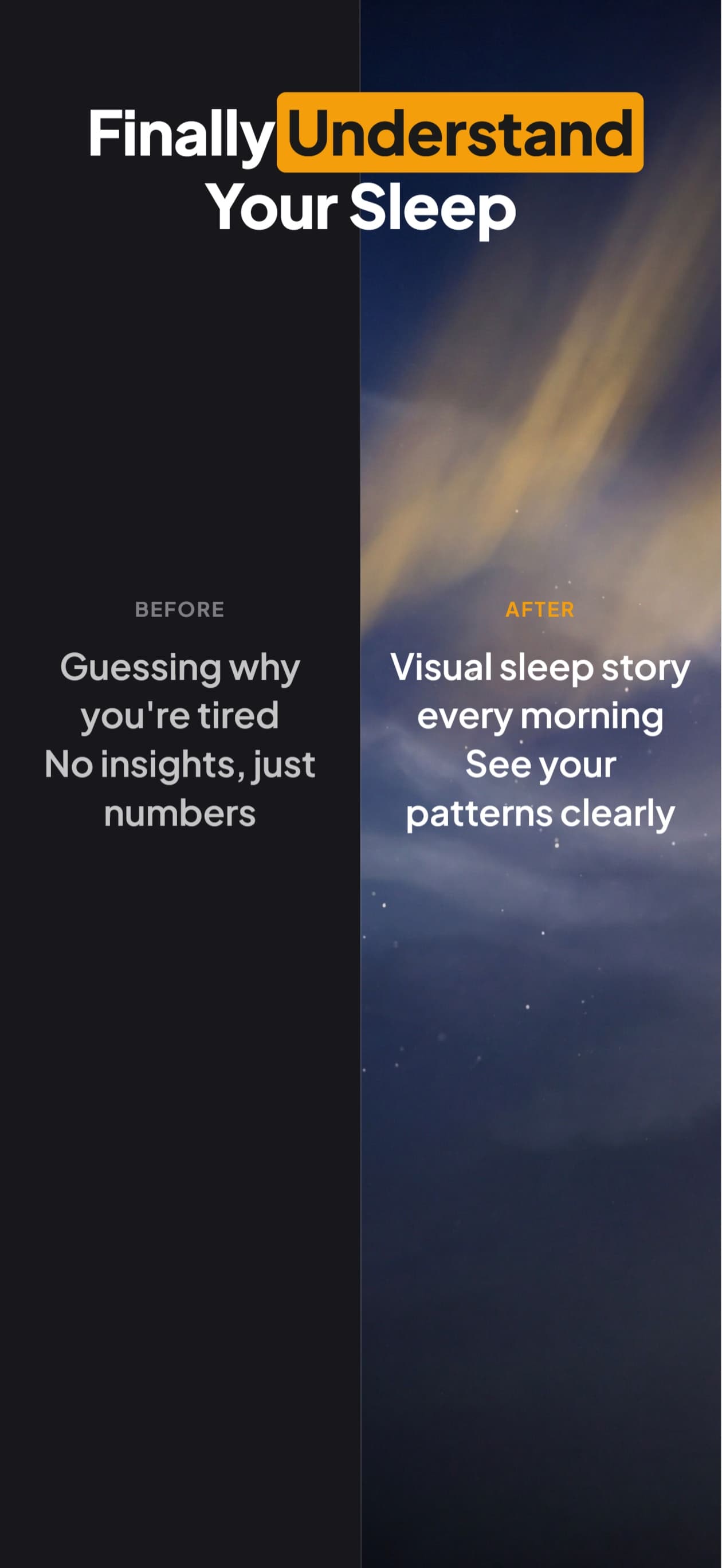
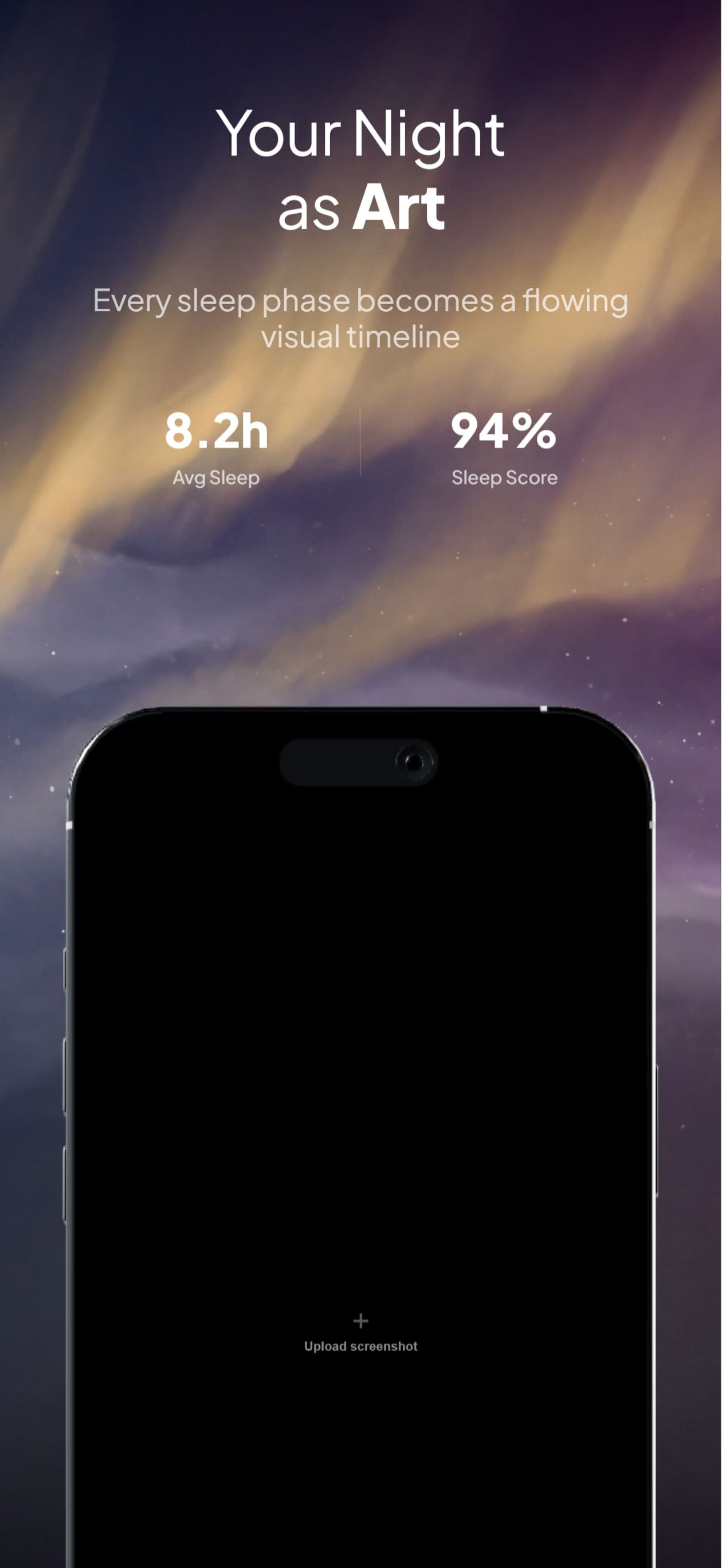
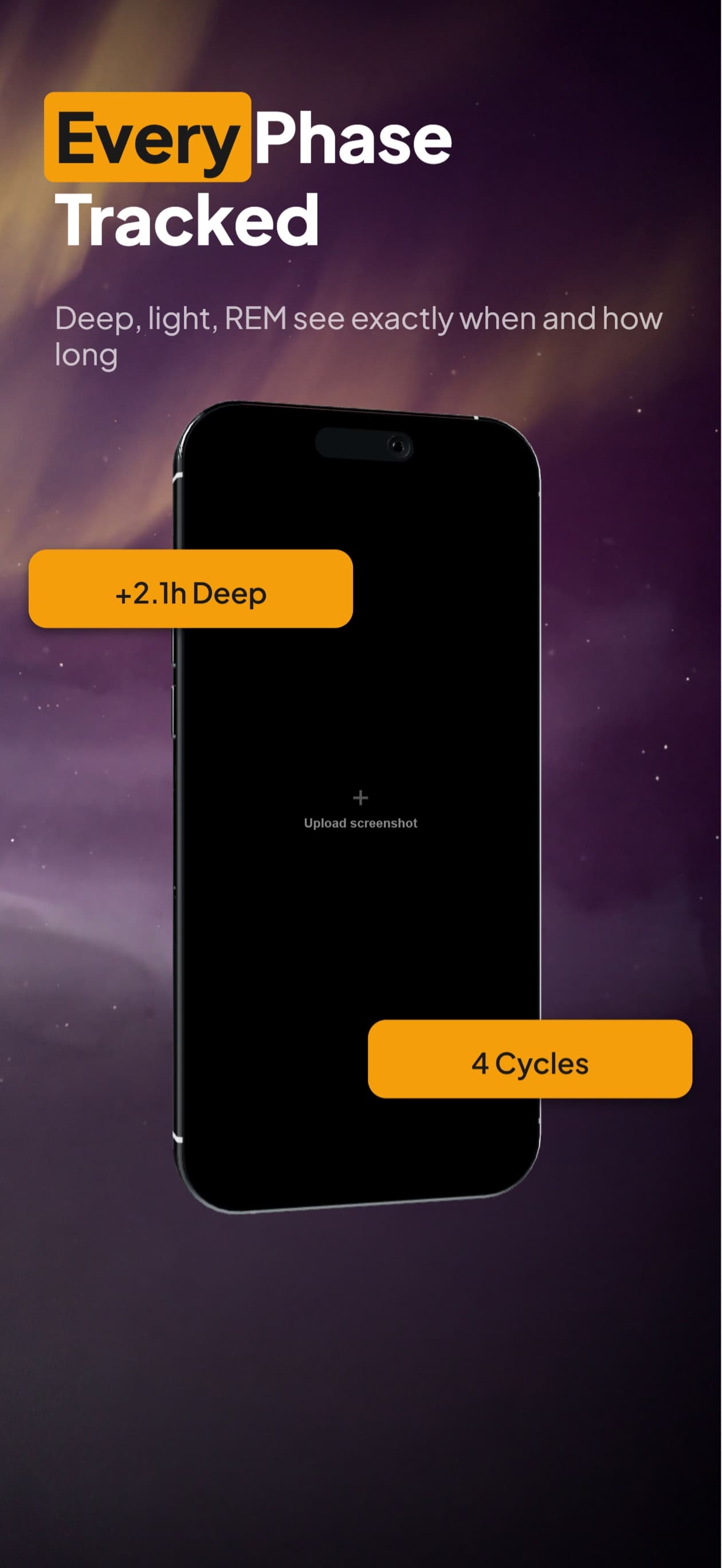
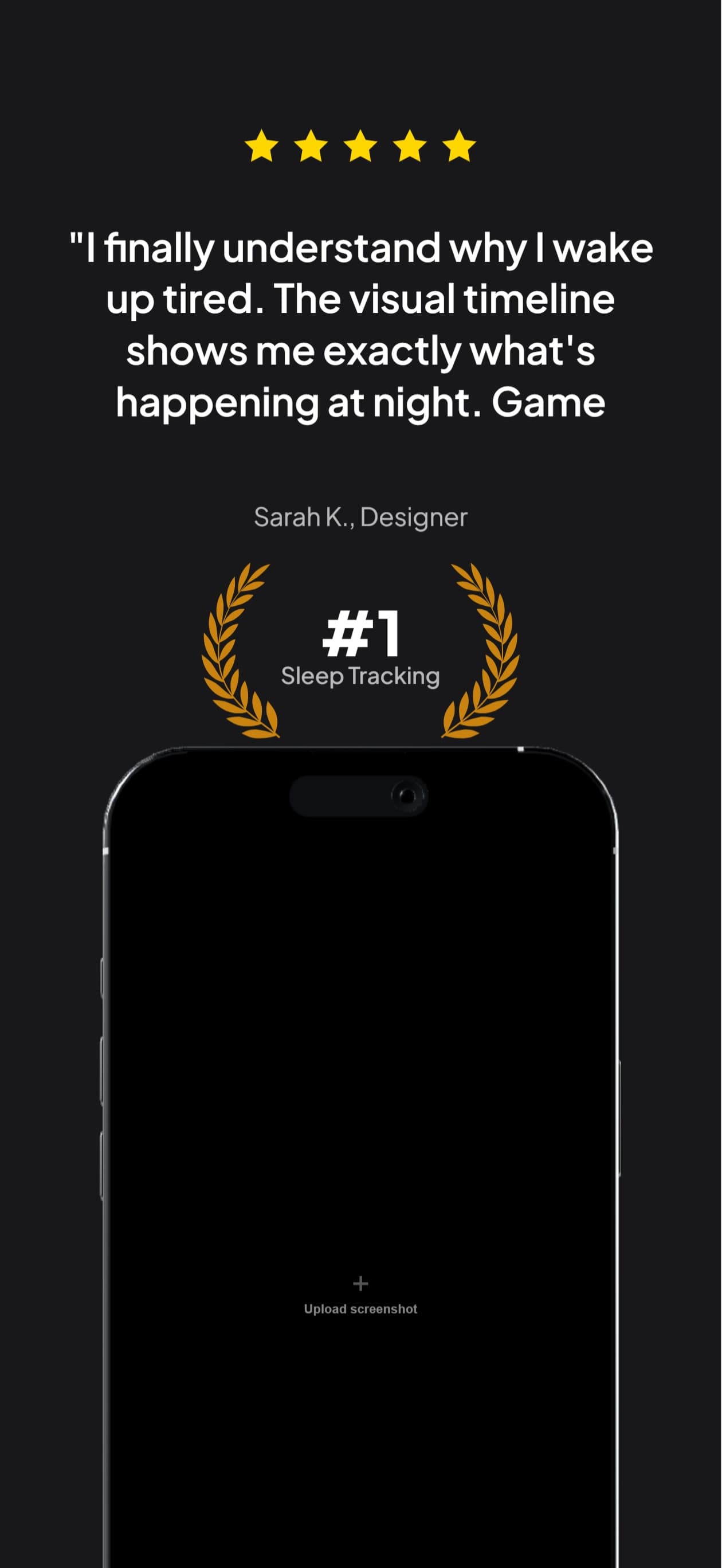
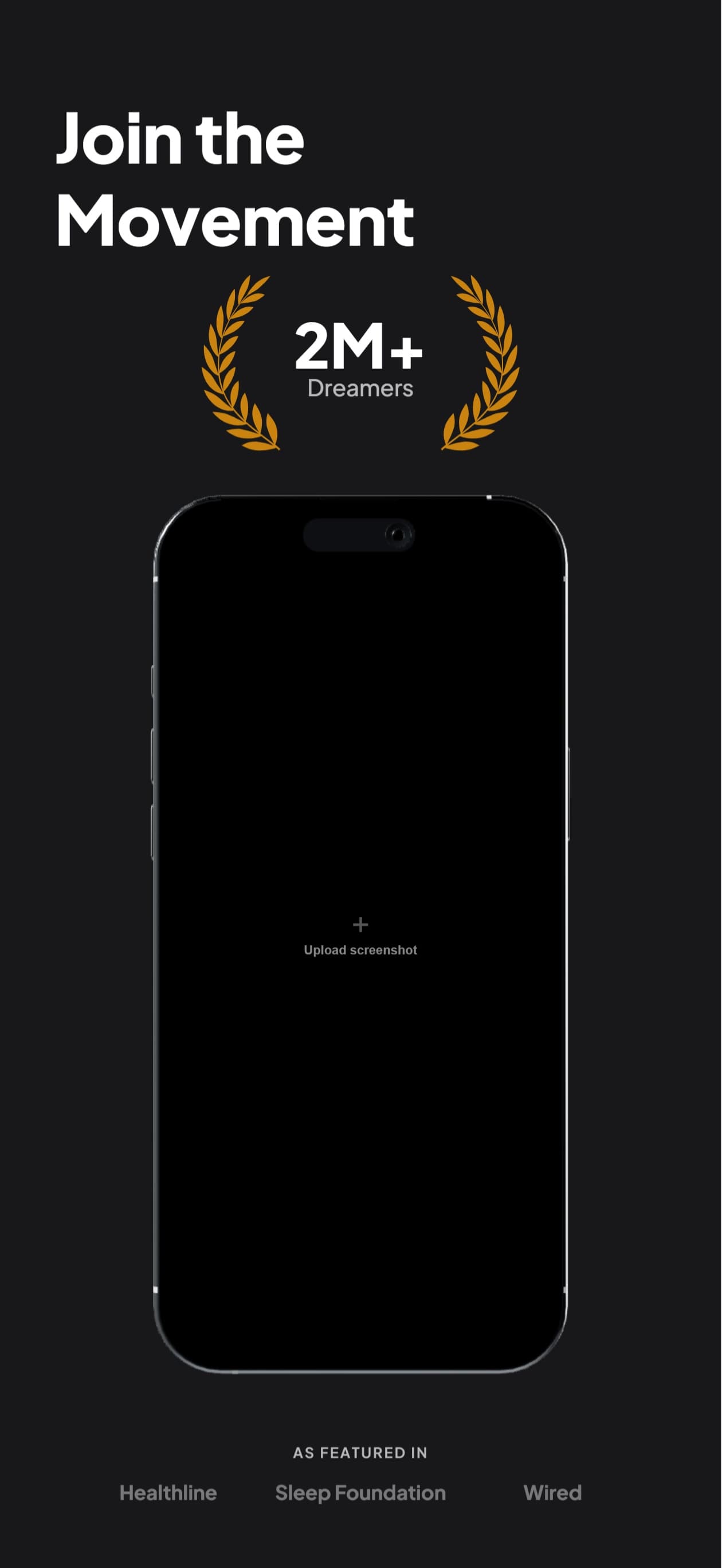
9 Perspectives for iPad
Flat, tilted, isometric, landscape. Every angle you need for a polished App Store listing.
Questions & Answers
What iPad sizes are supported?
One: iPad Pro 13" at 2064×2752. It is the iPad size App Store Connect requires, and Apple uses scaled copies of it for smaller iPads, so one set covers the whole device class.
Can I show my app in landscape orientation?
Yes. Two landscape perspectives are built in (landscape left and landscape right). Your app screenshot rotates to fit the landscape frame automatically.
Can I reuse my iPhone screenshots for iPad?
Yes. Duplicate your iPhone project to iPad in one click. The layout engine rescales text, positions, and elements for the tablet aspect ratio. Review and export.
Do I need iPad screenshots for the App Store?
Yes, if your app runs on iPad. App Store Connect requires one iPad set at the 13-inch size, 2064×2752 or 2048×2732 portrait, for any app that runs on iPad.
Deep Dives
iPad Pro 13-inch vs 12.9-inch screenshot specs
Which size to upload, why 12.9-inch is now optional, and the device-to-spec mapping App Store Connect actually uses.
How Apple's iPad screenshot scaling actually works
The 5-tier downscale cascade, per-device scale ratios, and the compound 3-hop resize on legacy iPads.
iPad screenshots,
handled.
Try AppScreenshotStudio. 14-day trial with 25 credits. Card required, cancel anytime before it ends.
Start your trial