Korean
App Store Screenshots
Translate your set into Korean without rebuilding the layout. Locale ko, captions run 20 to 30% shorter than English, set in Noto Sans KR.
2,205 screenshots designed here so far


The same five-frame set, rendered in Korean. Real output from the pipeline, not a mockup of one.
한국어
South Korea is a high-spend, high-engagement storefront with a strong willingness to pay for mobile content, and a low tolerance for English-only listings. It sits just behind Japan as the second most valuable Asian localization for most indie apps.
South Korea.
A translator returns a spreadsheet of strings.You get finished frames.
What breaks in Korean
Korean packs a word into a small number of syllable blocks, so captions come in shorter than English but not as short as Chinese or Japanese. Unlike the Han scripts, Korean does use spaces, so ordinary word wrapping mostly works.
Syllable blocks are visually dense, so aggressive tracking makes them harder to read rather than airier
Korean uses spaces, but the spacing rules differ from English and a bad break reads as a typo
Mixed Latin brand names sit awkwardly against Hangul without per-run tracking
Long compound nouns can still exceed a tight caption slot
You type. The canvas builds.
Describe your app, see your first set, then ask for Korean. The layout survives the language change because you are editing the same set, not starting a new one.

AppScreenshotStudio
AppScreenshotStudio
AppScreenshotStudio
AppScreenshotStudio
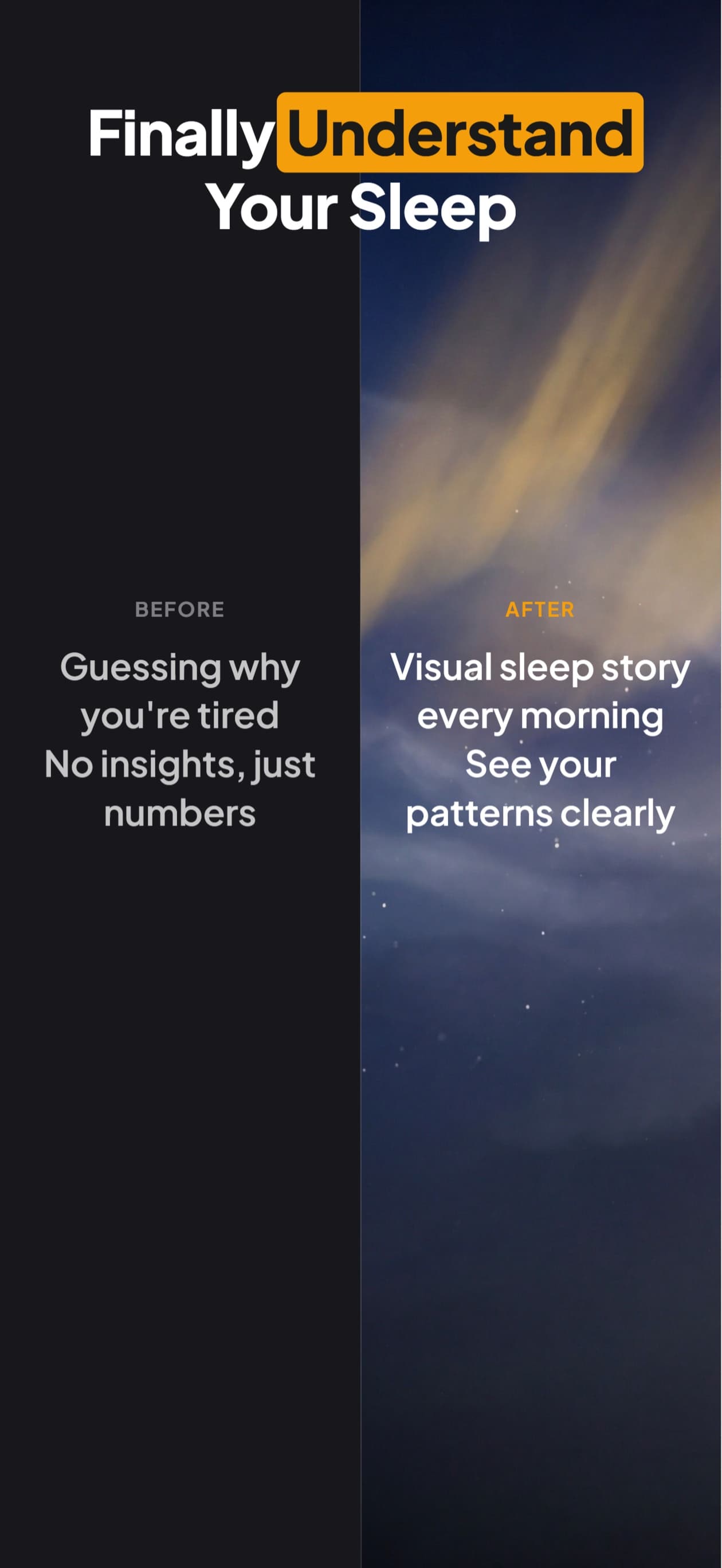
Korean sets, handled
Noto Sans KR rendering verified in exported pixels
Word wrapping that respects Korean spacing conventions
Shorter captions rebalanced so headlines do not float in an English-sized slot
Same set retranslated in chat, layout intact
Exports at the exact dimensions App Store Connect requires for ko
Questions & Answers
Is Korean worth localizing for a small indie app?
It is consistently one of the highest willingness-to-pay storefronts, and the audience is far less tolerant of English listings than Northern Europe is. For a paid app or one with in-app purchases it usually ranks second only to Japanese among Asian localizations.
Does Korean text wrap like English?
Closer than Chinese or Japanese, because Korean uses spaces between words. The spacing rules differ enough that a break in the wrong place reads as a mistake, so it is worth previewing the wrapped result rather than trusting the character count.
Do I need a Korean business entity?
No. South Korea has no equivalent of the China mainland ICP filing. Any developer account can add a ko localization and ship to the storefront.
Korean screenshots,
handled.
Try AppScreenshotStudio. 14-day trial with 25 credits. Card required, cancel anytime before it ends.
Start your trial