The App Store screenshot maker that ships a finished set
Describe your app once. Get five store-ready screenshots with layouts, headlines, and device mockups already in place, then refine any frame in chat and make the variants to test it against. Nine devices, exact store sizes, no design tools.
2,205 screenshots designed here so far
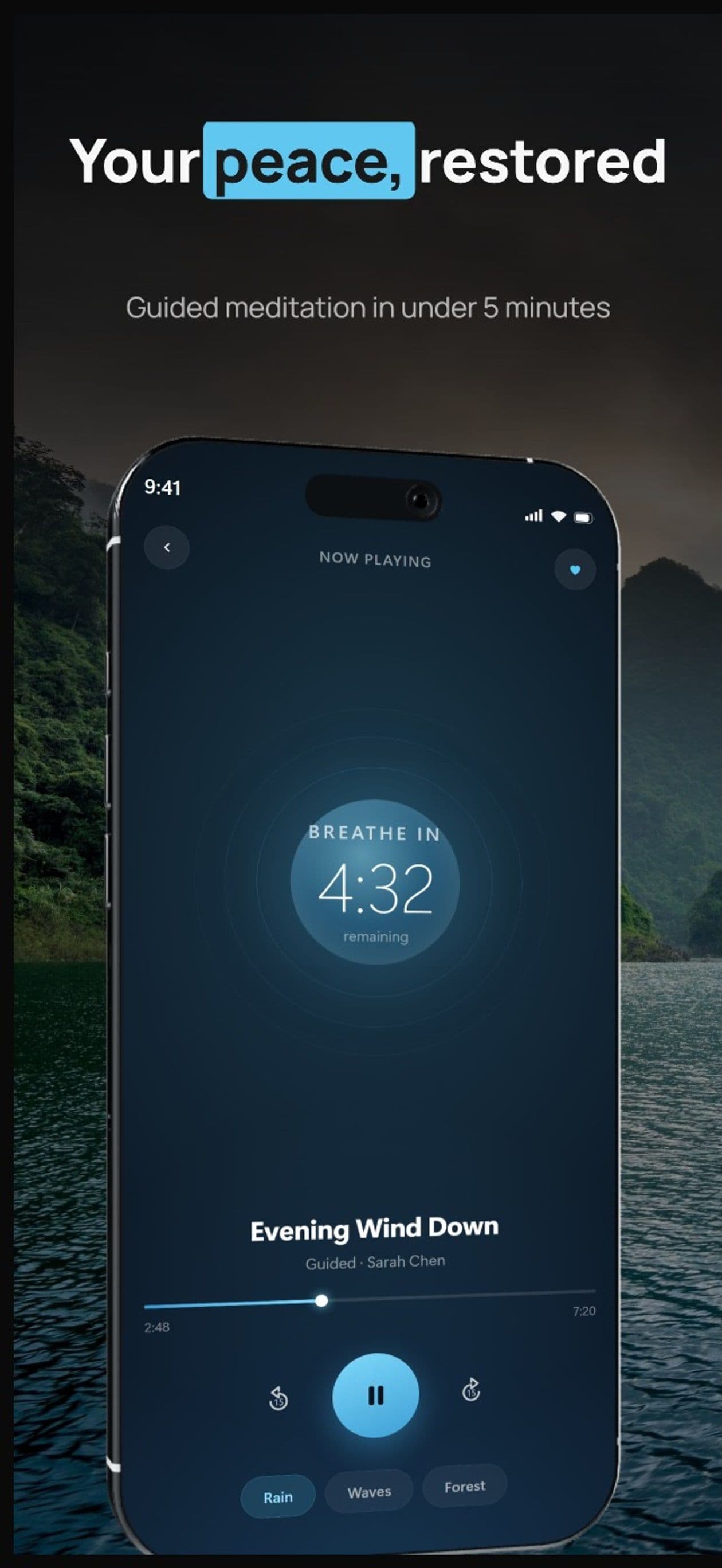
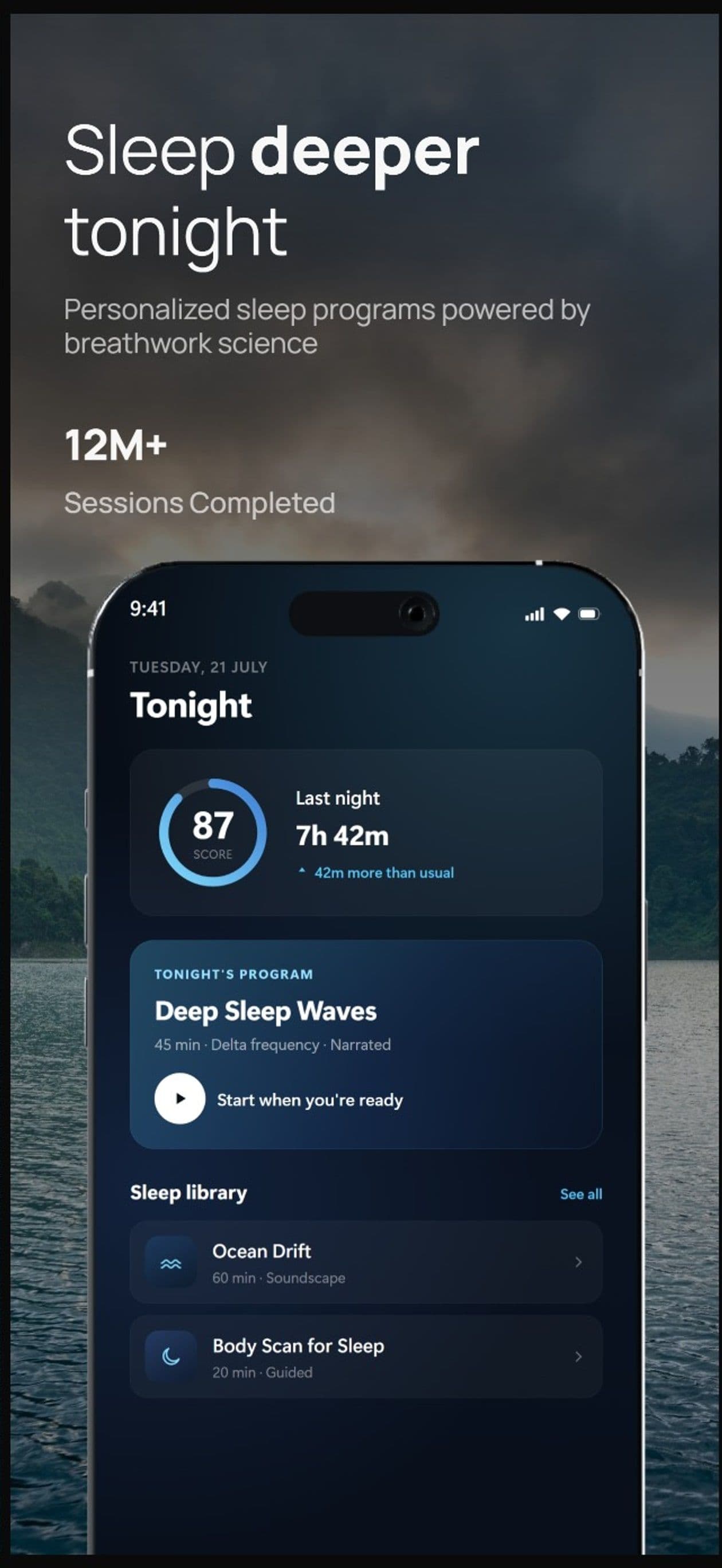
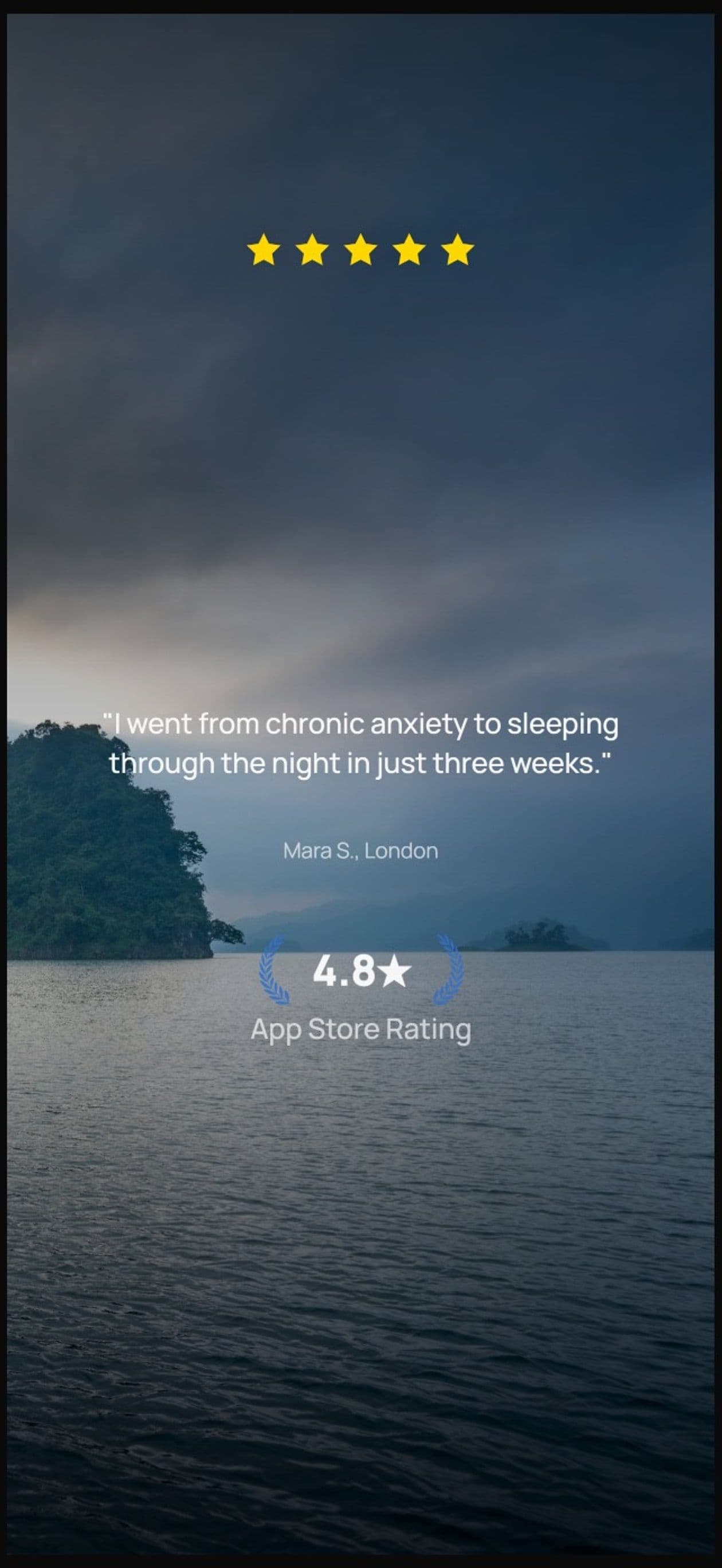
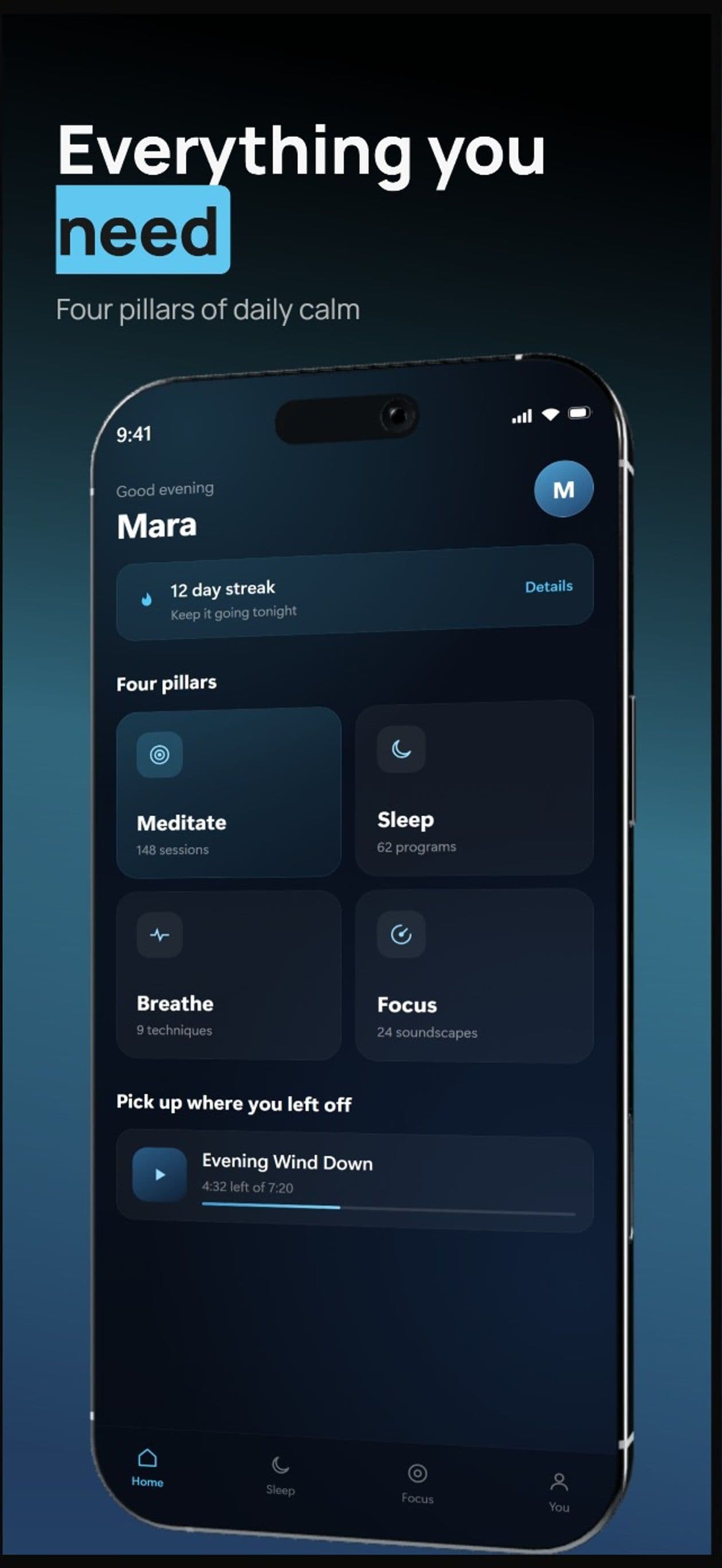
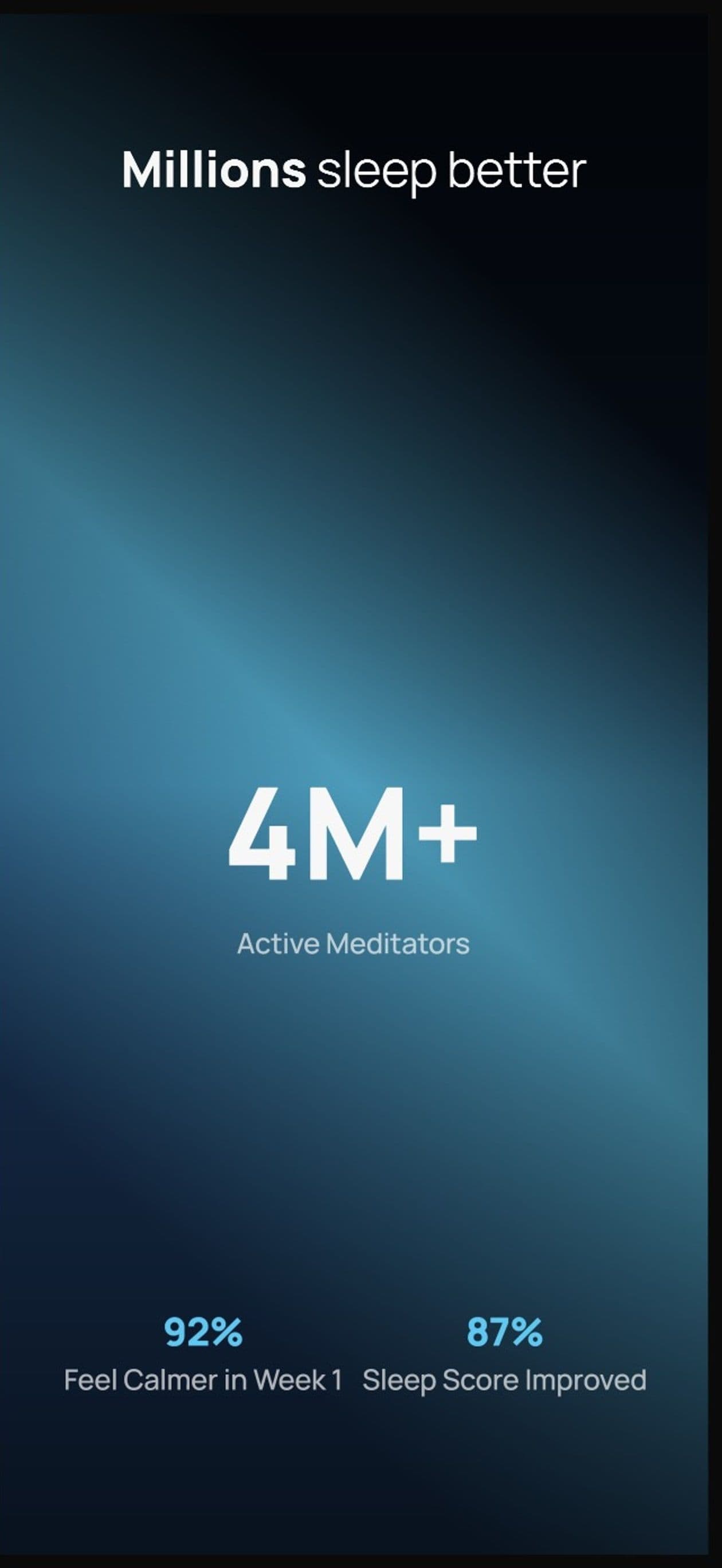
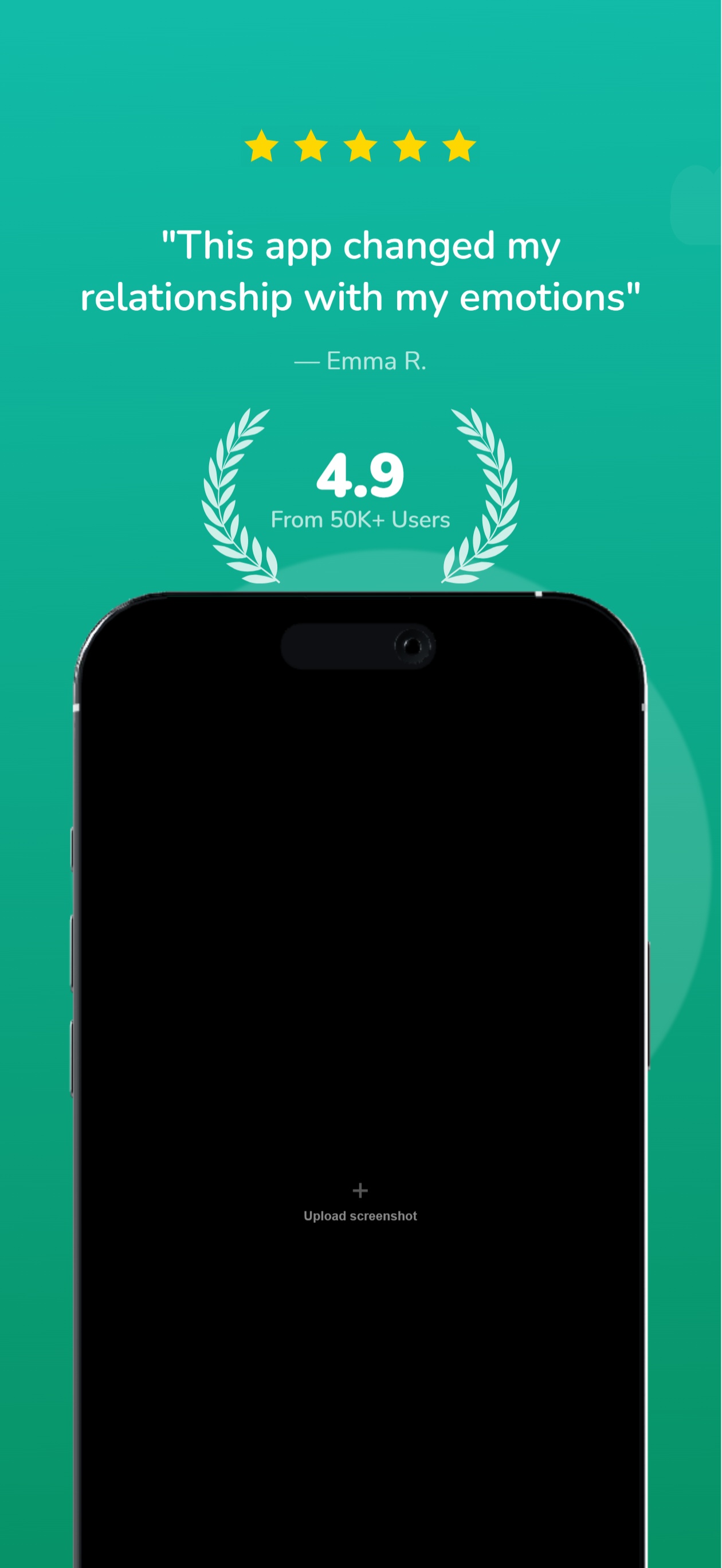
Sets this maker has produced
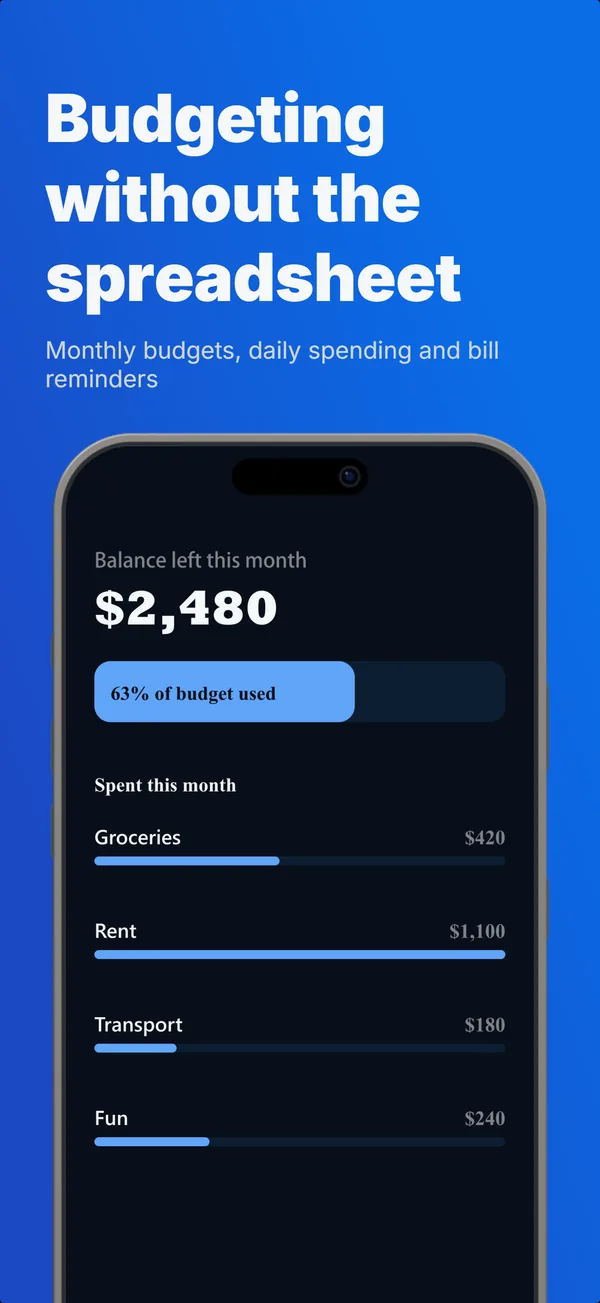
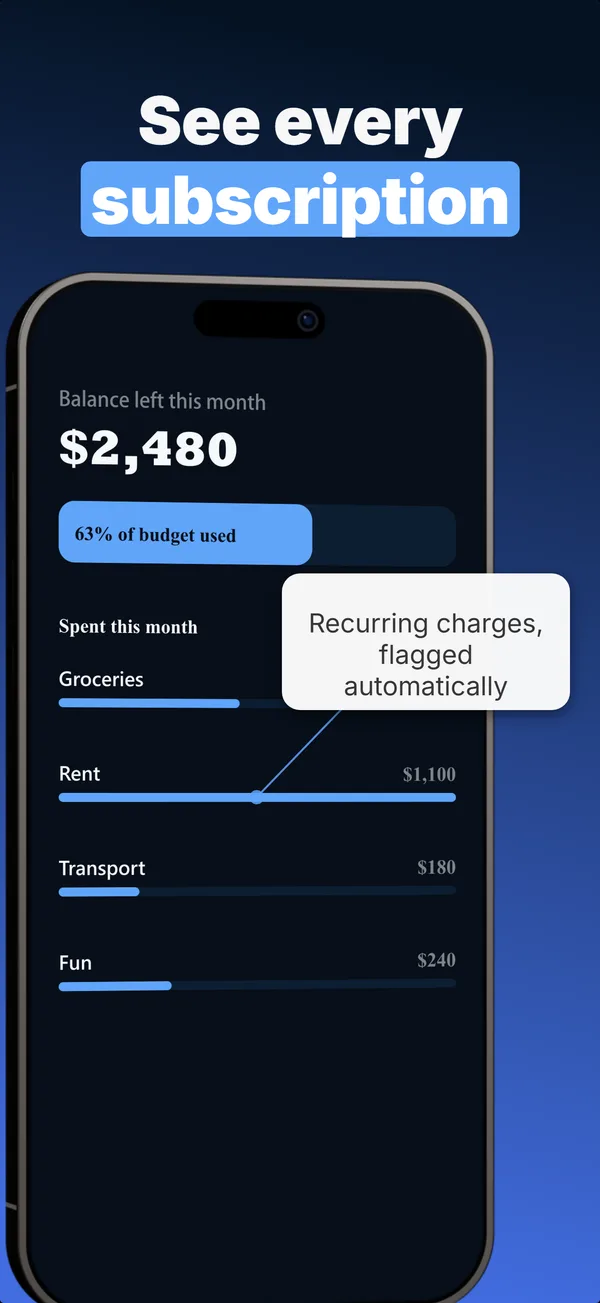
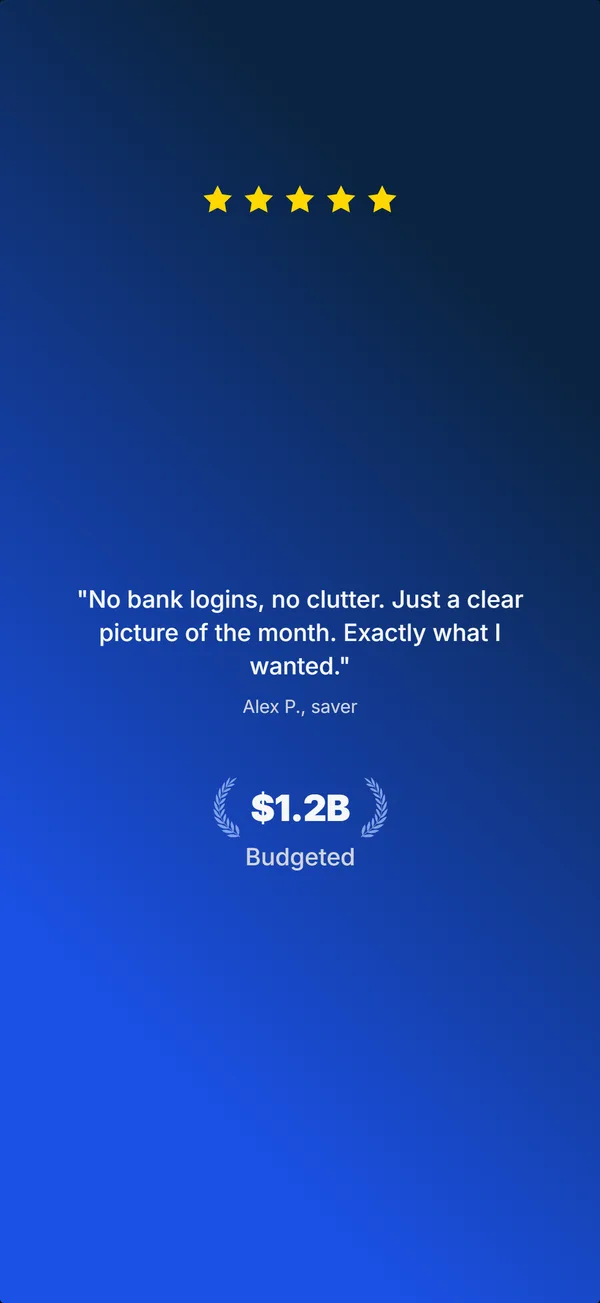
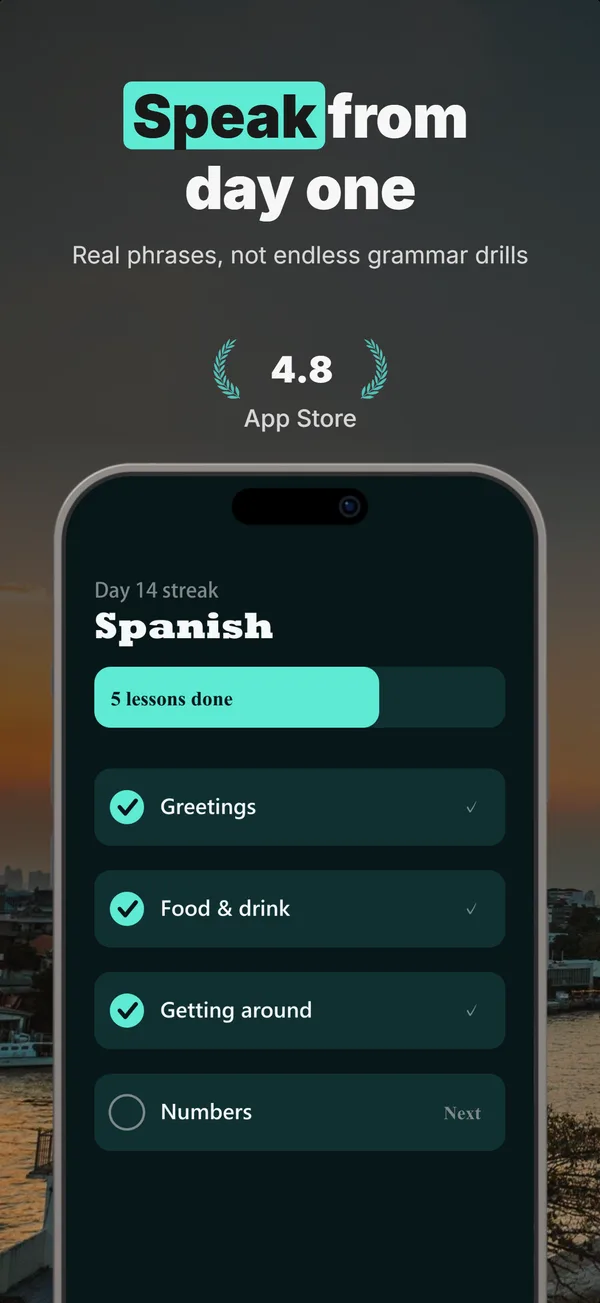
Every set below was generated in AppScreenshotStudio from a one-line brief, then refined in chat. Open any one to see the exact brief behind it.


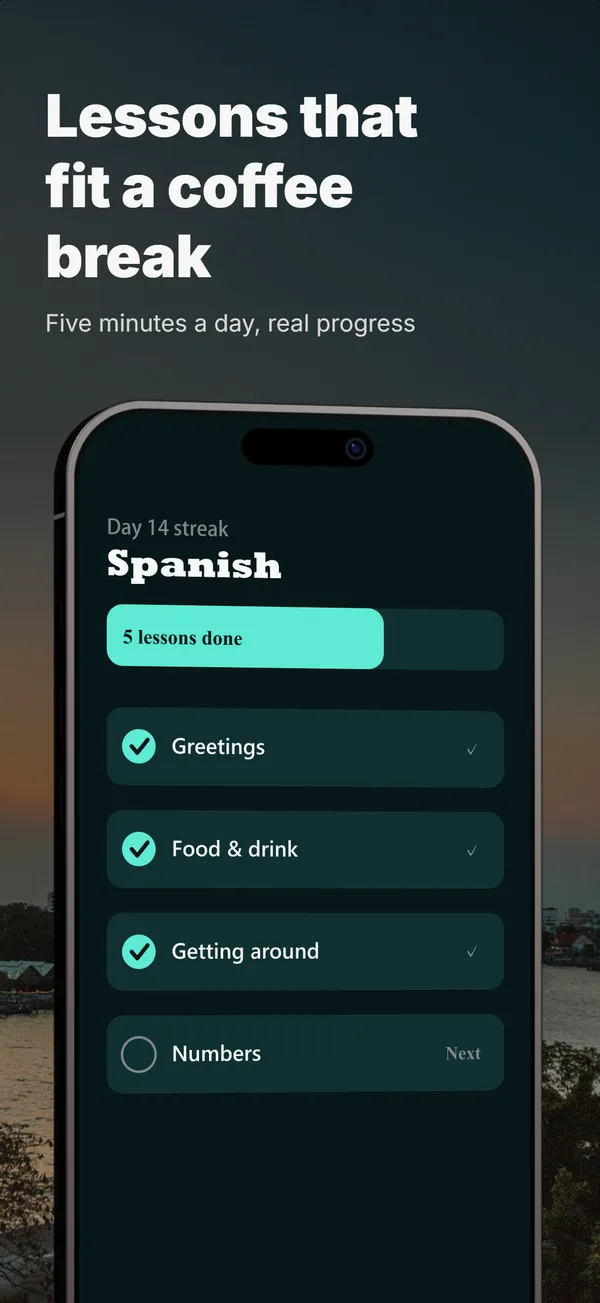
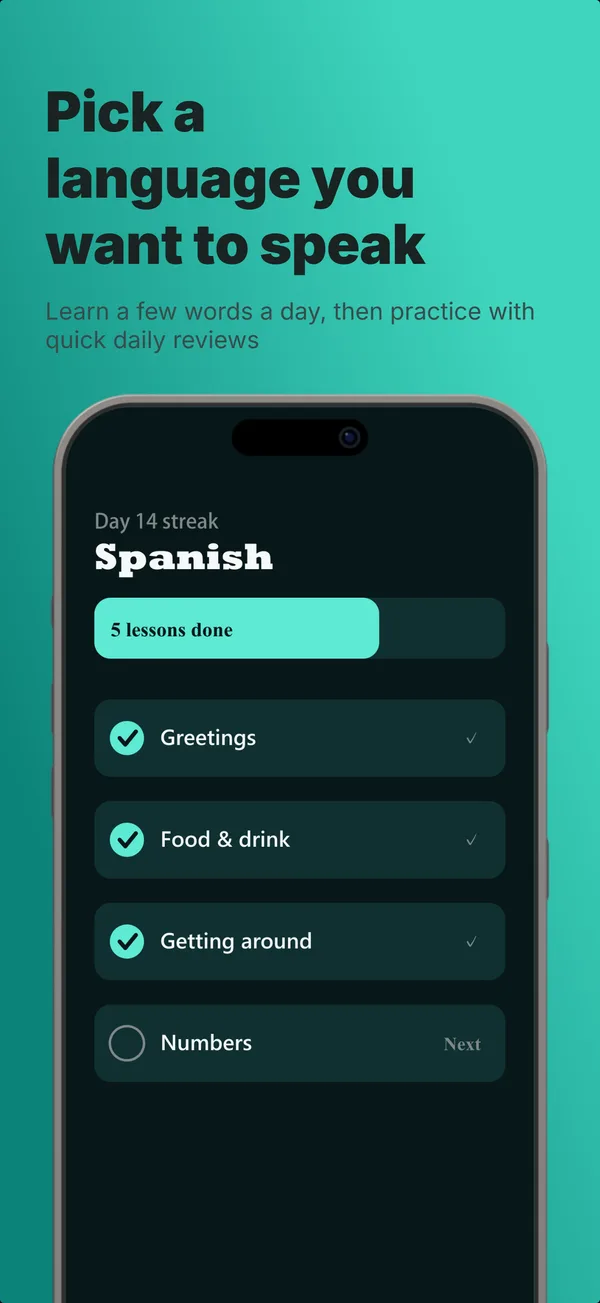
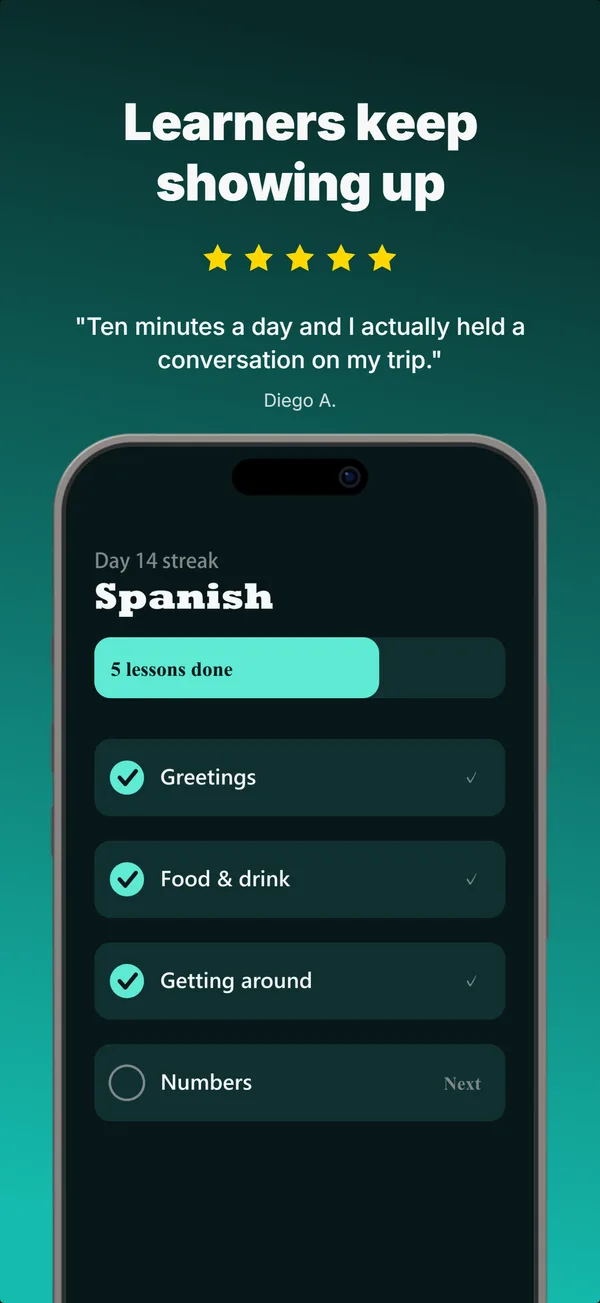
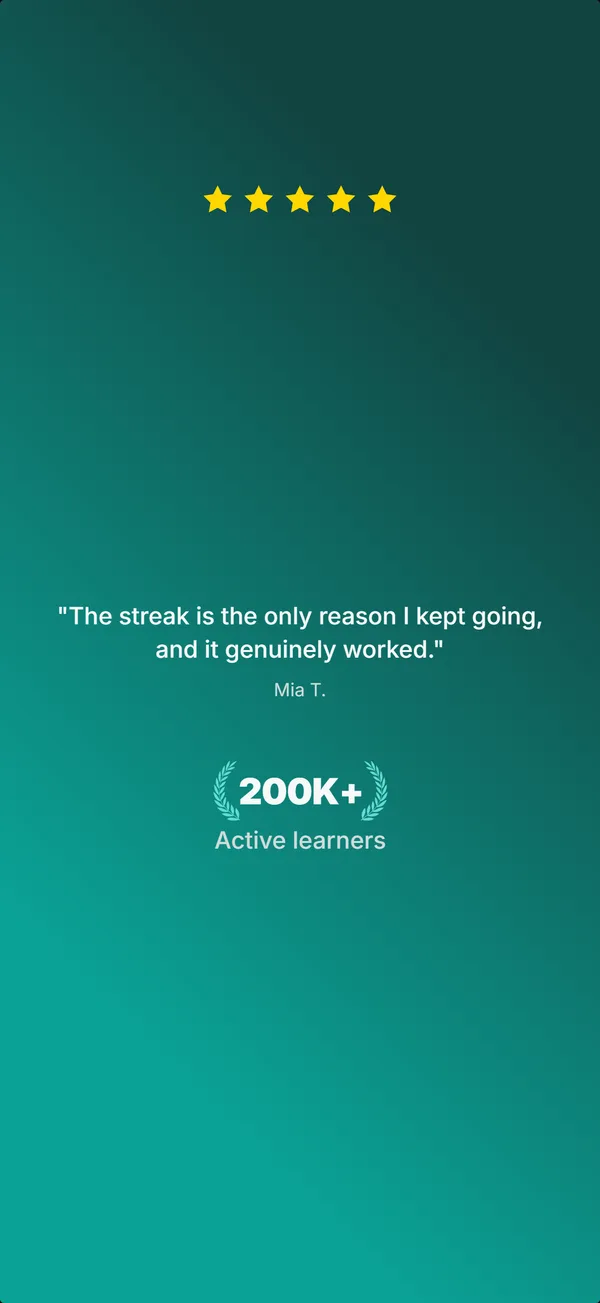
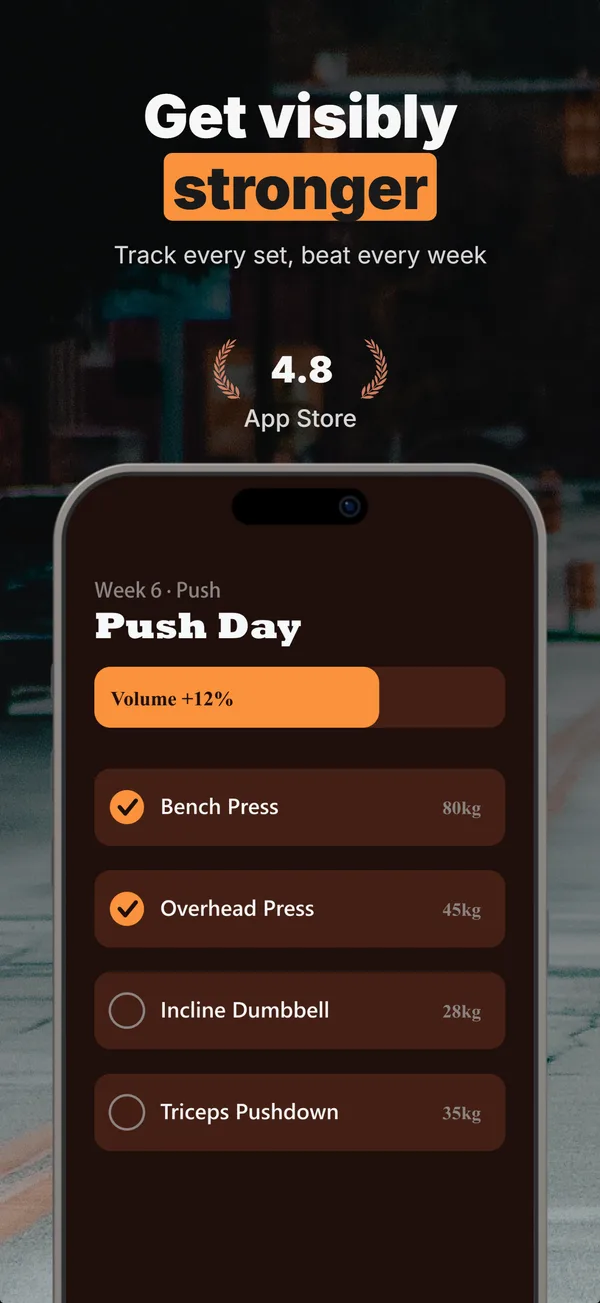
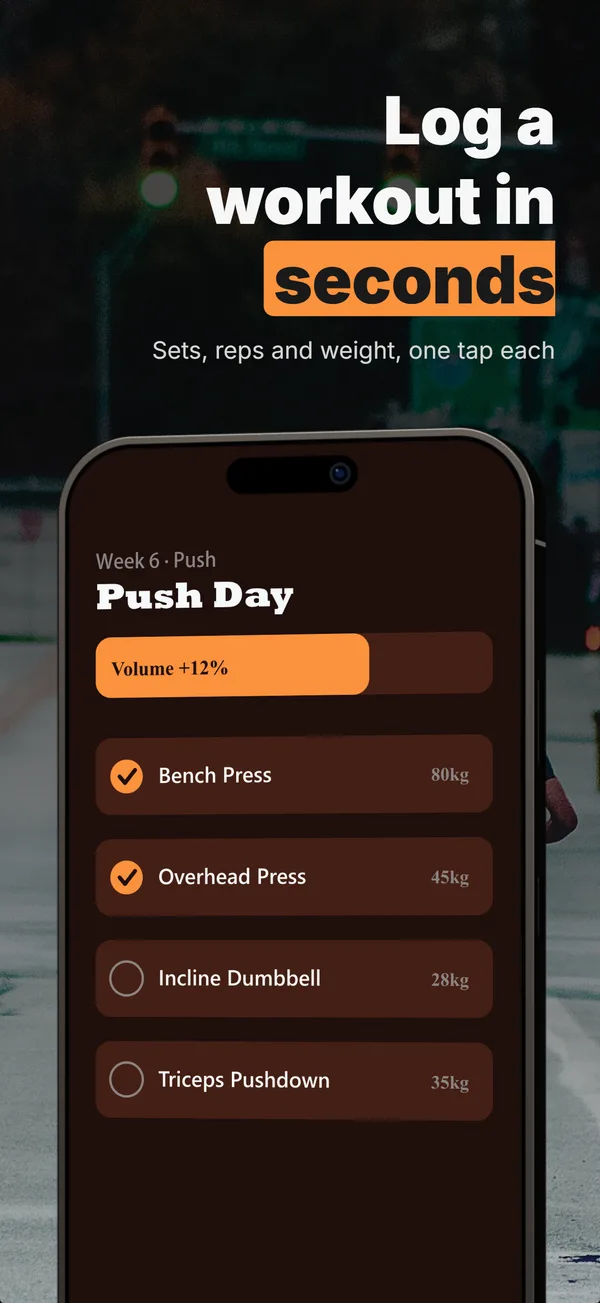
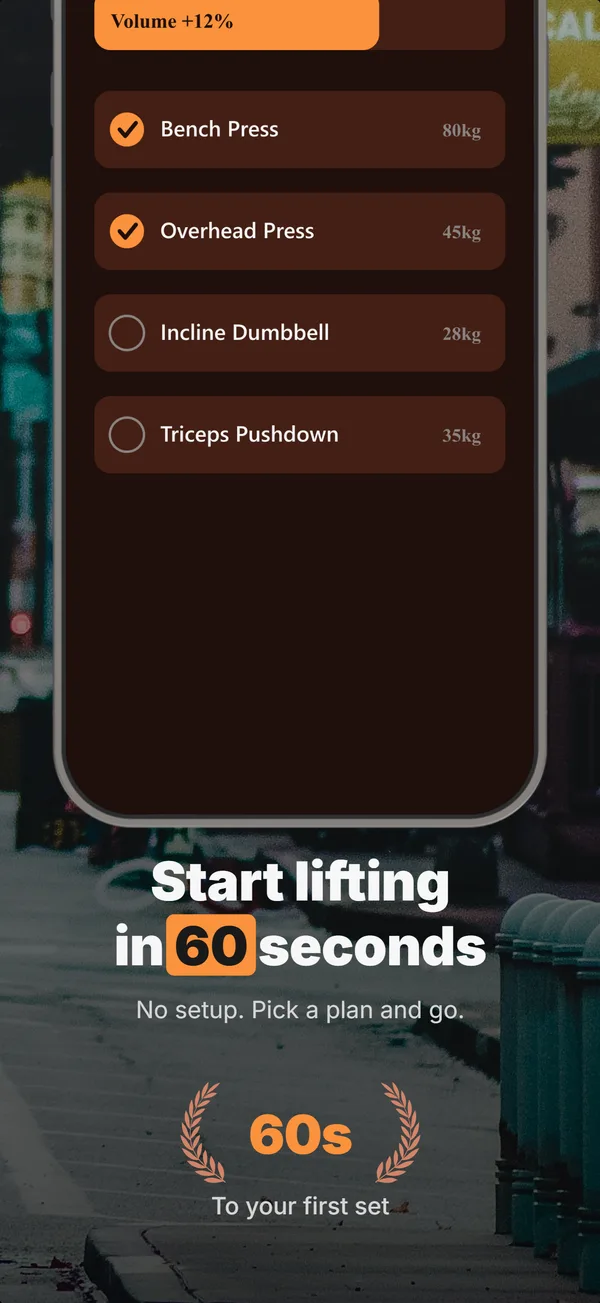
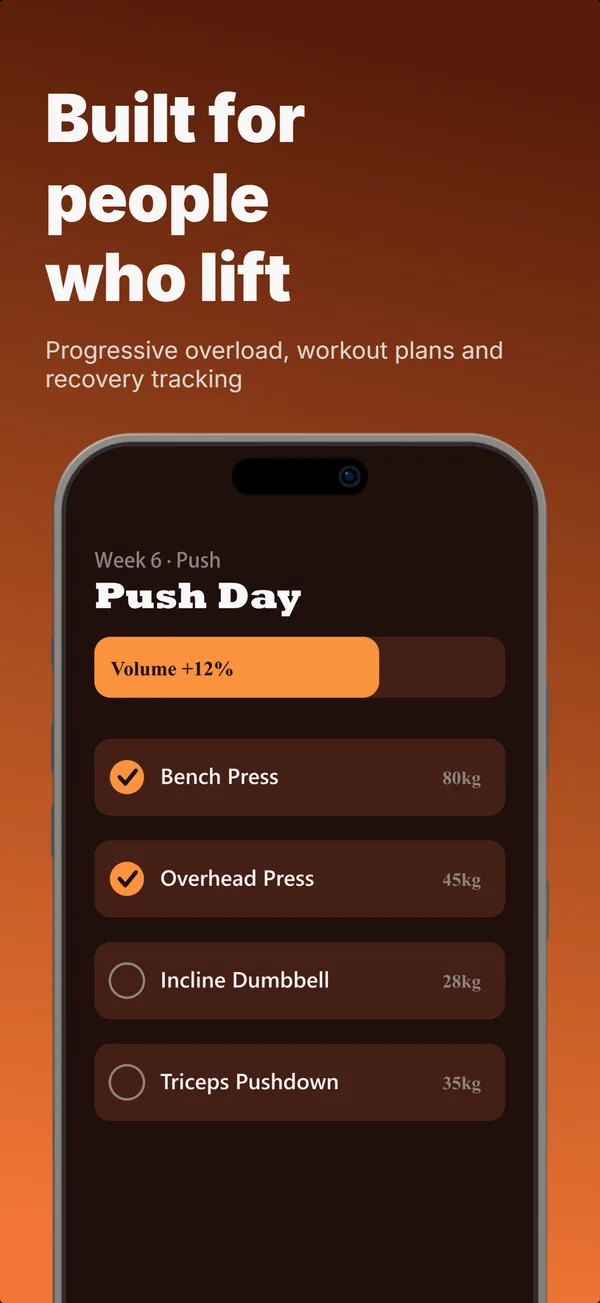
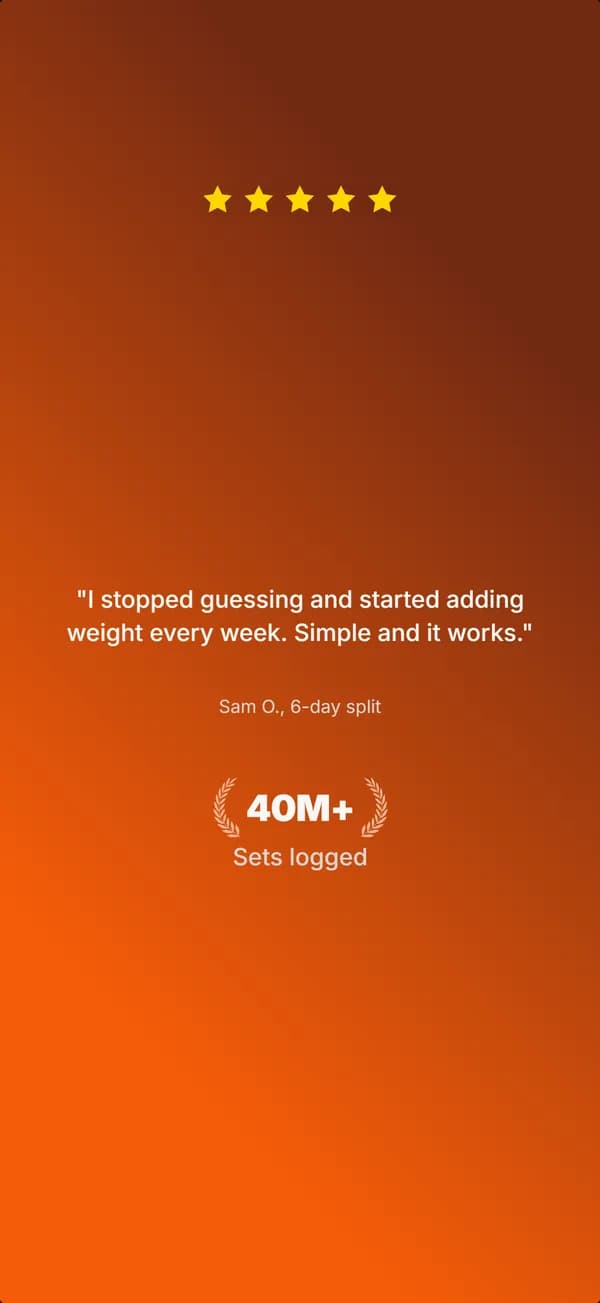
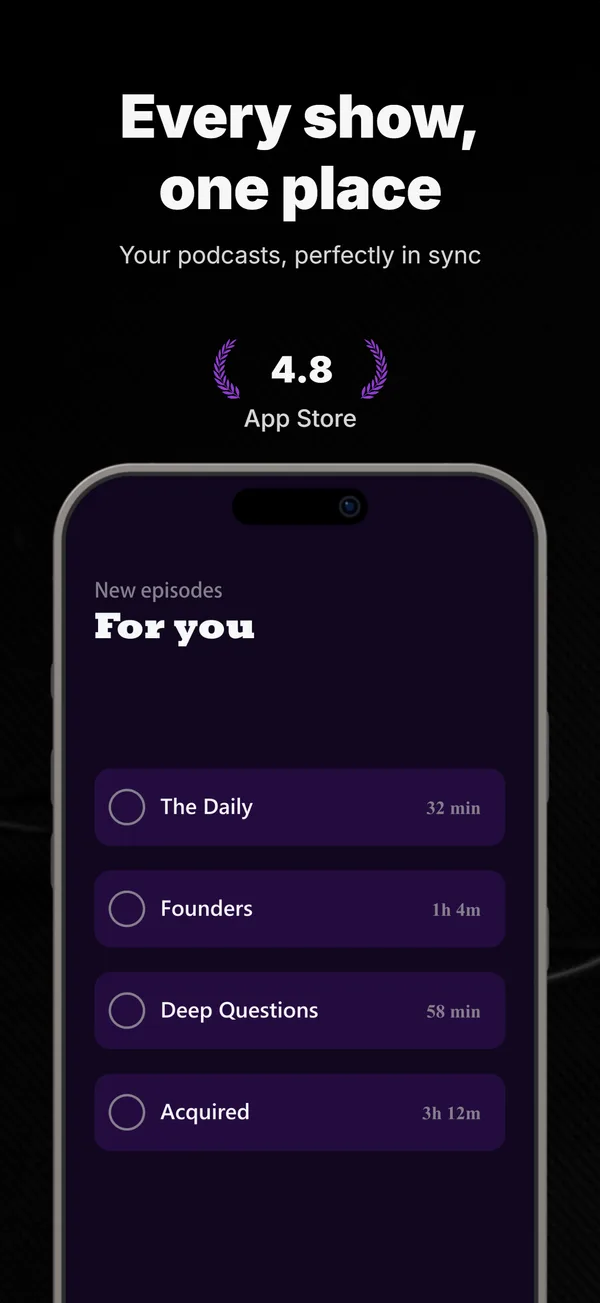
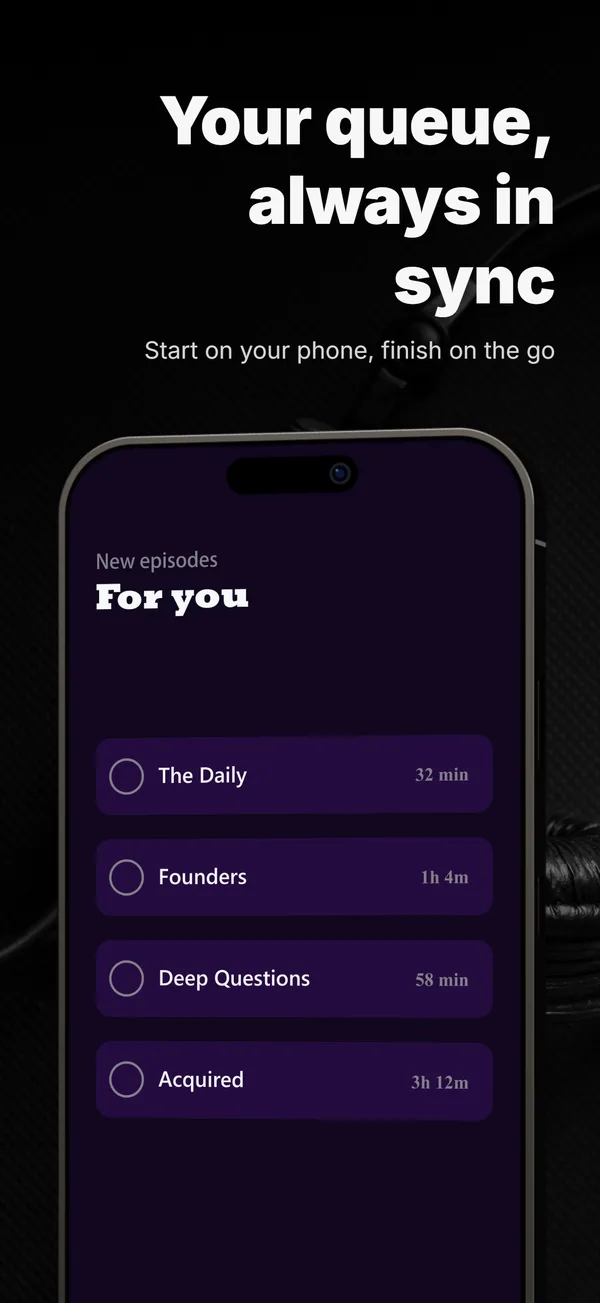
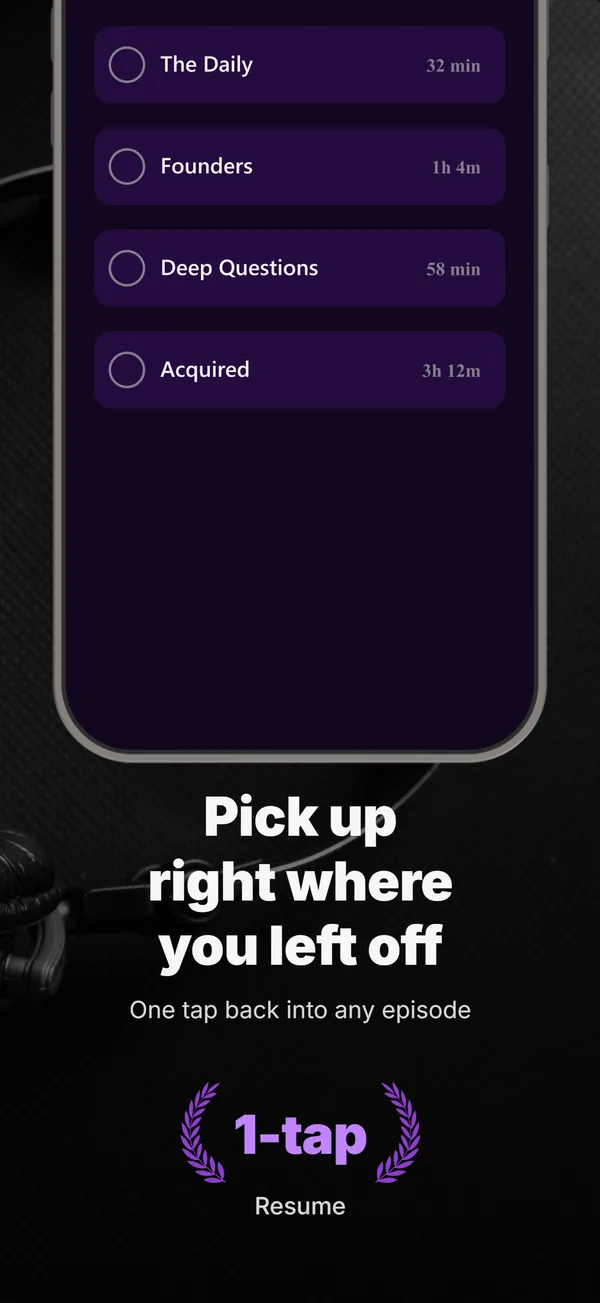
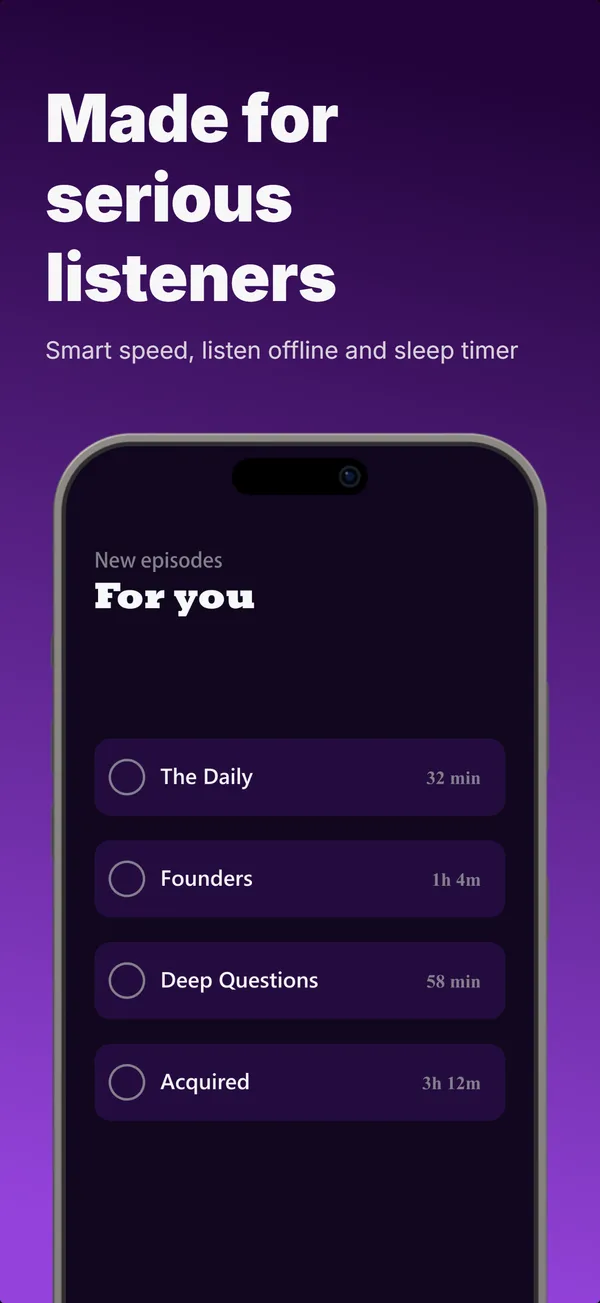
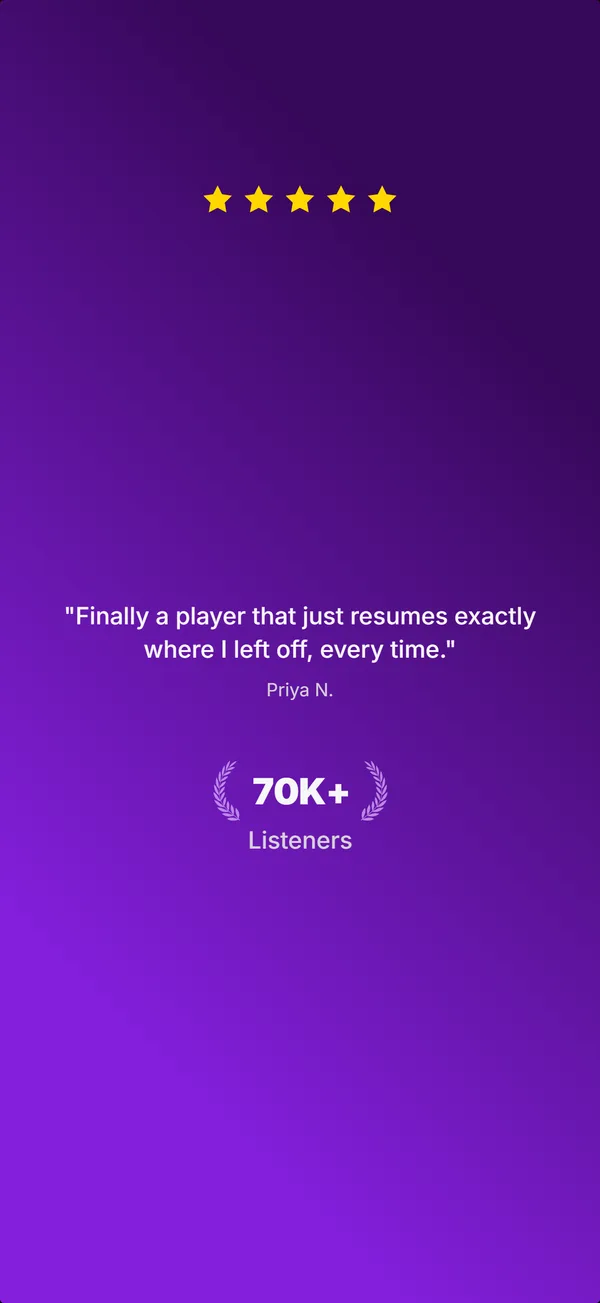
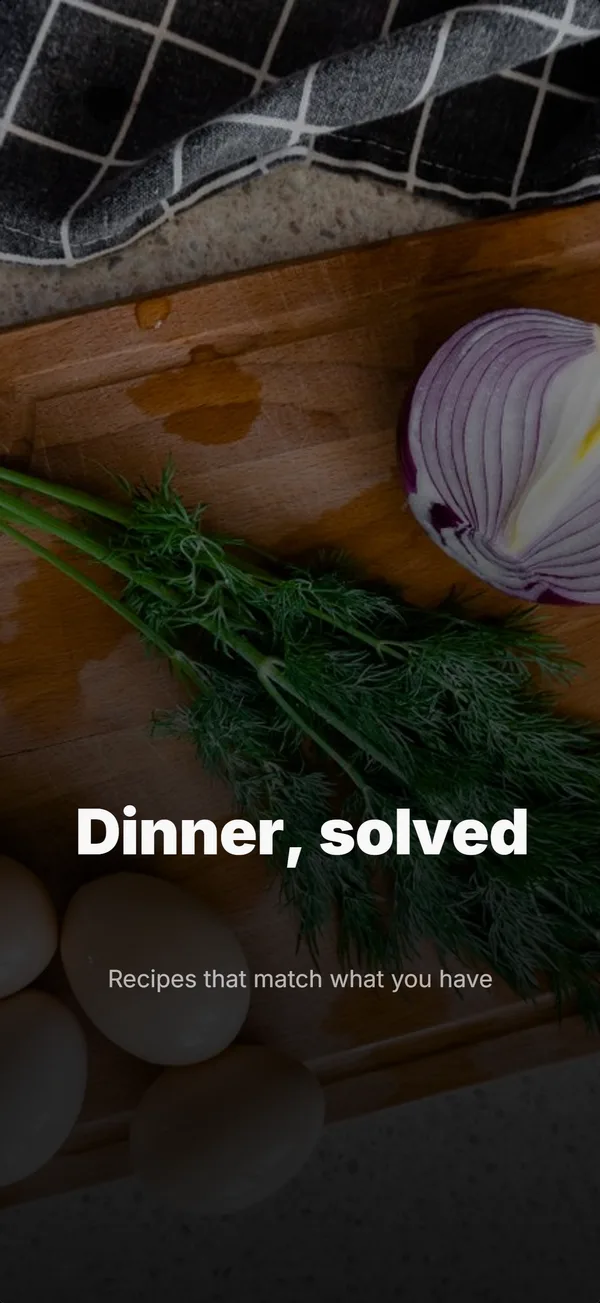
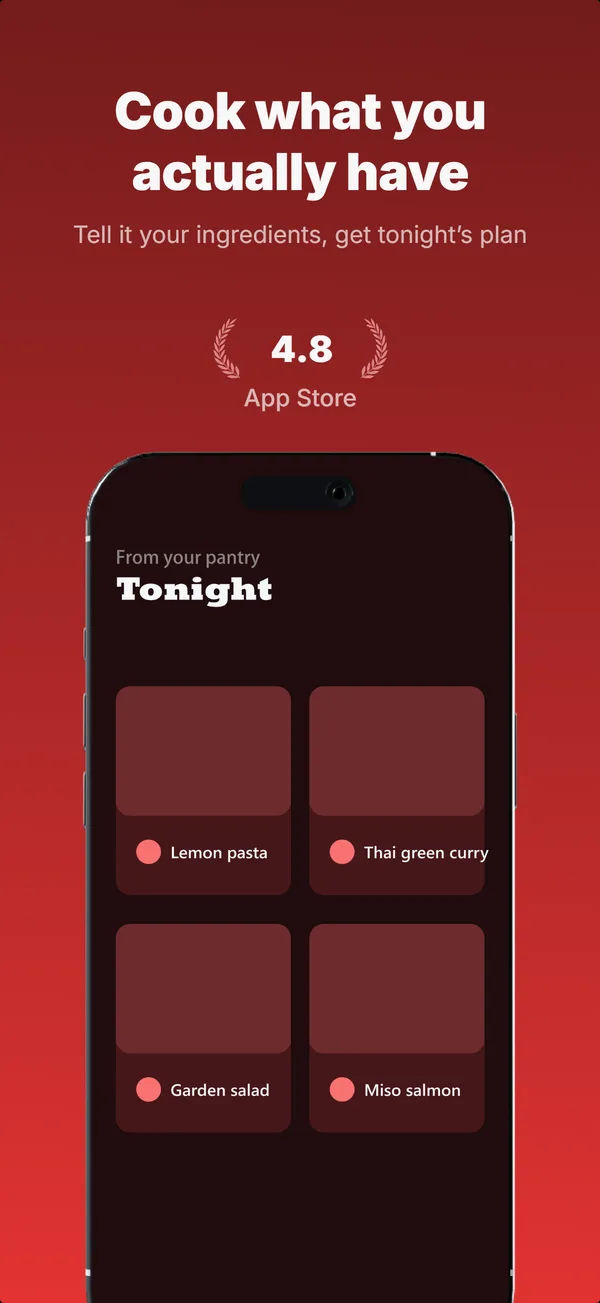
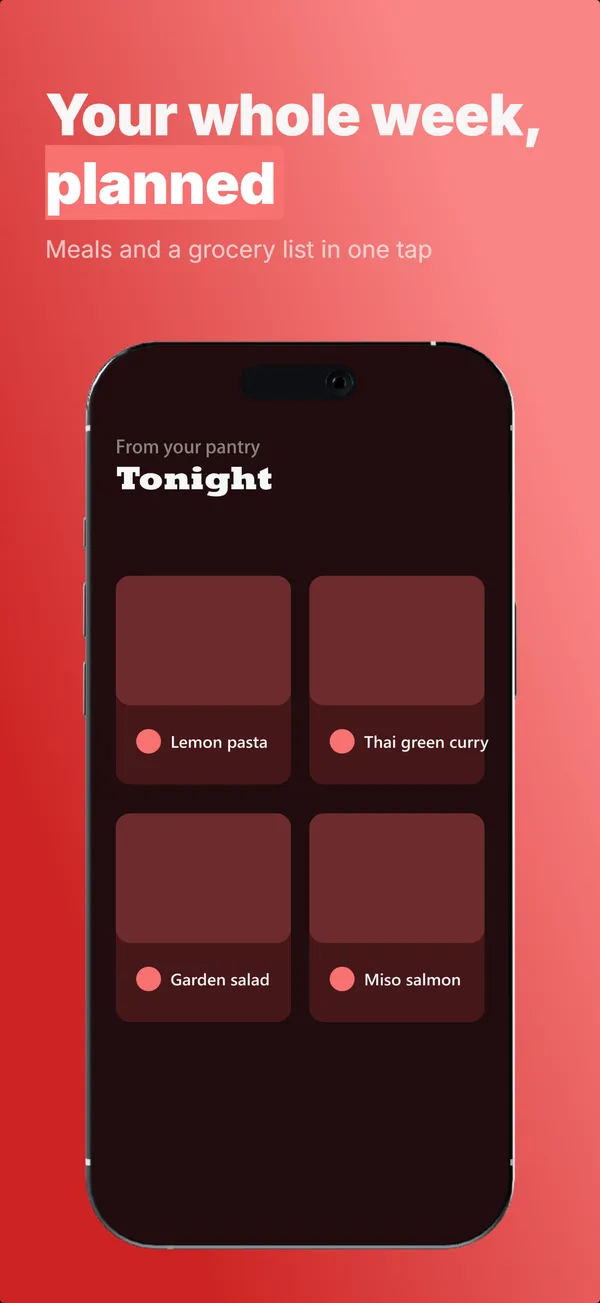
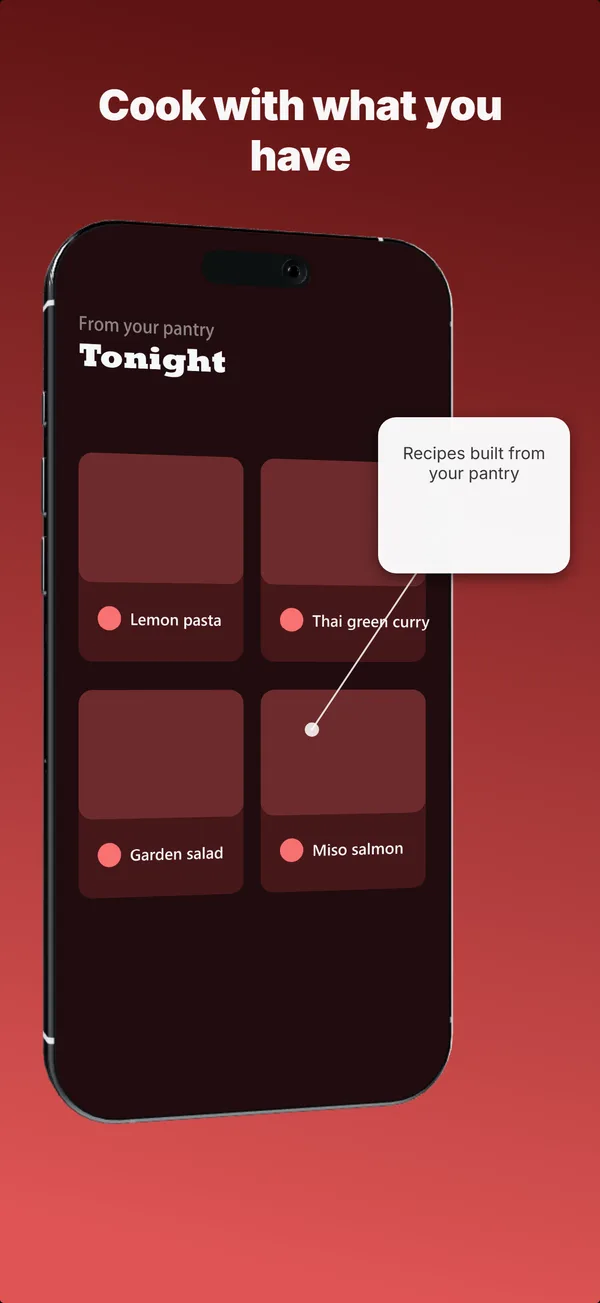
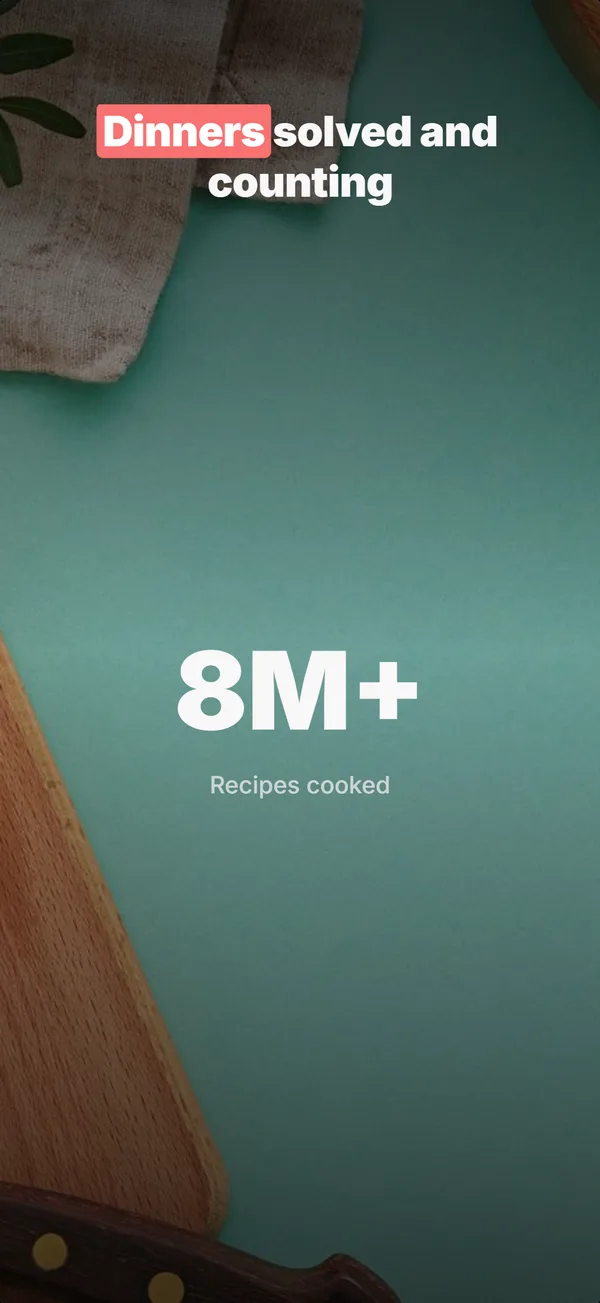
Every device the stores ask for
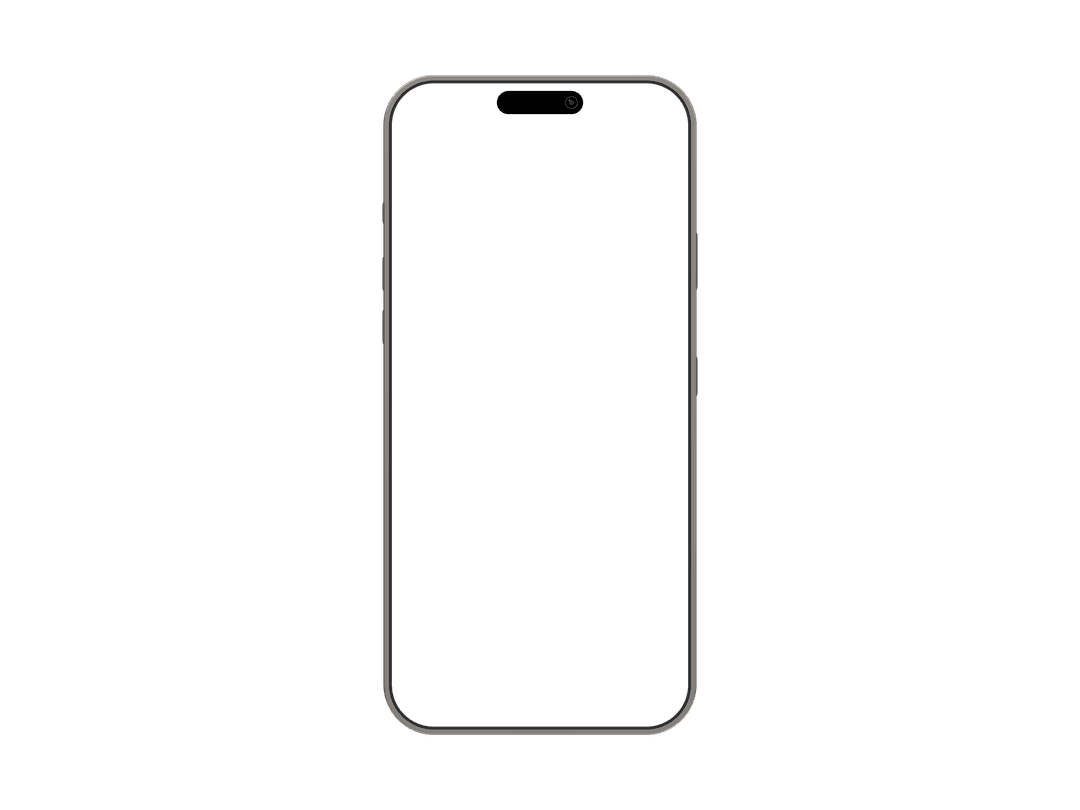
Nine device frames, each exported at its exact required size. No cropping, no upscaling, no rejected uploads.
From a sentence to a store-ready set
Describe your app
One line about what it does. The maker reads it and picks layouts, headlines, and a look that fits. No forms, no blank canvas.
Generate a full set
Five frames stream in: a hook, a few feature frames, and social proof. You watch them build instead of starting from scratch.
Refine in chat
Type "make frame 3 bolder" or "swap the background". Every change is a message, and the rest of the set stays consistent.
Export at exact sizes
Download the set at the precise App Store and Play Store dimensions. Upload and ship. No cropping, no resizing.
Why developers use this screenshot maker
Built for the launch moment: a listing goes live in days and the screenshots have to earn the install.
7 starting designs
Seven base designs across four device variants. Start from one or let the maker pick the layout for each frame.
9 device frames
iPhone 16 Pro Max, iPhone 17 Pro, iPad Pro 13-inch, Android phone, Google Pixel 11 Pro, Samsung Galaxy S26 Ultra, 7-inch and 10-inch Android tablets, and Apple Watch Ultra 2.
Exact dimensions
Every frame exports at the precise size each store requires. No manual cropping, no upscaling, no rejected uploads.
60/40 heuristic applied
Every set keeps most of each frame on real app UI. That 60/40 split is a community heuristic, not an Apple ratio: what Apple checks under Guideline 2.3.3 is that screenshots show the app in use.
Refine by chat
Change headlines, swap backgrounds, reposition elements by typing. No menus to hunt through, no alignment tools.
Browser-based
Runs entirely in your browser. No desktop software, no plugins, no Xcode, no design files to manage.
Make the variants. Let the store decide.
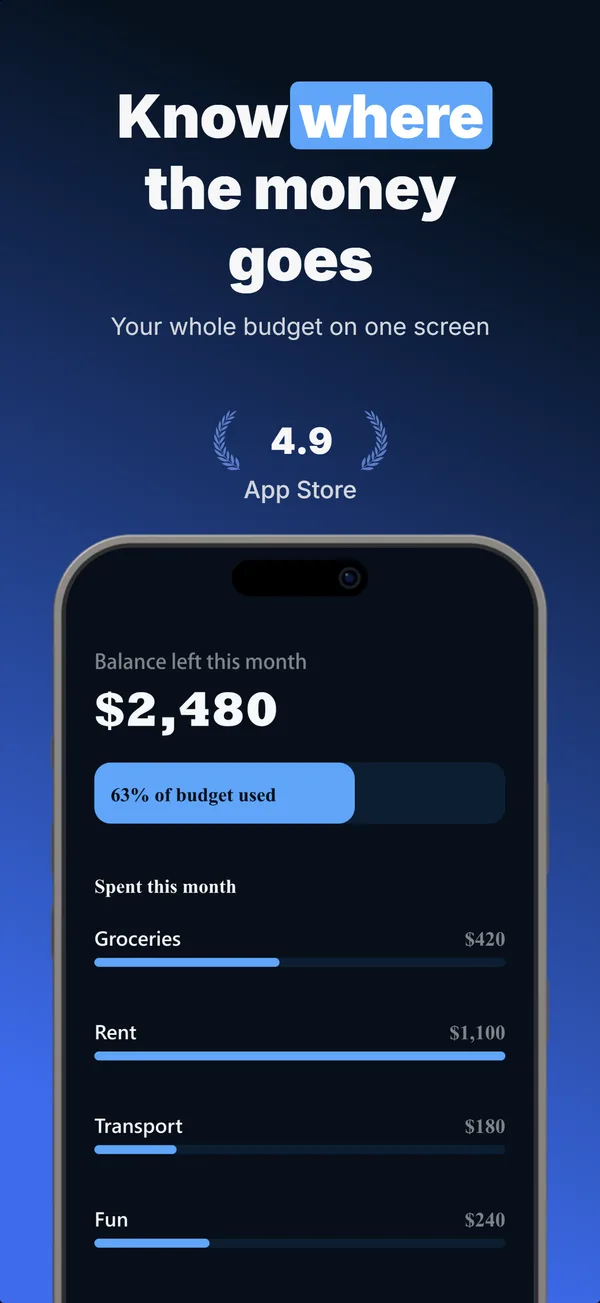
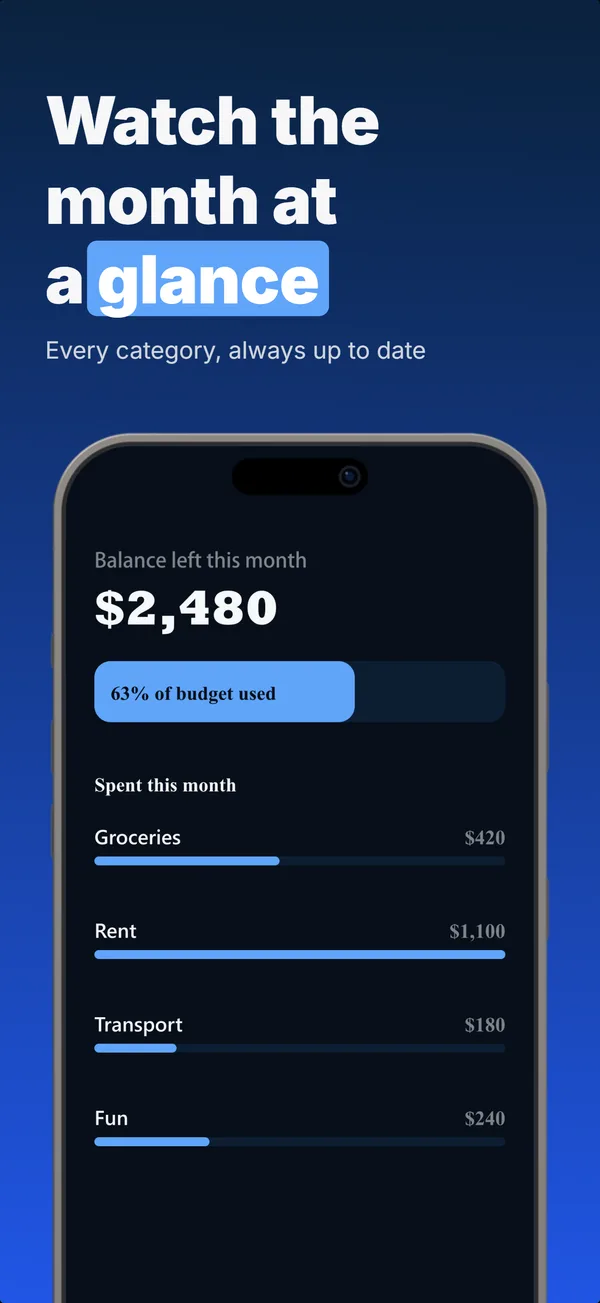
A set you like is still a guess. One run makes up to 3 alternates of it for Apple's Product Page Optimization, which shows each version to real shoppers and reports which one converts better.
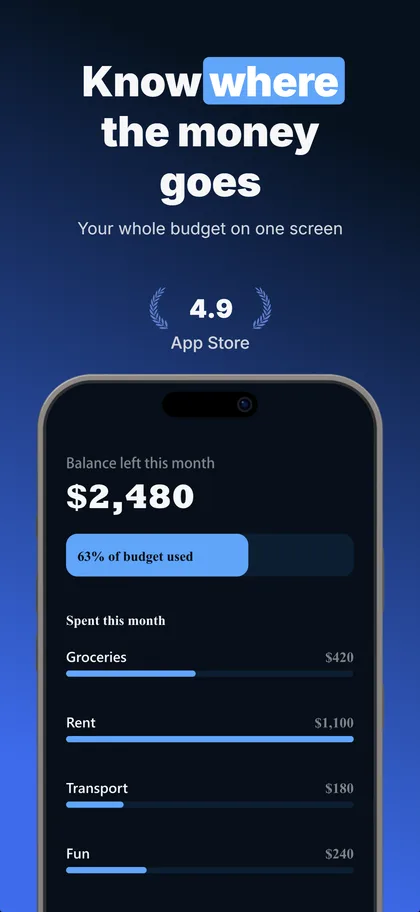
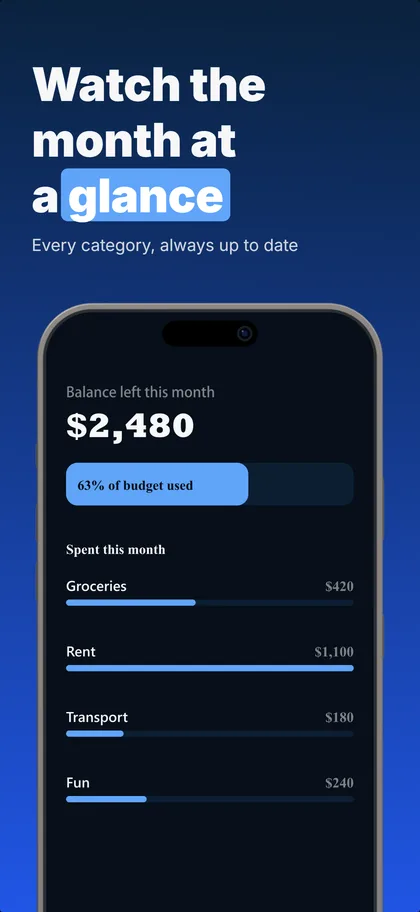
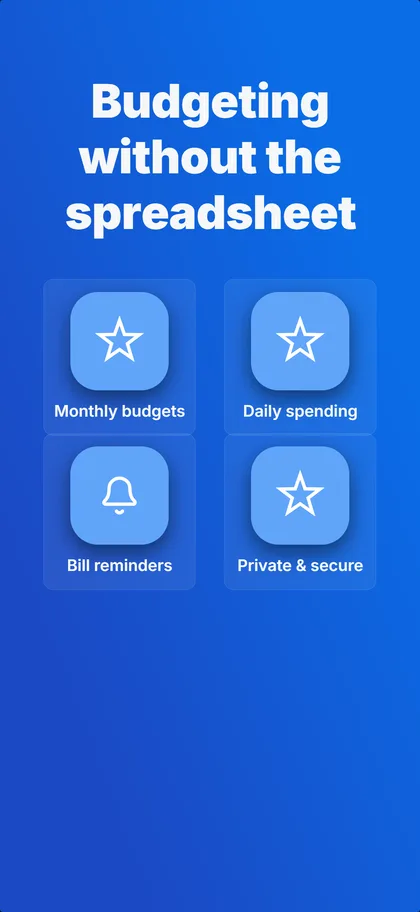
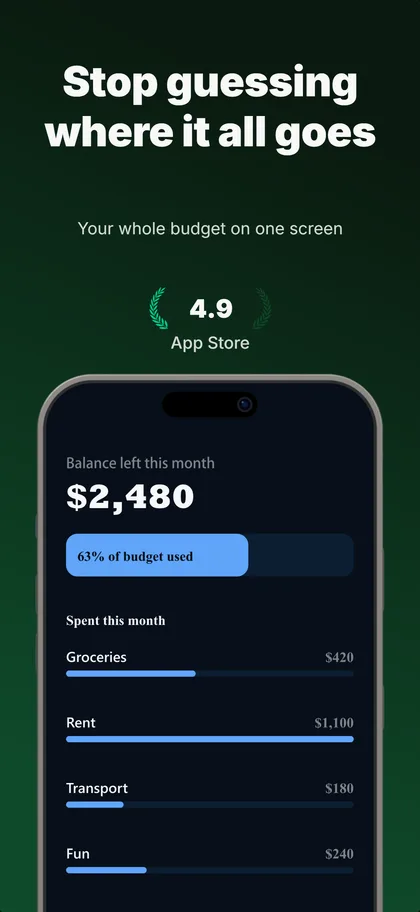
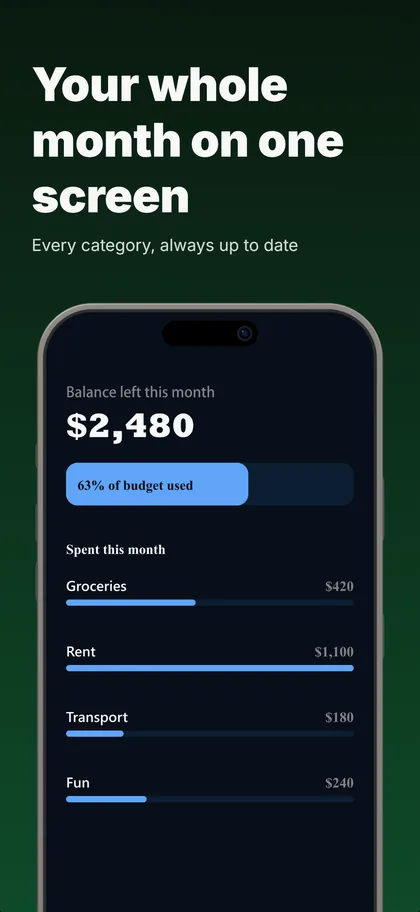
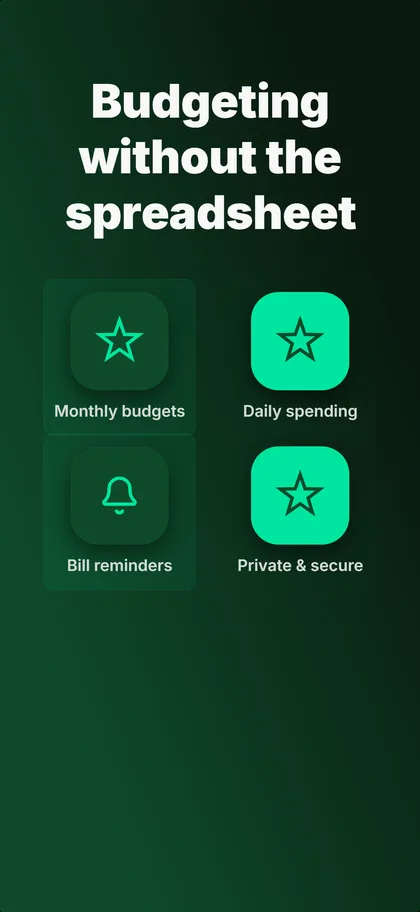
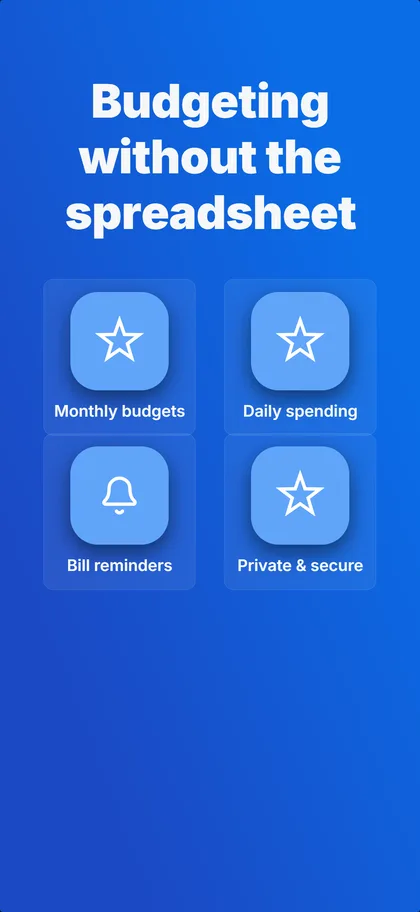
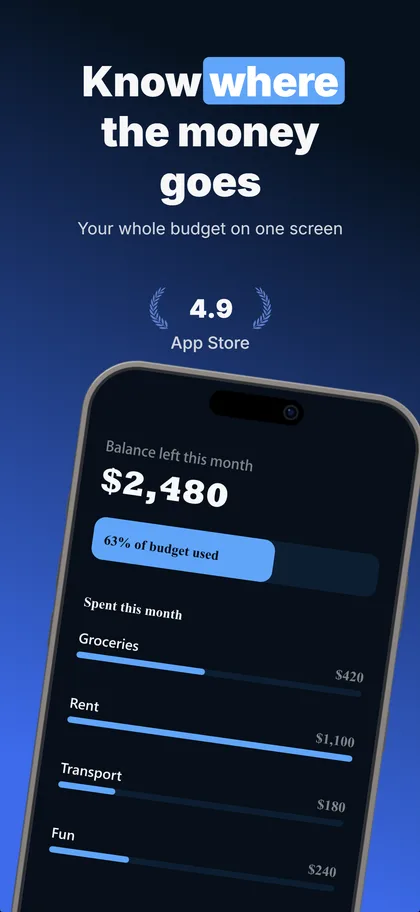
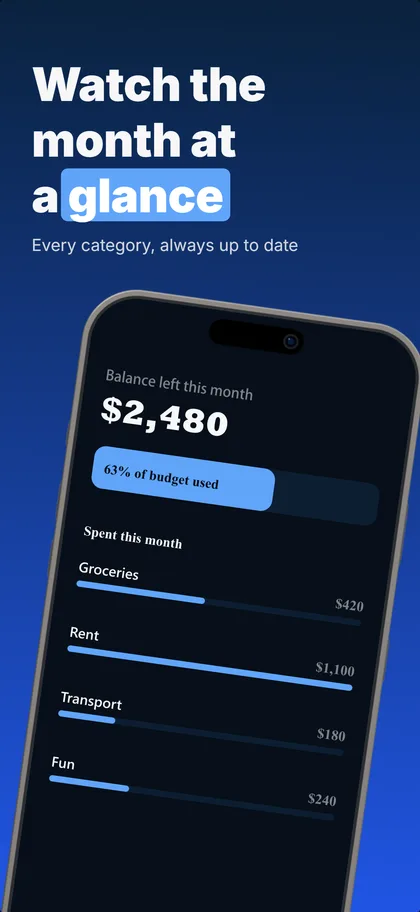
Real output: three concepts the builder made from our budgeting example set, first three screenshots of each.
Up to 3 per set
The same number of treatments Apple tests against your current page.
Concepts or one change
Concepts try a different reason to install, ready in under a minute. One change each shows exactly what won.
5 credits each
A variant that fails its readability or layout checks is refunded.
Compared as they download
Every version on its real cards, flipped card by card.
Apple's test needs store traffic: practitioners put the floor around 500 product page views a day. A new app launches with the concept it believes in and keeps the rest ready for the day the traffic arrives.
App Store screenshot maker FAQ
What kind of screenshot maker is this?
One that makes the marketing screenshots on a store listing: a headline, your app UI in a device frame, exported at the exact size App Store Connect and Google Play accept. Describe the app, get five frames back, refine them in chat. Capturing an image of your own screen is a different job, and your phone already does that.
How do I make App Store screenshots?
Describe your app in one sentence. The maker generates a five-frame set with layouts, headlines, and device mockups already matched to it, then you refine any frame by typing what to change. When it looks right, export the set at the exact App Store sizes and upload it in App Store Connect.
What size do App Store screenshots need to be?
The App Store requires 1260 × 2736 px for the 6.9-inch iPhone (iPhone 16 Pro Max) and 2064 × 2752 px for the iPad Pro 13-inch. The maker exports every frame at the exact required size for its device, so there is no cropping or upscaling on your end.
Is there a free App Store screenshot maker?
14-day trial with 25 credits. Card required, cancel anytime before it ends. Paid plans start at $4.99/month (billed annually) when you need more room to explore alternates.
Which devices does the screenshot maker support?
Nine: iPhone 16 Pro Max, iPhone 17 Pro, iPad Pro 13-inch, a generic Android phone, Google Pixel 11 Pro, Samsung Galaxy S26 Ultra, 7-inch and 10-inch Android tablets, and Apple Watch Ultra 2. That covers every required App Store and Google Play screenshot size.
Will the screenshots pass App Store review?
Every generation keeps most of each frame on real app UI and exports at the exact required dimensions, so a set will not bounce for sizing or for showing too little of the app. The widely-quoted 60/40 split is a community heuristic rather than an Apple rule: Apple publishes no percentage. What it enforces is Guideline 2.3.3, that screenshots show the app in use.
Can I make Google Play screenshots too?
Yes. The same maker exports a generic Android phone, Google Pixel 11 Pro, Samsung Galaxy S26 Ultra, and 7-inch and 10-inch Android tablet frames at Play Store sizes, so you can ship iOS and Android from one project.
Make your screenshots, ship today.
Describe your app, see a full set, refine it, then make the variants to test. 14-day trial with 25 credits. Card required, cancel anytime before it ends. Plans from $4.99/month (billed annually) when you need more iteration headroom.