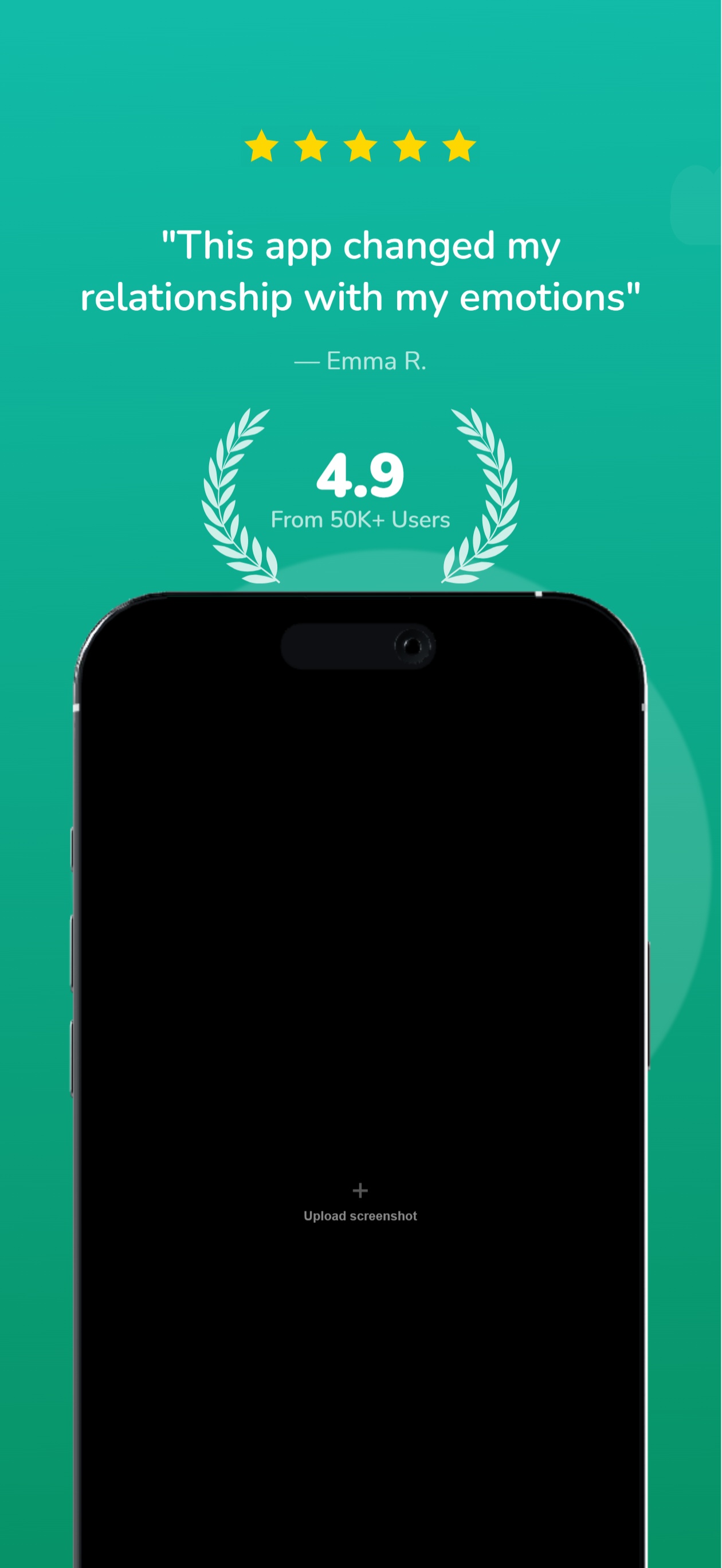
The App Store screenshot builder built for the install
Describe your app. Five store-ready cards stream in, each built to say what the app does. Refine anything with another message, then make the variants to test it against. No layout panels, no blank canvas, no one-shot guesswork.
2,205 screenshots designed here so far
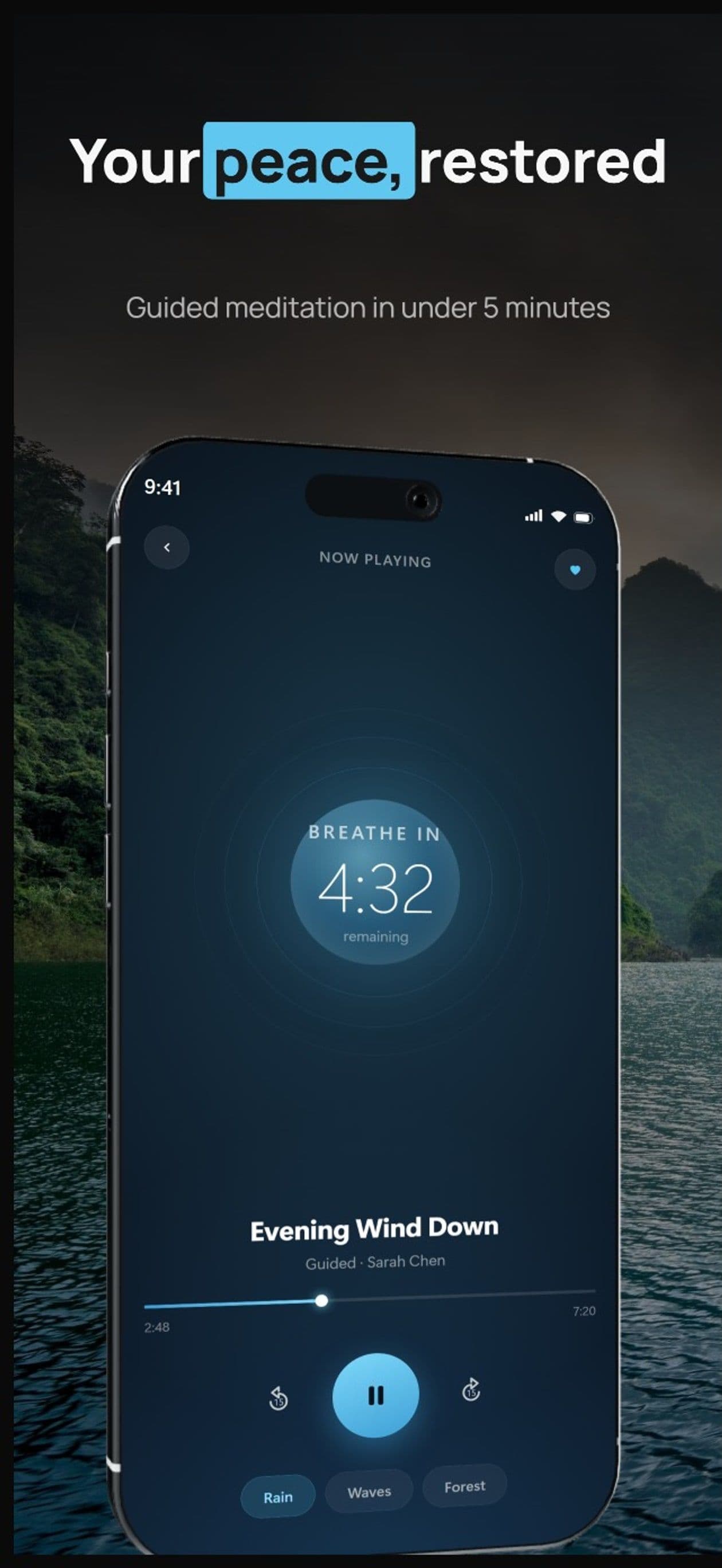
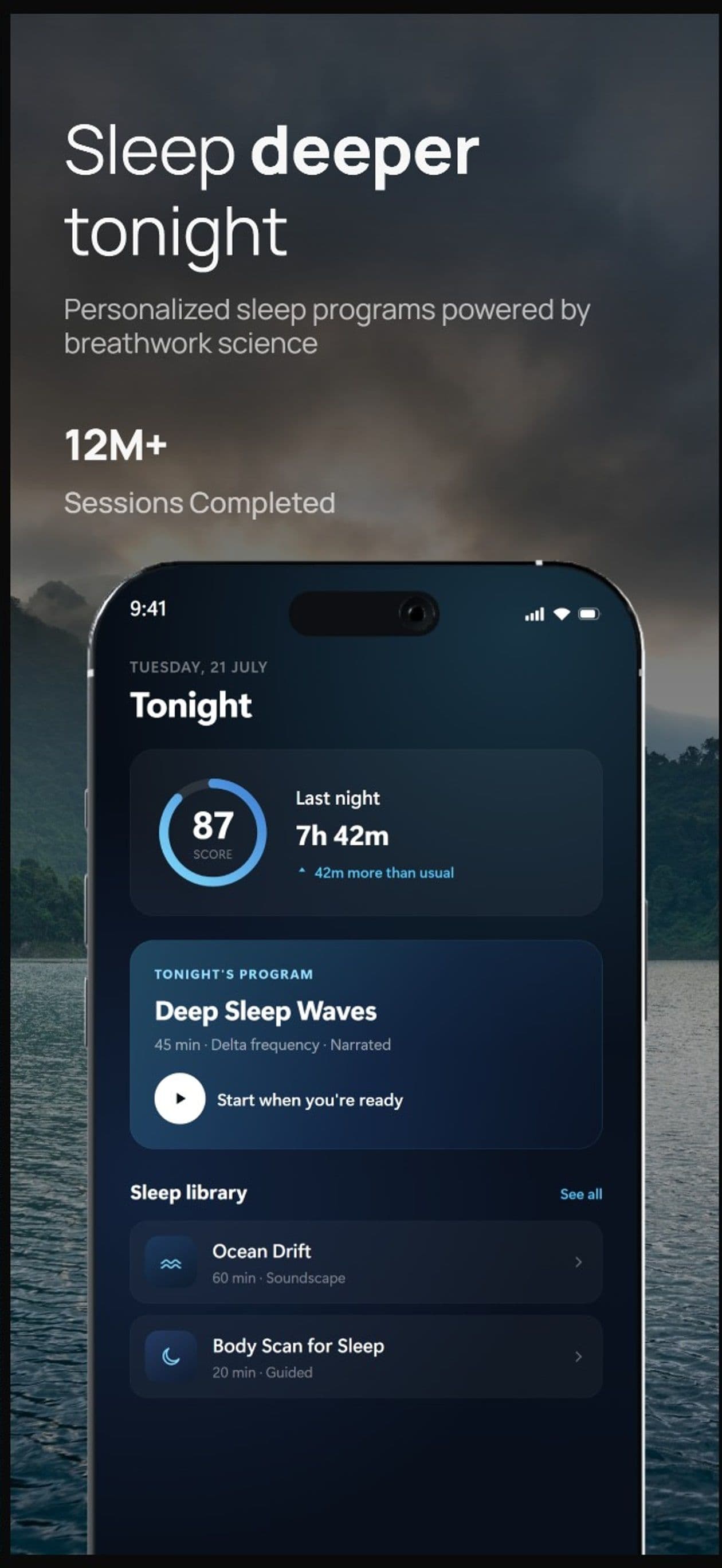
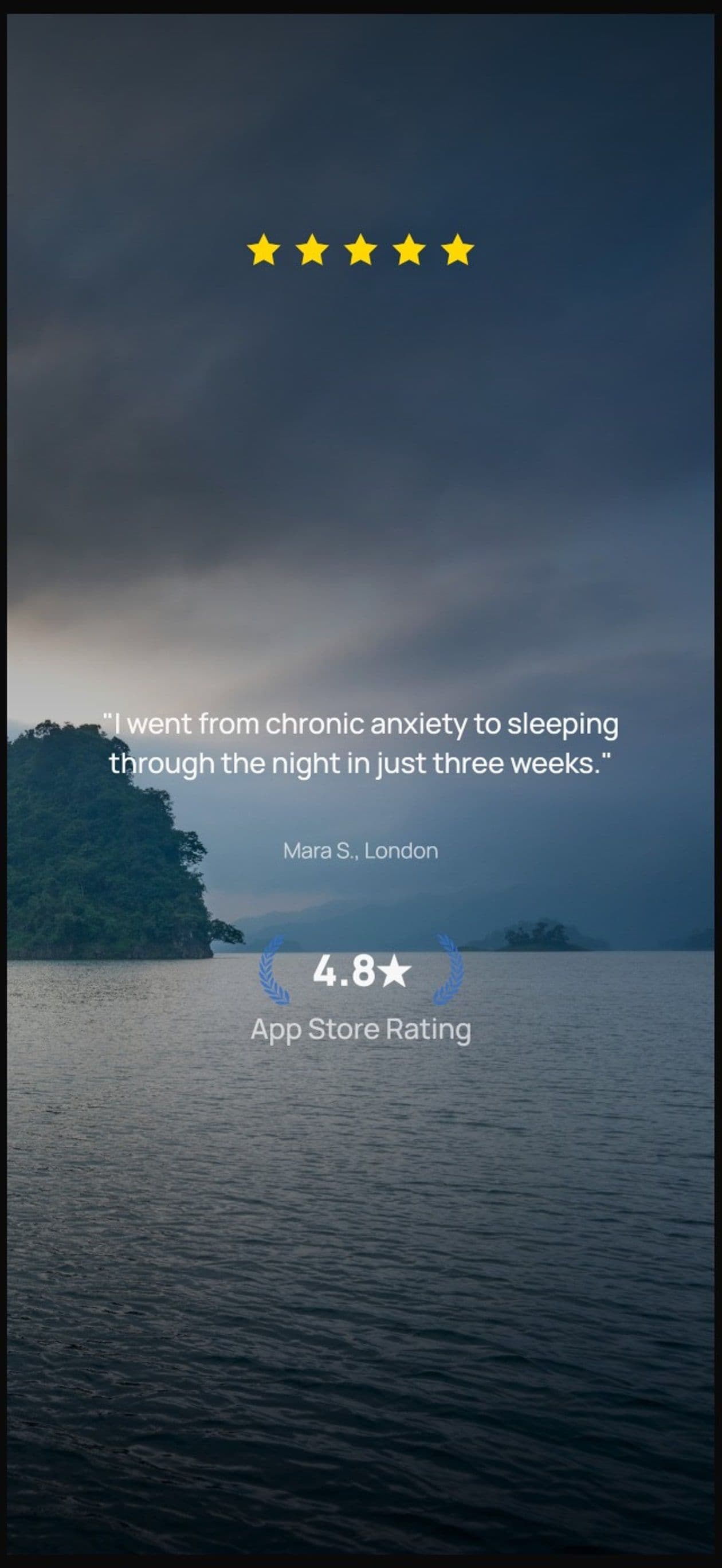
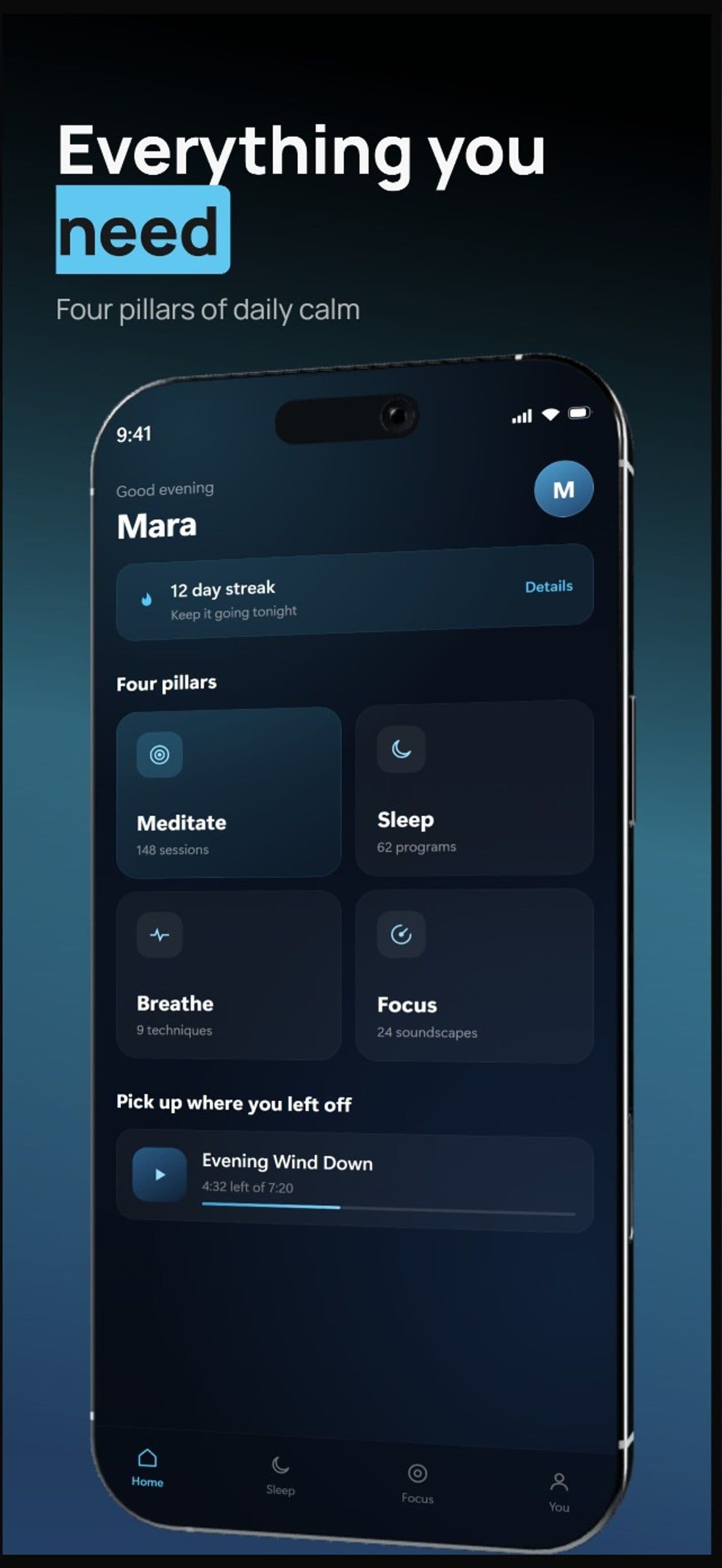
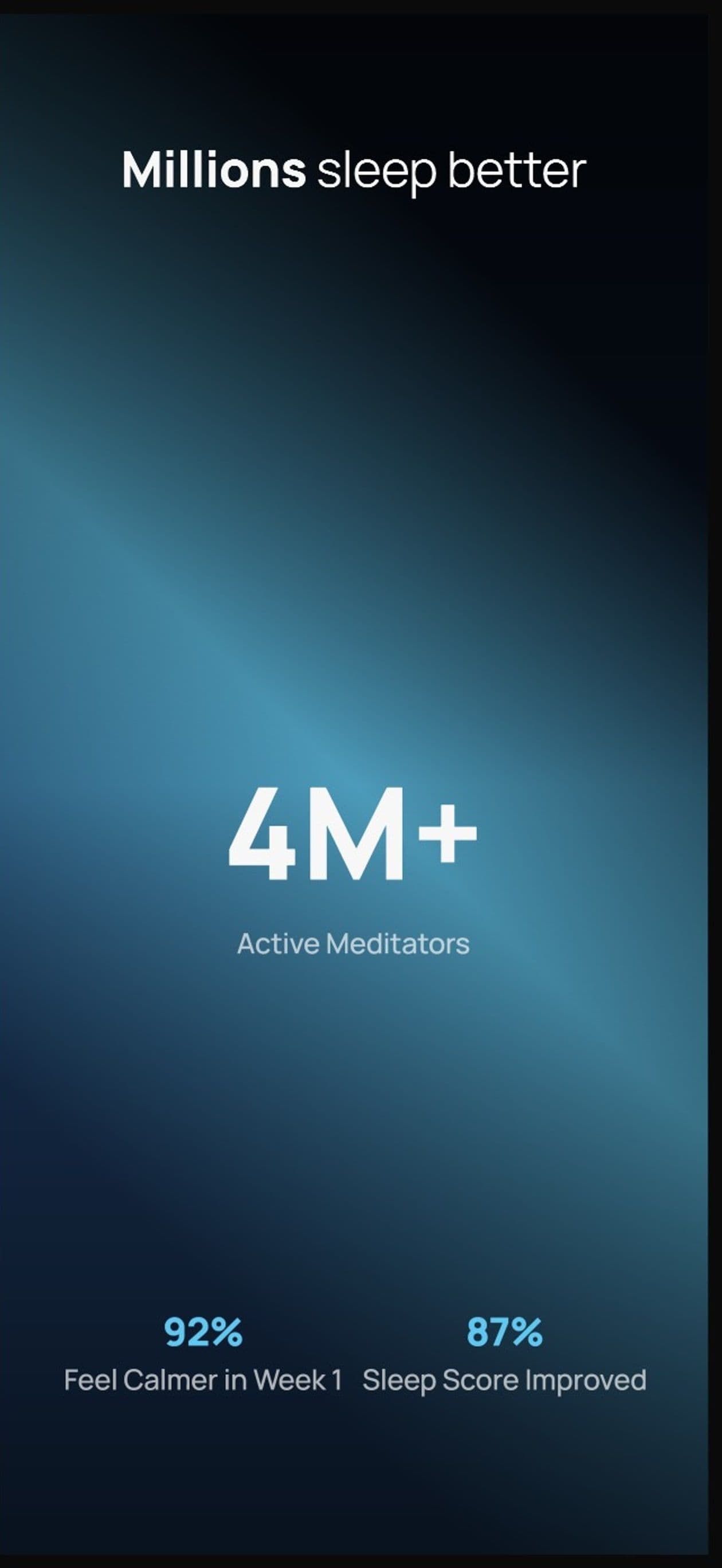
Designers charge $150 and take days.You type a message.
You type. The builder builds.
Describe your app, see your first set, refine via chat until each frame pulls its weight. No layout panels, no alignment tools, no blank canvas.

AppScreenshotStudio
AppScreenshotStudio
AppScreenshotStudio
AppScreenshotStudio
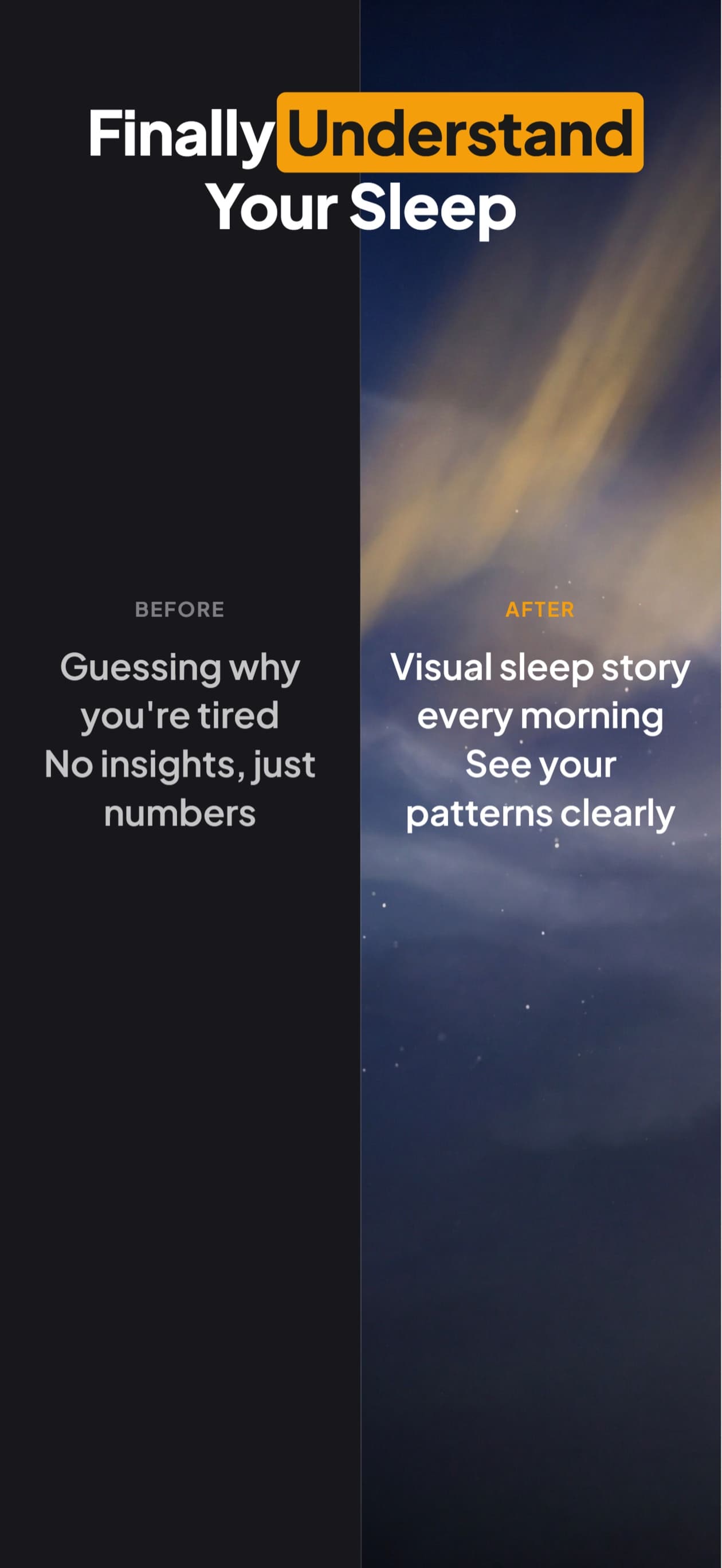
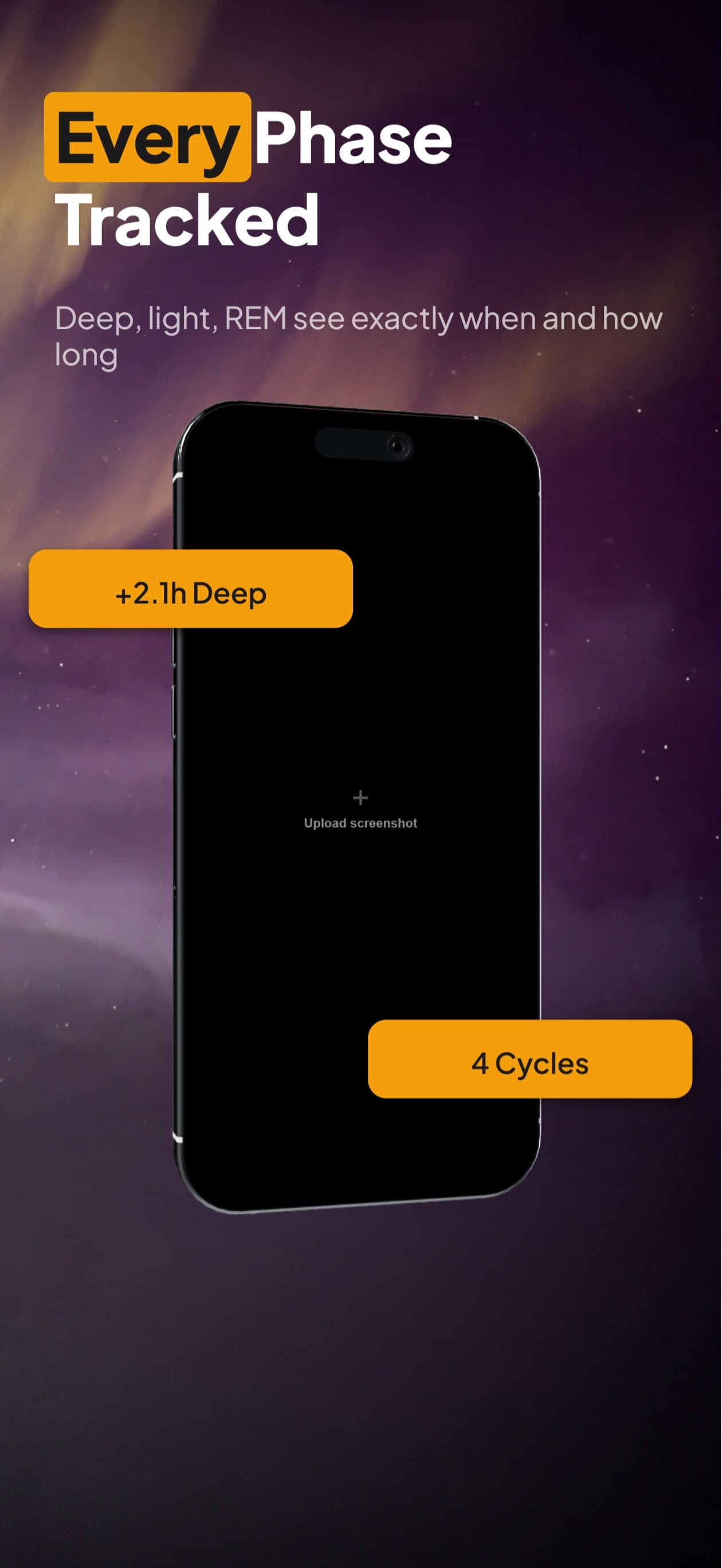
9 Perspectives. 5 Devices.
Flat, tilted, isometric, landscape. Every angle you need for a polished store listing.
Start From a Template
Pick a design, chat to customize, export. Or start from a blank canvas and steer with your first message.
Ship it everywhere
Translate App Store screenshots into 50 languages
You already have a set you like. Translating it is one message rather than a rebuild: the headlines come back in the new language and the layout reflows to fit them. Then you keep refining, the same way you got to the set in the first place.
All 50 App Store languages
Every localization Apple accepts. Each set exports under the App Store Connect locale it uploads as, so you are not remapping language codes by hand.
Layout reflows, not overflows
German runs long and Japanese runs dense. The wrap model measures the translated headline and re-fits the card around it instead of clipping it.
Right-to-left, properly
Arabic, Hebrew and Urdu reorder into visual reading order and route to a font that renders the script. Not a mirrored left-to-right layout.
Where most sets go first: Japanese, German, Simplified Chinese, Spanish, Korean, Arabic.
Everything the Builder Gives You
Chat to Build
Type what you want, the builder lays out the cards. No layout panels, no alignment tools, no blank canvas.
Stock Photo Library
Search thousands of free stock photos from Pexels. Drop them straight onto a card. No credits, no watermarks.
Generated Backgrounds
Describe the vibe. Get a unique, brand-matched background in one click. Or pick from 29 ready-made gradient presets.
Generated Elements
Need a custom icon, badge, or illustration? Describe it and drop it onto your canvas.
170+ Shapes & Icons
90+ decorative shapes and 80+ UI icons. Browse by category, search, and add to any card. All free.
9 Device Angles
Flat, isometric, tilted, landscape. Rotate and position your mockup exactly how you want it.
Multi-Card Editing
Select the same element across all cards and edit them at once. Change a headline everywhere in one click.
Store-Ready Export
iPhone 16 Pro Max, iPad Pro 13”, and every required size. Pixel-perfect dimensions that pass review.
Translate the Set
Ship the same set in 50 App Store languages. Headlines translate and the layout reflows to fit them, right-to-left scripts included.
Make the variants. Let the store decide.
A set you like is still a guess. One run makes up to 3 alternates of it for Apple's Product Page Optimization, which shows each version to real shoppers and reports which one converts better.
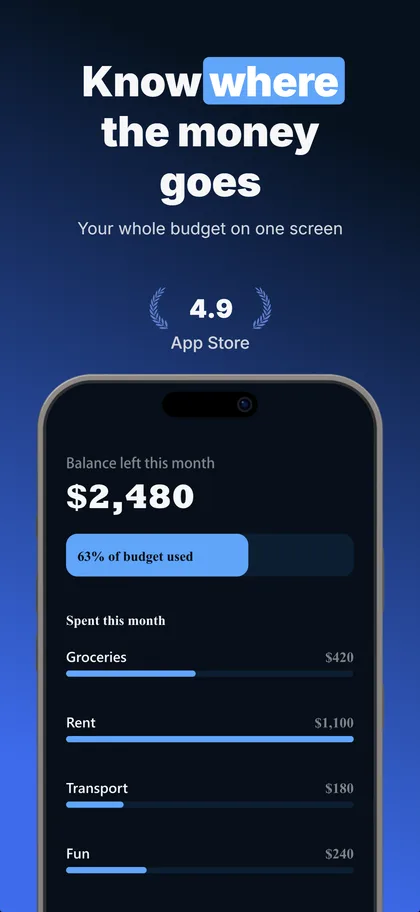
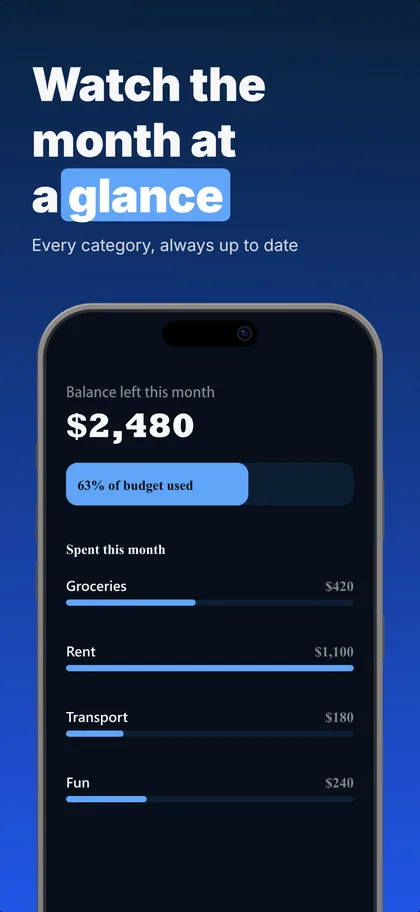
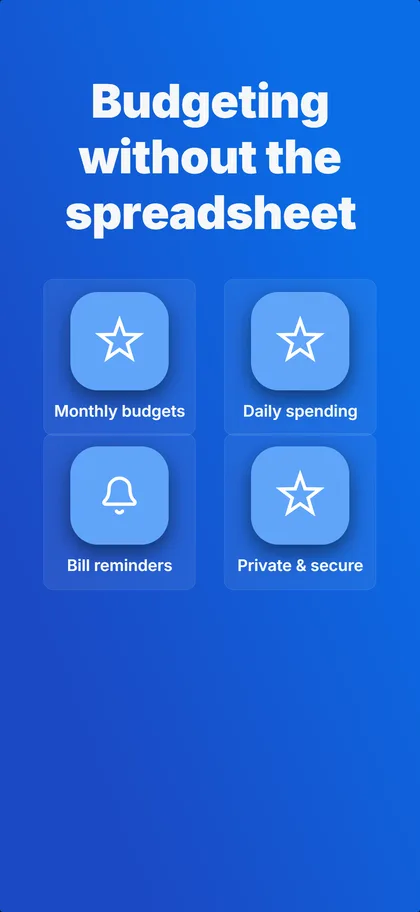
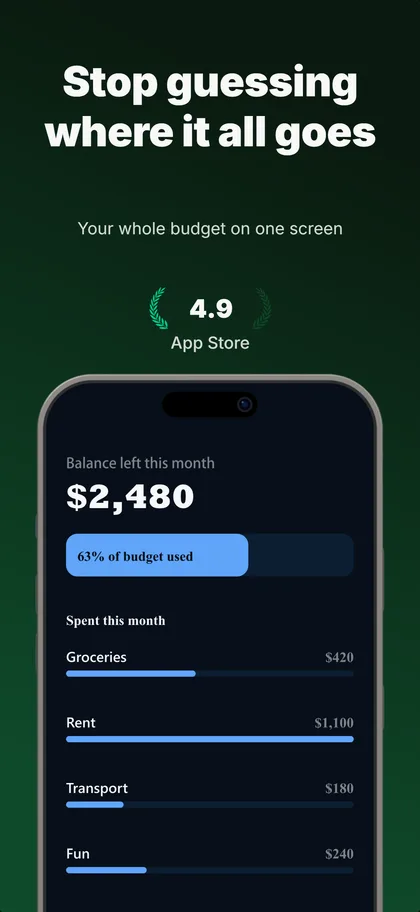
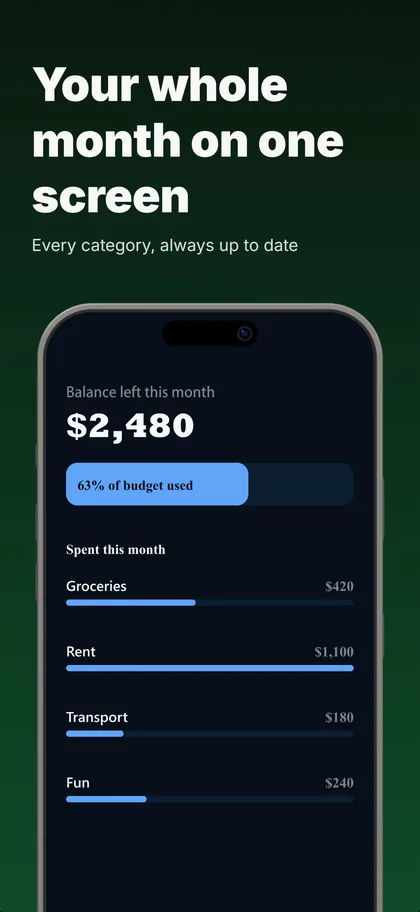
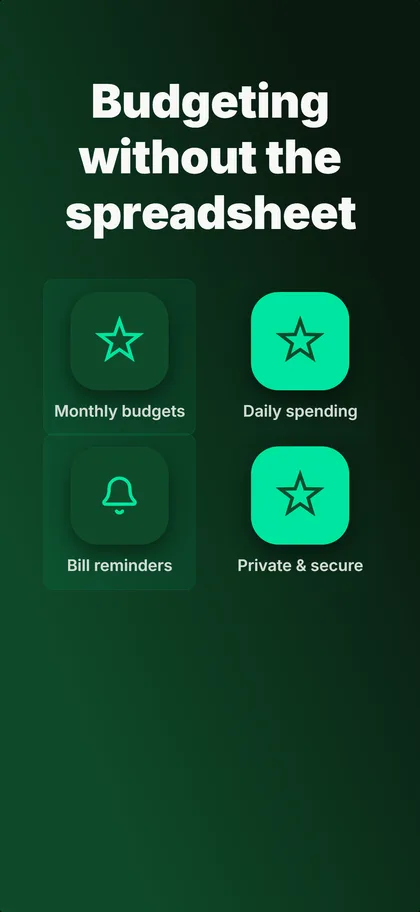
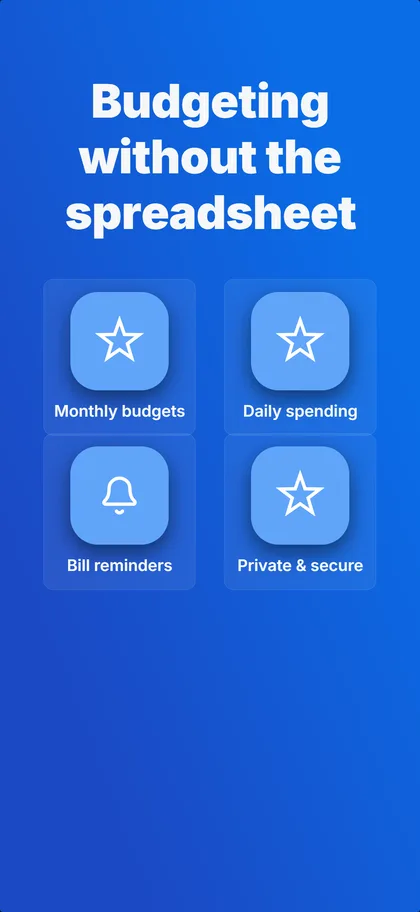
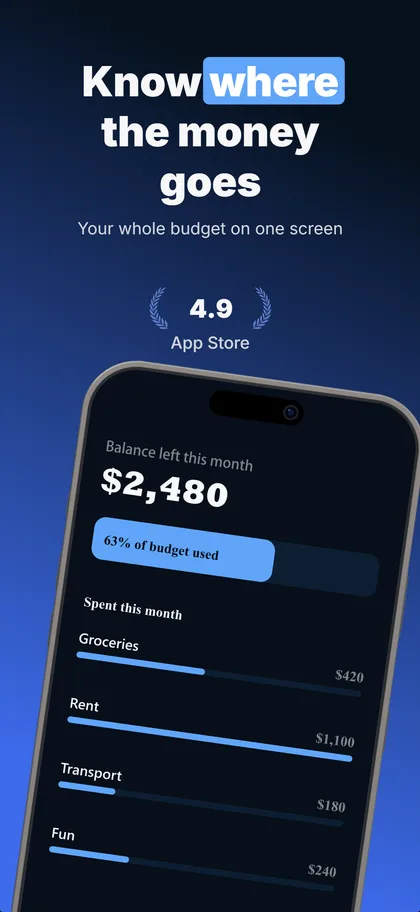
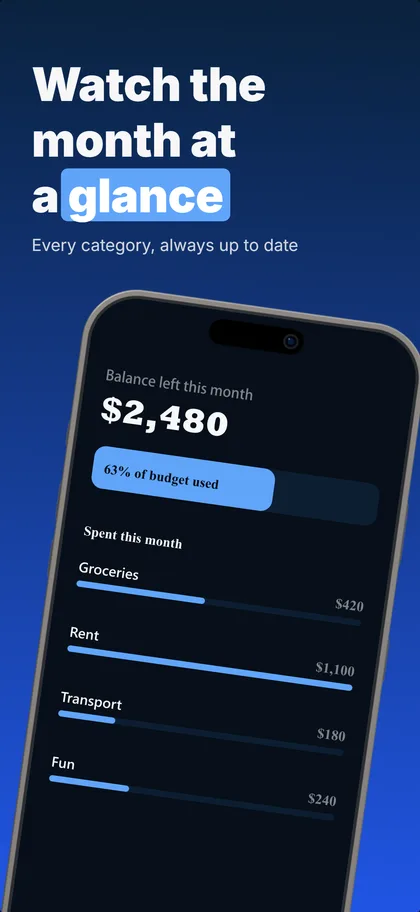
Real output: three concepts the builder made from our budgeting example set, first three screenshots of each.
Up to 3 per set
The same number of treatments Apple tests against your current page.
Concepts or one change
Concepts try a different reason to install, ready in under a minute. One change each shows exactly what won.
5 credits each
A variant that fails its readability or layout checks is refunded.
Compared as they download
Every version on its real cards, flipped card by card.
Apple's test needs store traffic: practitioners put the floor around 500 product page views a day. A new app launches with the concept it believes in and keeps the rest ready for the day the traffic arrives.
Related resources
App Store Screenshot Maker
Sister product, brief-to-set
Compare alternatives
Side-by-side vs other generators
7 Generators Tested
2026 roundup, effort and price
5 Free Tools
Real free-tier limits, no spin
Online No-Install Workflow
Browser-only, no Xcode needed
AppScreens vs AppLaunchpad vs Figma
3-way comparison breakdown
Subscription Paywall Pre-Sell
5-frame pattern for trial conversion
Update Cadence Guide
When to refresh screenshots and why
Indie Launch Checklist
Pre-launch screenshot checkpoints
Manual vs Automated Workflow
3-tier decision for indie devs
Ready to ship your screenshots?
Describe your app. See your first set. Refine via chat until each frame pulls its weight. 14-day trial with 25 credits. Card required, cancel anytime before it ends.
Start Building