Urdu
App Store Screenshots
Translate your set into Urdu without rebuilding the layout. Locale ur, captions run 10 to 20% shorter than English, set in Noto Nastaliq Urdu.
2,205 screenshots designed here so far


The same five-frame set, rendered in Urdu. Real output from the pipeline, not a mockup of one.
اردو
Urdu is the national language of Pakistan, a market of over two hundred million people that the App Store could not express at all before 2026. It also reaches Urdu-language devices in India. Almost no listing anywhere is localized into it yet.
Pakistan, India.
This localization did not exist before 31 March 2026. Apple added it in the eleven-language expansion it framed around India, so most listings in this market are still English by default rather than by decision.
A translator returns a spreadsheet of strings.You get finished frames.
What breaks in Urdu
Urdu takes less horizontal room than English and far more vertical room, which is the opposite of what most layout tools expect. Nastaliq sets each word on a descending diagonal cascade, so a single line sweeps downward as it goes. Set at normal leading, the tail of one line lands on the head of the next.
Nastaliq cascades each word downward on a diagonal, so at normal leading consecutive lines physically overlap
Most fonts that cover Arabic script render Urdu in Naskh, which is legible but reads to an Urdu speaker the way blackletter reads in English
No browser engine falls back to a Nastaliq font automatically, so the wrong style is the default outcome rather than an edge case
Letter-spacing destroys the cursive joining, exactly as it does in Arabic
You type. The canvas builds.
Describe your app, see your first set, then ask for Urdu. The layout survives the language change because you are editing the same set, not starting a new one.

AppScreenshotStudio
AppScreenshotStudio
AppScreenshotStudio
AppScreenshotStudio
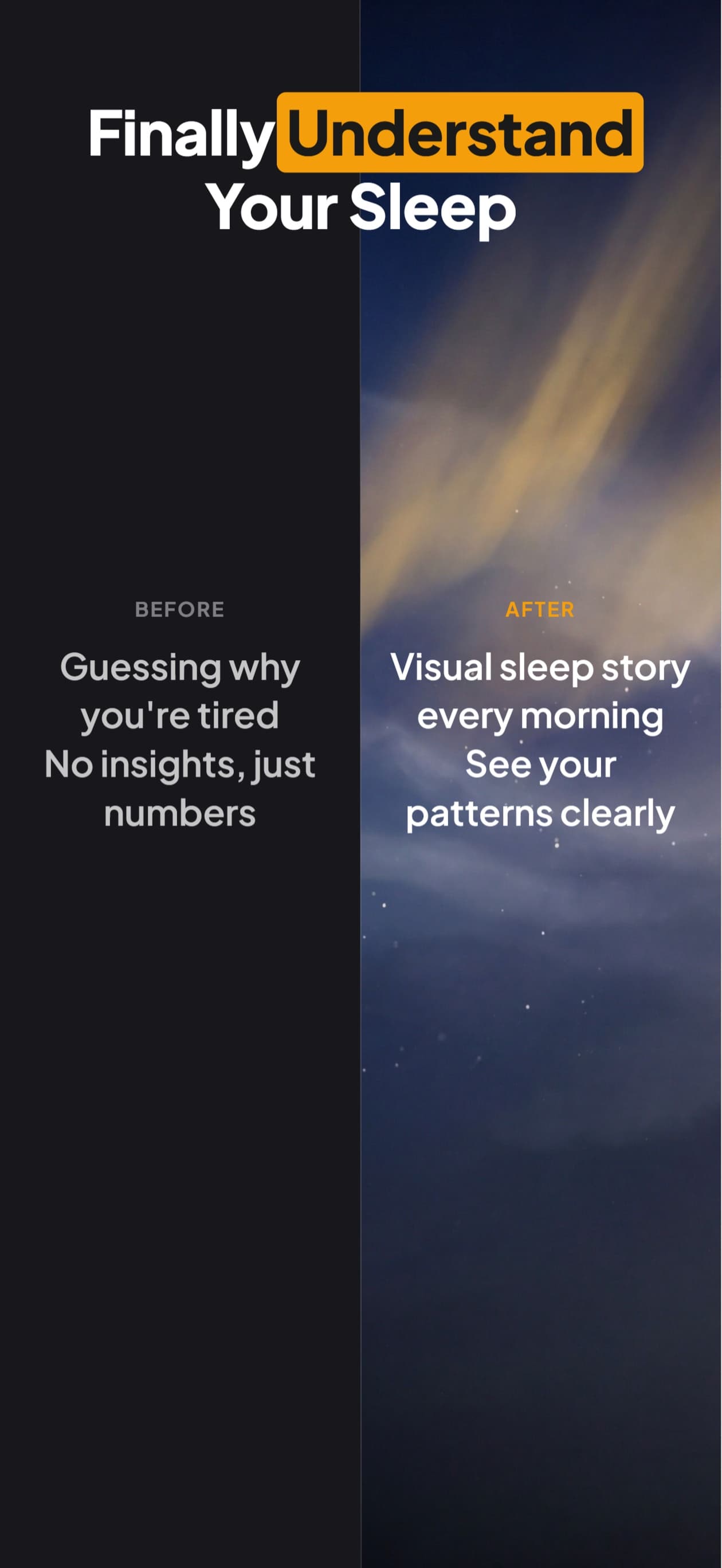
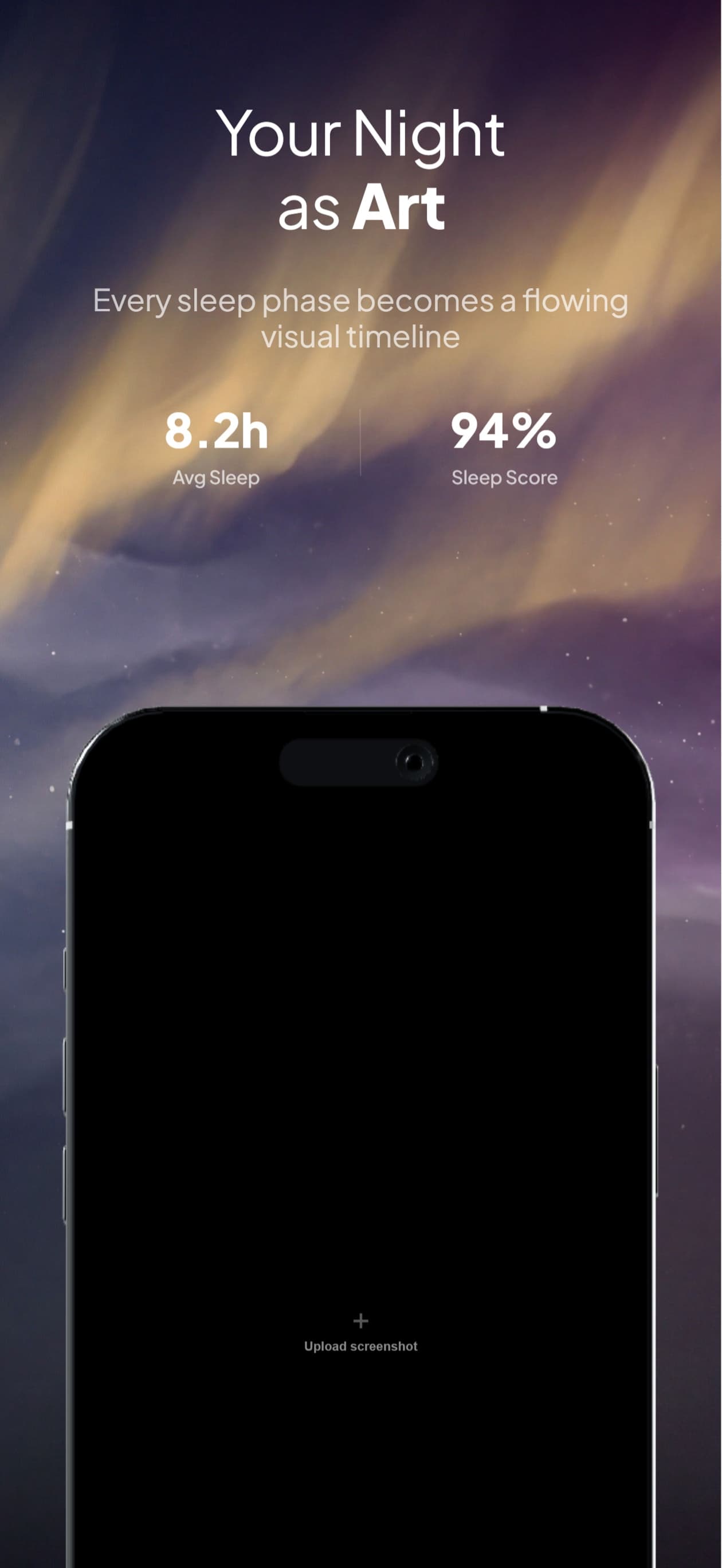
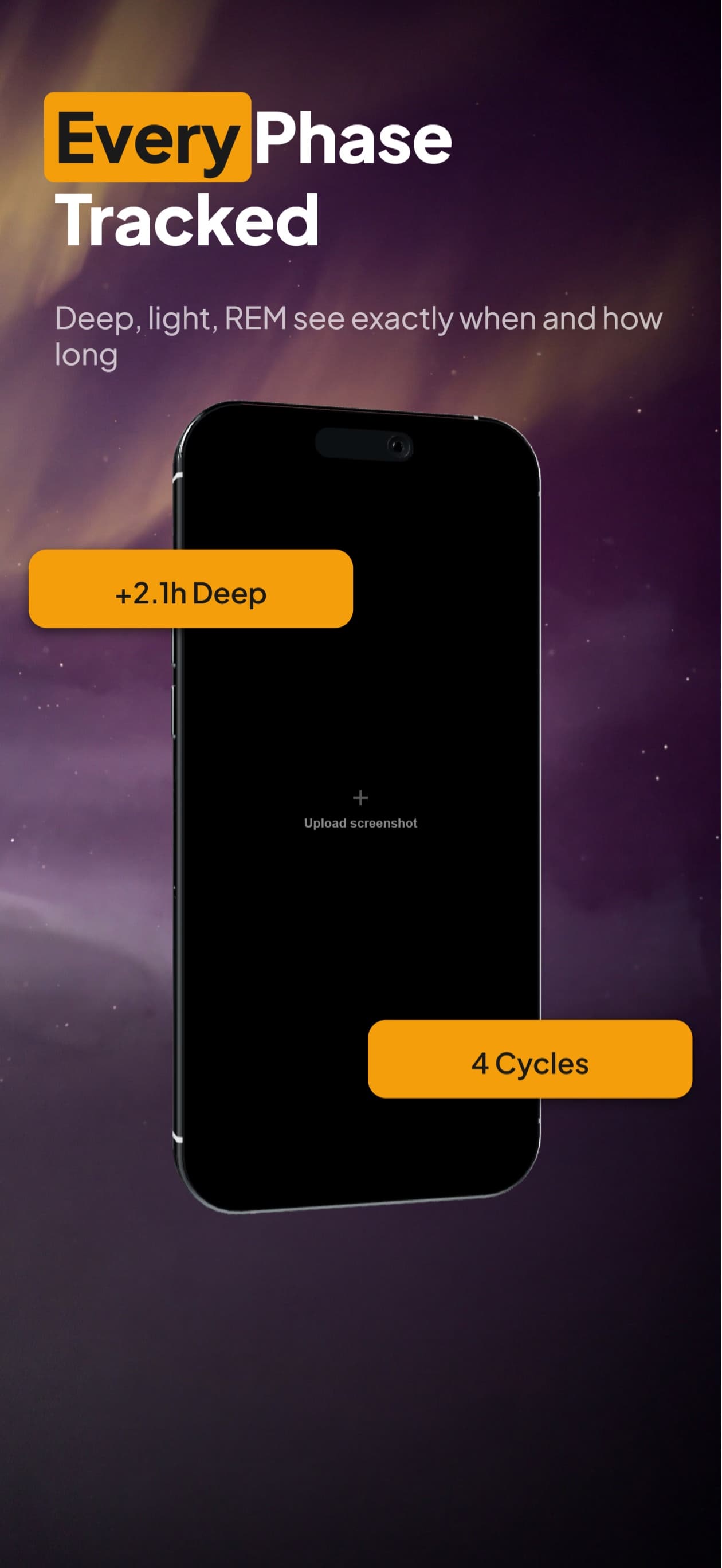
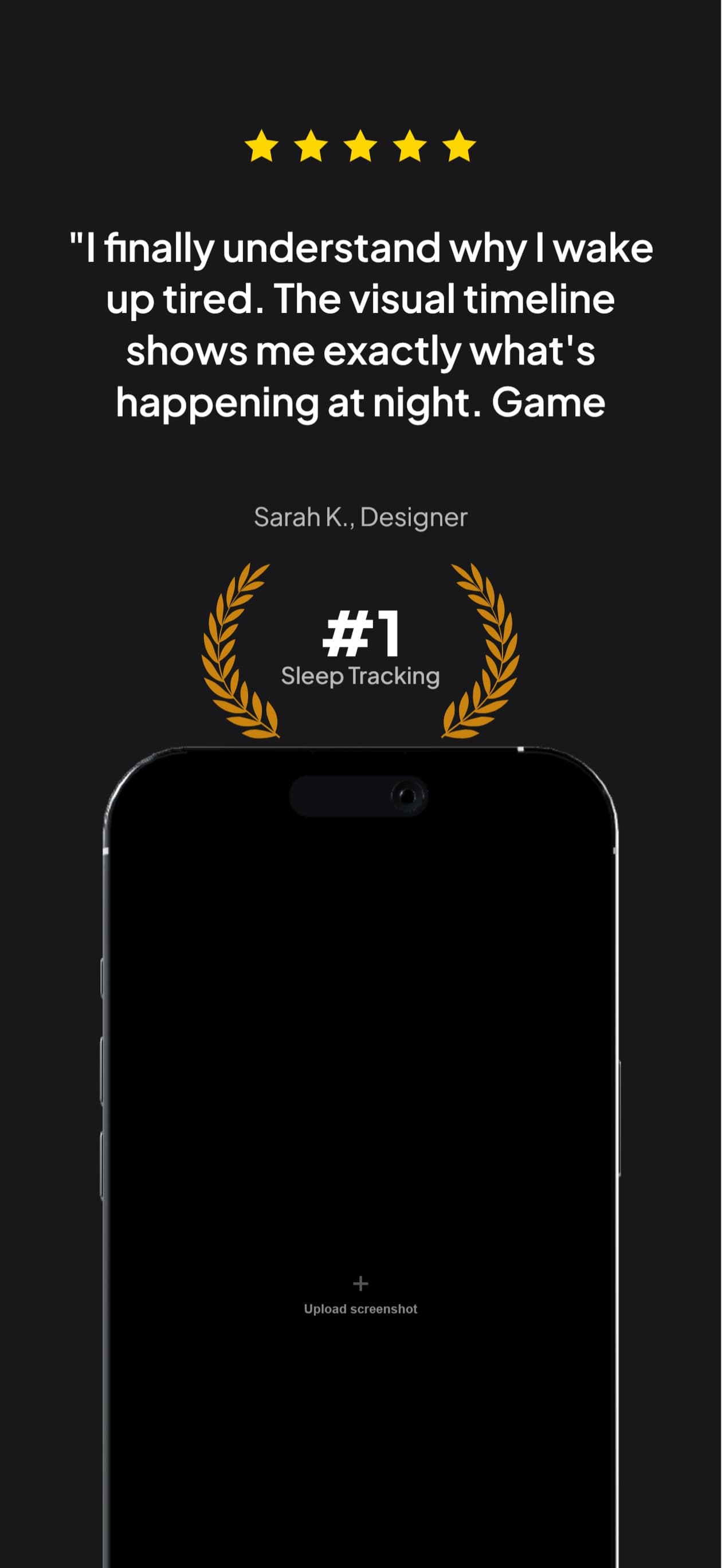
Urdu sets, handled
Captions set in real Nastaliq rather than substituted into Naskh
Line height raised automatically when you translate into Urdu, so the cascade does not collide
Text alignment flips to the right, and embedded numbers keep their own reading order
Noto Nastaliq Urdu loaded as a webfont in both preview and export, because no rendering environment provides it by default
Exports at the exact dimensions App Store Connect requires for the ur localization
Questions & Answers
Why does Urdu need different line spacing from Arabic?
Because it is set in a different style of the same script. Naskh, used for Arabic, sits words roughly on a baseline. Nastaliq, used for Urdu, sets each word as a cascade that steps downward from right to left, so a line occupies far more vertical space than its font size implies. At the normal 1.2 leading the lines overlap. We raise it whenever the text is Urdu.
Can I just use an Arabic font for Urdu?
It will render and it will be legible, and an Urdu reader will find it wrong. Naskh for Urdu lands somewhere between reading English set in blackletter and reading it in a font from the wrong century: comprehensible, obviously not what a native publisher would do. Since the whole point of localizing is to look native, we route Urdu to Nastaliq.
Why do most tools get Urdu wrong?
Because the wrong answer is the default one. No major browser engine falls back to a Nastaliq font automatically, so any pipeline that relies on system font fallback produces Naskh without reporting anything. Getting it right requires deliberately loading a Nastaliq font, which is what we do.
When did Urdu become available on the App Store?
On 31 March 2026, in the eleven-language expansion. It is the third right-to-left localization Apple supports, after Arabic and Hebrew. Persian and Pashto still are not supported at all.
Urdu screenshots,
handled.
Try AppScreenshotStudio. 14-day trial with 25 credits. Card required, cancel anytime before it ends.
Start your trial