Samsung Galaxy S25 Ultra
Mockup Generator
Describe your app, see Google Play screenshots for Samsung Galaxy S25 Ultra, refine via chat until they click. Generated backgrounds, exact 1080×2340 dimensions.
2,205 screenshots designed here so far
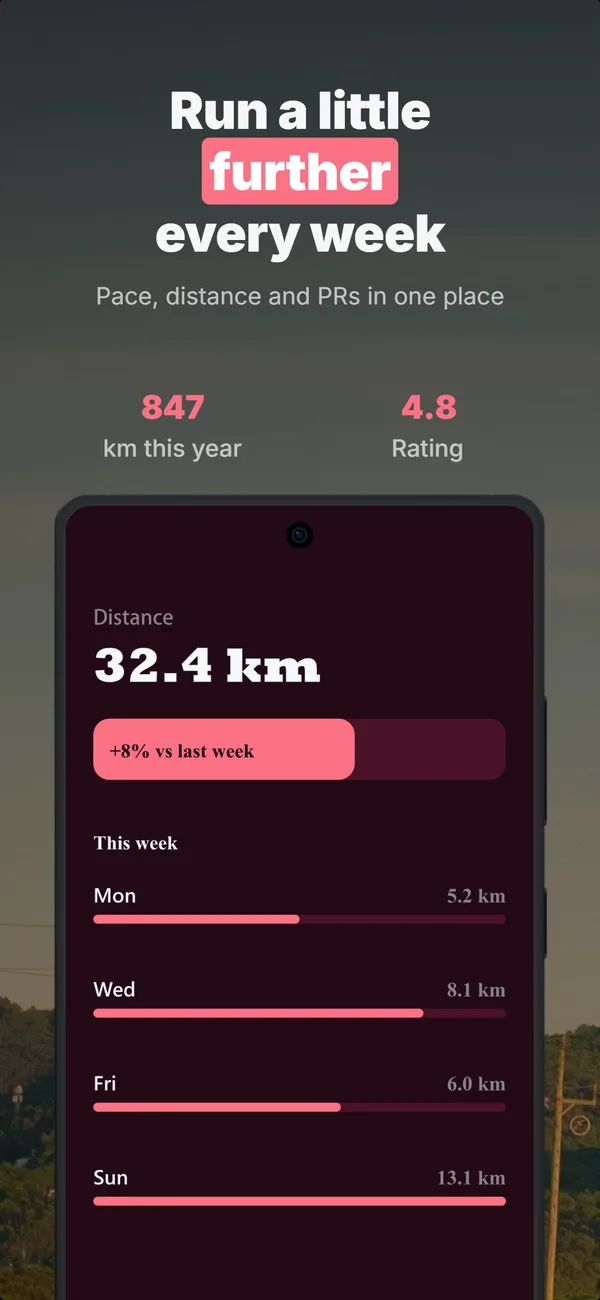
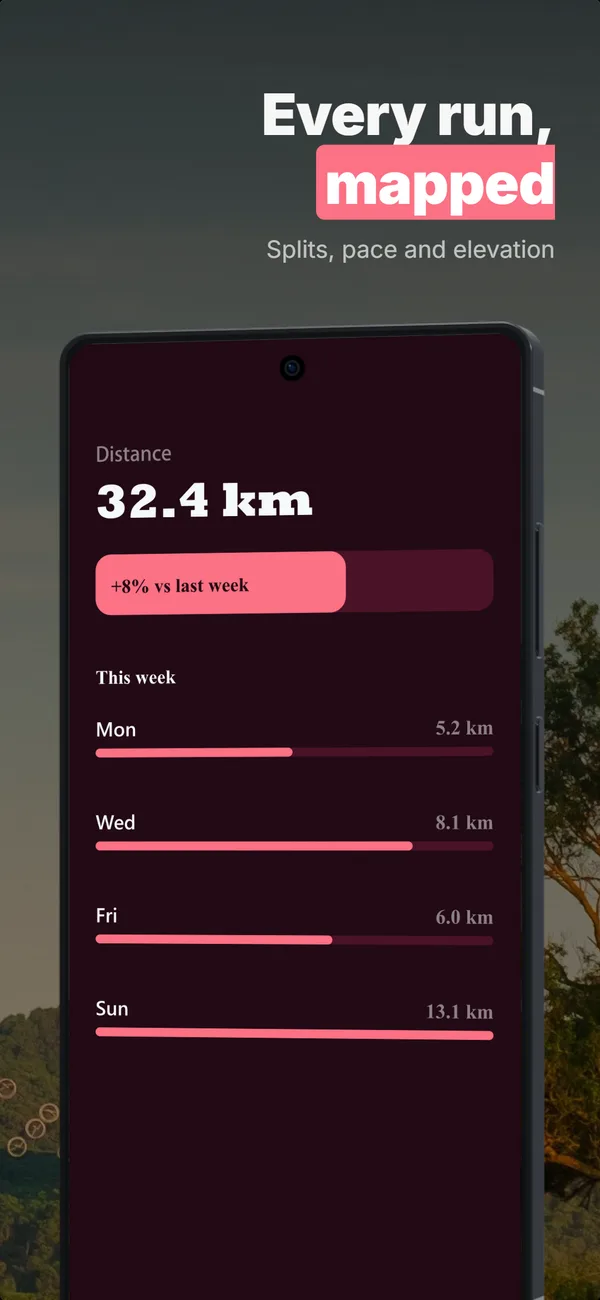
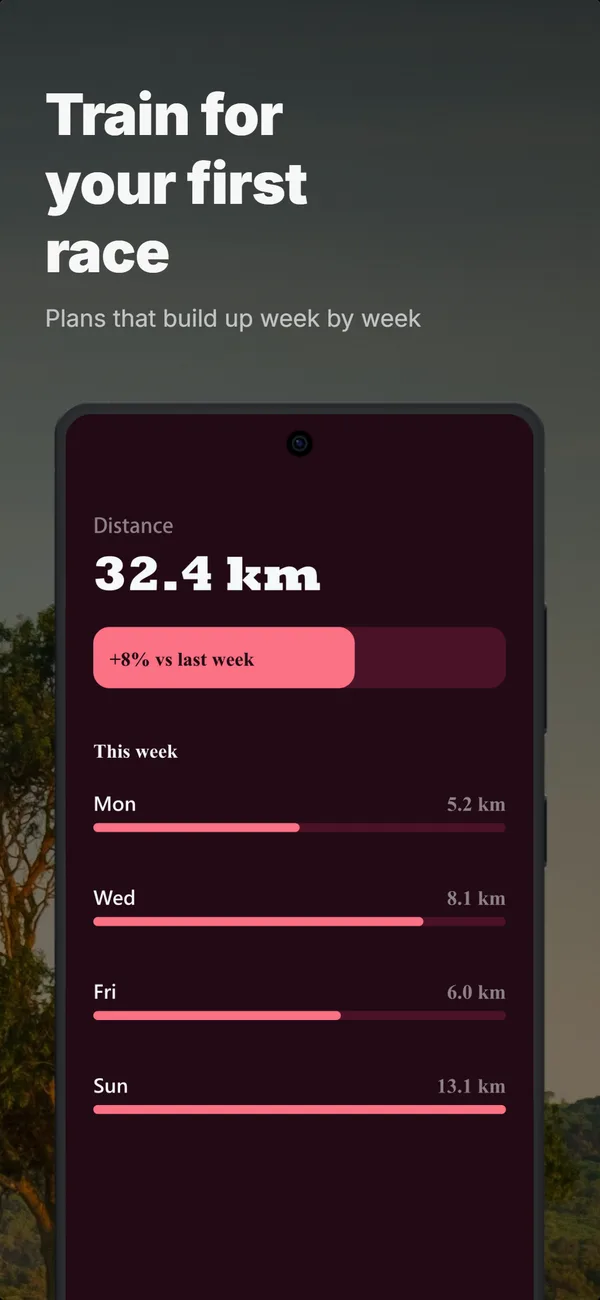
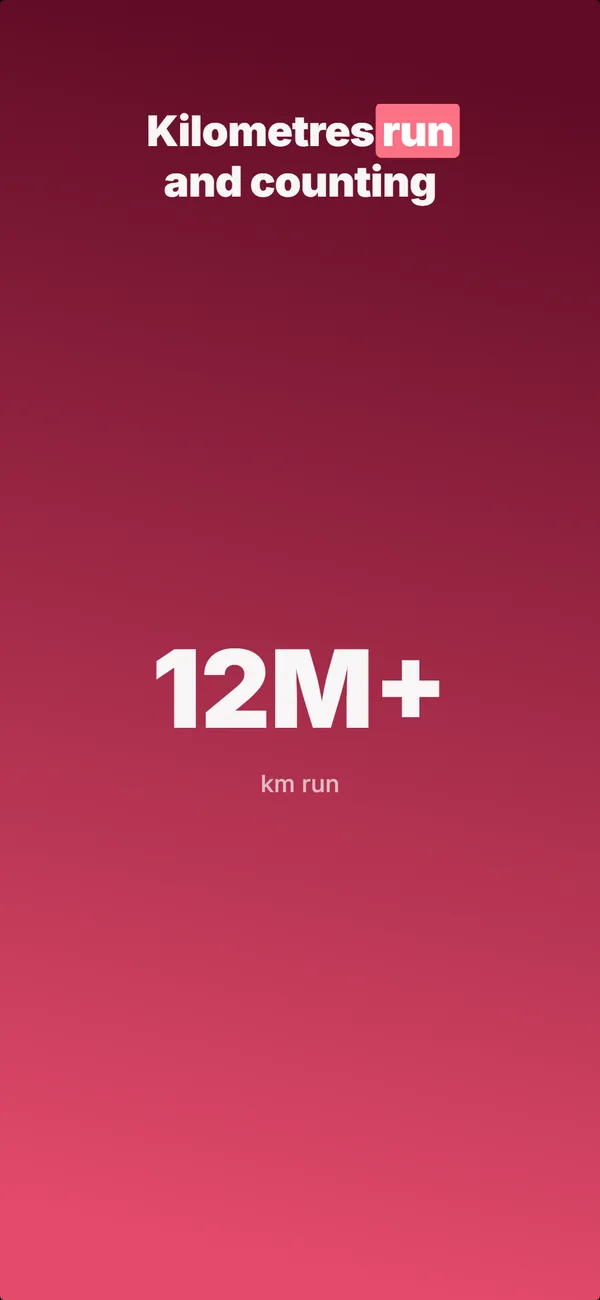
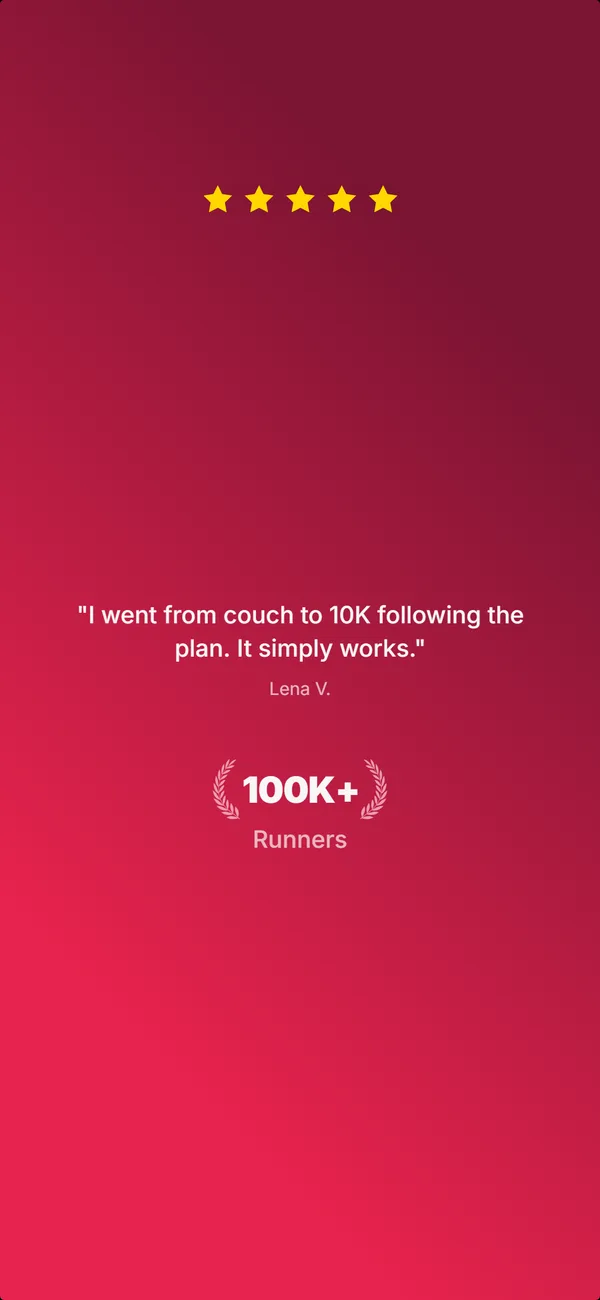
A real five-frame set, generated in AppScreenshotStudio.
Designers charge $150 and take days.You type a message.
You type. The canvas builds.
Describe your app, see your first set, refine via chat until it clicks. No layout panels, no alignment tools, no blank canvas.

AppScreenshotStudio
AppScreenshotStudio
AppScreenshotStudio
AppScreenshotStudio
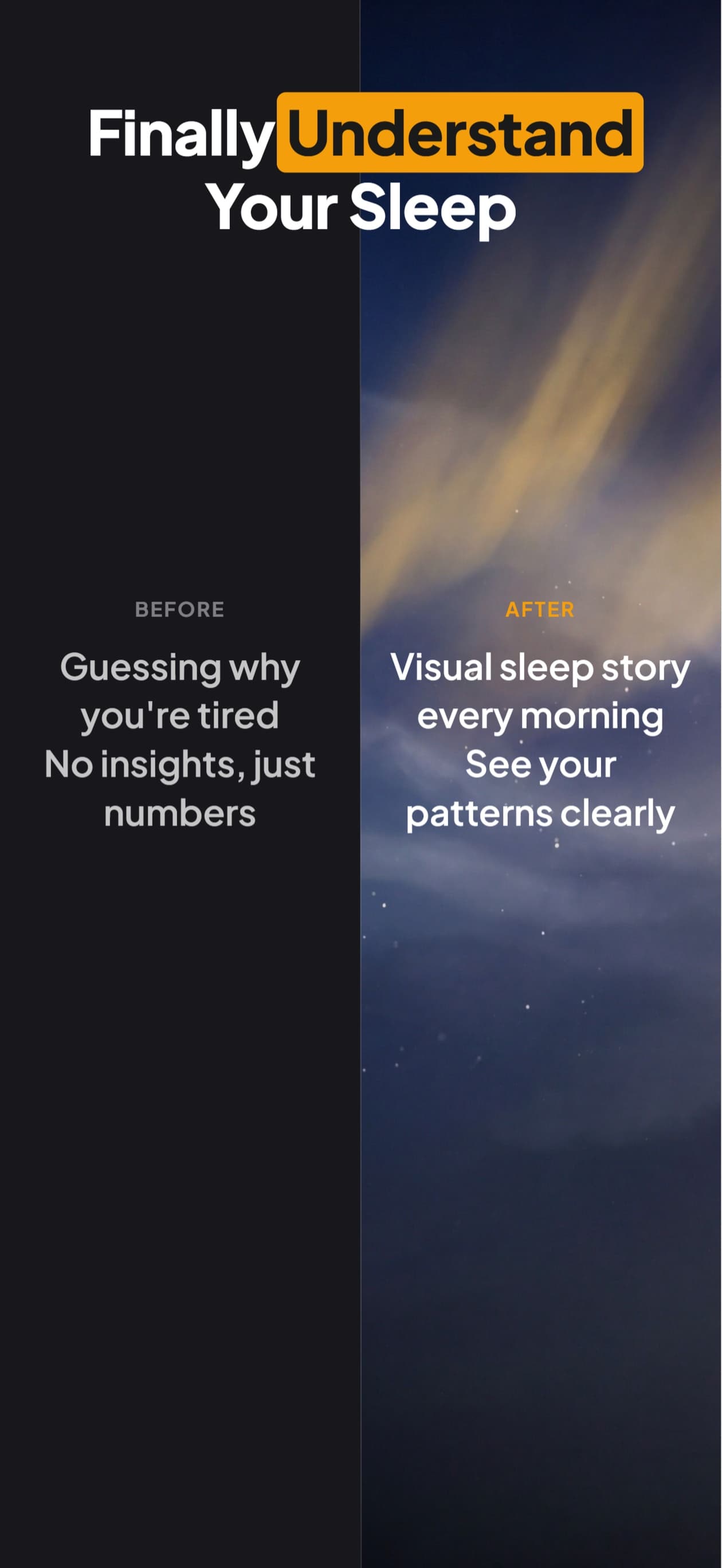
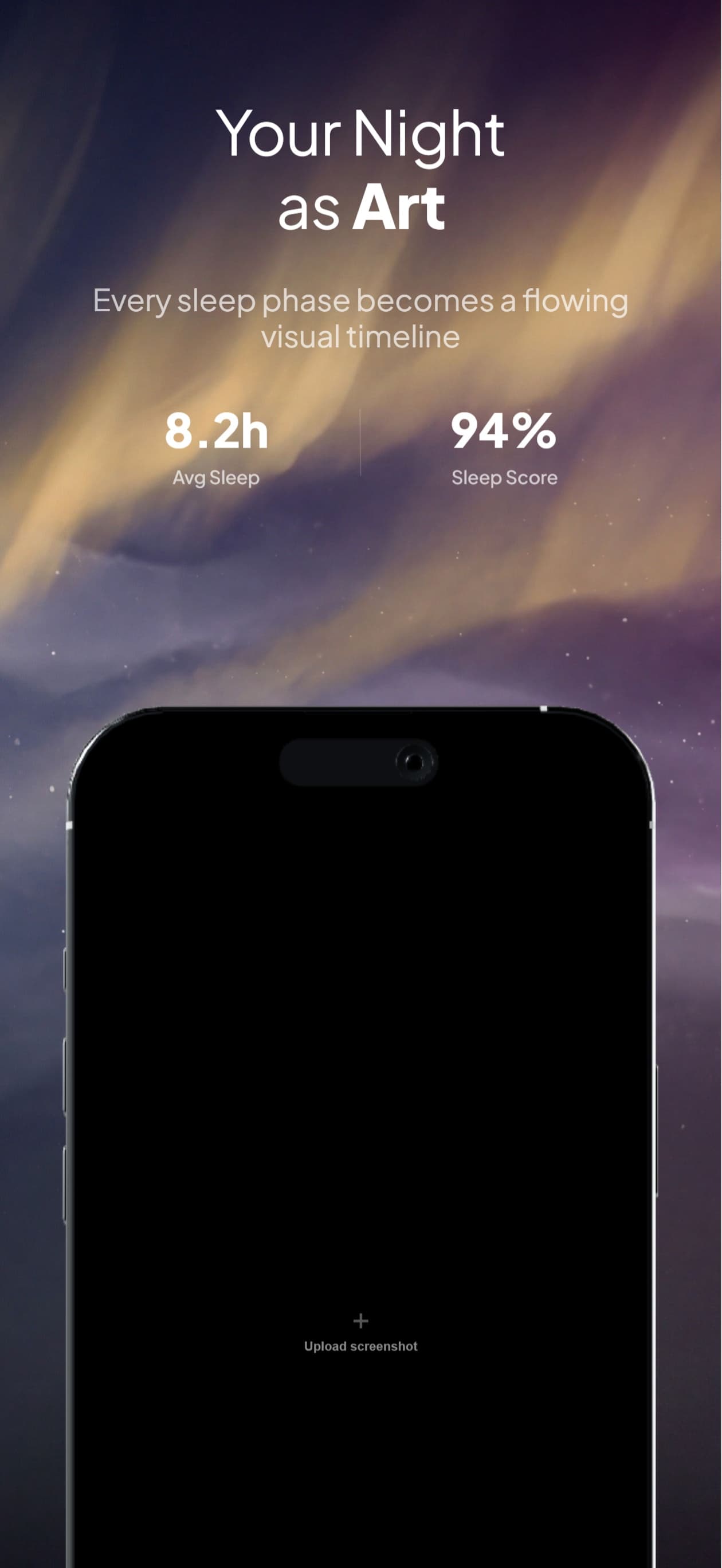
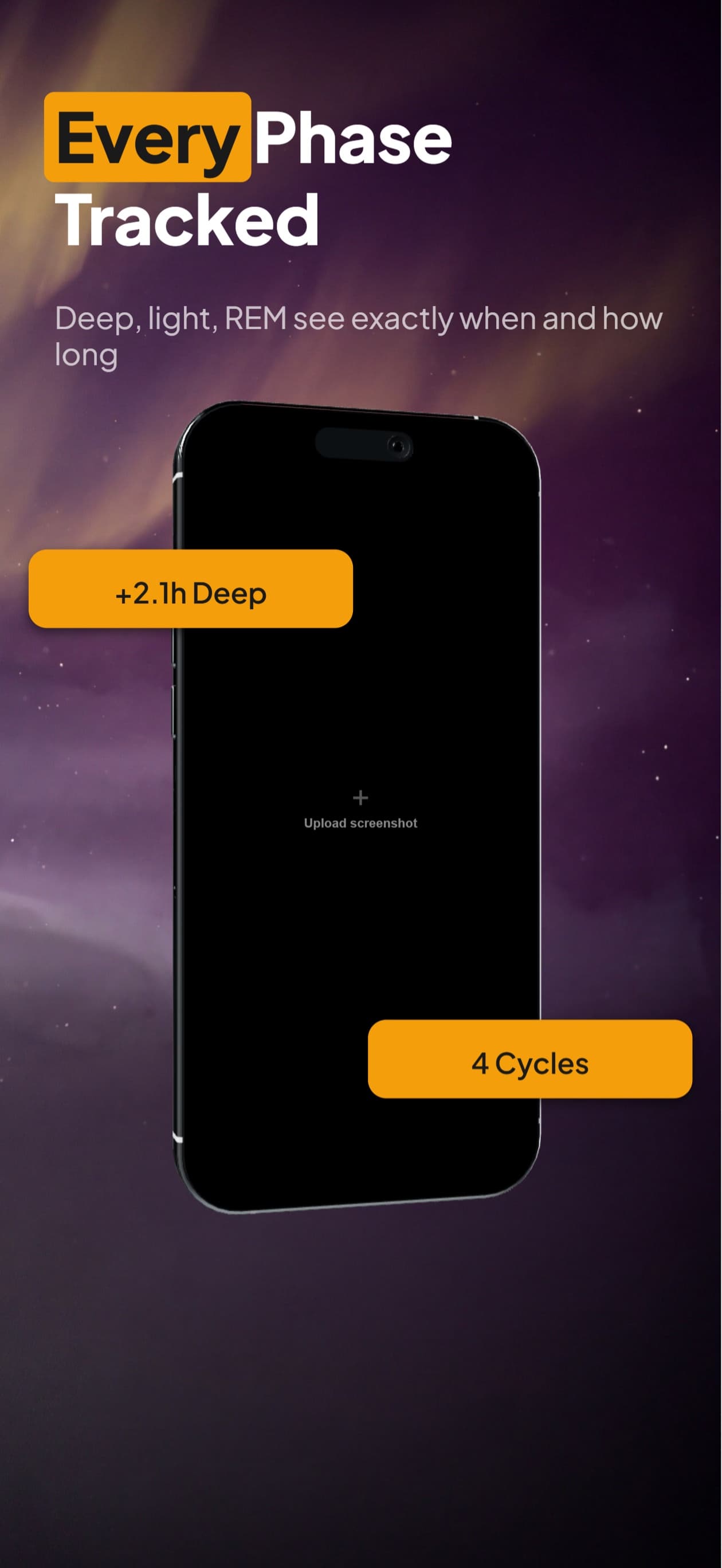
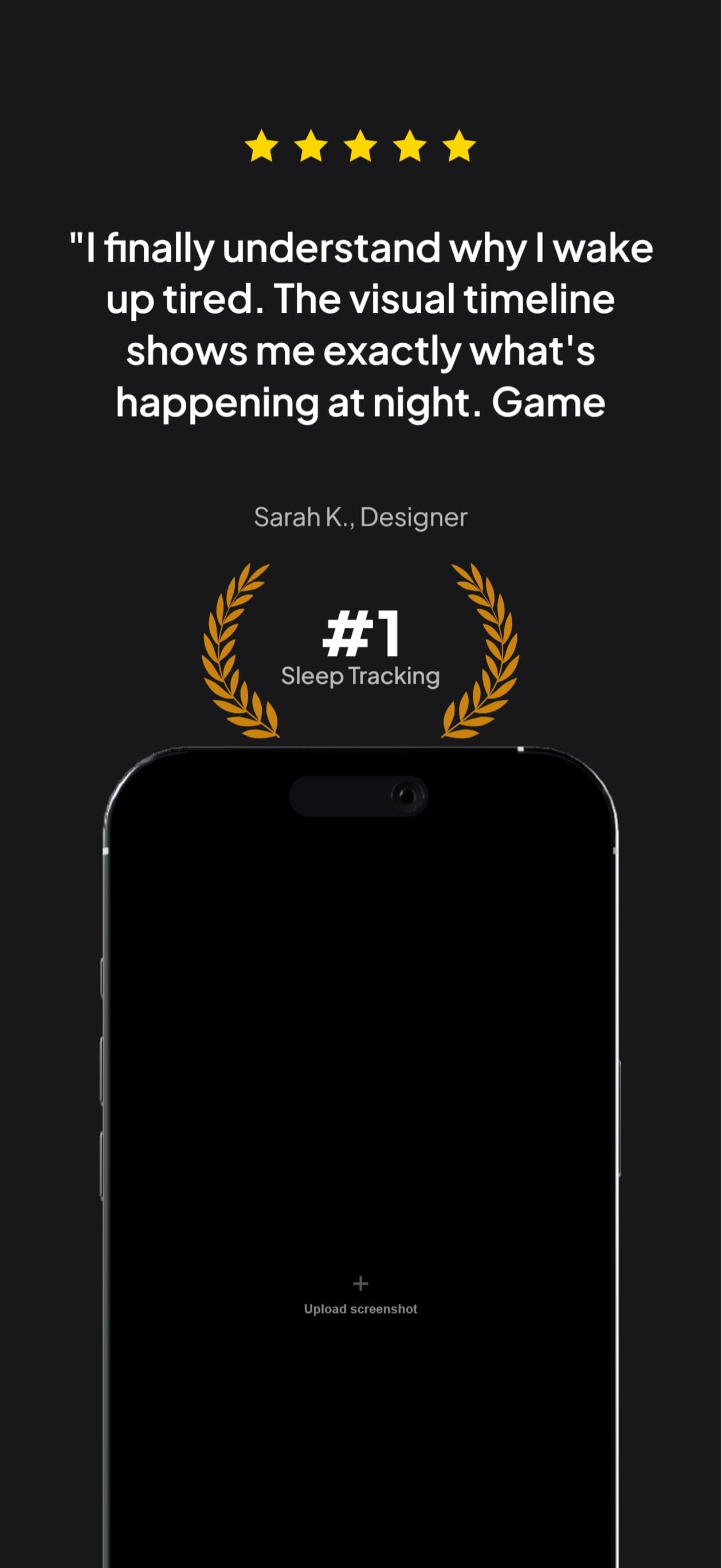
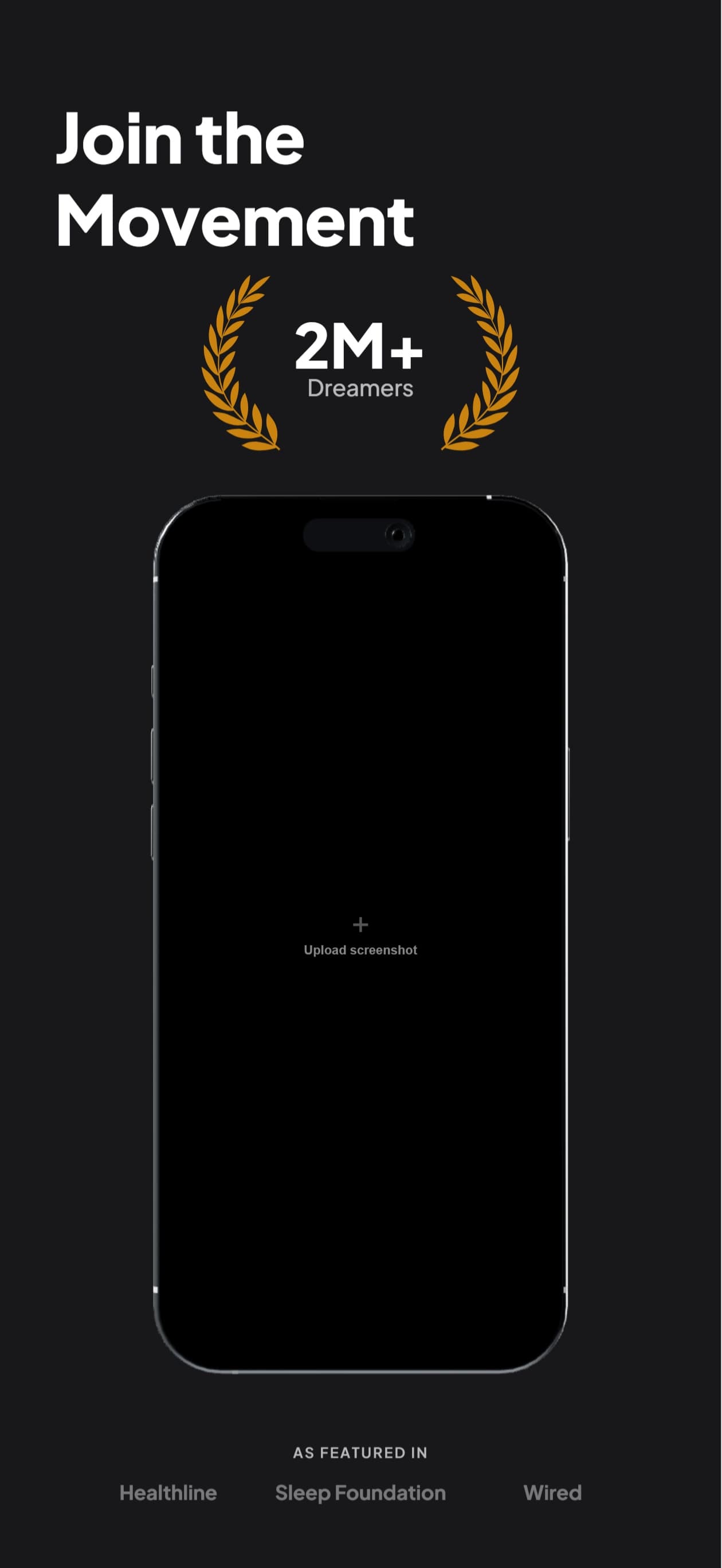
9 Perspectives for Android
Flat, tilted, isometric, landscape. Every angle you need for a polished Google Play listing.
Questions & Answers
What dimensions does this generate for Google Play?
1080×2340 pixels, the standard resolution for Android phone screenshots on Google Play. These meet Google’s minimum 320px and maximum 3840px requirements.
Is the device frame accurate to the Samsung Galaxy S25 Ultra?
Yes. The frame uses the S25 Ultra’s design with tight corner radius, thin bezels, and accurate proportions. All 9 perspective variants are available.
Can I create both Android and iPhone screenshots?
Yes. Create your iPhone project first, then duplicate it to Android in one click. Or start from scratch for Android. Both platforms work in the same tool.
Do I need a tablet screenshot for Google Play too?
Google Play recommends (but doesn’t require) tablet screenshots. We support Android tablet (1200×1920) in a separate device profile.
Deep Dives
Google Play screenshot sizes 2026: phone, tablet, Wear OS
Every Google Play screenshot dimension for phones, tablets, Chromebooks, and Wear OS in one table, with the file-format and aspect rules.
Play Store feature graphic vs screenshots: 1024x500 specs
The feature graphic is a separate required asset at exactly 1024x500 px. The full side-by-side spec comparison with phone screenshots.
Play Store vs App Store: key differences for indie devs
How Android and iOS store listings diverge on screenshot specs, asset requirements, and conversion patterns.
Android screenshots,
handled.
Try AppScreenshotStudio. 14-day trial with 25 credits. Card required, cancel anytime before it ends.
Get Started Free