Google Pixel 11 Pro
Mockup Generator
Describe your app, see Google Play screenshots for Google Pixel 11 Pro, refine via chat until they click. Generated backgrounds, exact 1280×2856 dimensions.
2,205 screenshots designed here so far


A real five-frame set, generated in AppScreenshotStudio.
Designers charge $150 and take days.You type a message.
You type. The canvas builds.
Describe your app, see your first set, refine via chat until it clicks. No layout panels, no alignment tools, no blank canvas.

AppScreenshotStudio
AppScreenshotStudio
AppScreenshotStudio
AppScreenshotStudio
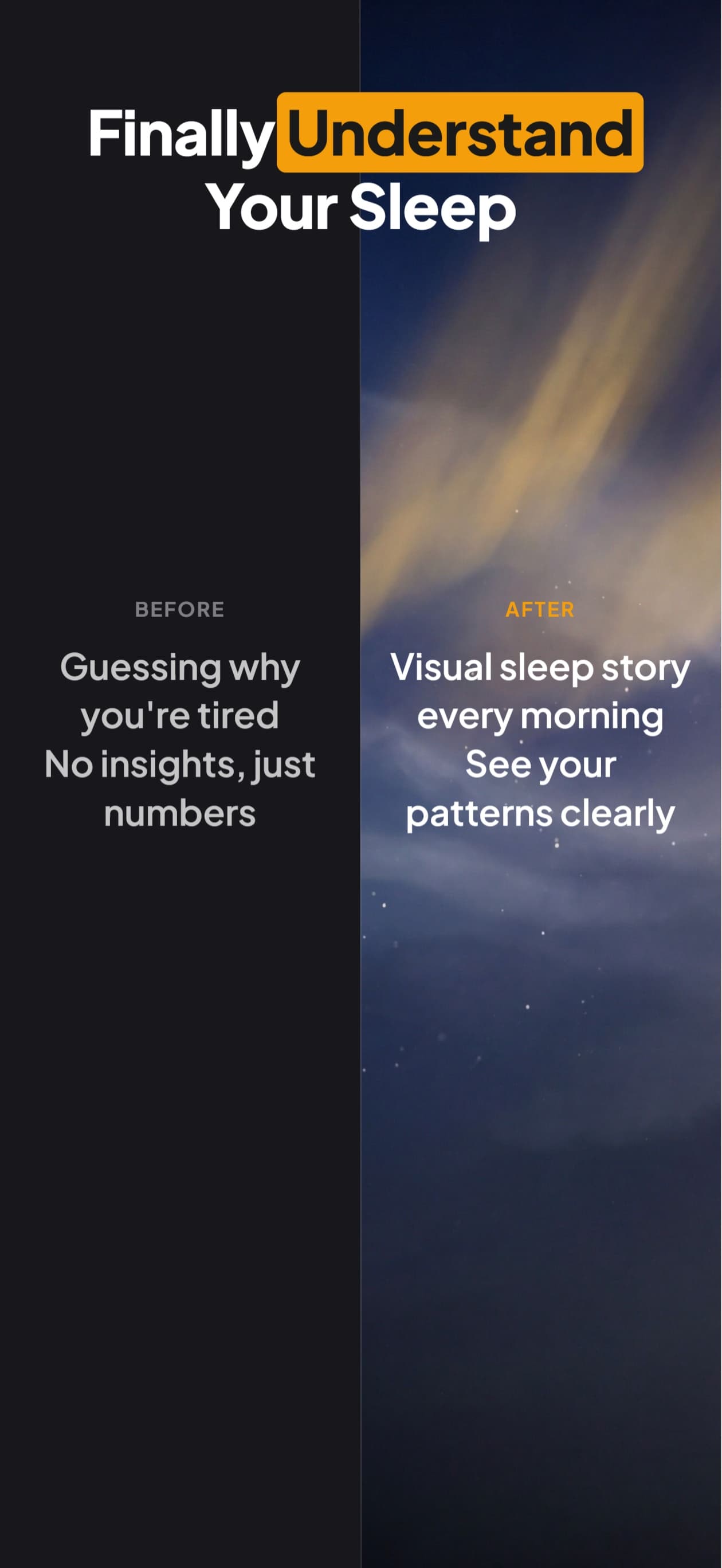
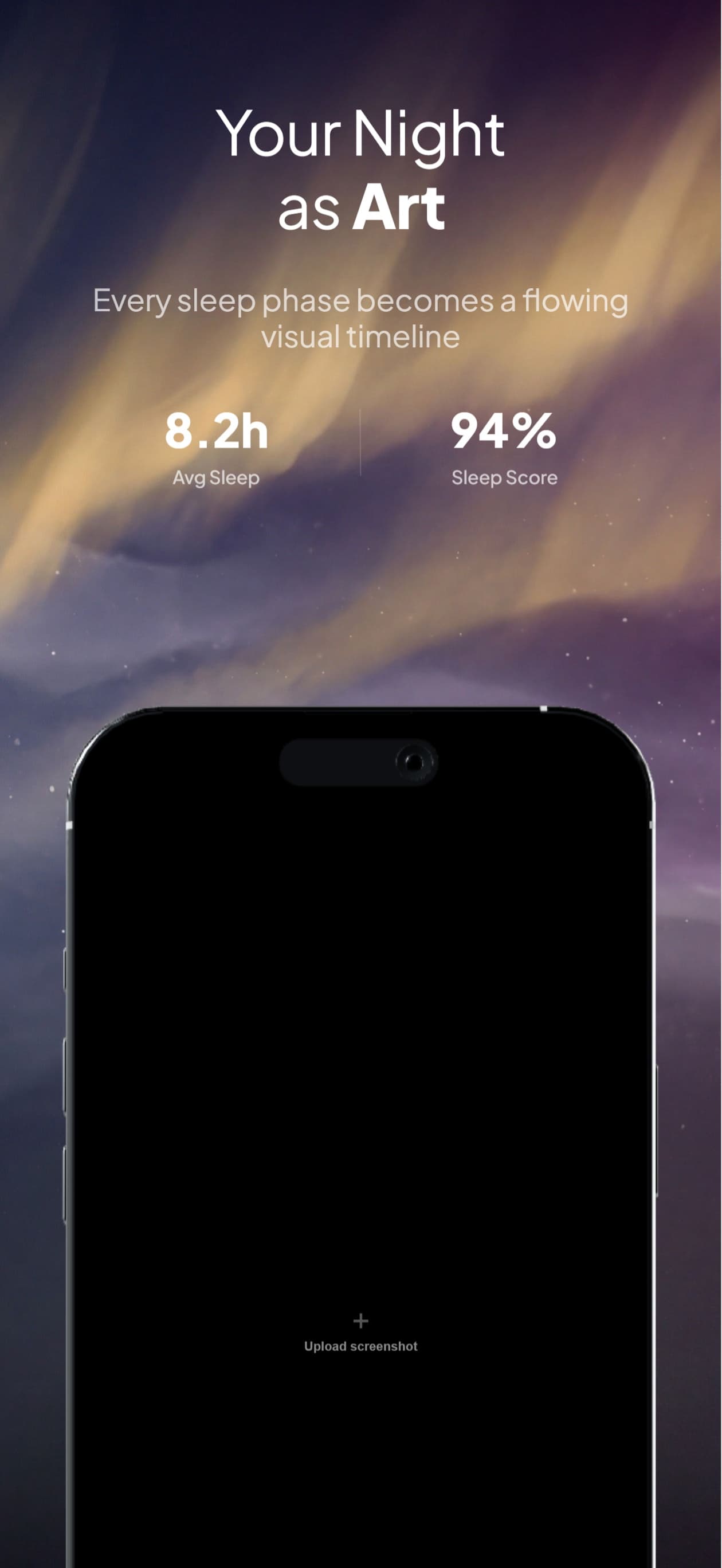
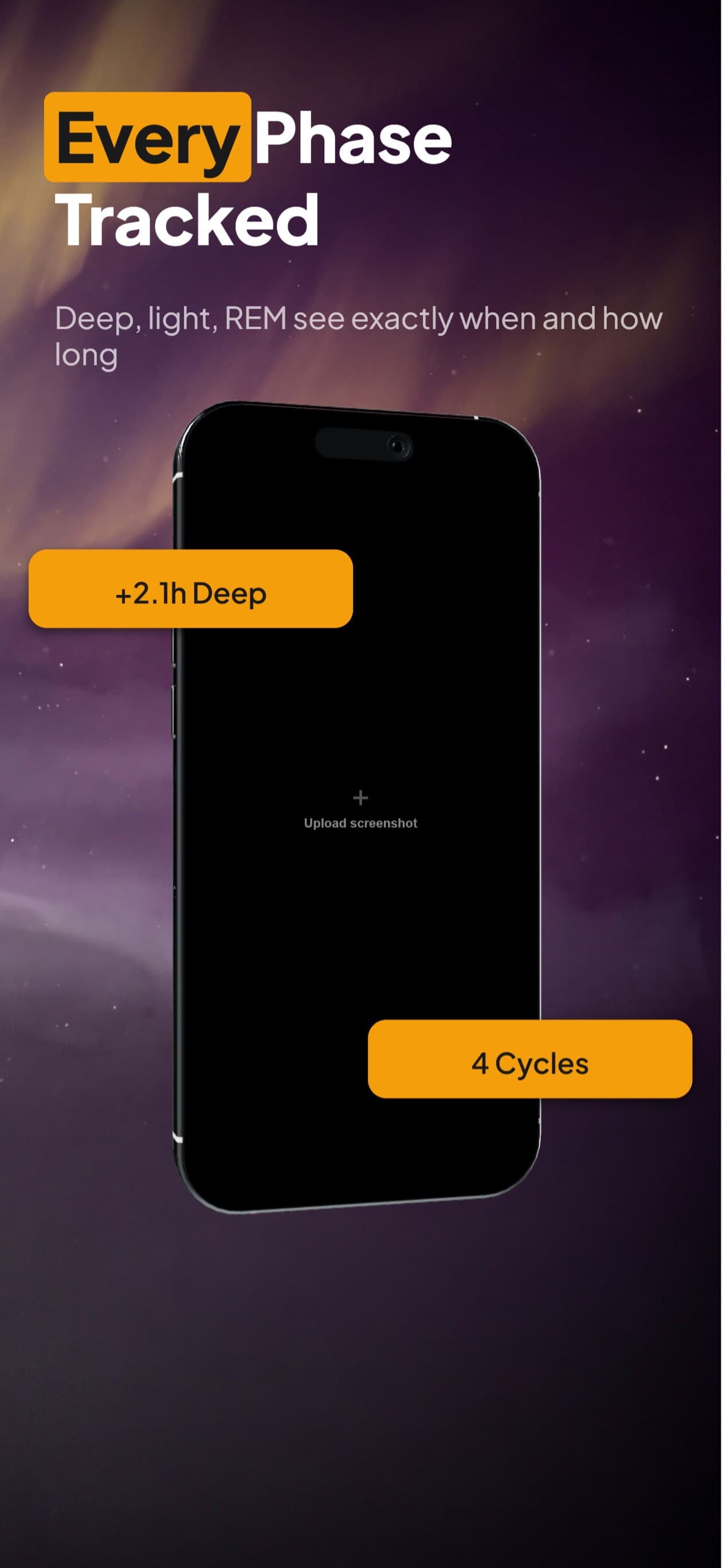
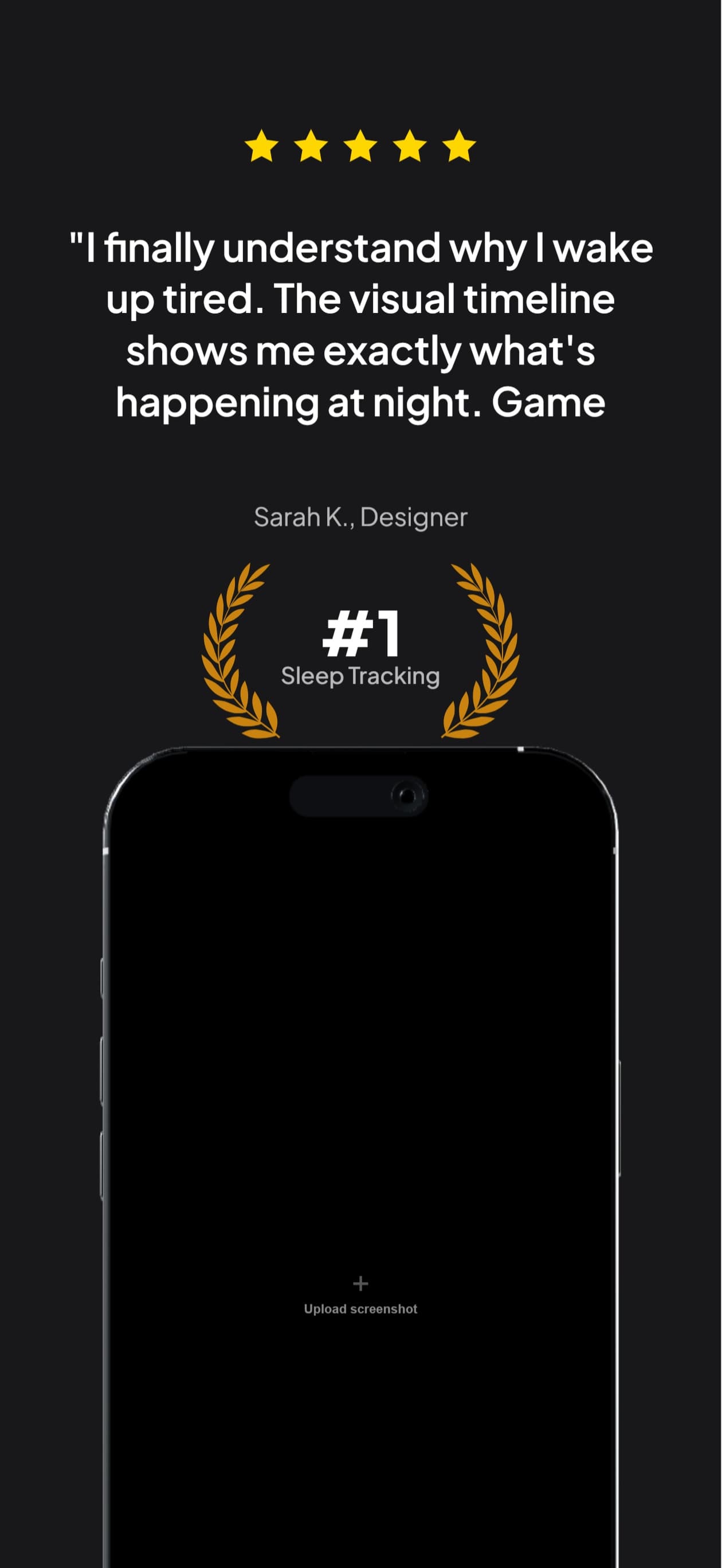
9 Perspectives for Pixel
Flat, tilted, isometric, landscape. Every angle you need for a polished Google Play listing.

Questions & Answers
What size does this generate for the Pixel 11 Pro?
1280×2856, the native resolution of the Pixel 11 Pro’s 6.3-inch panel. Google Play accepts anything from 320 to 3840 pixels per side, so the native panel size is the sharpest thing you can upload for this device rather than a number you are required to hit.
Google Play says 16:9 or 9:16. Is a 20:9 screenshot a problem?
Probably not, though it is worth checking against your own listing. Play Console’s upload panel names 16:9 or 9:16, while Google’s help page separately says the longest side cannot exceed twice the shortest. A 20:9 phone screenshot satisfies neither figure, yet a file at those proportions uploaded without an error when we checked a live Play Console listing in August 2026. That is one check on one listing rather than a guarantee, and Play’s specs move, so treat the two figures as a description of how Play expects to display your screenshots. If you would rather not test the assumption, 1080×1920 is the 9:16 size Google names as standard and is accepted everywhere.
Is the device frame actually a Pixel, or a generic Android phone?
A Pixel. The frame is modelled from the Pixel 11 Pro’s published dimensions (152.7 × 71.9 × 8.4 mm) with its own bezel proportions, corner radius, centered punch-hole and Pixel button layout: the power key sits above the volume rocker on the right rail, which is the reverse of the Galaxy. Each of the 9 perspectives is a separately rendered frame, not a skewed copy of the flat one.
Can I build iPhone screenshots from the same project?
Yes. Duplicate the project to any other device in one click and the layout rescales for the new canvas. You review and export rather than rebuilding, so an App Store set and a Play set stay in sync.
Which finish should I use?
Obsidian is the default because a dark body holds its edge against a light background, which is what most store listings sit on. Fog, Olive and Canyon are there when your brand palette wants a lighter or warmer body. The finish changes the rail only: the front is black glass on every Pixel colourway.
Deep Dives
Google Play screenshot sizes 2026: phone, tablet, Wear OS
Every Google Play dimension for phones, tablets, Chromebooks and Wear OS in one table, with the file-format and aspect rules.
Play Store feature graphic vs screenshots: 1024x500 specs
The feature graphic is a separate required asset at exactly 1024x500 px. The full side-by-side spec comparison with phone screenshots.
Play Store vs App Store: key differences for indie devs
How Android and iOS store listings diverge on screenshot specs, asset requirements, and conversion patterns.
Pixel screenshots,
handled.
Try AppScreenshotStudio. 14-day trial with 25 credits. Card required, cancel anytime before it ends.
Start your trial