Panoramic App Store screenshots.
One scene, six cards.
Get 6 App Store screenshots with one continuous background flowing across every card. Describe the scene, the panorama is sliced, the set is ready to upload.
2,205 screenshots designed here so far
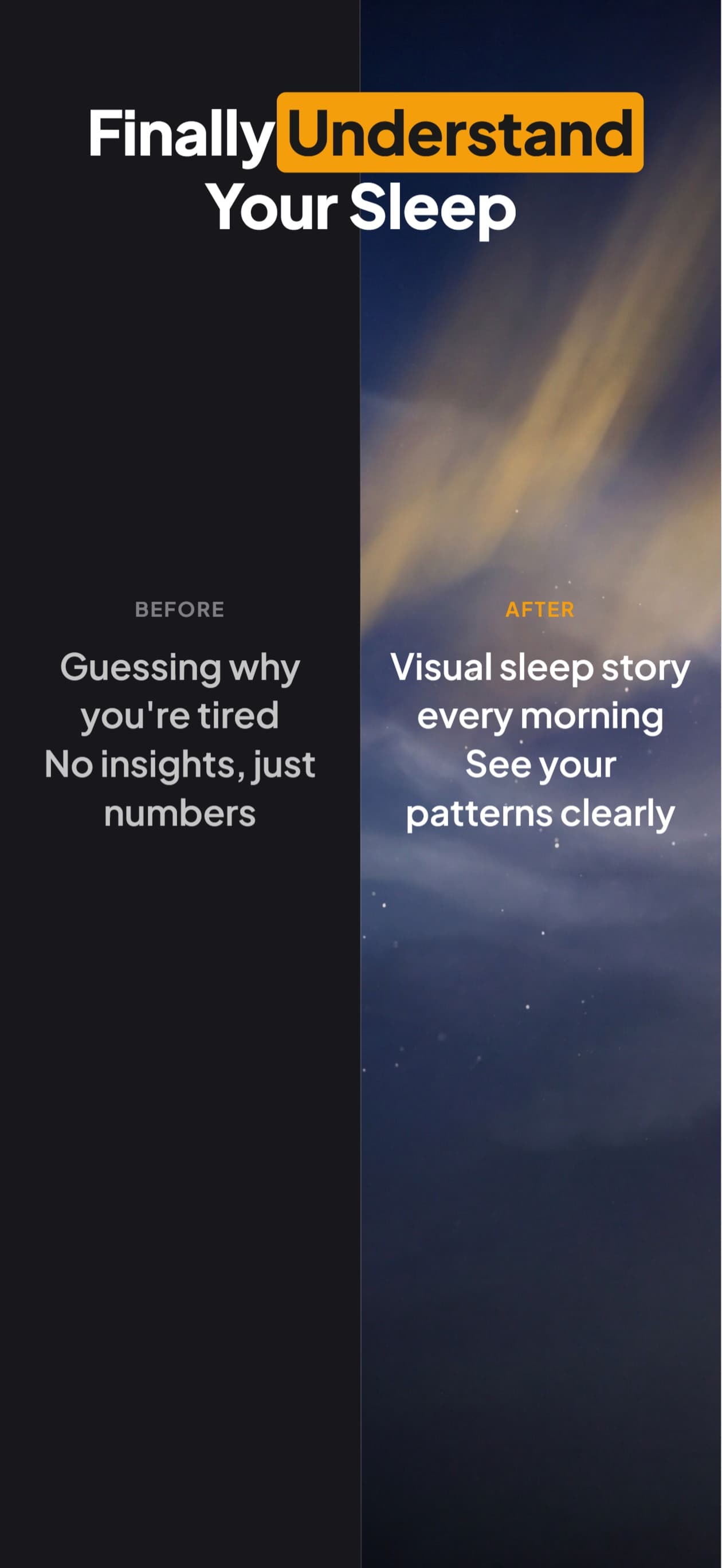
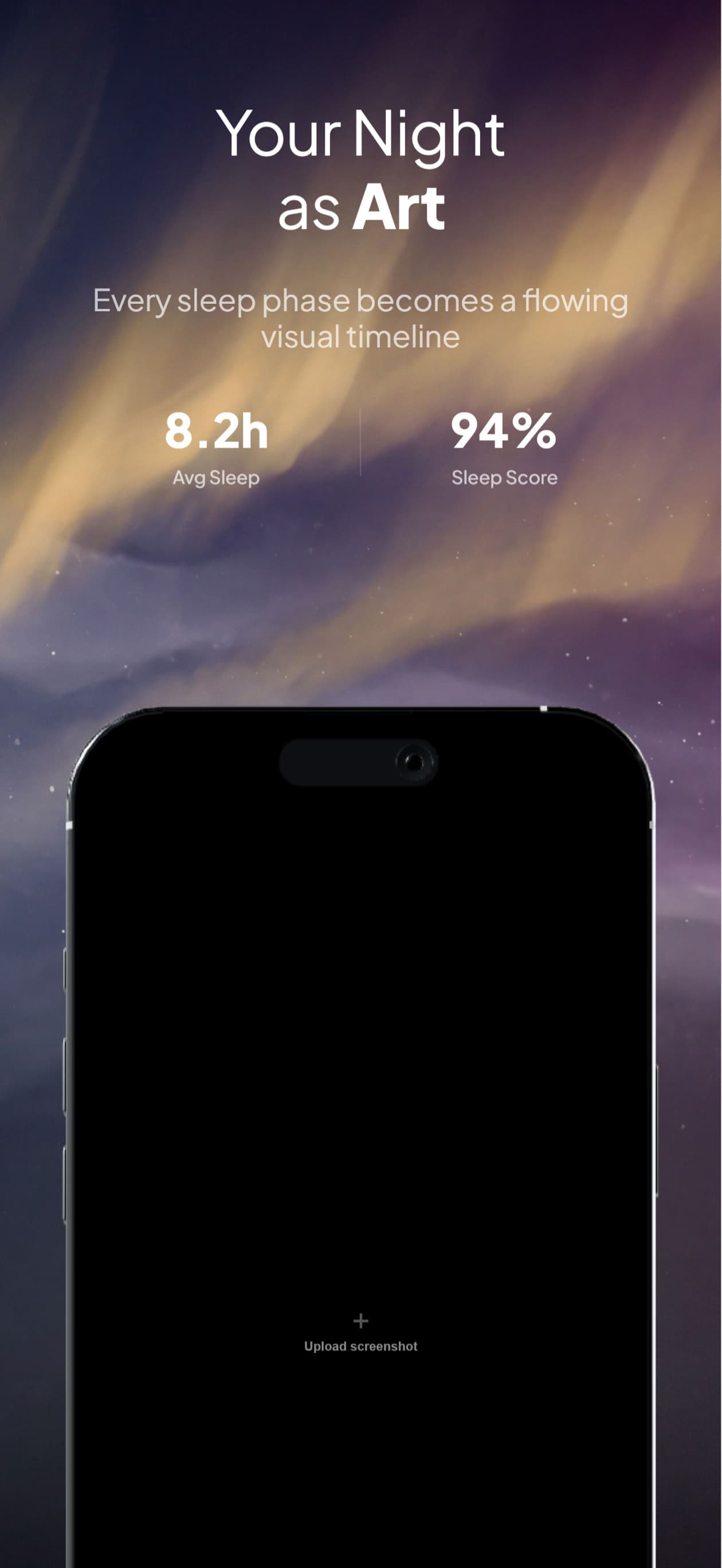
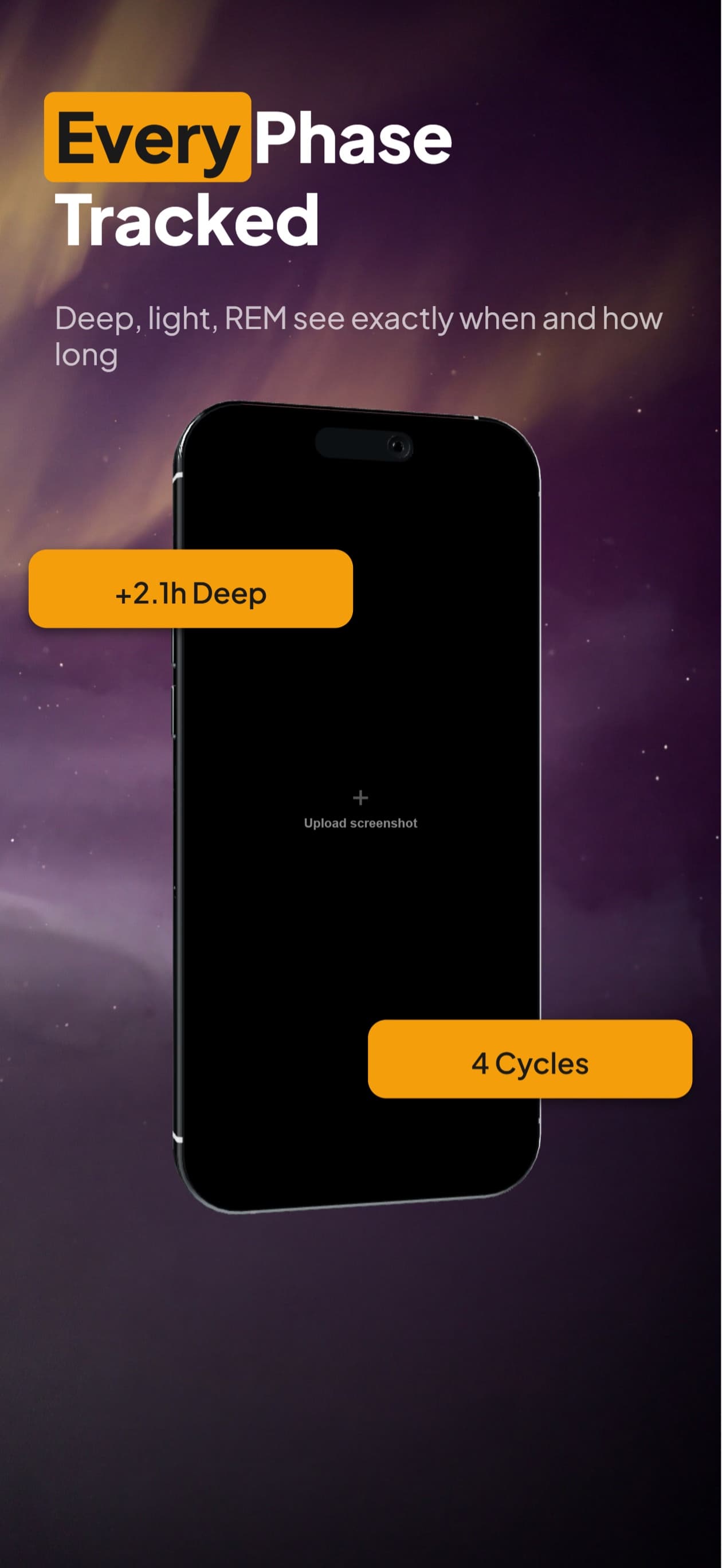
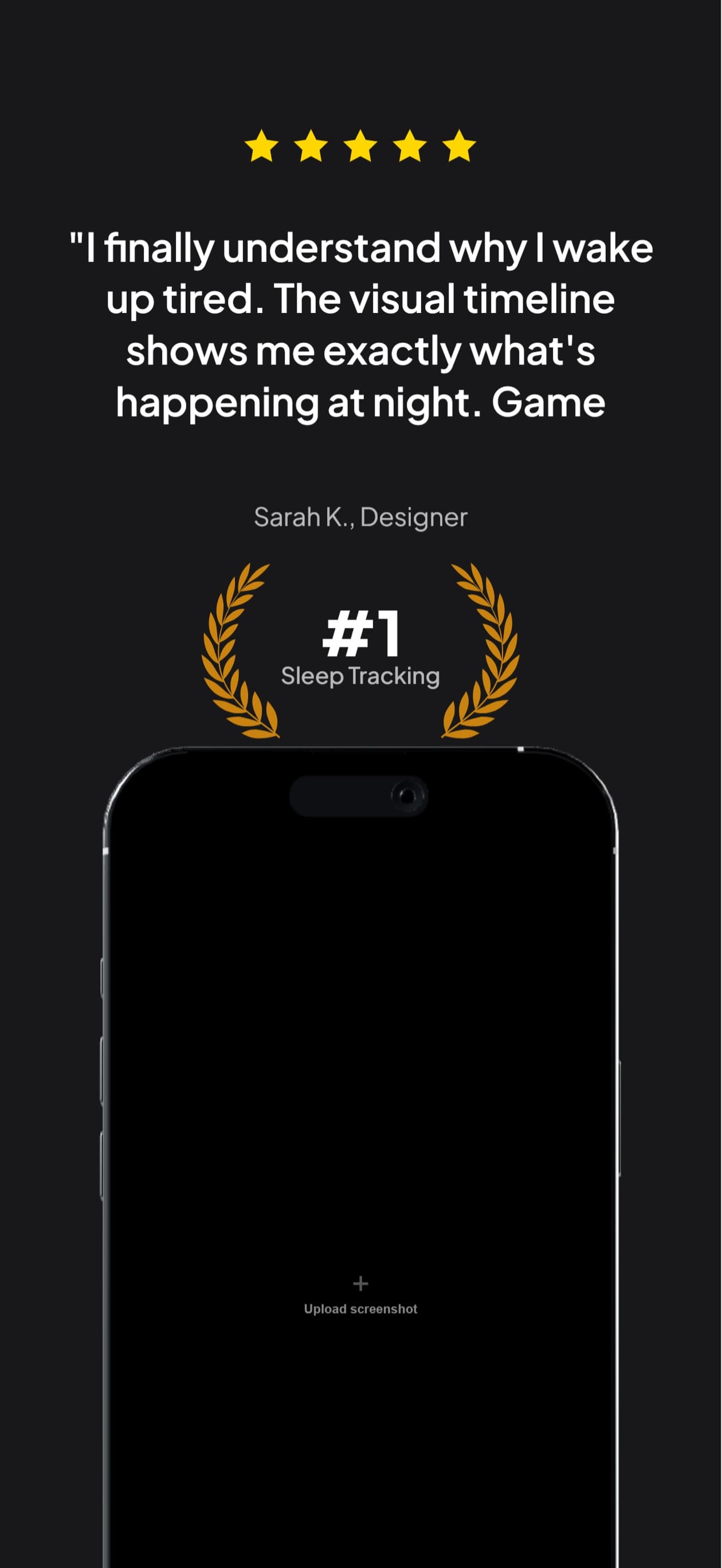
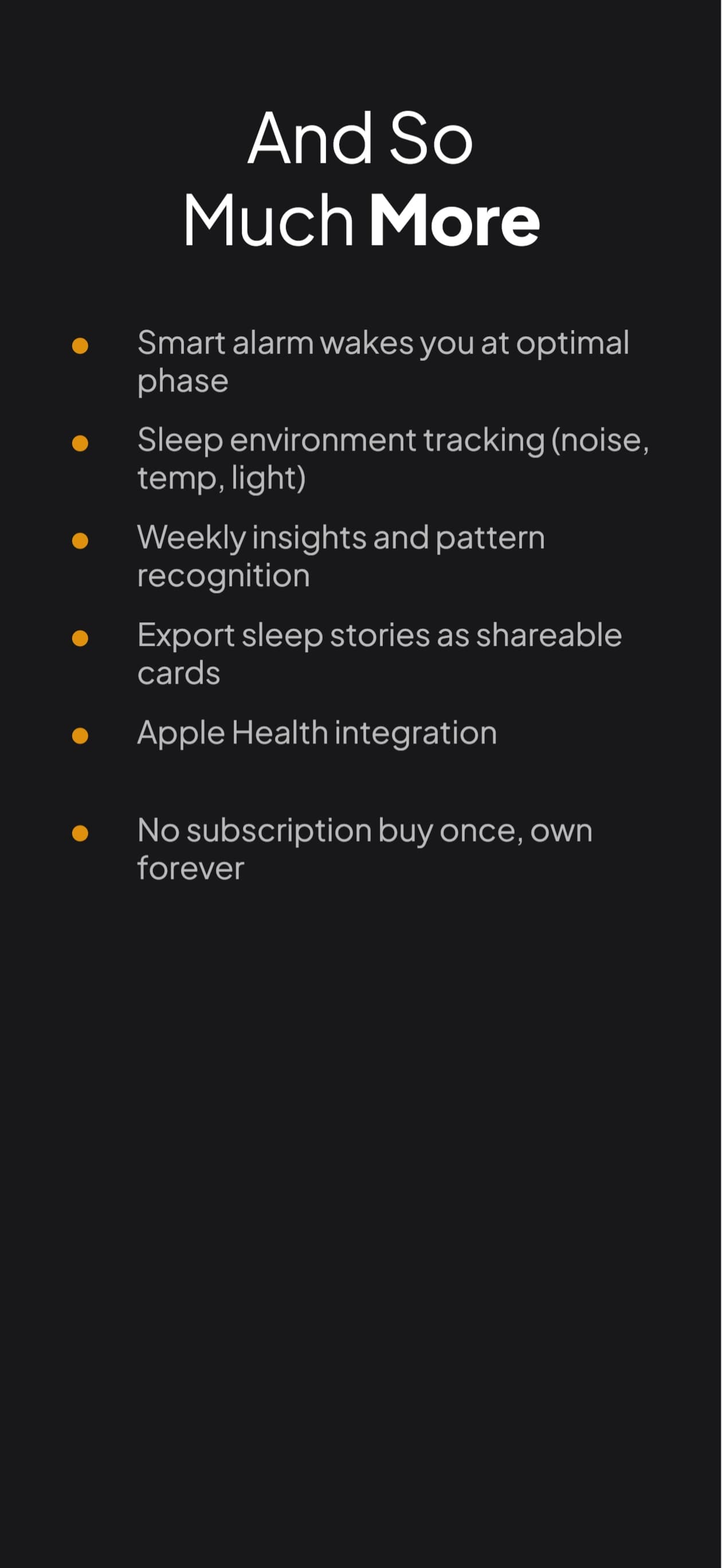
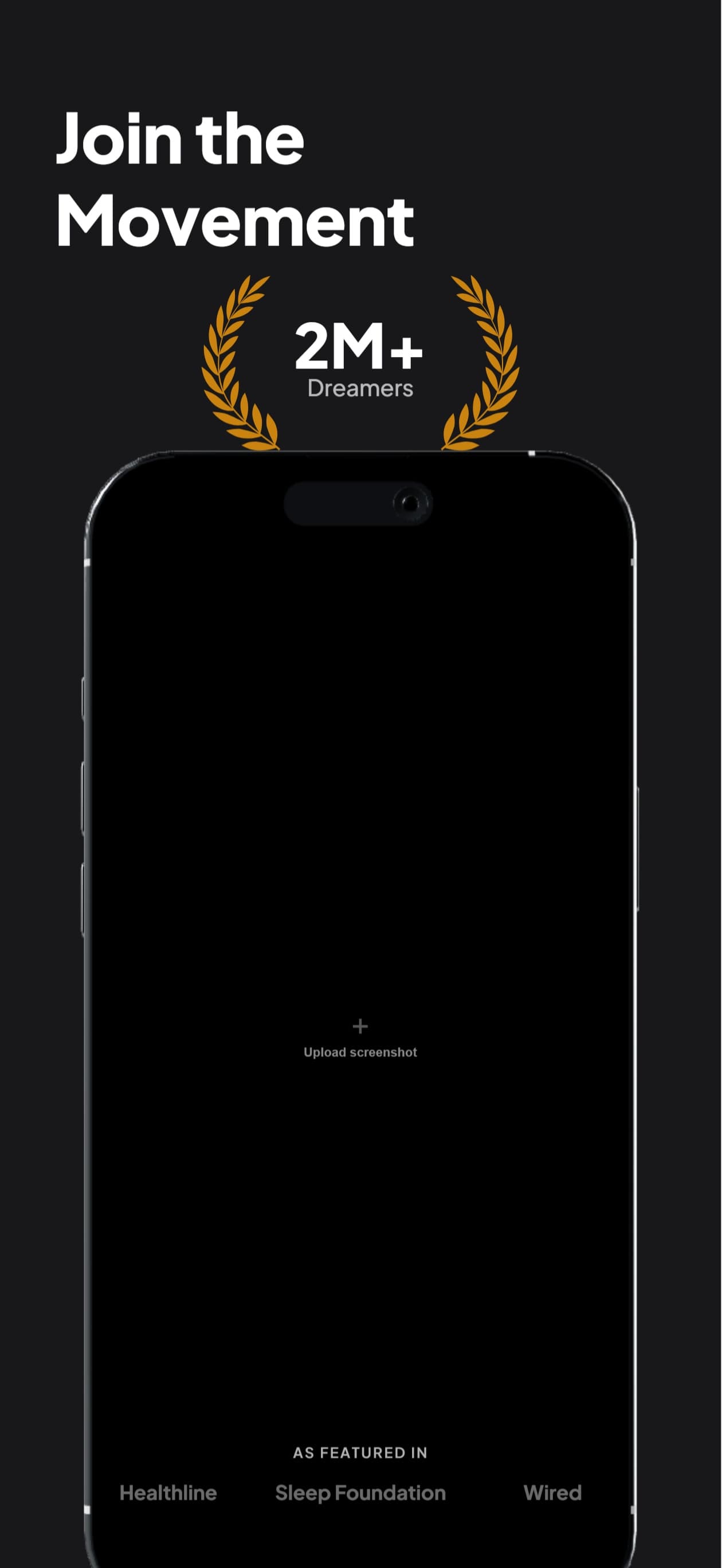
Most screenshot sets feel like
six unrelated cards.
App Store reviewers swipe through your gallery in three seconds. If every card looks disconnected, the eye registers six separate things and moves on. A continuous scene tells one story, holds attention longer, and signals craft.
How a panoramic set is built
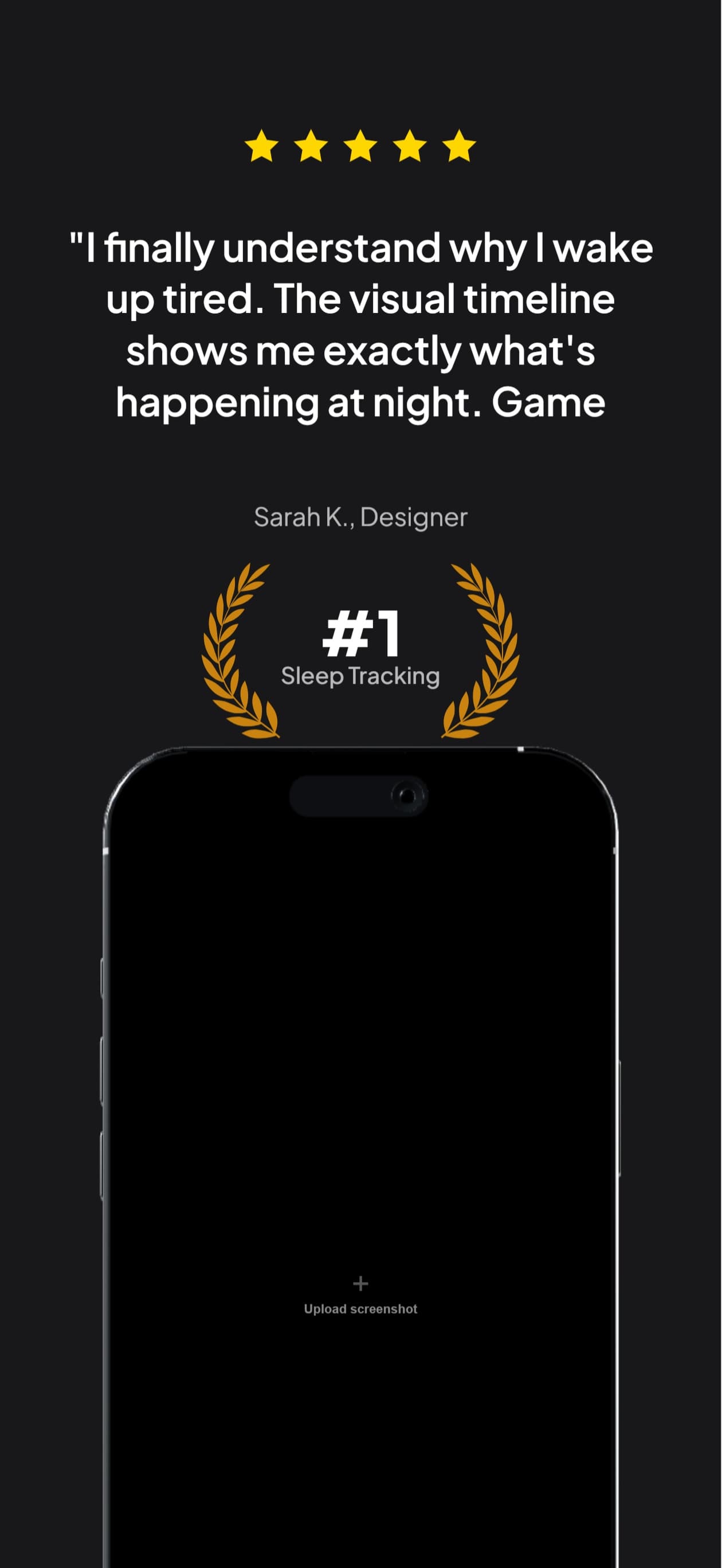
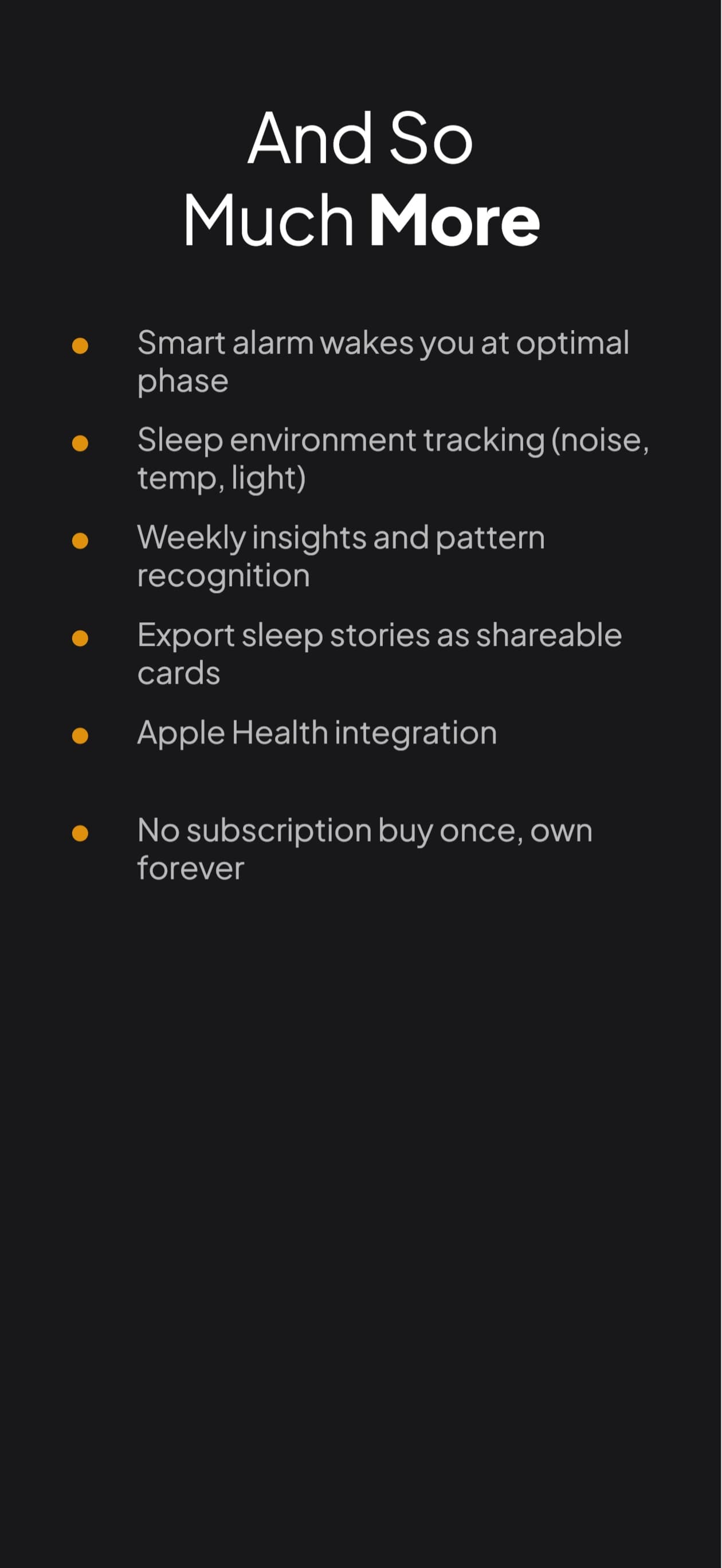
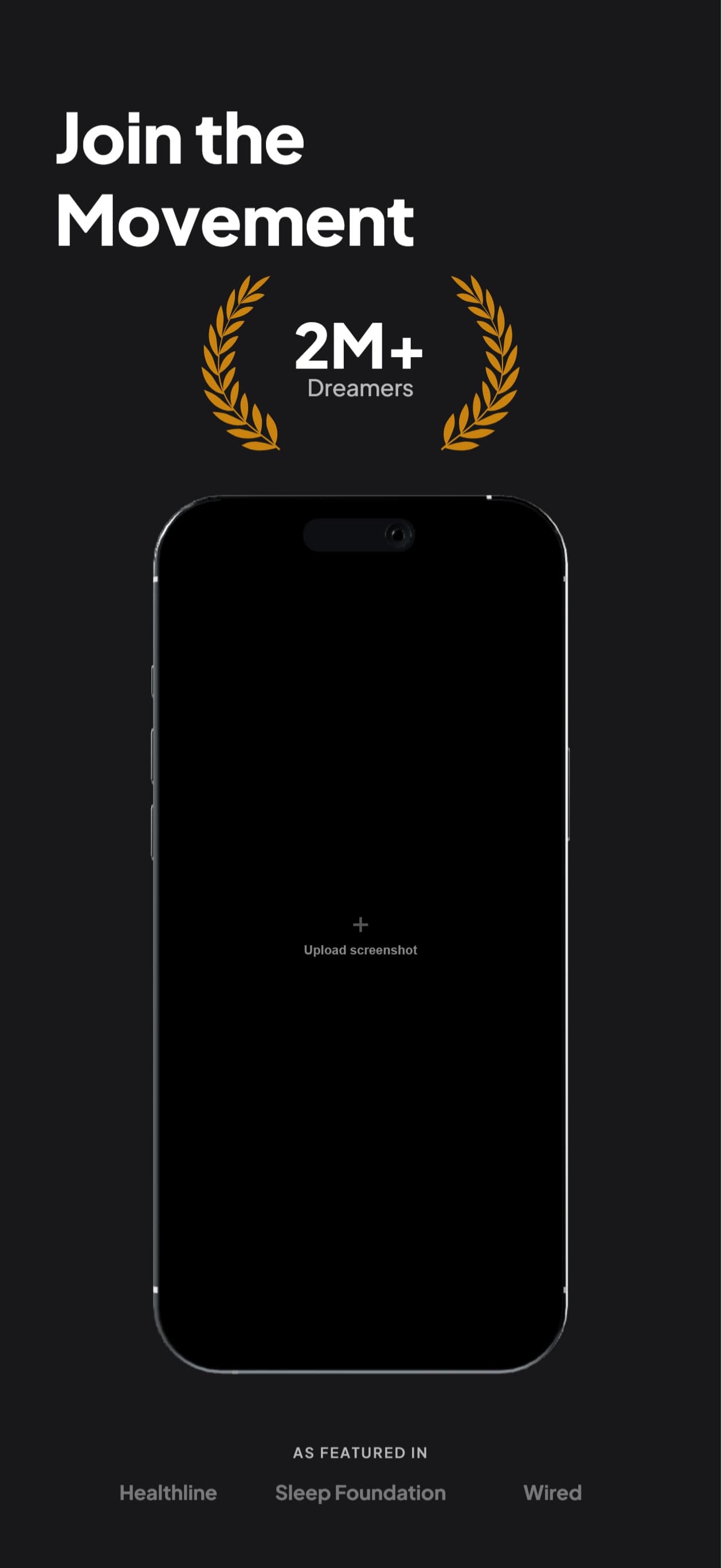
Describe the scene. Watch the multi-frame set build on the canvas.

AppScreenshotStudio
AppScreenshotStudio
AppScreenshotStudio
AppScreenshotStudio
Scenes that work
Anything with visual continuity from left to right. Pick one, describe it, ship the set.
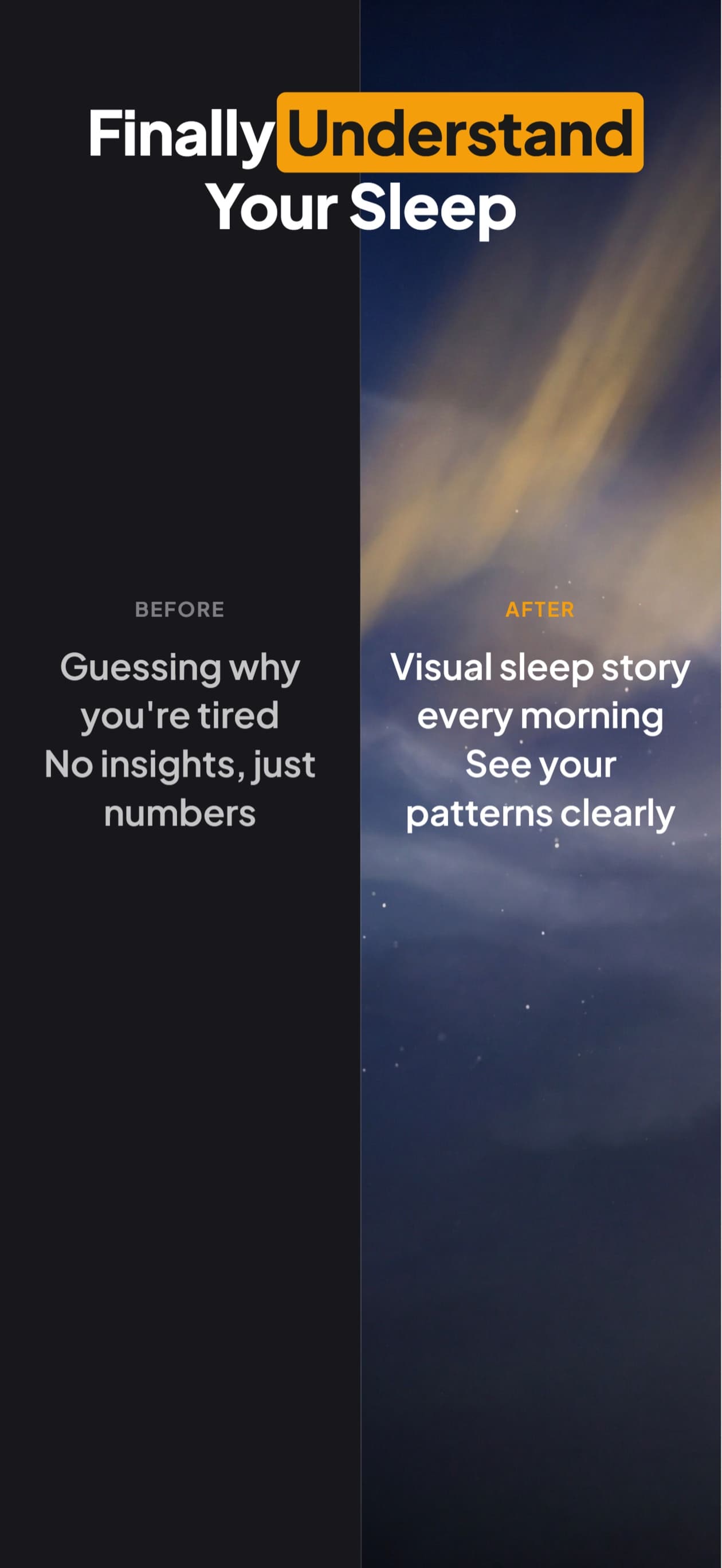
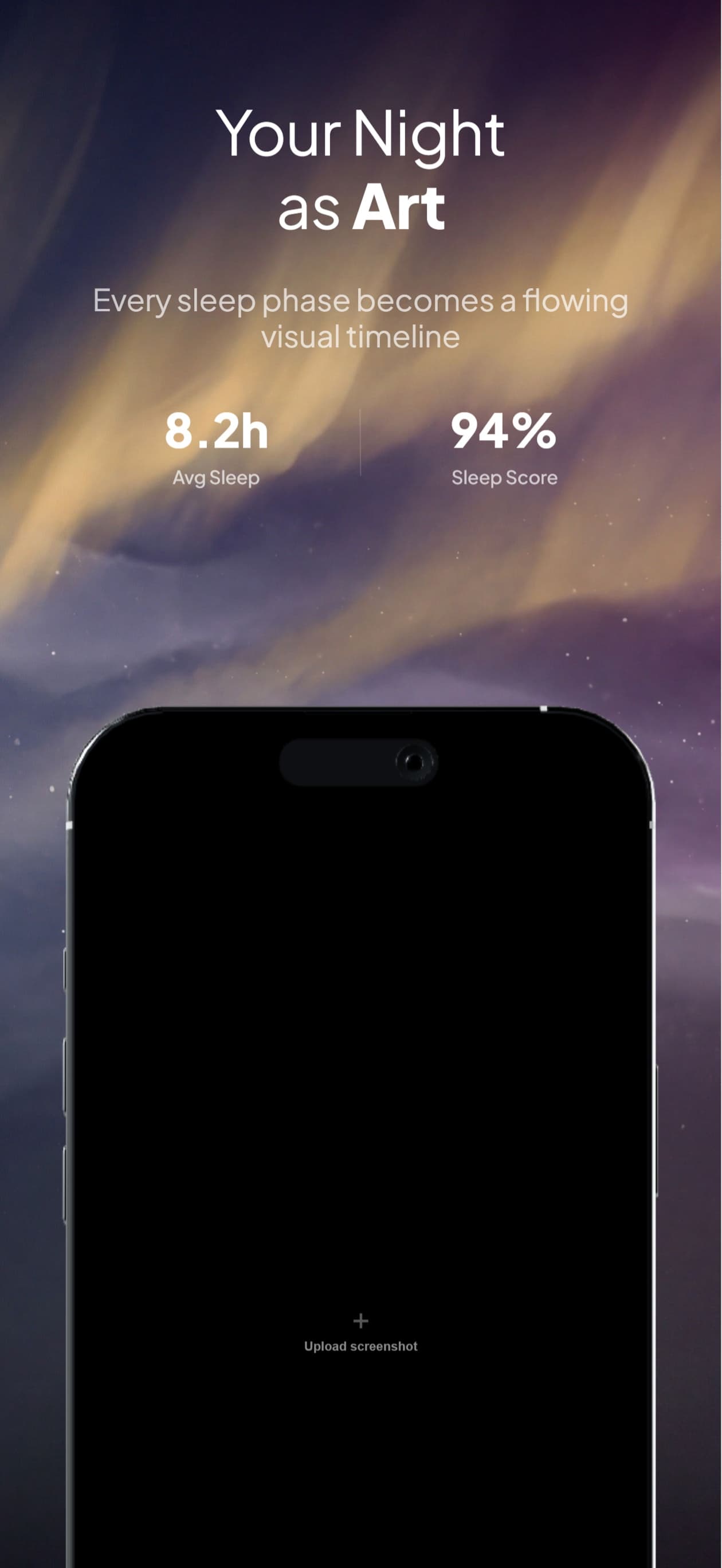
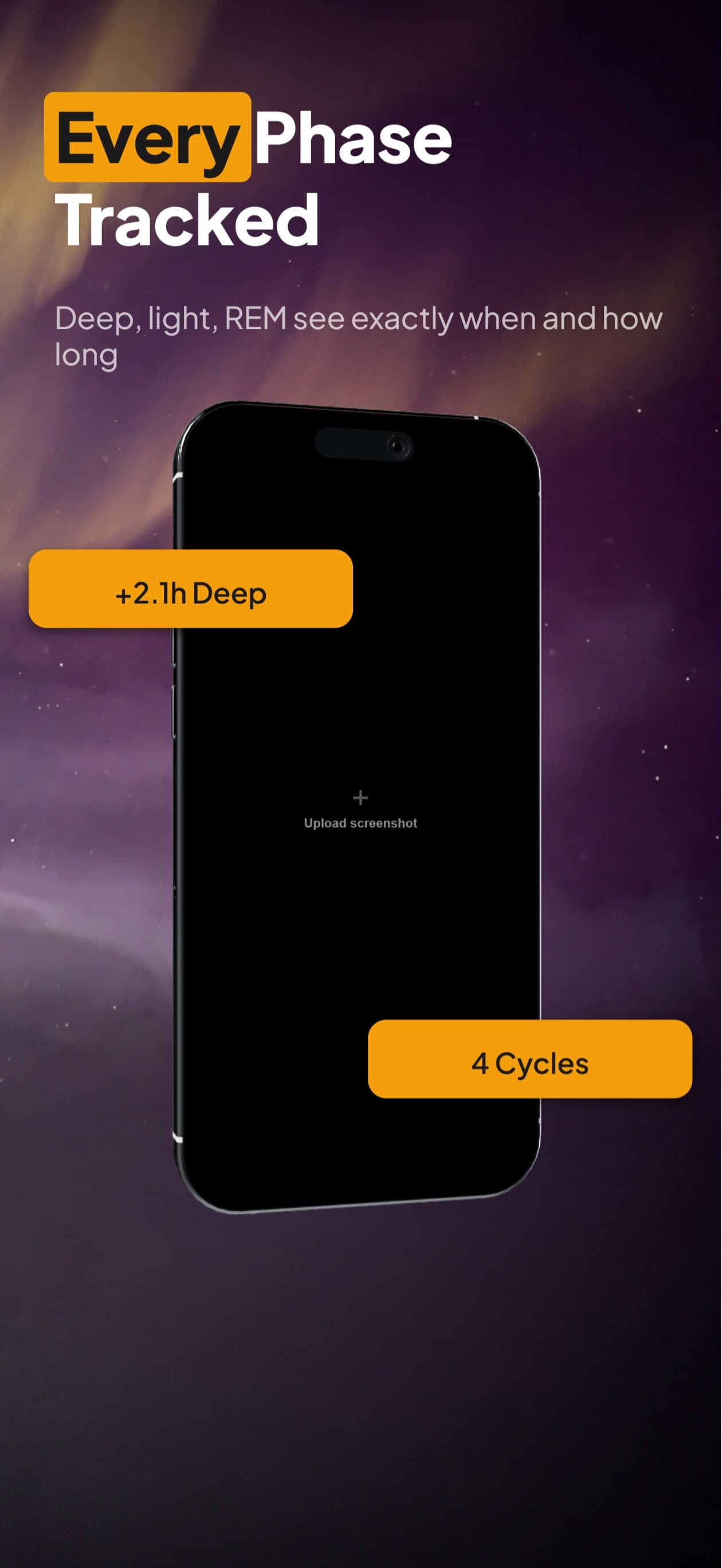
Aurora night sky
Sleep, meditation, and wellness apps. The sky drifts from deep navy to soft purple as the user swipes.
Mountain panorama
Travel, hiking, and outdoor apps. A continuous ridgeline runs across all 6 cards.
City skyline at dusk
Lifestyle, social, and dating apps. Skyscrapers glow as the camera pans from left to right.
Ocean horizon
Travel, fitness, and mindfulness apps. Waves and sky flow uninterrupted card to card.
Forest canopy
Health, journaling, and nature apps. Sunlight filters through trees across the full set.
Brand color gradient
SaaS, productivity, and developer tools. Brand colors blend horizontally for a clean modern set.
Try it now
Describe a scene. The builder opens with your prompt pre-filled.
14-day trial with 25 credits. Card required, cancel anytime before it ends. Enough to cover your first set.
Questions
What is a panoramic App Store screenshot set?
A panoramic set is 6 App Store screenshots where the background is one wide scene sliced across all of them. When a reviewer swipes through the gallery, the background flows continuously from card 1 to card 6, like a panorama. Each card still has its own headline, layout, and app screenshot on top.
How is this different from just using the same background on each card?
A repeated background is six identical images. A panoramic set is six different slices of one image. The visual continuity reads as a single scene unfolding, which makes the gallery feel like an intentional set rather than six unrelated cards.
Do I need to slice the panorama myself?
No. Describe the scene you want and the wide background is generated and automatically sliced into six App Store-dimension cards. Each slice is exported at the exact pixel dimensions Apple and Google require.
What devices does this work for?
iPhone 16 Pro Max (1260x2736), iPhone 17 Pro (1206x2622), iPad Pro 13-inch (2064x2752), Google Pixel 11 Pro (1280x2856), Samsung Galaxy S26 Ultra (1440x3120), Apple Watch Ultra 2 (410x502), plus a generic Android phone and both Android tablet sizes. Each device size gets its own correctly-dimensioned panoramic slice.
Can I edit individual cards after the panorama is generated?
Yes. Each card is fully editable on the canvas. Change the headline, swap the device frame, drop in your app screenshot, adjust position. The panoramic background stays aligned across whatever changes you make.
Related guides
Get a panoramic set that earns the install.
14-day trial with 25 credits. Card required, cancel anytime before it ends.
Start your trial