iPhone 16 Pro Max
Mockup Generator
Describe your app, see App Store screenshots for iPhone 16 Pro Max, refine via chat until they click. Generated backgrounds, exact 1260×2736 dimensions.
2,205 screenshots designed here so far
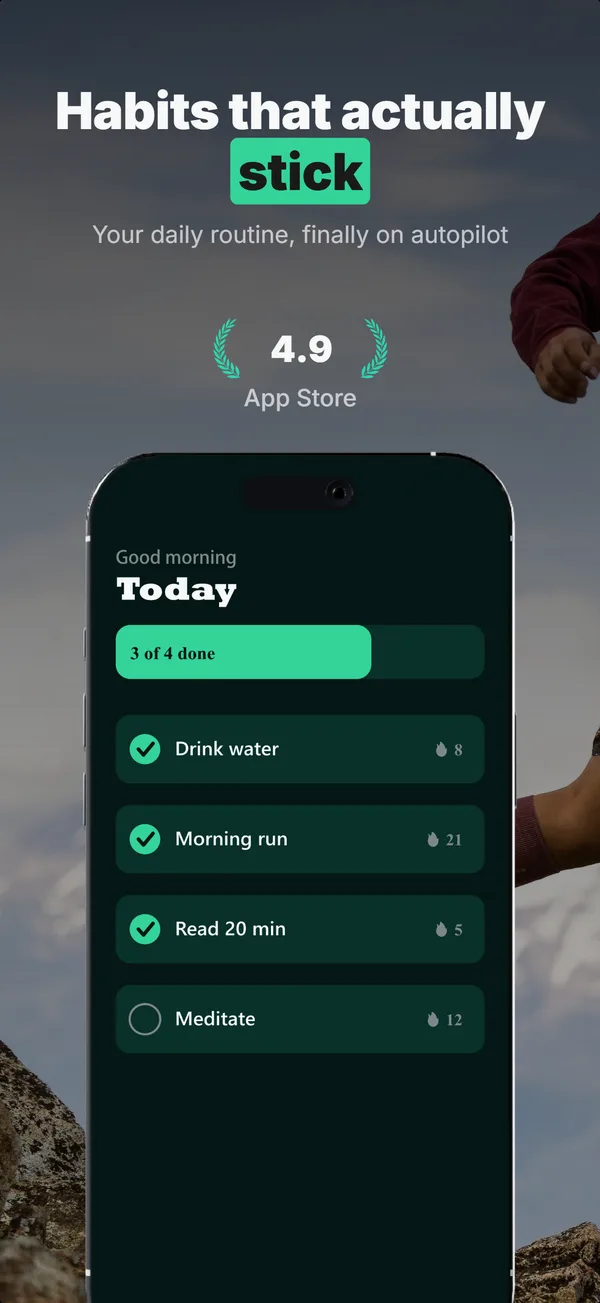
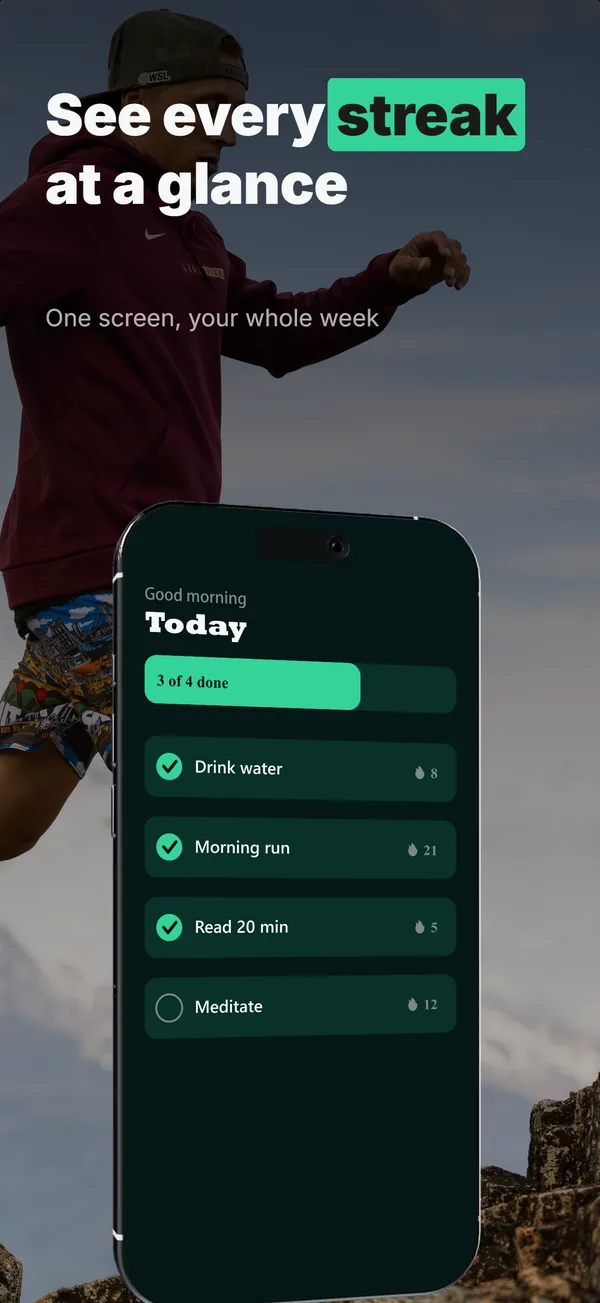
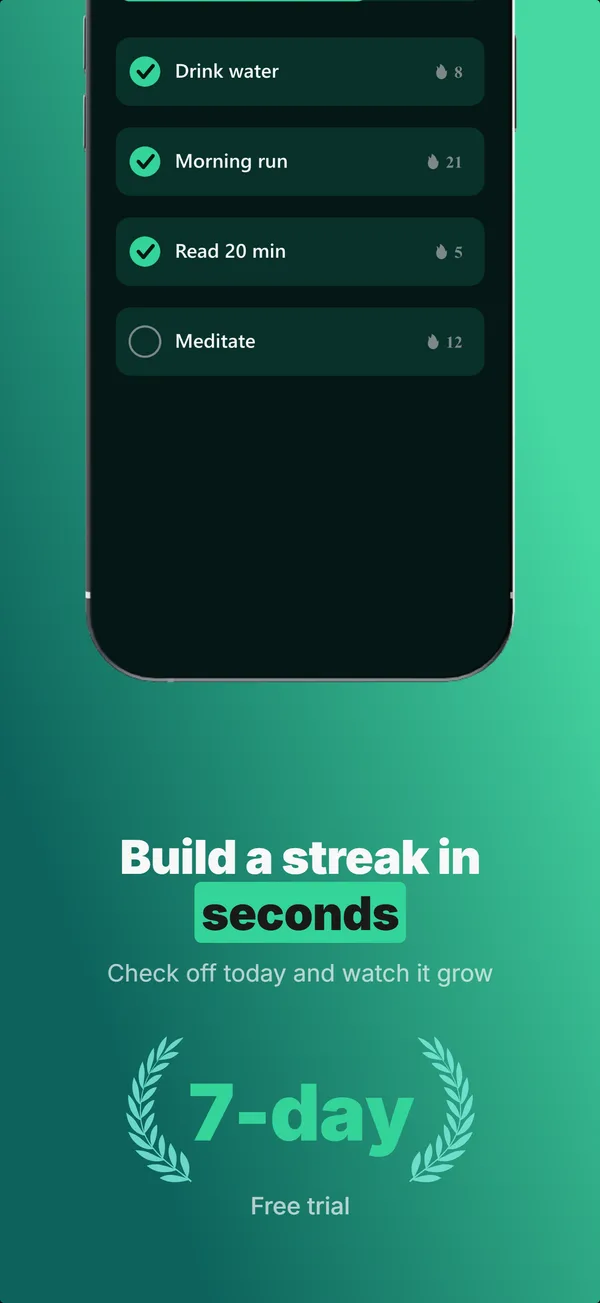
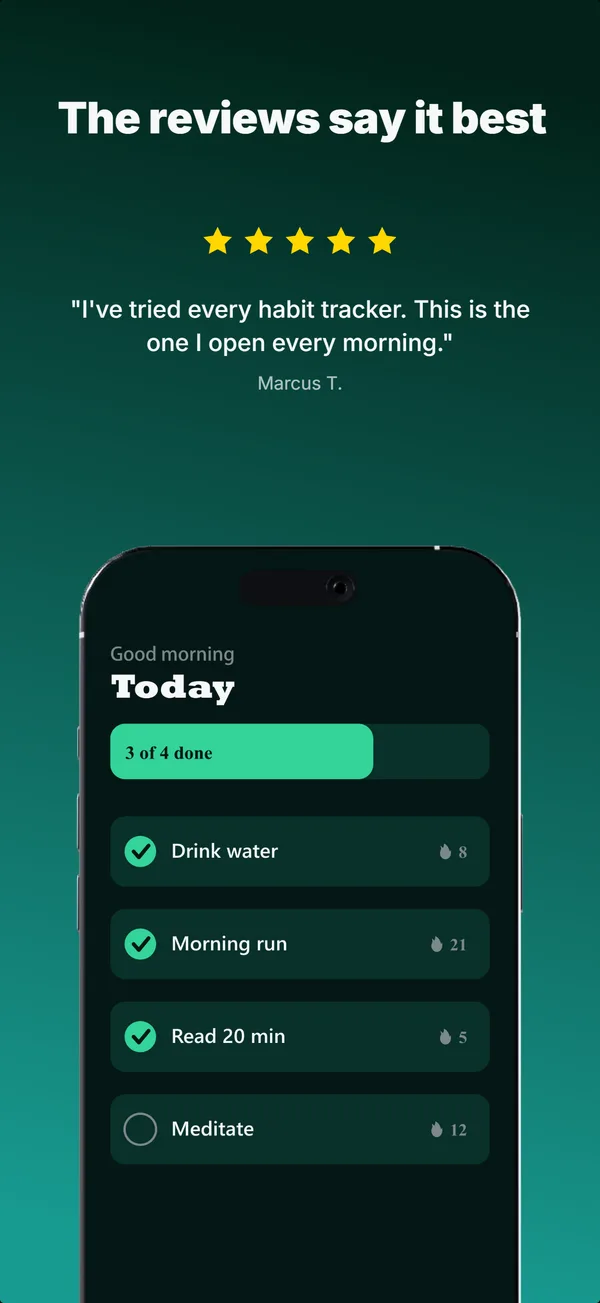
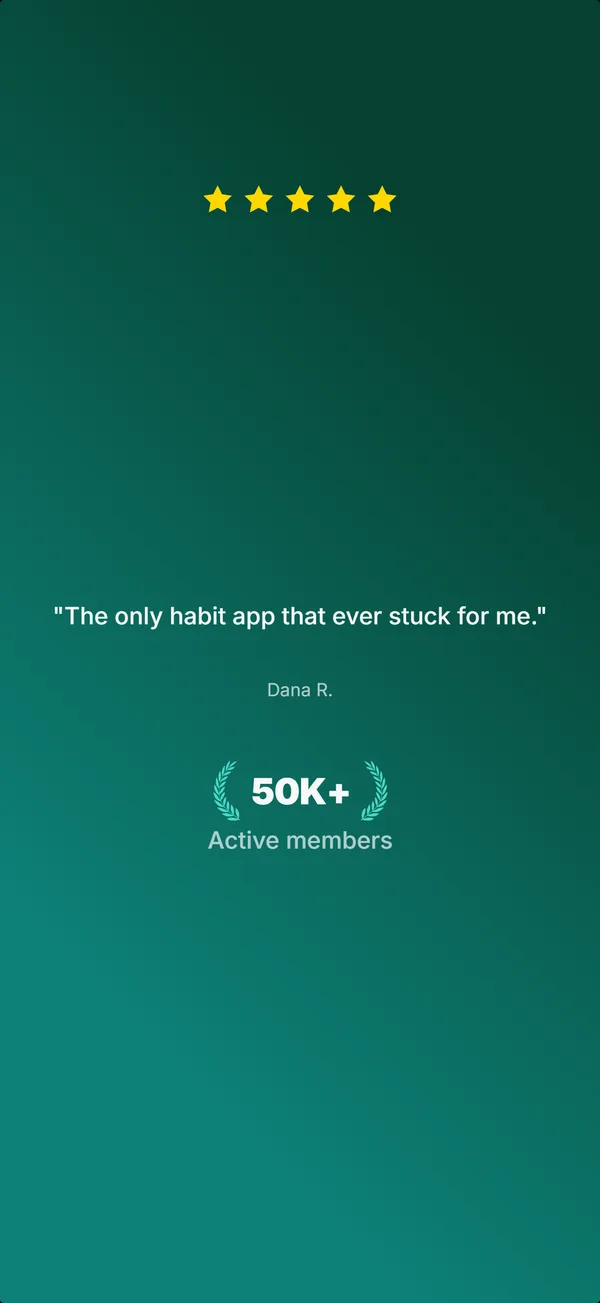
A real five-frame set, generated in AppScreenshotStudio.
Designers charge $150 and take days.You type a message.
You type. The canvas builds.
Describe your app, see your first set, refine via chat, then make the variants to test. No layout panels, no alignment tools, no blank canvas.

AppScreenshotStudio
AppScreenshotStudio
AppScreenshotStudio
AppScreenshotStudio
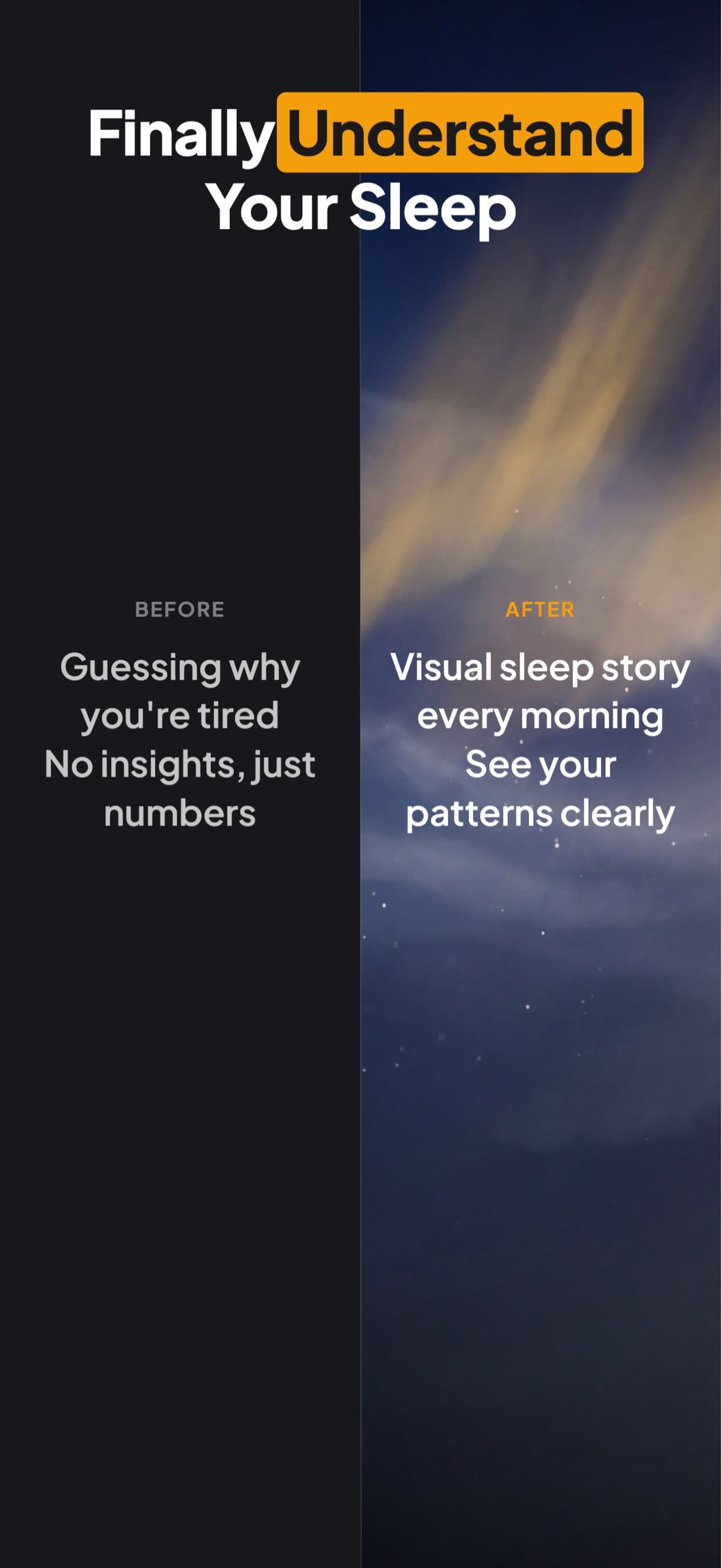
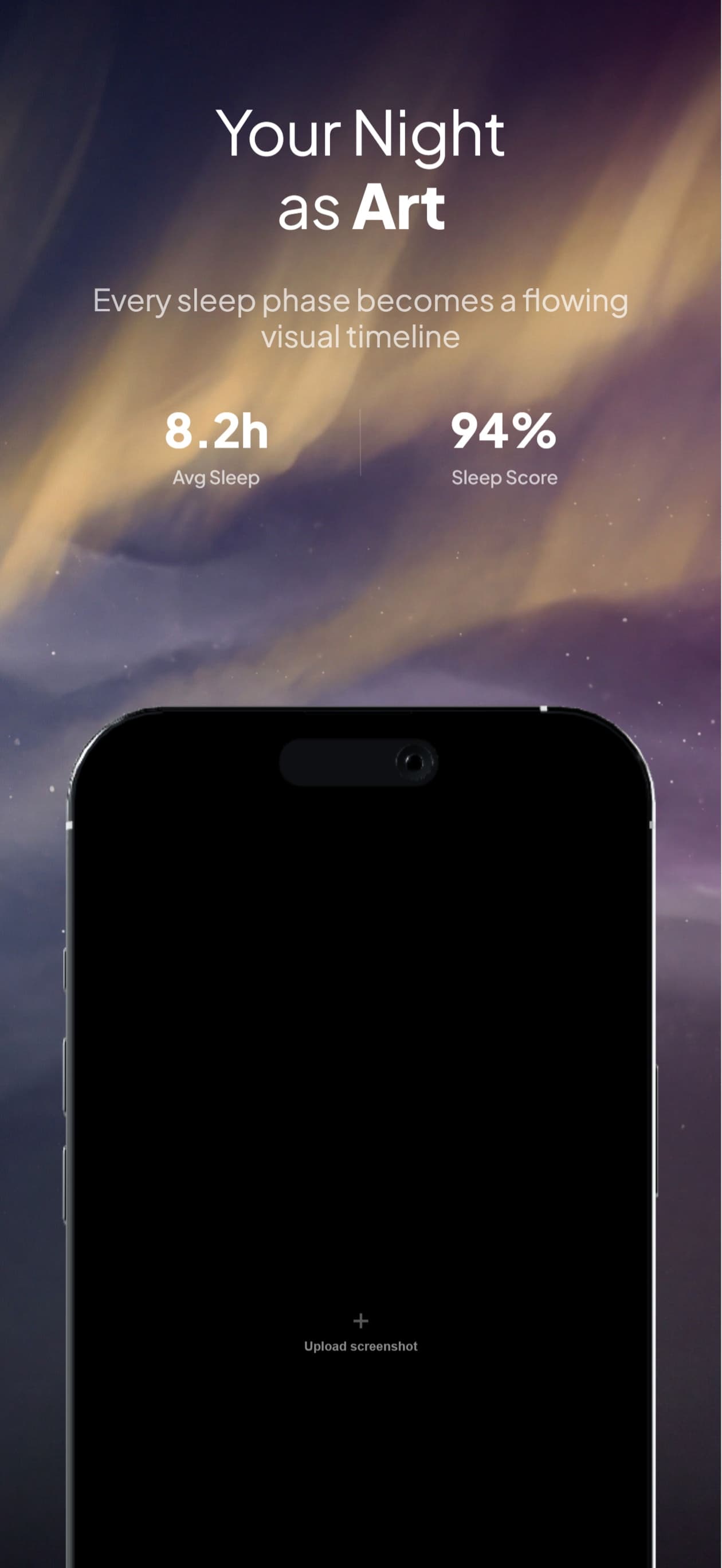
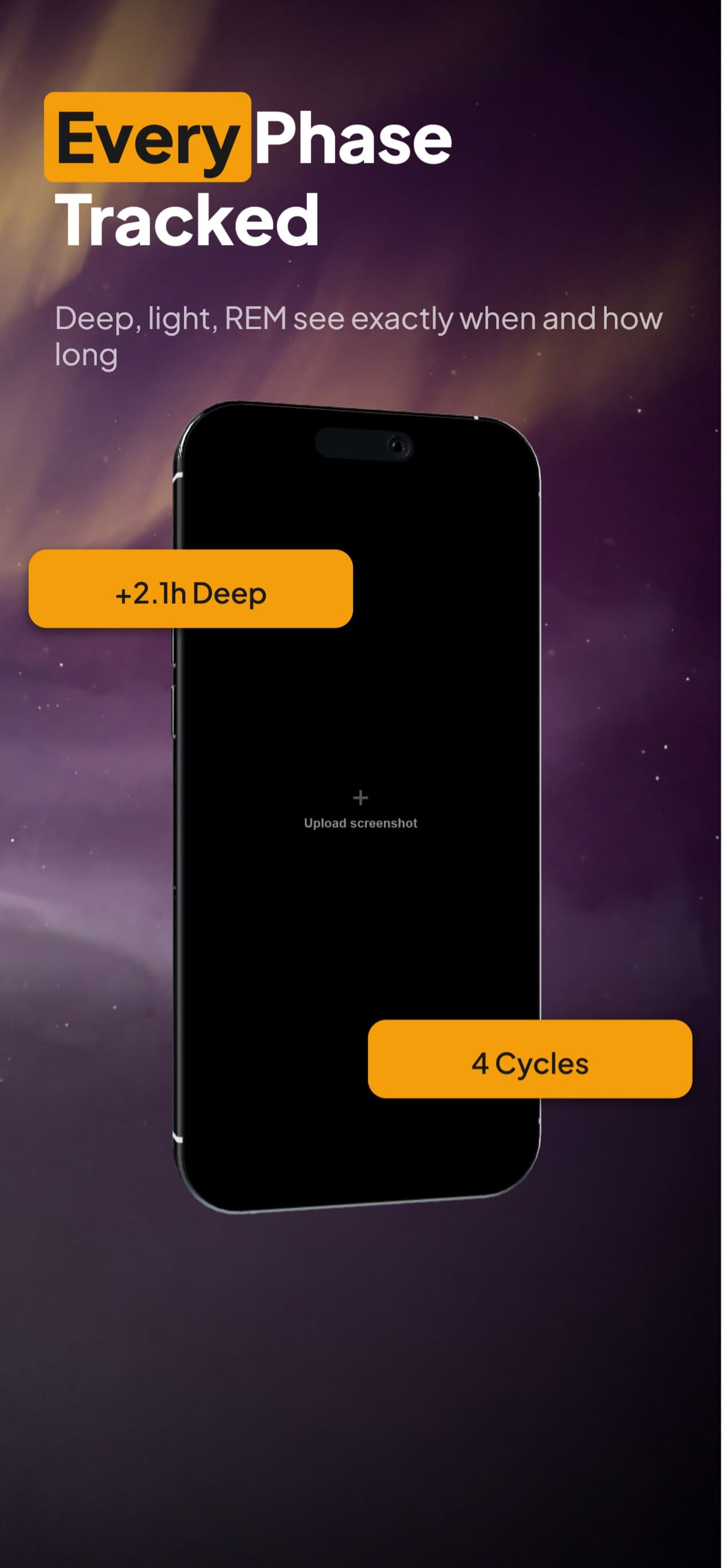
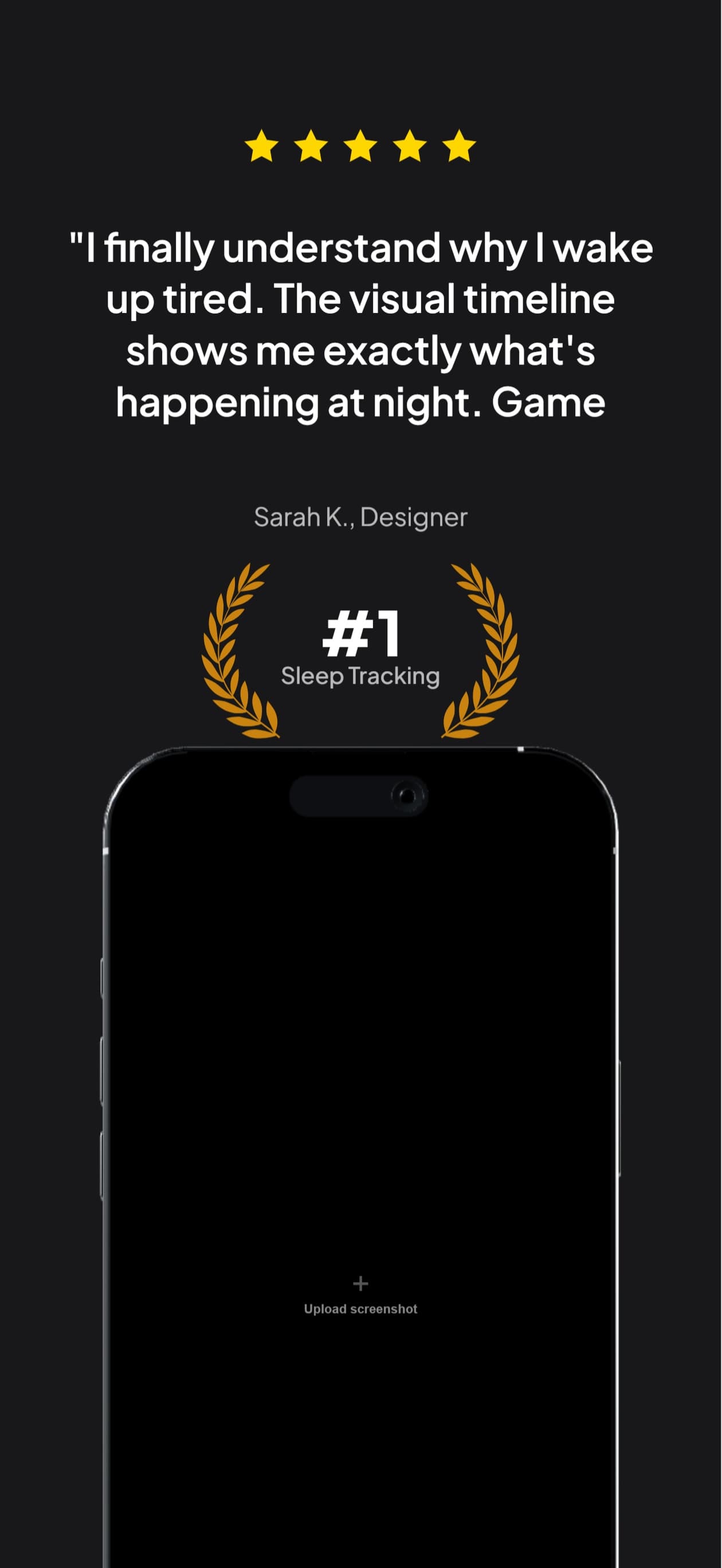
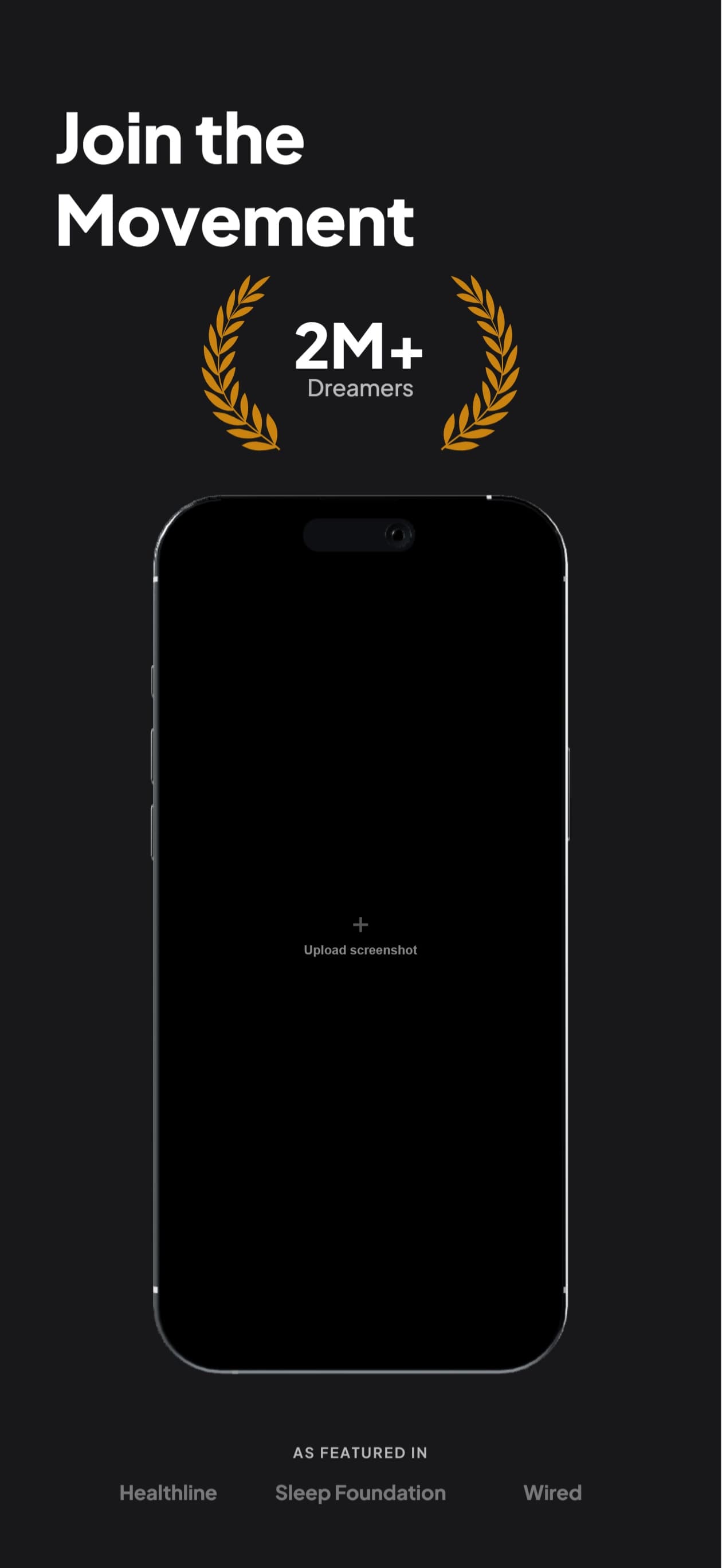
9 Perspectives for iPhone
Flat, tilted, isometric, landscape. Every angle you need for a polished App Store listing.
Questions & Answers
What dimensions does this generate for iPhone 16 Pro Max?
Exactly 1260×2736 pixels, the required resolution for the 6.9" display class in App Store Connect. No resizing or manual cropping needed.
Which iPhone sizes do I actually have to upload?
Only the 6.9-inch set. App Store Connect builds the iPhone listing from it and scales it down for every smaller device, so one set covers the store. The 6.3-inch class (1206×2622, the iPhone 17 Pro) is optional and worth a dedicated set only when the scaled-down version crops a headline awkwardly or your layout runs tight to the margins.
Can I build the 6.3-inch iPhone 17 Pro set here too?
Yes. Switch the project to the 6.3-inch profile and the layout rescales to 1206×2622, so you review and export rather than rebuilding. The iPhone 17 Pro frame is the Natural Titanium finish with the correct corner radius and bezel proportions, and each of the 9 perspectives is a separately rendered frame rather than a skewed copy of the flat one.
Can I use different perspective angles?
Yes. 9 built-in perspectives: flat (front-facing), tilted left/right at 15° and 30°, isometric 3D, top-down, and both landscape orientations. Switch between them per card.
Do I need to create iPad screenshots separately?
You can duplicate your iPhone project to iPad in one click. The layout rescales automatically. Just review and export.
How is this different from Figma mockup templates?
Figma templates give you a starting point you have to customize. Here you describe your app, get a finished set, and export. No design decisions, no layer management.
Deep Dives
App Store screenshot sizes 2026: every device
Every iPhone, iPad, and Apple Watch dimension App Store Connect accepts in 2026, with the device-class-to-spec mapping.
App Store ranking factors 2026: indie dev guide
Why iPhone screenshots carry more conversion weight than any other asset and where they fit in the full ranking-factor hierarchy.
iPhone screenshot sizes 2026: which set is required
The 6.9-inch set is the only required iPhone size, and it accepts three resolutions (1260x2736, 1290x2796, 1320x2868). Which to pick and why.
iPhone screenshot framing: frame, status bar, Dynamic Island
Device frame vs full-bleed, the clean 9:41 status bar, and keeping hero content clear of the Dynamic Island and home indicator.
iPhone screenshots,
handled.
Try AppScreenshotStudio. 14-day trial with 25 credits. Card required, cancel anytime before it ends.
Start your trial