Screenshots are your top conversion lever.
Describe your app. A complete, ASO-ready set streams in, then refine any frame by chat and make the variants to test it against.
2,205 screenshots designed here so far
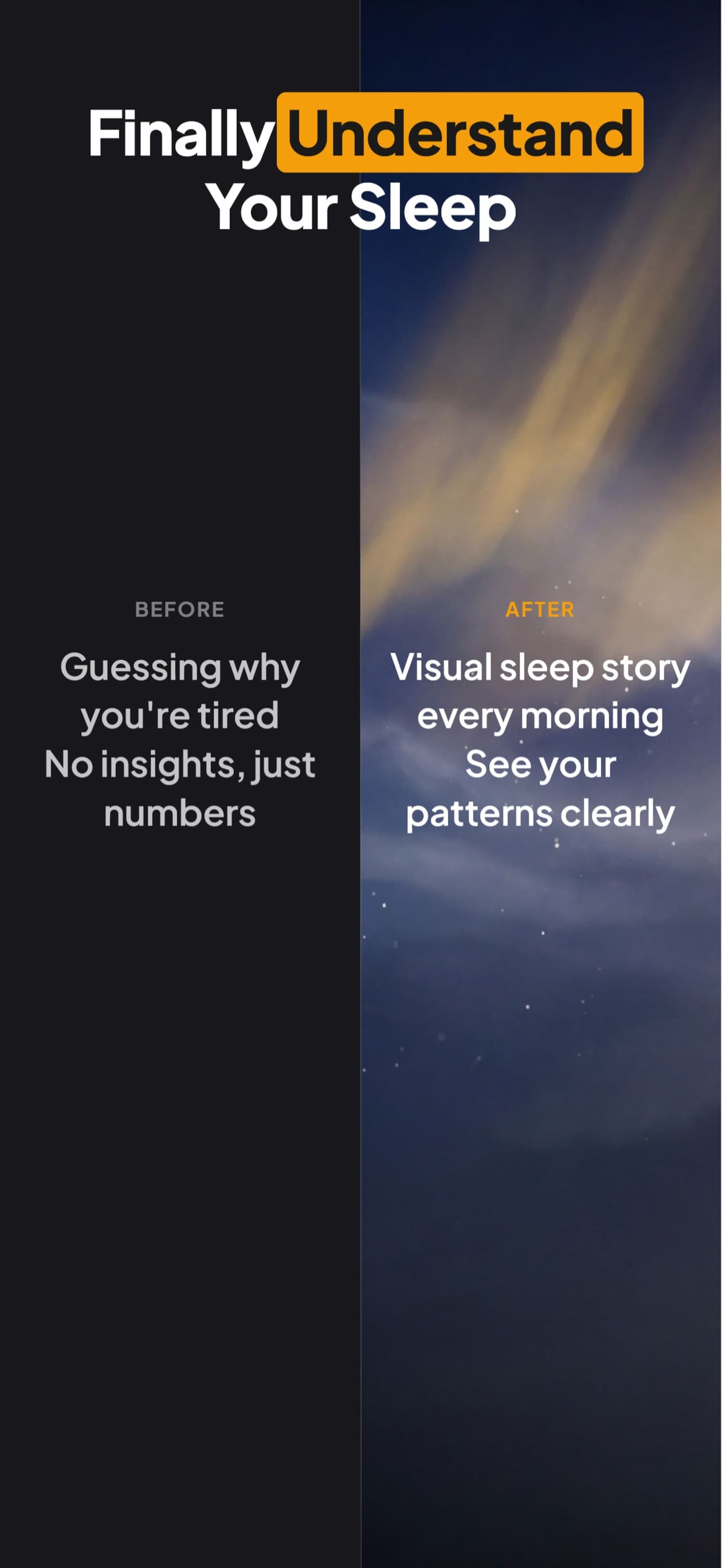
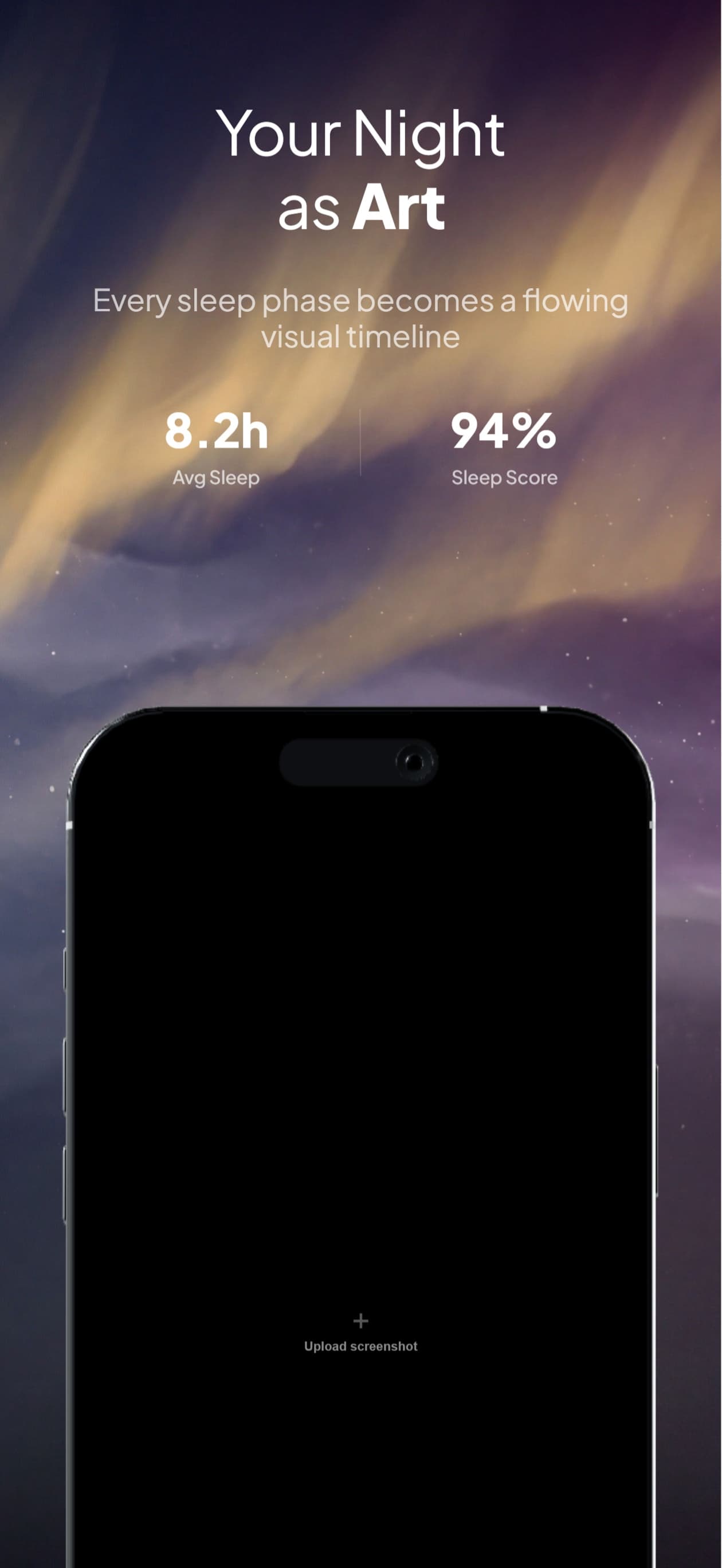
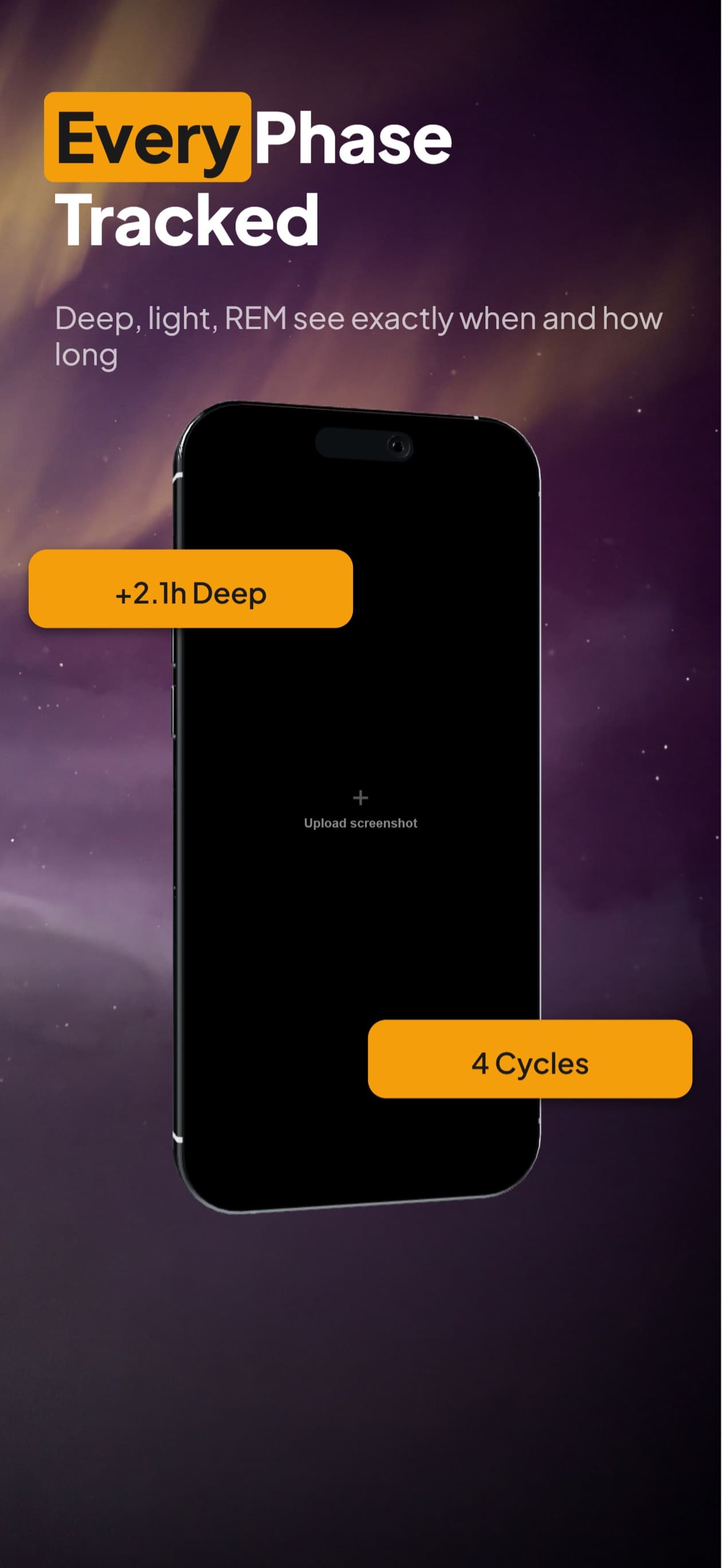
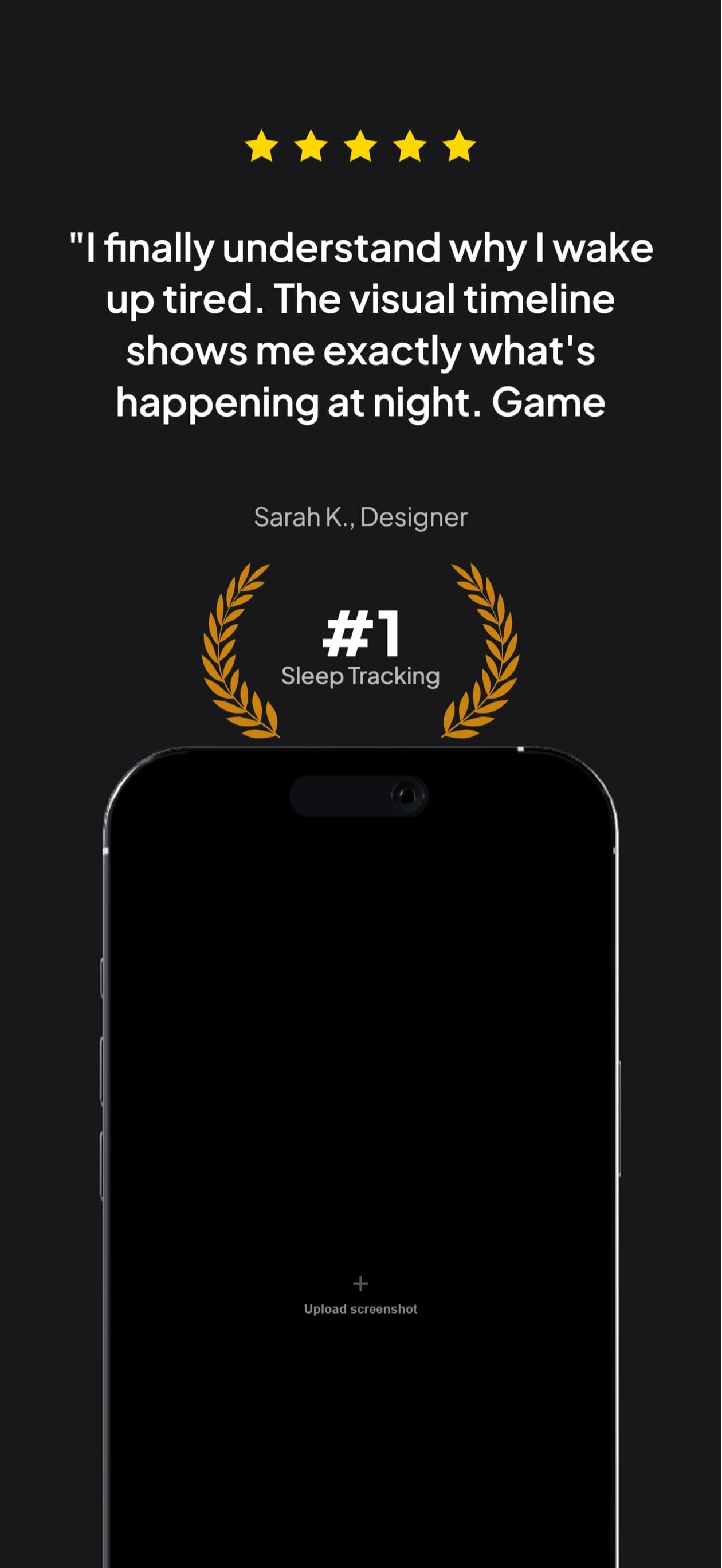
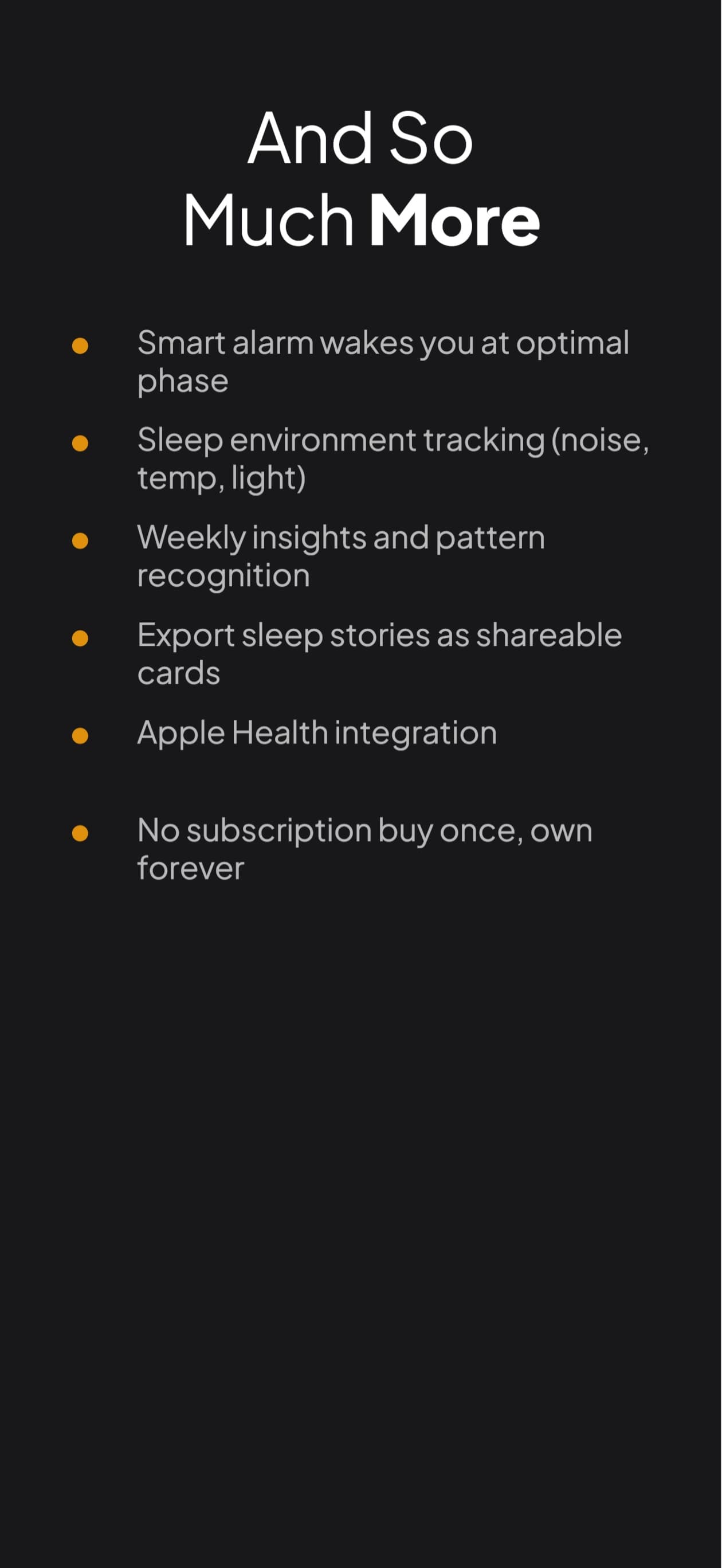
Six separate App Store screenshots. One continuous aurora night sky.
What are ASO screenshots?
ASO screenshots are the images on an App Store or Google Play listing, built to convert a visitor into an install rather than just to document the app. Apple's actual rule is Guideline 2.3.3, that every frame shows the app in use, and the first two frames carry most of the conversion because most visitors never scroll further.
A raw app screenshot
A capture of a screen. It shows what the app looks like, and it spends the headline space every competing listing is using on nothing.
An ASO screenshot
The same capture in a device frame, on a background, under a benefit-focused headline, at the store’s exact pixel dimensions. It answers why to install.
Three things every App Store listing has to get right
Not stats, not vanity metrics. The non-negotiables Apple, Google, and reality enforce.
Guideline 2.3.3, satisfied
Apple's rule is qualitative: every screenshot must show the app in use. No percentage appears anywhere in the guidelines. Every layout the builder generates keeps real app UI in the frame, which is the thing a reviewer actually checks.
First two are above the fold
On the App Store listing, only the first two or three screenshots show before the user scrolls. Most never scroll. The five-card set is sequenced so the strongest message lands first.
Localized to where you sell
Search rankings differ by region. Localized screenshots rank in the same regions your translated metadata does. Generate the full set in all 50 App Store languages from the same canvas.
Conversion-tested layouts
Pick a starting point. Chat to customize. Export at exact store sizes.
$2.4M
Tracked This Month
Track Every Dollar
Smart Budgeting
AI categorizes spending automatically
47
Categories
<5s
Setup
Loved By Pros
"Finally got my finances together. The auto-categorization is genius."
Marcus, Software Engineer
Connect Every Account
12,000+ banks supported worldwide
12K+
Banks
Start In 60 Seconds
Cancel anytime.
60s
Setup Time
Bold Black
Premium near-black with neon accent typography.
$2.4M
Tracked This Month
Track Every Dollar
Smart Budgeting
AI categorizes spending automatically
47
Categories
<5s
Setup
Loved By Pros
"Finally got my finances together. The auto-categorization is genius."
Marcus, Software Engineer
Connect Every Account
12,000+ banks supported worldwide
12K+
Banks
Start In 60 Seconds
Cancel anytime.
60s
Setup Time
Bold Black (Android)
Premium near-black with neon accent typography.
$2.4M
Tracked This Month
Track Every Dollar

Smart Budgeting
AI categorizes spending automatically
47
Categories
<5s
Setup
Loved By Pros
"Finally got my finances together. The auto-categorization is genius."
Marcus, Software Engineer
Connect Every Account
12,000+ banks supported worldwide
12K+
Banks
Start In 60 Seconds
Cancel anytime.
60s
Setup Time
Bold Black (iPad)
Premium near-black with neon accent typography.
$2.4M
Tracked This Month
Track Every Dollar

Smart Budgeting
AI categorizes spending automatically
47
Categories
<5s
Setup
Loved By Pros
"Finally got my finances together. The auto-categorization is genius."
Marcus, Software Engineer
Connect Every Account
12,000+ banks supported worldwide
12K+
Banks
Start In 60 Seconds
Cancel anytime.
60s
Setup Time
Bold Black (Android Tablet)
Premium near-black with neon accent typography.
Crush Every Workout
Smart rep counting and form analysis
12M+
Workouts
4.8
Rating
Form Coach In Your Pocket
Real-time feedback on every rep
99%
Form Accuracy
Real Results In Weeks
5x weekly, custom programs, top of your form
Built For Athletes
4.8
App Store Rating
Join The Movement
100K+
Reviews
8M
Active Users
Active Bold
Vibrant orange and amber for high-energy fitness apps.
Crush Every Workout
Smart rep counting and form analysis
12M+
Workouts
4.8
Rating
Form Coach In Your Pocket
Real-time feedback on every rep
99%
Form Accuracy
Real Results In Weeks
5x weekly, custom programs, top of your form
Built For Athletes
4.8
App Store Rating
Join The Movement
100K+
Reviews
8M
Active Users
Active Bold (Android)
Vibrant orange and amber for high-energy fitness apps.
ASO requirements, handled for you
Every layout the builder generates already passes the checks below.
Real app UI, automatic
Every layout sizes the device mockup so real app UI stays in the frame, which is what Guideline 2.3.3 asks for. No manual checking.
Headlines written for you
Benefit-focused captions are picked to match your app and category. Edit any line by saying what you want changed.
Five coordinated cards
A full set generated in one pass: consistent palette, type, and motif across every screenshot. No design loose ends.
All 50 App Store languages
Translate the entire set in one click. Ship localized screenshots to every region your app metadata is translated for.
Exact store dimensions
JPEG export at the precise sizes App Store Connect and Play Console require. No cropping, resizing, or rejected uploads.
Iterate by chat
Don't like a headline, color, or layout? Describe the change. Updates land in seconds, not in another design round.
The ASO screenshot checklist
Eight things a good listing gets right. The builder handles every one.
Show real app UI on most of every screenshot
Apple judges each frame against Guideline 2.3.3, show the app in use, not against a ratio. The 60/40 split is a community heuristic that buys margin: a frame with no app UI at all is the real rejection trigger.
Lead with the strongest two cards
Only the first two or three appear before the fold on a phone listing. Most visitors never scroll, so a great card four is spent where few people look.
Write benefit-focused headlines, not feature names
"Split bills without the awkward text" earns an install. "Expense splitting" describes a menu item. The reader is deciding, not browsing a spec sheet.
Keep palette and typography consistent across all five
The set is read as one object at thumbnail size. Mismatched type or color reads as unfinished before anyone parses a single word.
Use exact App Store Connect and Play Store dimensions
Off-spec files are rejected at upload. Getting there by resizing an export introduces soft text, which is worse than not framing the shot at all.
Localize for every region your metadata is translated for
Translated metadata brings the impressions; untranslated screenshots lose the conversion once they arrive. The two belong in the same pass.
Test variations instead of guessing once and shipping
Product Page Optimization runs up to three treatments against your current set, so the winner is measured rather than argued about.
Refresh when the app changes, not on a calendar
A screenshot showing UI you shipped over a year ago quietly undercuts every other trust signal on the listing.
Make the variants. Let the store decide.
Getting the checklist right is the floor. Which set converts is a question for the store: one run makes up to three alternates of yours for Apple's Product Page Optimization, which shows each to real shoppers and reports which converts better.
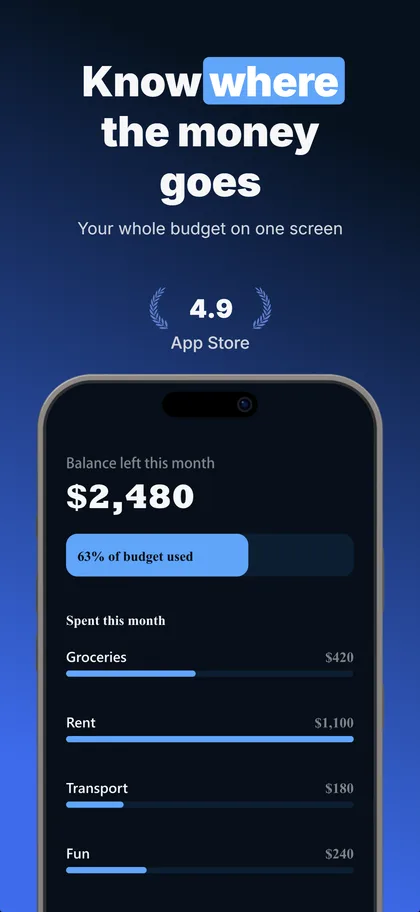
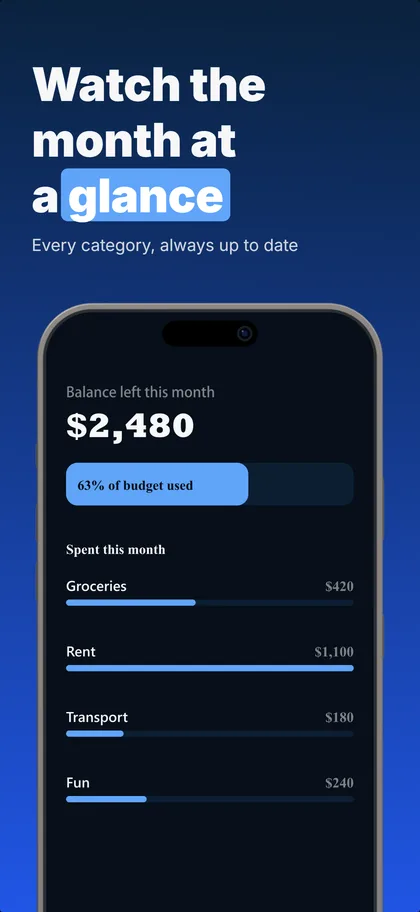
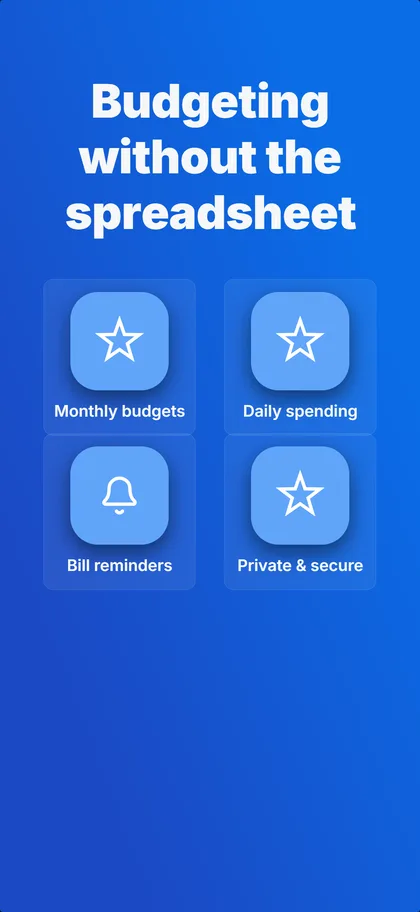
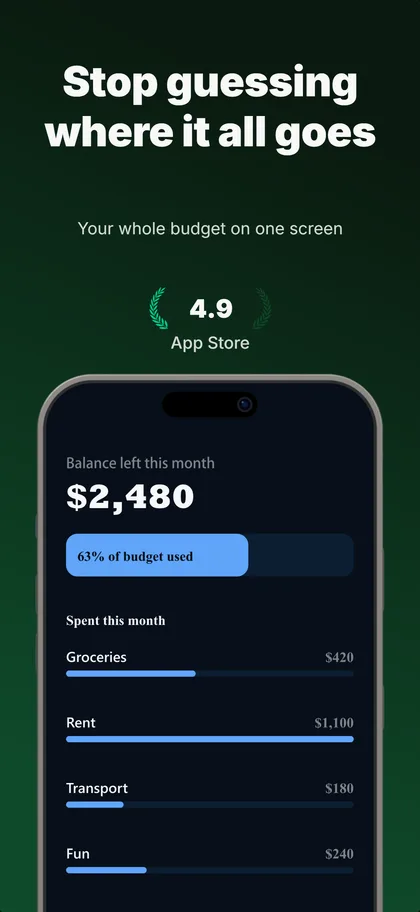
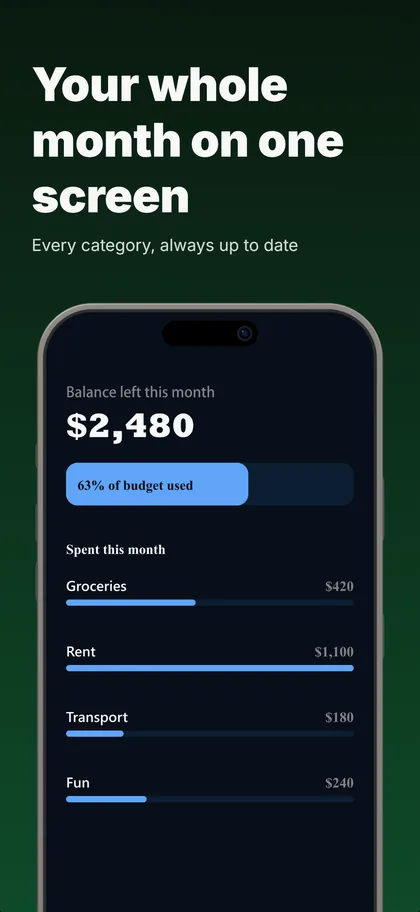
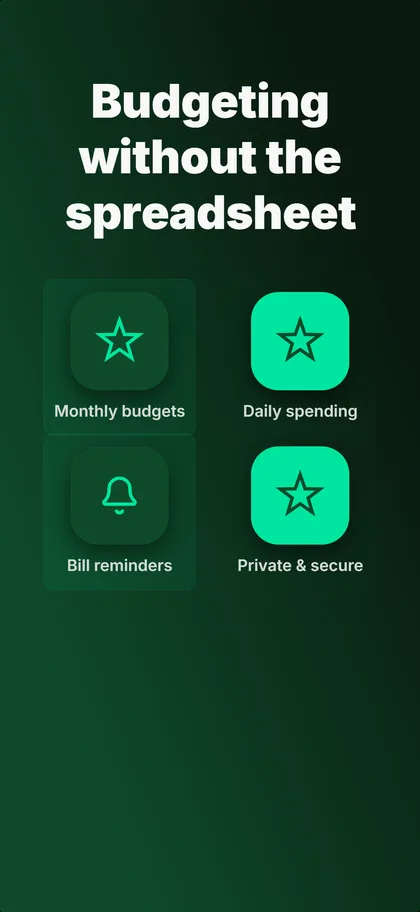
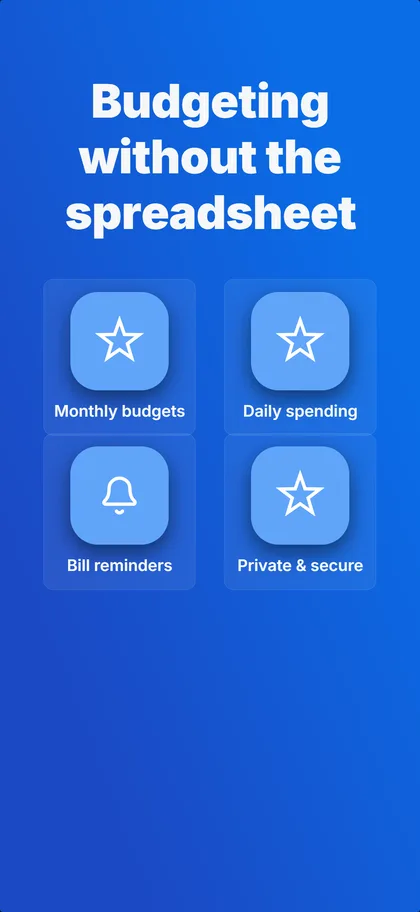
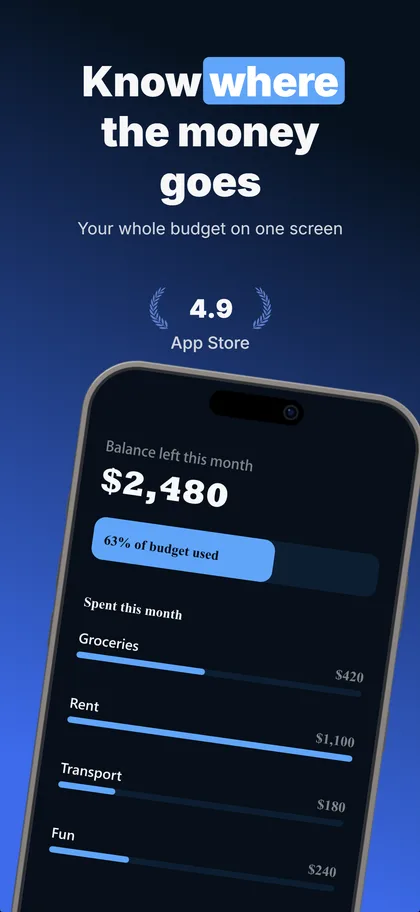
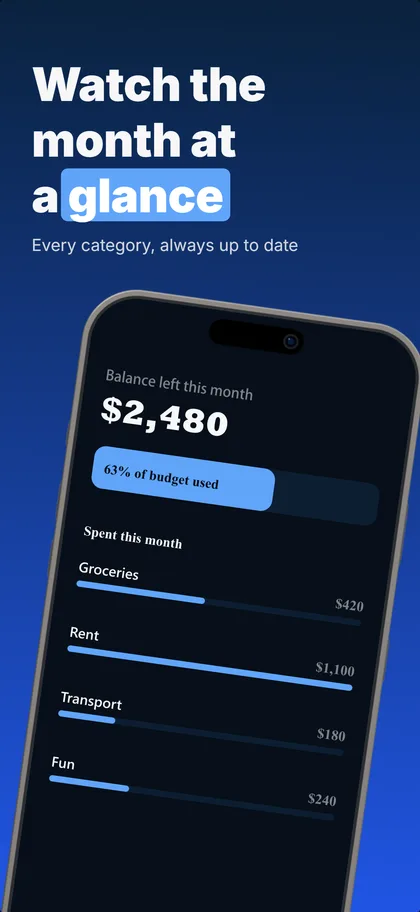
Real output: three concepts the builder made from our budgeting example set, first three screenshots of each.
Up to 3 per set
The same number of treatments Apple tests against your current page.
Concepts or one change
Concepts try a different reason to install, ready in under a minute. One change each shows exactly what won.
5 credits each
A variant that fails its readability or layout checks is refunded.
Compared as they download
Every version on its real cards, flipped card by card.
Apple's test needs store traffic: practitioners put the floor around 500 product page views a day. A new app launches with the concept it believes in and keeps the rest ready for the day the traffic arrives.
Related resources
Screenshot Builder
The chat-based tool itself
Keyword Researcher
Free ASO keyword tool
Best Practices
Conversion strategies in depth
Conversion Benchmarks
By category, with each number dated
Panoramic Screenshots
One scene across all six cards
Screenshot Builder
Chat to design and translate
Size Guide
2026 device dimensions
Best ASO Tools 2026
Stack of tools indie devs use
Metadata Field Guide
Title, subtitle, keyword field rules
Ranking Factors 2026
Full hierarchy of signals
PPO A/B Testing
Apple's native test framework
7 ASO Metrics
What to watch in App Analytics
First Three Frames Playbook
What converts in positions 1-3
Custom Product Pages
CPP setup and conversion playbook
Good Conversion Rate?
Benchmarks by category, explained
Conversion Funnel: 2 Stages
Find which stage is leaking
ASO screenshot questions
What are ASO screenshots?
How are ASO screenshots different from regular app screenshots?
What are the best practices for ASO screenshots?
How many screenshots should an App Store listing have?
Do localized screenshots affect App Store rankings?
How long does it take to redo a screenshot set?
Ship ASO-ready screenshots today
Describe your app. Get five conversion-ready cards. Upload to App Store Connect. 14-day trial with 25 credits. Card required, cancel anytime before it ends.