Just describe your app
Designers charge $150 and take days.
You type a message.
Average time to a complete screenshot set.
Designers take 3-5 days.
Starting price per month.
All features included.
Design decisions. Chat handles everything.
Or click to customize manually.
How it works
Start with a template or prompt
Pick a template or start from scratch. Describe your app and get a full screenshot set.
Chat to build your screenshots
Type what you want in the chat. Watch cards appear on canvas. Refine with follow-up messages.
Export store-ready screenshots
Download in exact App Store and Google Play dimensions. Every device size, handled.
11 Perspectives. 5 Devices.
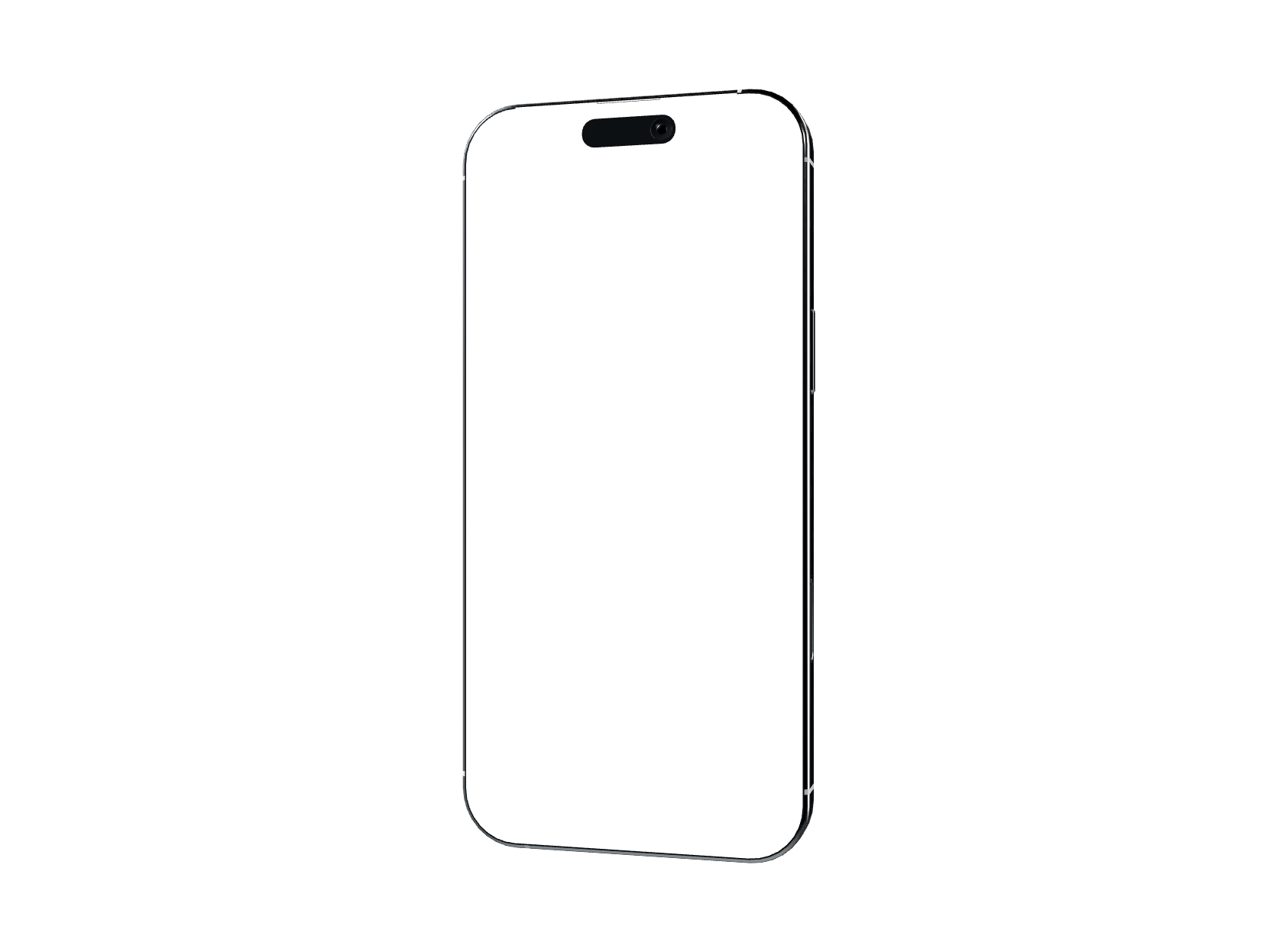
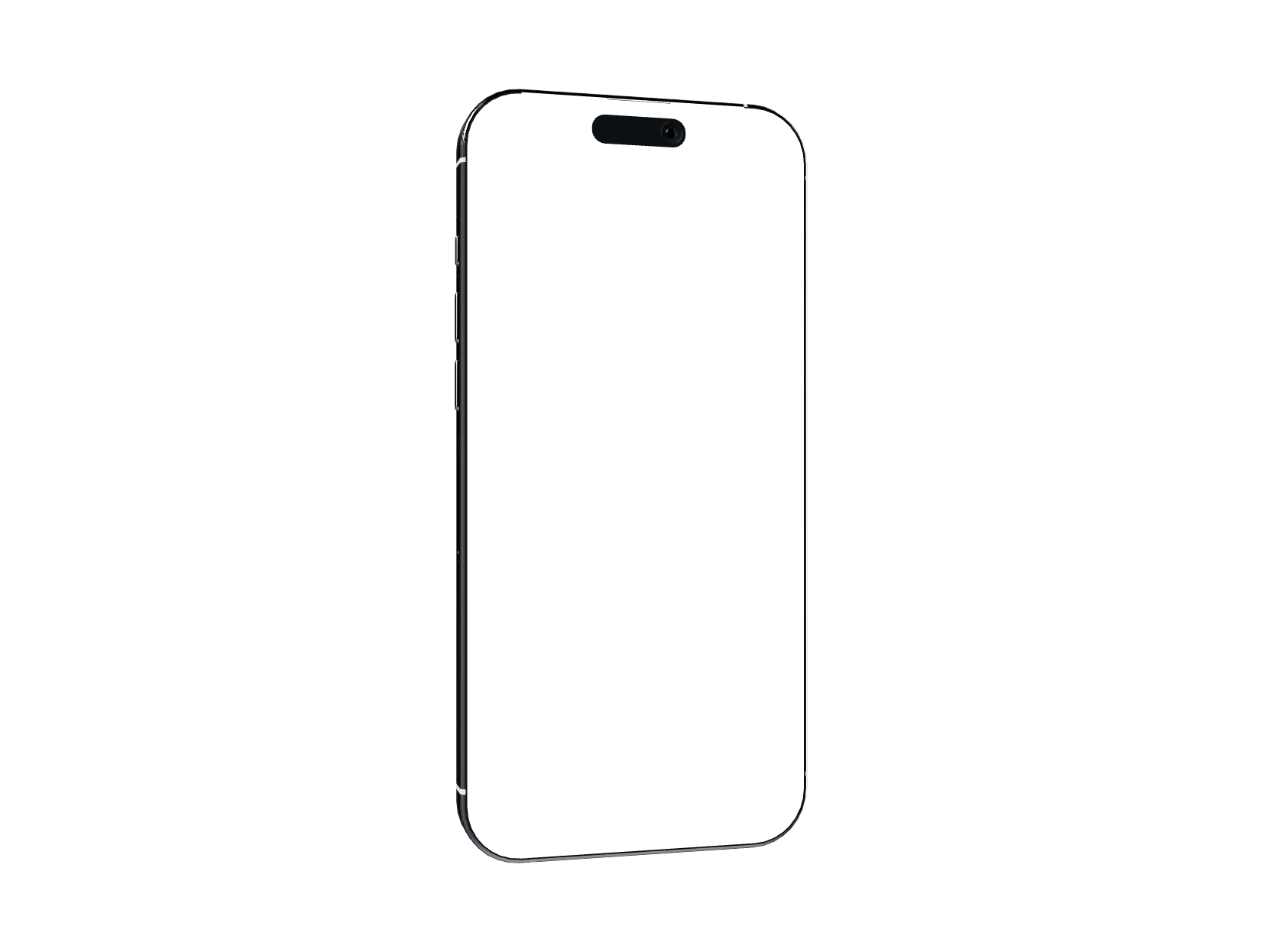
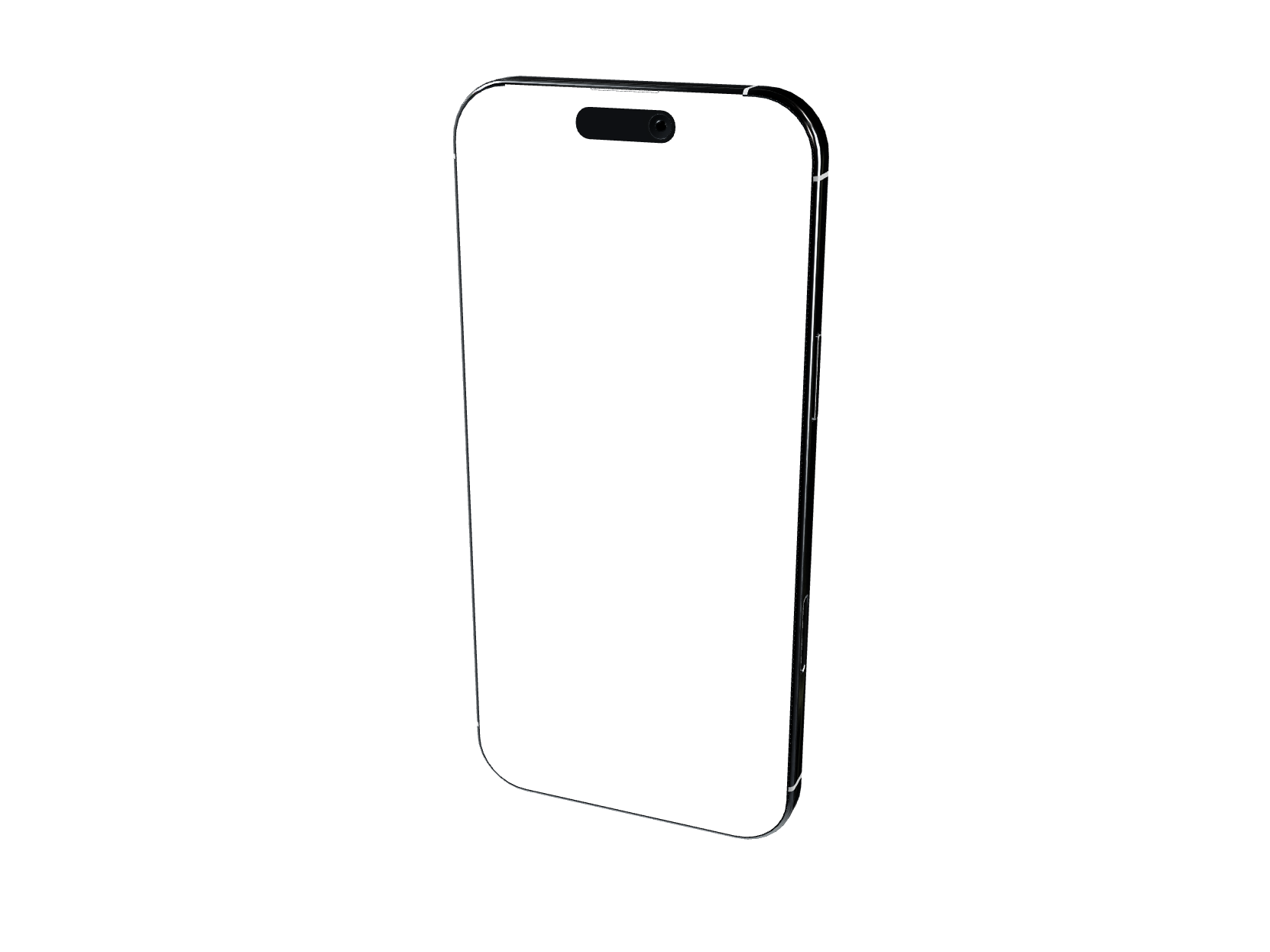
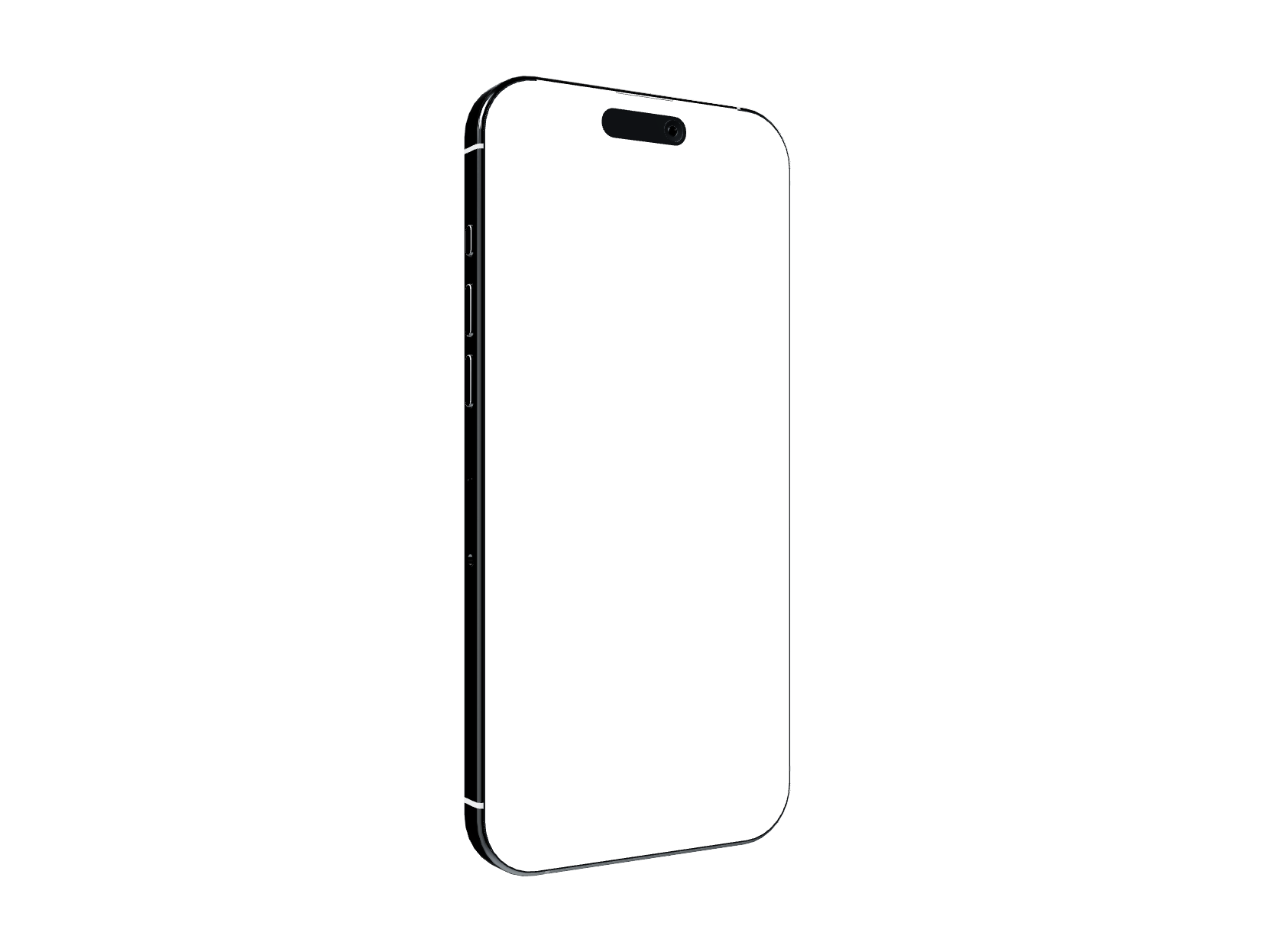
Flat, tilted, isometric, landscape, side-profile. Every angle you need for a polished store listing.
Pick a Template and Go.
Start from a professionally designed template. Customize everything with chat.
Everything You Need, Nothing You Don't
Stock Photo Library
Search thousands of free stock photos from Pexels. Drop them straight onto your canvas — no credits, no watermarks.
Generated Backgrounds
Describe the vibe you want. Get a unique, brand-matched background in one click. Or pick from 29 ready-made gradient presets.
Generated Elements
Need a custom icon, badge, or illustration? Describe it and drop it onto your canvas.
170+ Shapes & Icons
90+ decorative shapes and 80+ UI icons. Browse by category, search, and add to any card. All free.
11 Device Angles
Flat, isometric, tilted, landscape, side-profile. Rotate and position your mockup exactly how you want it.
Multi-Card Editing
Select the same element across all cards and edit them at once. Change a headline everywhere in one click.
Store-Ready Export
iPhone 16 Pro Max, iPad Pro 13”, and every required size. Pixel-perfect dimensions that pass review.
For Developers
Create screenshots from your terminal, IDE, or CI pipeline.
- Works with Claude Code, Cursor, and any MCP-compatible IDE
- Create and manage projects from the command line
- Generate backgrounds and chat programmatically
- Full REST API access on all paid plans
Simple Pricing
No hidden fees. No per-seat pricing. Cancel anytime.
Free to start. Paid plans from $9.99/month — view pricing
Starter
For side projects
- 75 credits/month
- 2 projects
- All device formats
- Gradient backgrounds
- Full editing capabilities
- High-resolution export
- API access
- Email support
Growth
For indie apps
- 200 credits/month
- Unlimited projects
- All device formats
- AI-generated backgrounds
- Full editing capabilities
- High-resolution export
- API access
- Priority support
Pro
For multiple apps
- 600 credits/month
- Unlimited projects
- All device formats
- AI-generated backgrounds
- Full editing capabilities
- High-resolution export
- API access
- Priority support
Screenshots shouldn't be a project.
Try AppScreenshotStudio free. No credit card required.
Get Started FreeQuestions & Answers
How does the builder work?
Start from a template or a blank canvas. Type what you want in the chat — "Create 5 screenshots for my fitness app with a dark theme" — and watch your cards appear on the canvas. Click any element to customize, or keep chatting to refine.
How is this different from other screenshot tools?
Other tools give you a Figma-like editor and templates you have to customize yourself. AppScreenshotStudio lets you describe what you want in plain English. Layouts, copy, colors, and device frames are handled for you. You get finished screenshots, not a starting point.
What device sizes do you support?
All required App Store and Google Play dimensions: iPhone 16 Pro Max, iPad Pro 13”, Samsung Galaxy S25 Ultra, and Android tablets. Screenshots export at exact pixel specifications so they pass store review.
Can I edit things manually?
Yes. Click any element on the canvas to open its properties — adjust position, size, color, text, shadows, rotation. You can also select the same element across multiple cards and edit them all at once.
How do credits work?
Start with 10 free credits. No credit card required. Each chat message costs 5 credits. Background generation costs 6 credits. Paid plans from $9.99/month with 75+ credits.
Is there an API or MCP integration?
Yes. All paid plans include REST API access. We also offer an MCP server (@appscreenshotstudio/mcp) that works with Claude Code, Cursor, and any MCP-compatible IDE. Create and manage screenshots right from your terminal.