iPhone 17 Pro
Mockup Generator
Describe your app, see App Store screenshots for iPhone 17 Pro, refine via chat until they click. Generated backgrounds, exact 1206×2622 dimensions.
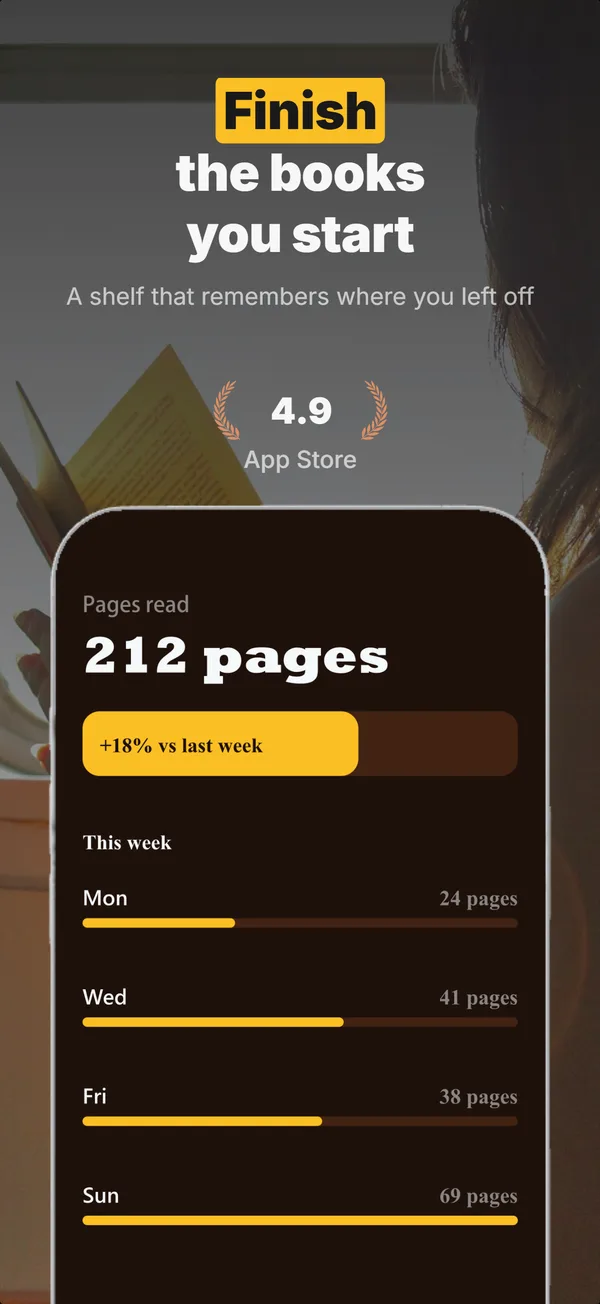
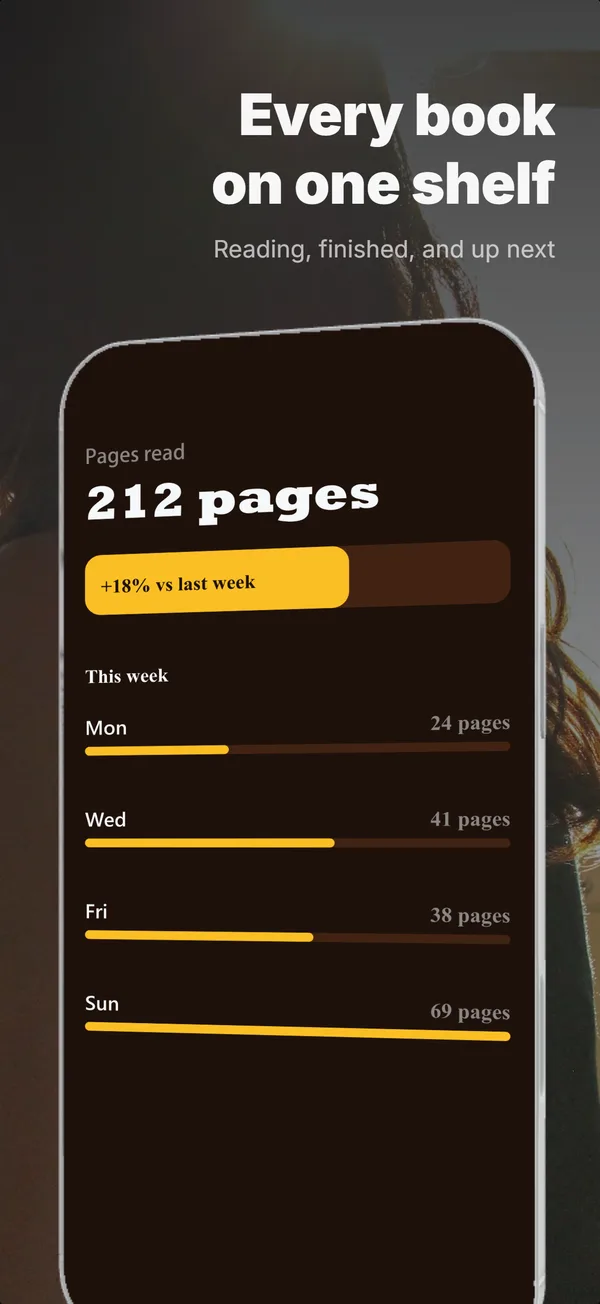
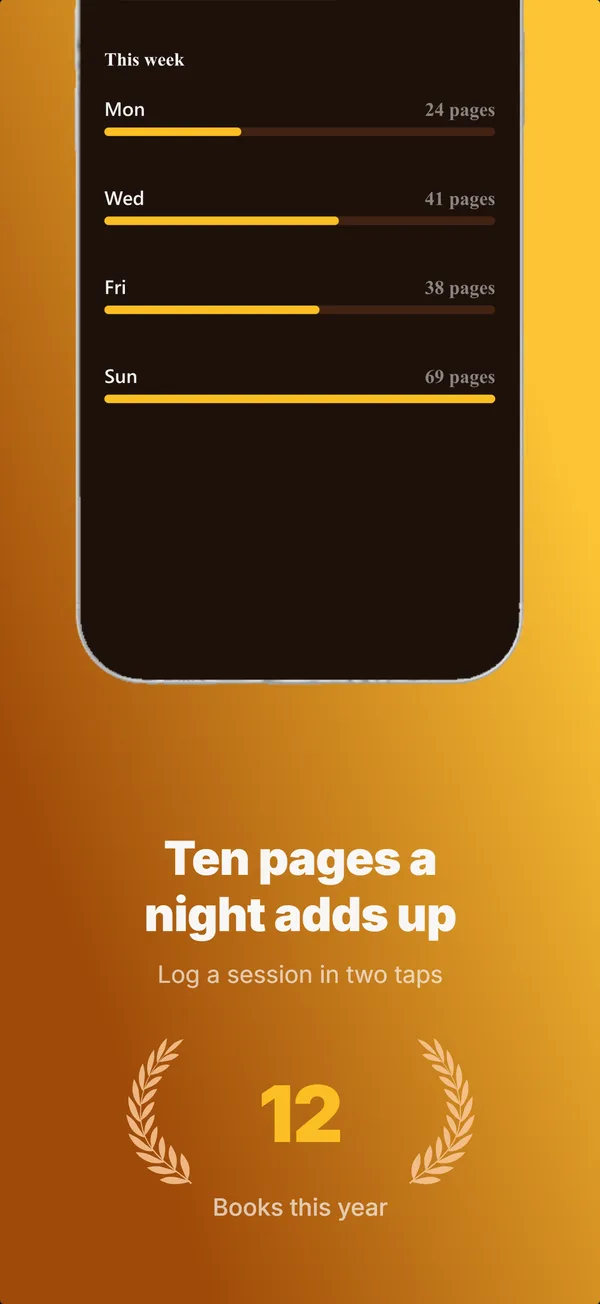
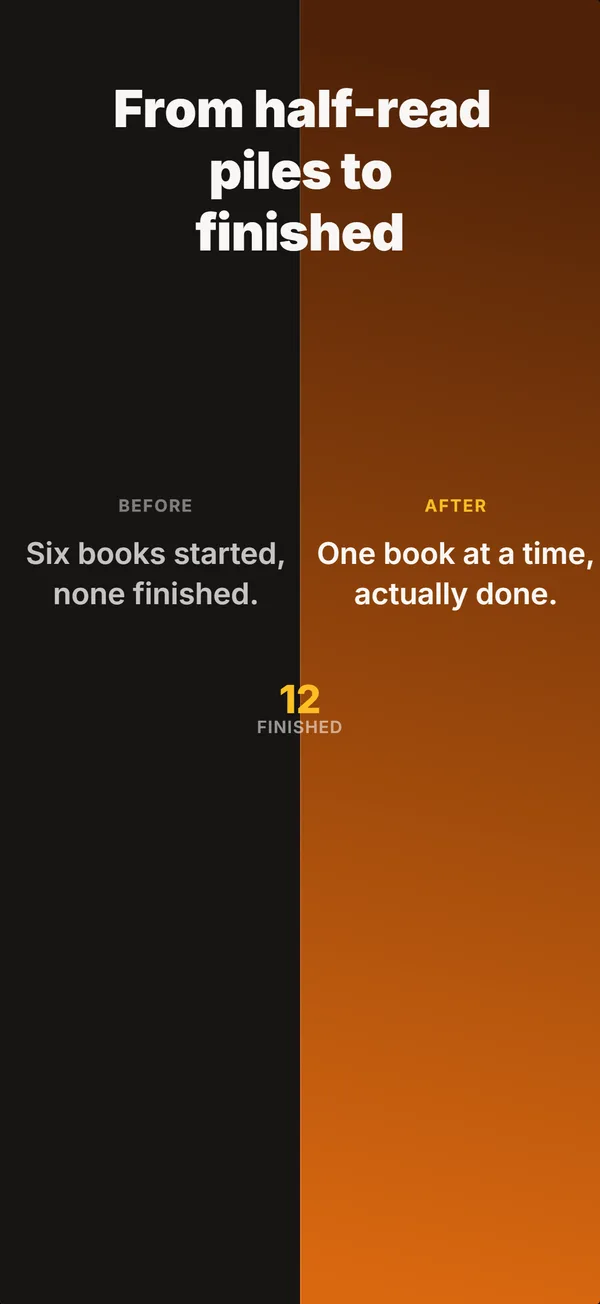
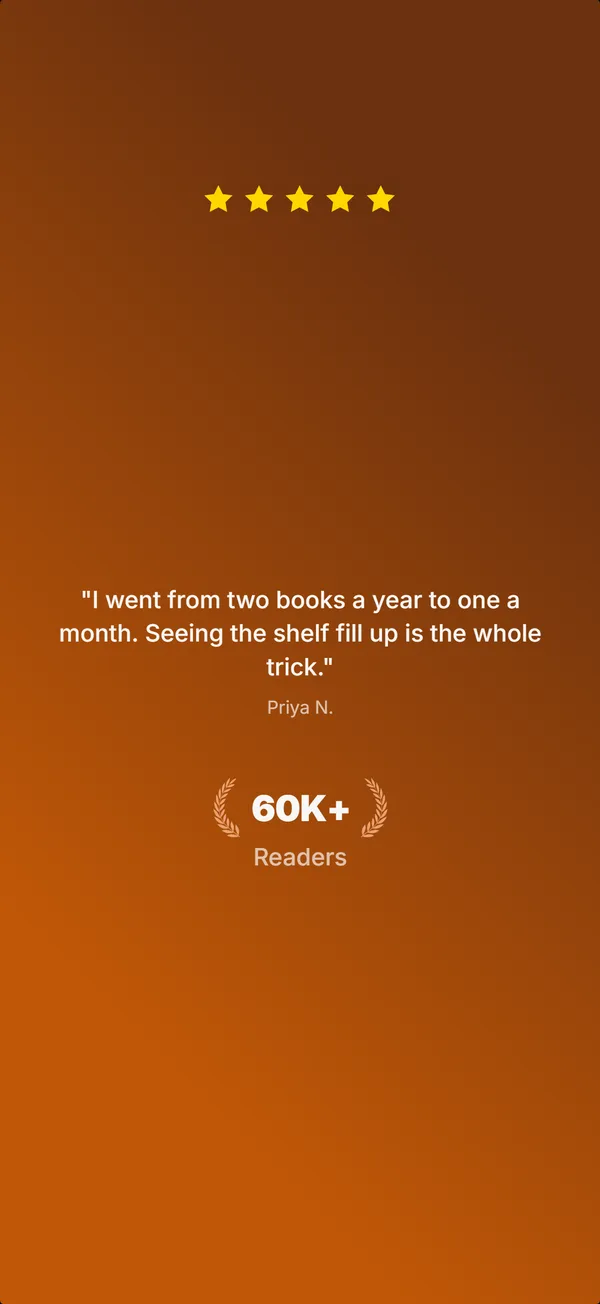
A real five-frame set, generated in AppScreenshotStudio.
Designers charge $150 and take days.You type a message.
You type. The canvas builds.
Describe your app, see your first set, refine via chat until it clicks. No layout panels, no alignment tools, no blank canvas.

AppScreenshotStudio
AppScreenshotStudio
AppScreenshotStudio
AppScreenshotStudio
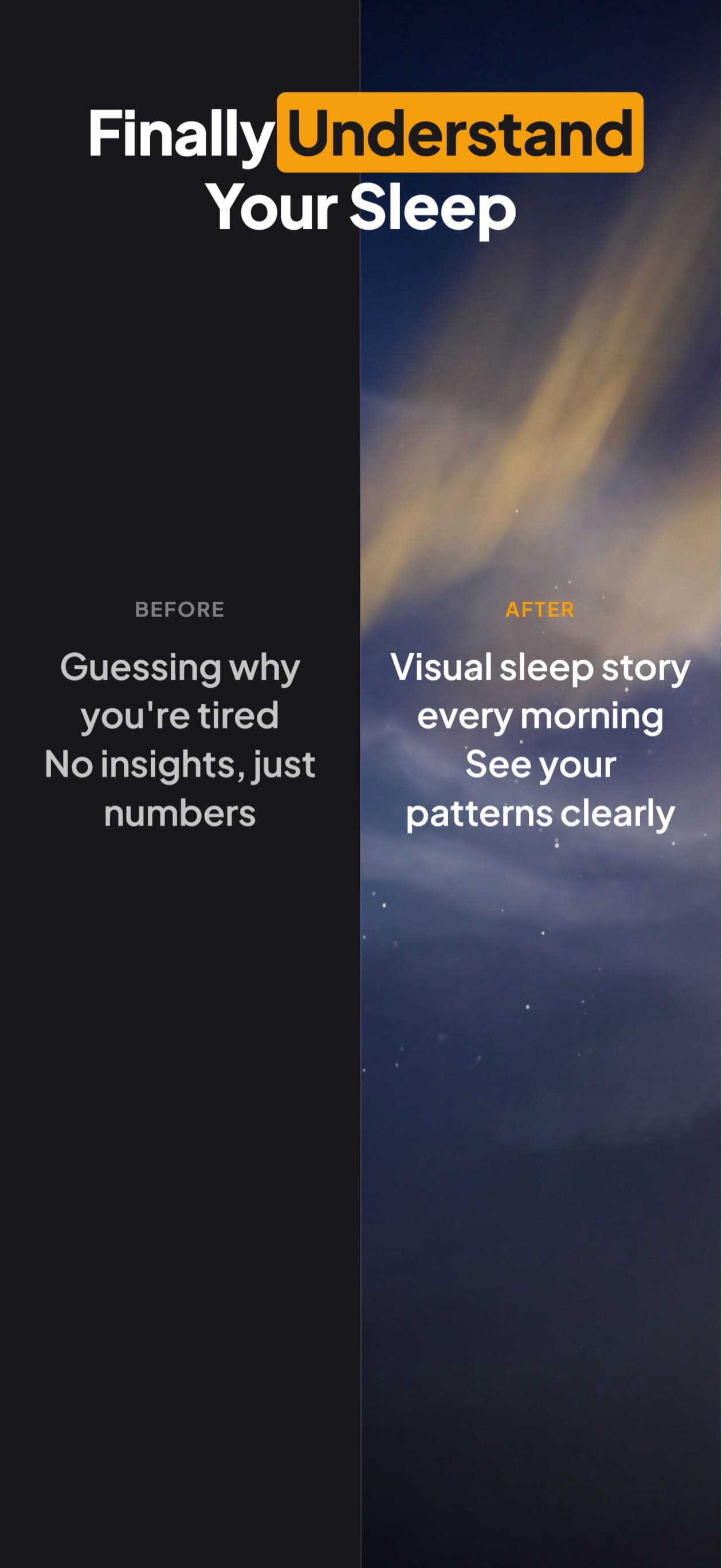
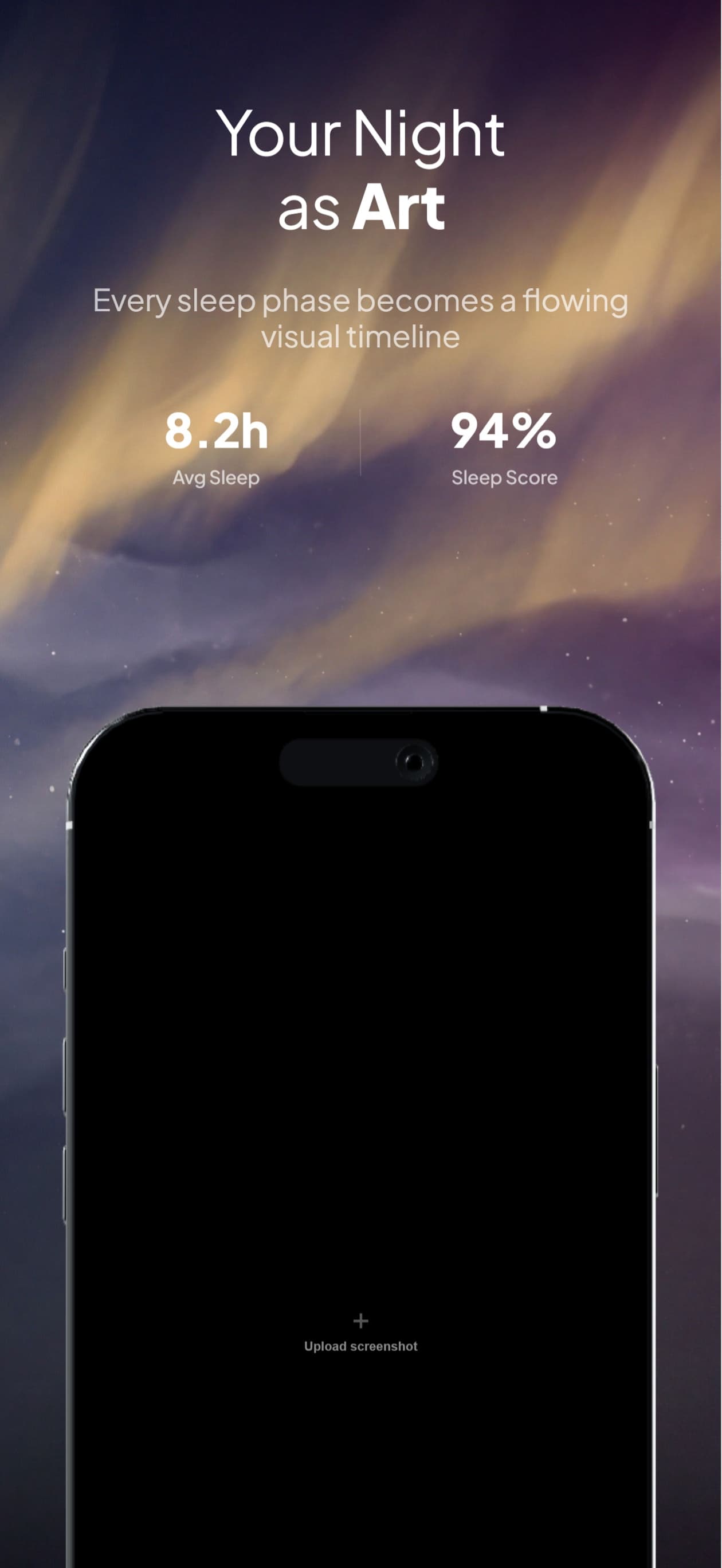
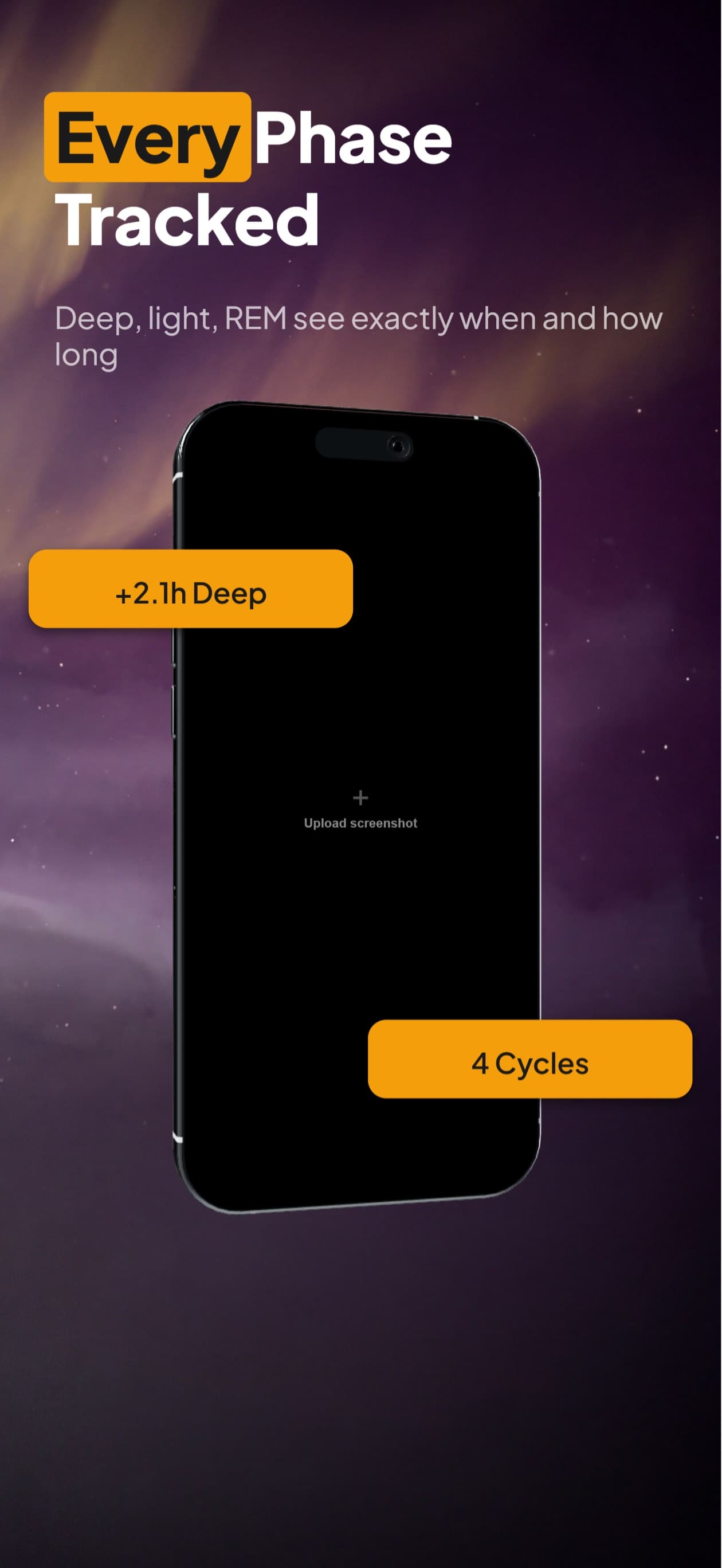
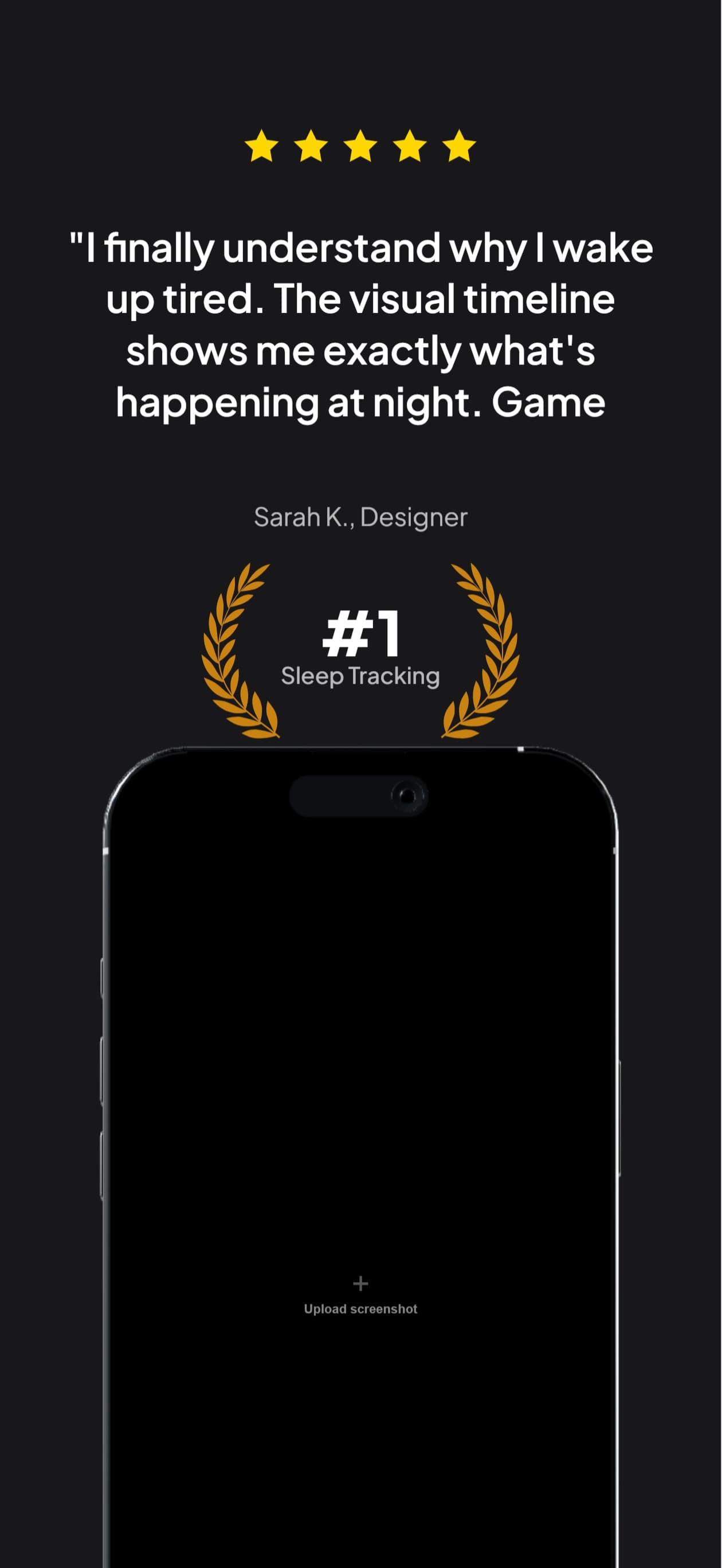
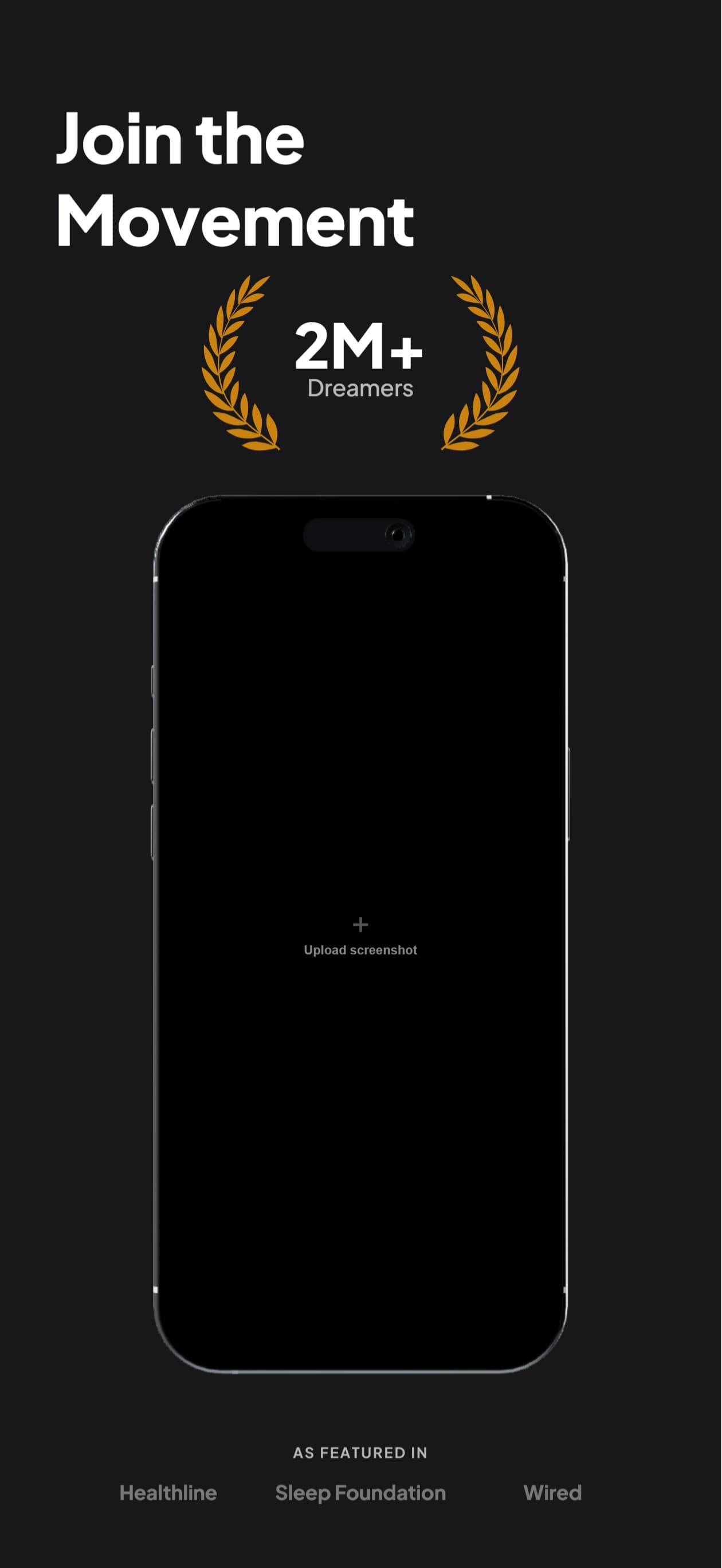
9 Perspectives for iPhone
Flat, tilted, isometric, landscape. Every angle you need for a polished App Store listing.
Questions & Answers
What dimensions does this generate for iPhone 17 Pro?
Exactly 1206×2622 pixels, the 6.3-inch display class. No resizing or manual cropping, and the device frame is composited at the same resolution so nothing is upscaled.
Do I need 6.3-inch screenshots if I already have 6.9-inch?
Not usually. App Store Connect builds the iPhone listing from the 6.9-inch set and scales it for smaller devices, so the 6.9-inch set is the one you have to upload. A dedicated 6.3-inch set is worth doing when the scaled-down version crops a headline awkwardly or your layout runs tight to the margins.
Is the device frame accurate to the iPhone 17 Pro?
Yes. The frame is the Natural Titanium finish with the correct corner radius and bezel proportions, and each of the 9 perspectives is a separately rendered frame rather than a skewed copy of the flat one.
Can I start from a 6.9-inch project I already made?
Yes. Duplicate any existing iPhone project to the 6.3-inch profile and the layout rescales, so you review and export rather than rebuilding the set. The same works in reverse, and across iPad and Android.
Deep Dives
iPhone App Store screenshot sizes 2026: required vs optional
Which iPhone display classes you actually have to upload, which Apple scales for you, and when a dedicated set earns its keep.
iPhone screenshot device frames and the status bar
What Apple allows in a framed iPhone screenshot, and the status-bar details that get sets rejected.
App Store screenshot mockup styles 2026
Flat, tilted, isometric and floating device treatments compared, with which one suits which app category.