Device Hero Layout
Centered flat device with a strong headline above. The product-forward hook layout: frame 1 is the one screenshot almost every App Store visitor sees before deciding.
Try this layout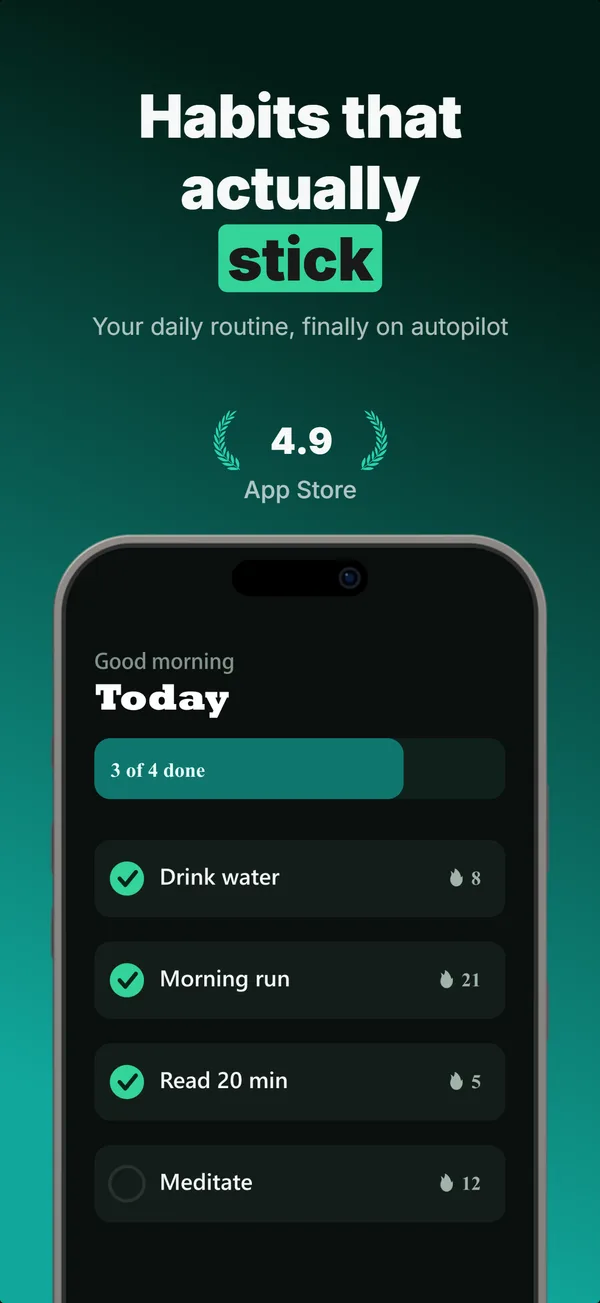
What is the device hero layout?
The device hero layout places a centered flat device frame in the middle of the screenshot with a single strong headline above it. Optional trust signals (star rating, stat row, laurel) sit inline between the headline and the device, not in the corner. The layout works because it answers the first question a browsing user asks: "What does this app actually look like?" The App Store surfaces up to three screenshots in search results, and StoreMaven's eye-tracking puts the median visitor at roughly 2.4 screenshots viewed before deciding, so frame 1 does most of the work. A flat, unobstructed device is the fastest way to communicate the product, which is why most top-charting listings open on some variant of device-hero. Use it when the app's UI is the strongest selling point and the screenshot has to land in about two seconds.
Layout spec
- Narrative job
- Hook
- Device mockup
- Yes
- Works in frames (of 5)
- 12345
- Renders
- Stat rowStar ratingLaurel statPress bannerFeature gridTrust badgeGuarantee badge
Read from the builder engine: the narrative job, device, valid frame positions, and trust signals this layout actually renders.
When to use this layout
Default to device-hero on frame 1 unless you have a compelling reason not to. The layout works for every category and every device class. Switch only when the app's value depends on context (lifestyle-hero) or external validation (social-proof). For frames 4+, swap to higher-density layouts that go deeper on features.
Best for
- Frame 1 of nearly every app, regardless of category
- Apps where the UI is the strongest selling point (utility, productivity, finance)
- New launches with no installed-user social proof yet
- Cases where you need a clean product shot to anchor the gallery
Common pitfalls
- Adding decorative UI clutter around the device that distracts from the screen content
- Placing trust signals in the corner instead of inline between the headline and the device
- Using device-hero for every frame in a set, which gives the gallery no narrative variation
Generate a device hero screenshot
Describe your app, and the builder generates a frame in this layout. No design decisions, just finished output.
Get screenshotsRelated layouts
educate
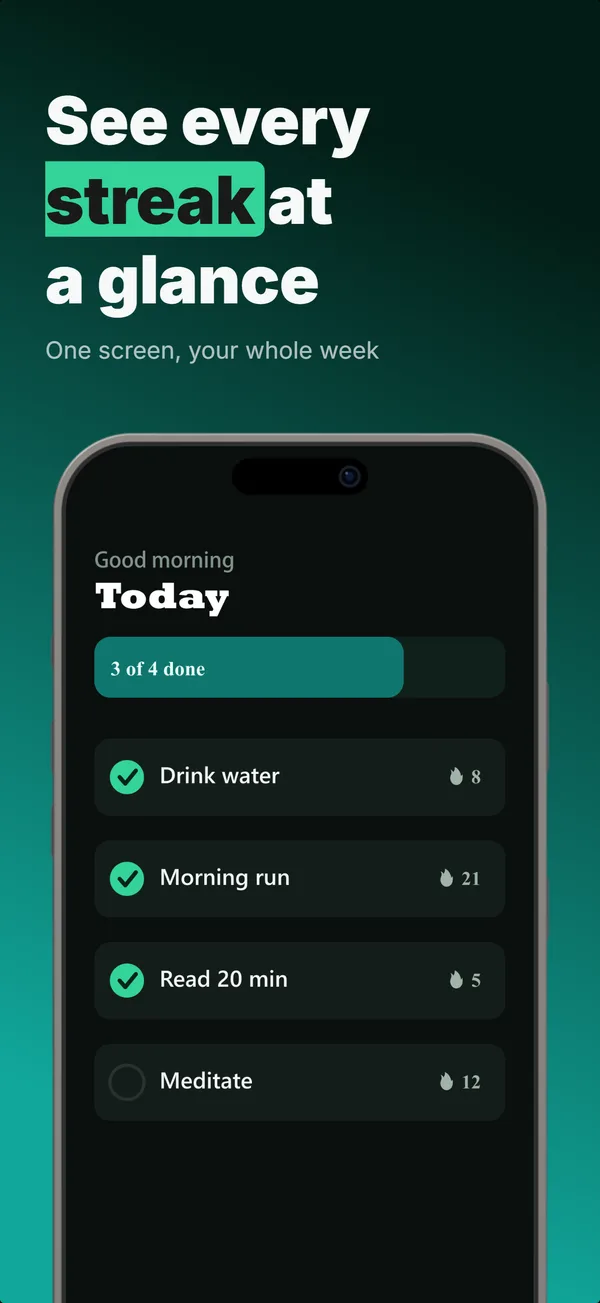
Text-Top Device-Bottom
Headline at the top, flat device anchored at the bottom. The default educate layout for frames 2 and 3 where feature explanation has to land before the scroll-off point.
educate
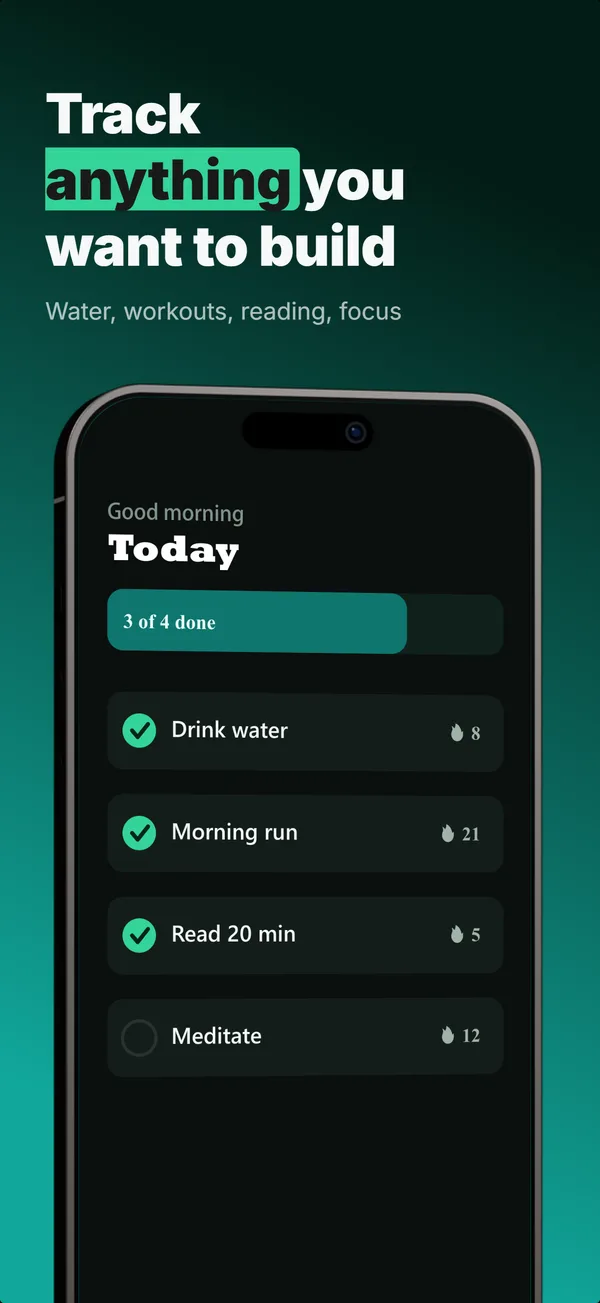
Text-Top Tilted
Headline at the top, device rotated 15-30 degrees for dimensional depth. Same educate role as text-top-device-bottom, but adds visual energy.

prove
Social Proof
Star rating, customer quote, and laurel-wrapped stats, no device. Built for the prove job: credibility lands by frame 3, the last screenshot the App Store shows in search results.
hook
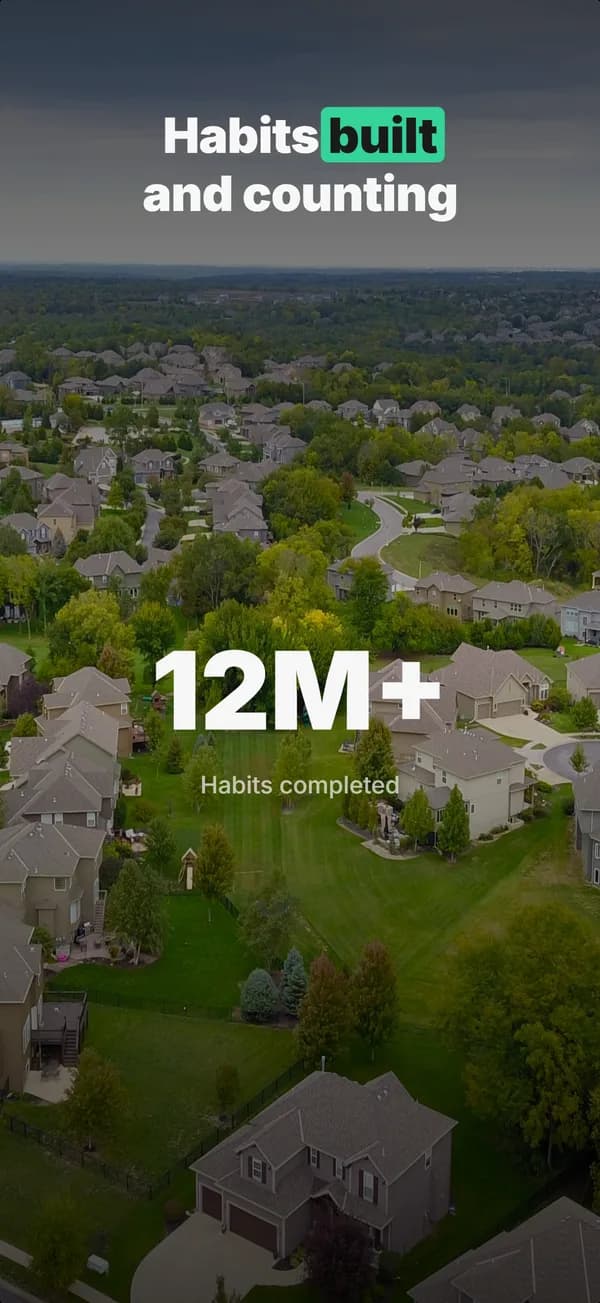
Stats Hero
Giant centered stat or number, no device. The hook layout when the metric itself is the selling point: 1M users, 10K reviews, 4.8 stars.
Device Hero in finished sets
Every set below uses this layout in at least one frame. Each one shows all five frames plus the brief that produced them.
Browse everything, or get the strategy: