Stats Hero Layout
Giant centered stat or number, no device. The hook layout when the metric itself is the selling point: 1M users, 10K reviews, 4.8 stars.
Try this layout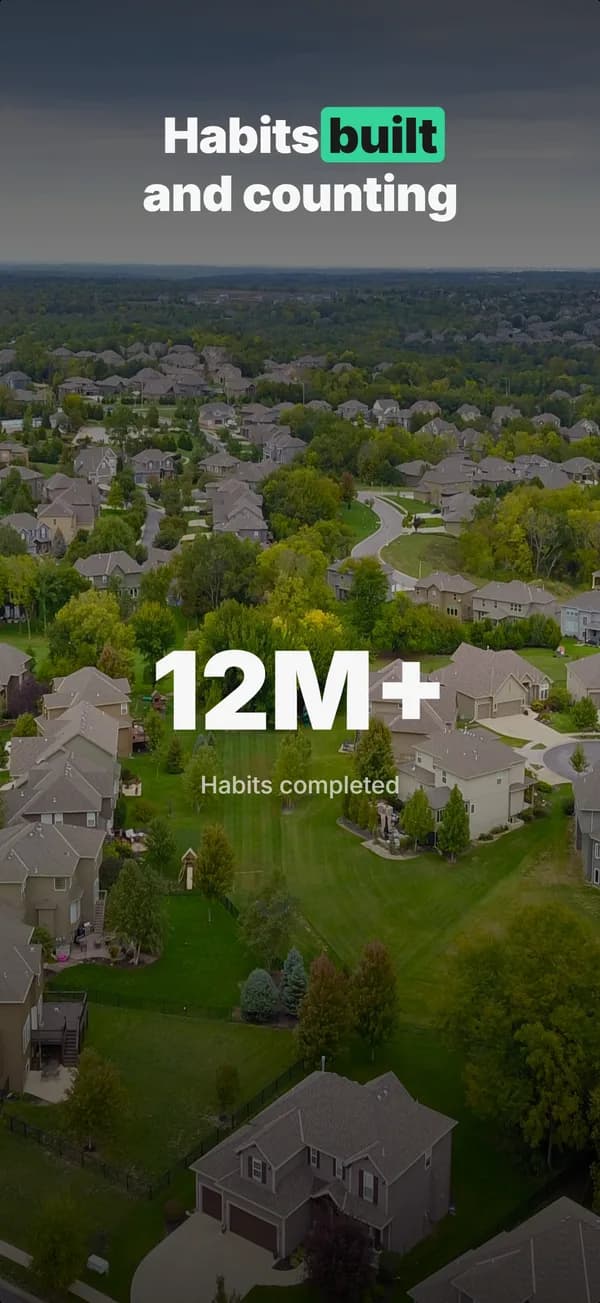
What is the stats hero layout?
The stats hero layout centers one or two giant numerical stats on the frame, with no device mockup. The stat fills 30 to 50 percent of the frame height. It works as a hook when the metric itself is the most compelling thing about the app: download count, review count, star rating, retention number, or a measurable outcome ("saved $1.2B in groceries"). The layout works because numbers are pre-processed by the eye faster than text or images, so frame 1 can communicate "this is at scale" in under one second. Skip if the metric is weak (under 10K downloads, under 4.5 stars, under 100 reviews); the absence of social proof reads worse than no stat at all.
Layout spec
- Narrative job
- Hook
- Device mockup
- No
- Works in frames (of 5)
- 12345
- Renders
- Laurel statStat rowPress bannerTrust badgeGuarantee badge
Read from the builder engine: the narrative job, device, valid frame positions, and trust signals this layout actually renders.
When to use this layout
Use stats-hero when you have a stat that beats every competitor in your category. If your metric is in the same range as competitors, the stat doesn't differentiate and you're wasting frame 1. Pair with a device-hero frame 2 to recover product-shot equity.
Best for
- Apps with strong scale stats (1M+ users, 10K+ reviews, 4.8+ stars)
- Frame 1 hook when the metric is the most compelling angle
- Apps that solved a measurable problem worth quantifying ($X saved, Y hours)
- Established apps competing on credibility against newer entrants
Common pitfalls
- Showing stats that are weaker than the category average (highlights weakness instead of hiding it)
- Using more than 2 stats on the same frame (the eye can pre-process 1, struggles with 3+)
- Fabricating stats, which triggers App Store Review rejection
Generate a stats hero screenshot
Describe your app, and the builder generates a frame in this layout. No design decisions, just finished output.
Get screenshotsRelated layouts

prove
Social Proof
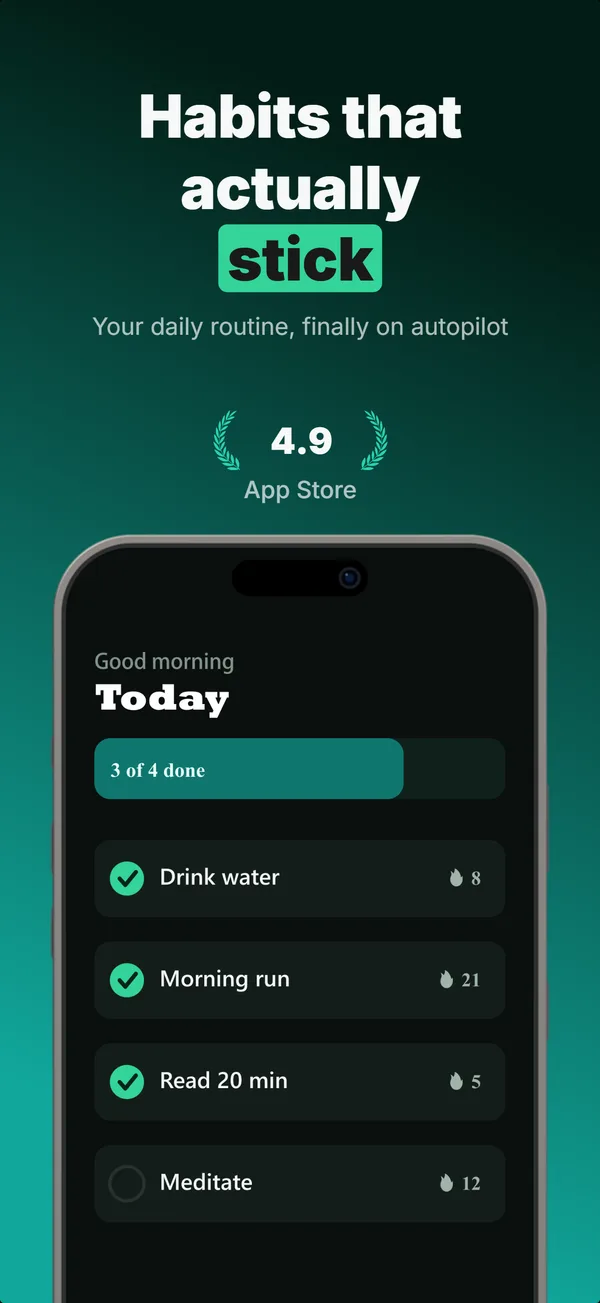
Star rating, customer quote, and laurel-wrapped stats, no device. Built for the prove job: credibility lands by frame 3, the last screenshot the App Store shows in search results.
hook
Device Hero
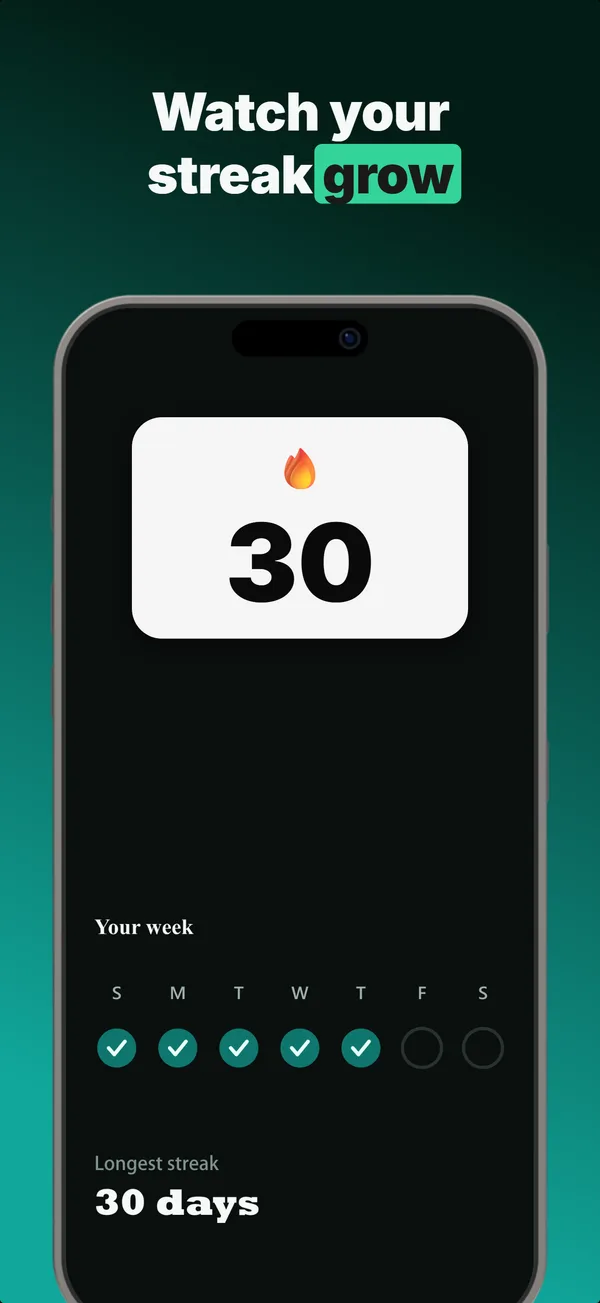
Centered flat device with a strong headline above. The product-forward hook layout: frame 1 is the one screenshot almost every App Store visitor sees before deciding.
prove
Metric Badge
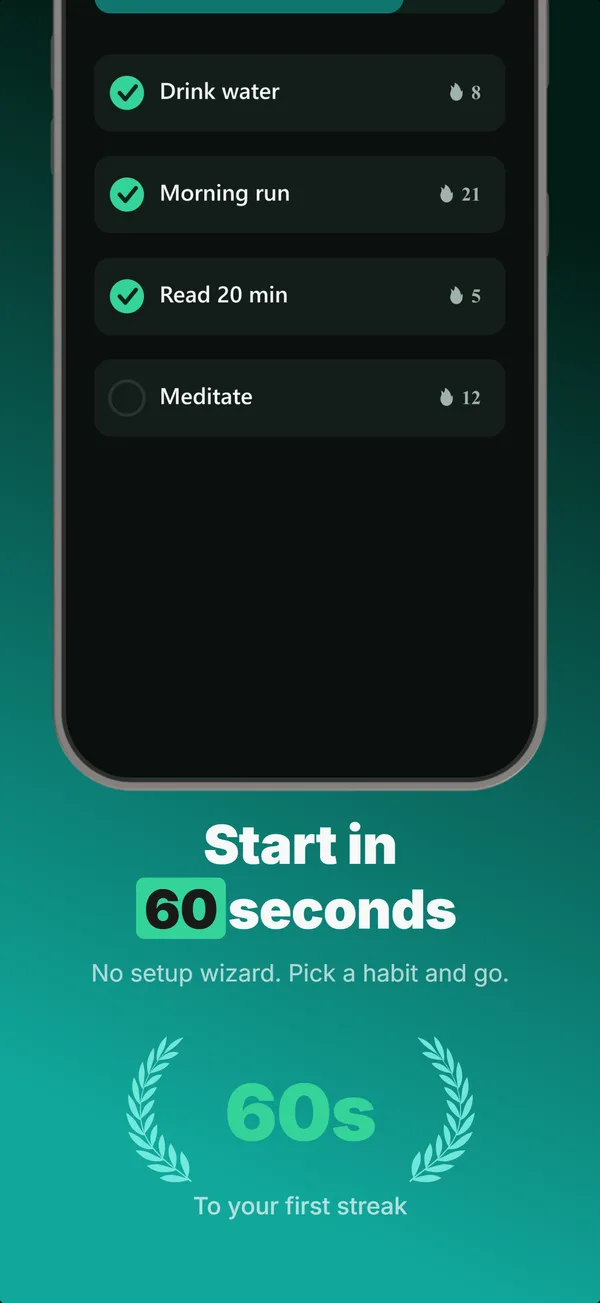
A centered device with a chunky achievement-card badge over its upper screen. The prove layout when one number is the whole story.
hook
Screen Hero
Top-clipped device, centered headline, one hero stat. A frame-1 hook for when the app screen itself is the strongest first impression.
Stats Hero in finished sets
Every set below uses this layout in at least one frame. Each one shows all five frames plus the brief that produced them.
Browse everything, or get the strategy: