Screen Hero Layout
Top-clipped device, centered headline, one hero stat. A frame-1 hook for when the app screen itself is the strongest first impression.
Try this layout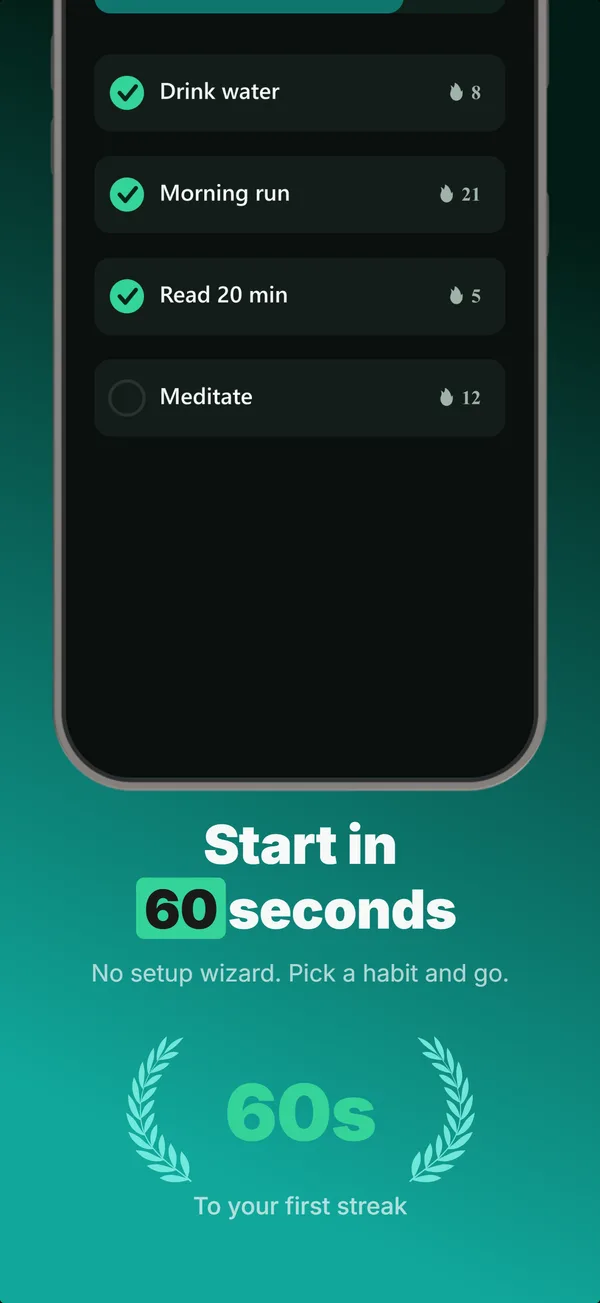
What is the screen hero layout?
The screen hero layout clips a device at the top of the frame so the app screen bleeds off the upper edge, with a centered headline and a single hero stat (a rating, a count, a one-line outcome) below it. It reads as a hook because the partial device pulls the eye straight into the product, then the headline names the promise. The App Store shows up to three screenshots in search results, so frame 1 has to communicate the product almost instantly, and a large top-anchored screen does that faster than a small centered mockup. Use screen hero when the interface is visually strong on its own (a clean dashboard, a striking visual, a distinctive layout) and you want the screen rather than a caption to carry the first impression. Pair it with an educate frame next that explains what the screen actually does, so the hook does not stand alone.
Layout spec
- Narrative job
- Hook
- Device mockup
- Yes
- Works in frames (of 5)
- 12345
- Renders
- Laurel statStat rowStar ratingTrust badgeGuarantee badge
Read from the builder engine: the narrative job, device, valid frame positions, and trust signals this layout actually renders.
When to use this layout
Reach for screen hero on frame 1 when the screen sells itself and you would rather show than tell. If the UI is plain or needs a caption to make sense, device-hero or a text-top educate layout lands better. Keep the hero stat to one signal, and only use a number you can stand behind.
Best for
- Frame 1 when the app screen is strong enough to lead
- Apps with a distinctive or visually rich interface (dashboards, editors, media)
- Hooks where you want the product visible instantly, not described first
- Sets that open on the UI and explain features in later frames
Common pitfalls
- Clipping so much of the screen that the key UI element is cut off
- Stacking multiple stats under the headline, which dilutes the single hook
- Using a weak or fabricated stat, which reads worse than no stat at all
Generate a screen hero screenshot
Describe your app, and the builder generates a frame in this layout. No design decisions, just finished output.
Get screenshotsRelated layouts
hook
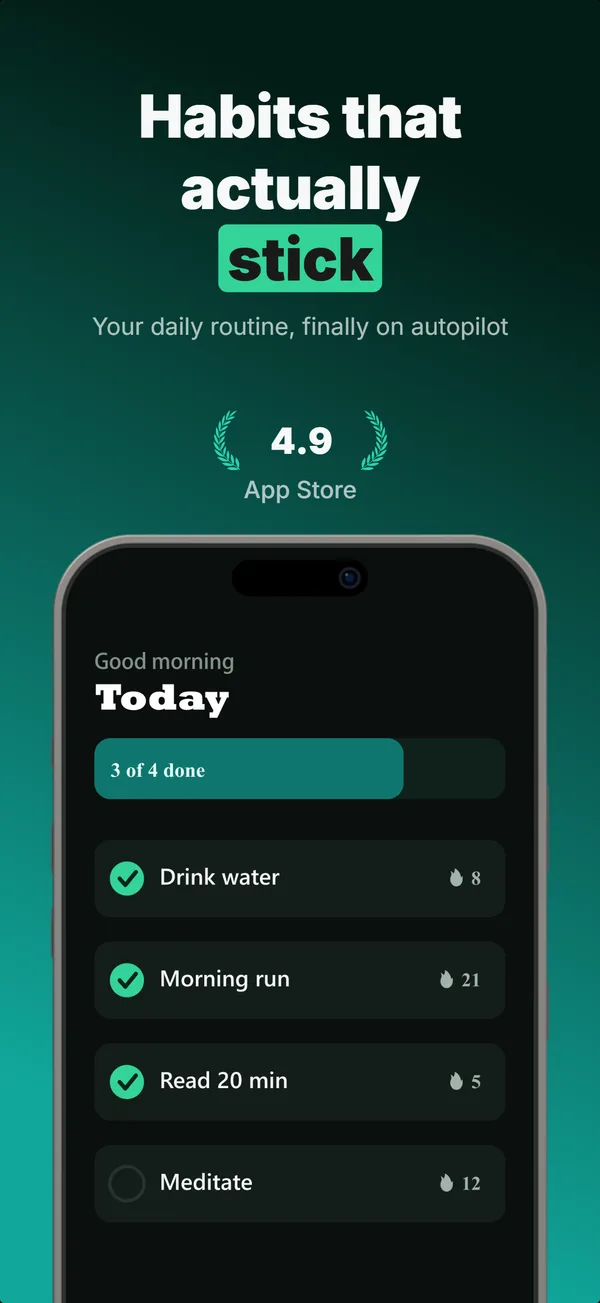
Device Hero
Centered flat device with a strong headline above. The product-forward hook layout: frame 1 is the one screenshot almost every App Store visitor sees before deciding.
hook
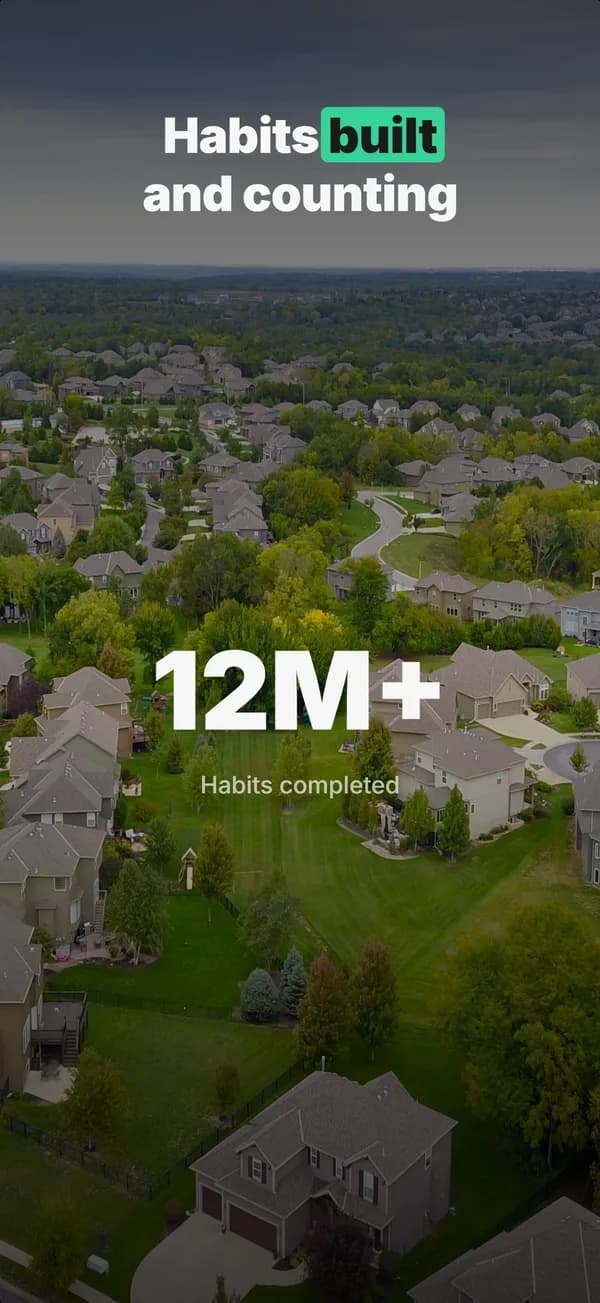
Stats Hero
Giant centered stat or number, no device. The hook layout when the metric itself is the selling point: 1M users, 10K reviews, 4.8 stars.
educate
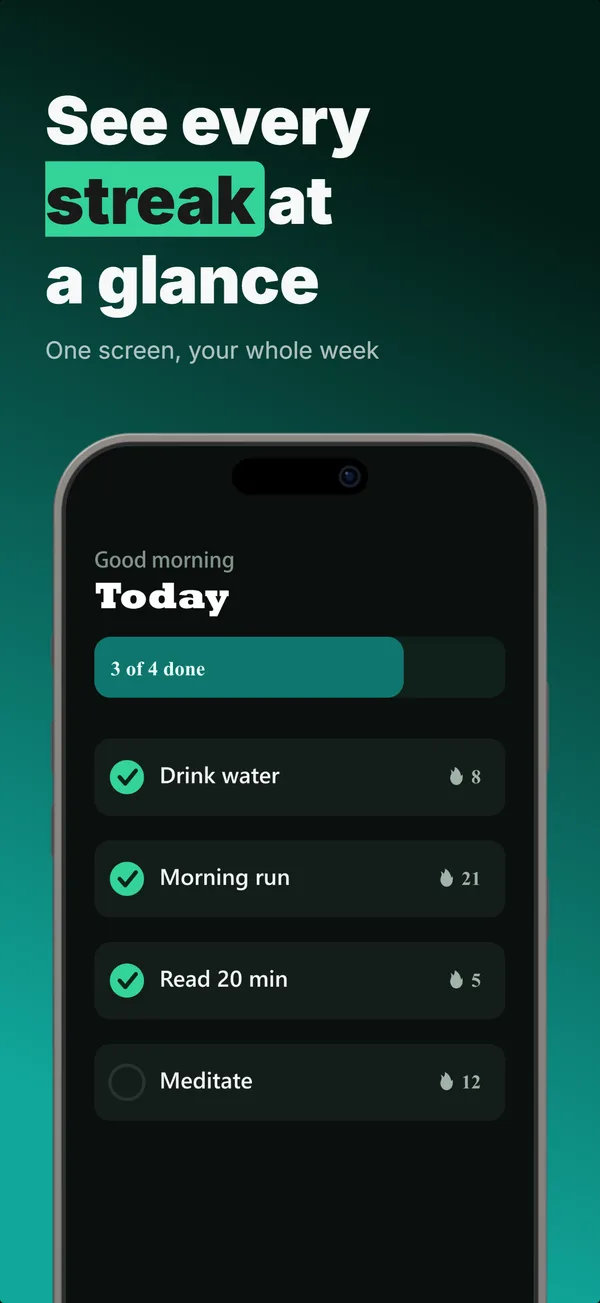
Text-Top Device-Bottom
Headline at the top, flat device anchored at the bottom. The default educate layout for frames 2 and 3 where feature explanation has to land before the scroll-off point.
prove
Metric Badge
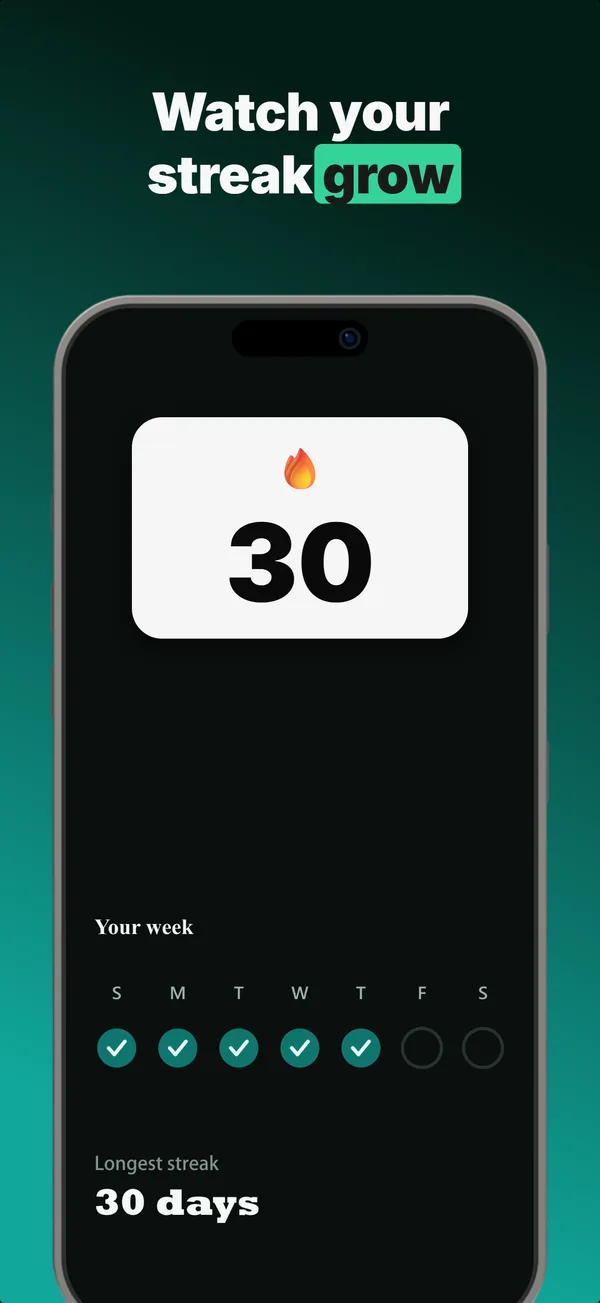
A centered device with a chunky achievement-card badge over its upper screen. The prove layout when one number is the whole story.
Screen Hero in finished sets
Every set below uses this layout in at least one frame. Each one shows all five frames plus the brief that produced them.
Browse everything, or get the strategy: