The AI App Store screenshot generator you can talk back to.
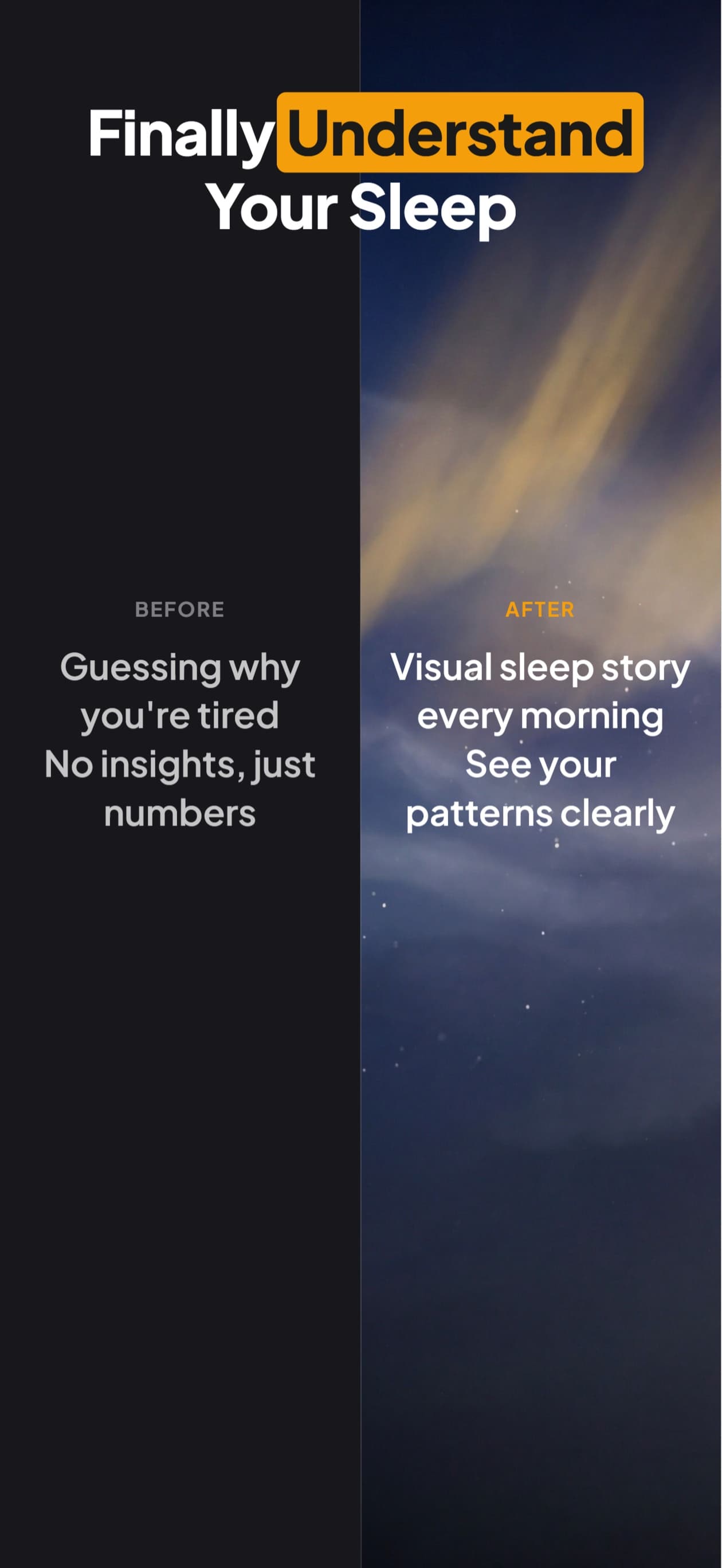
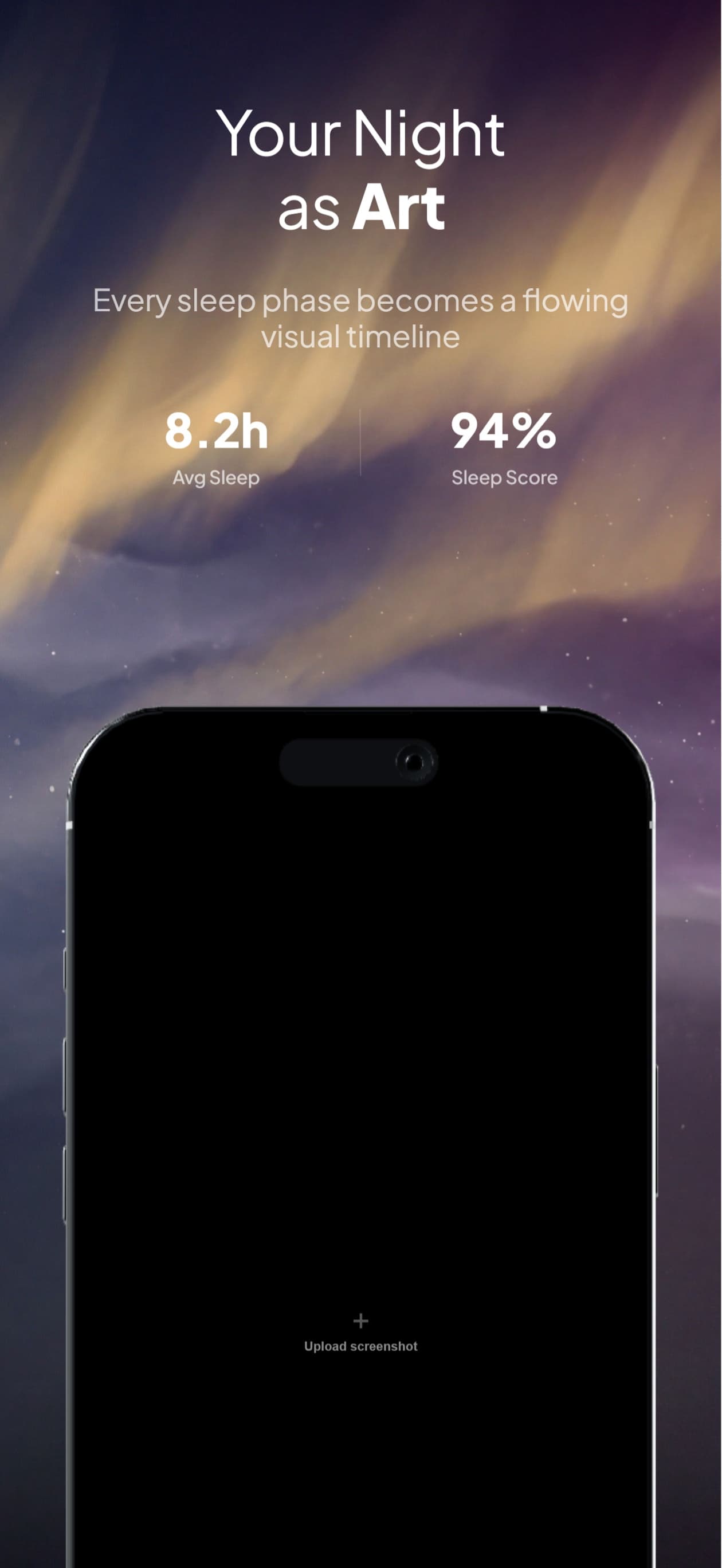
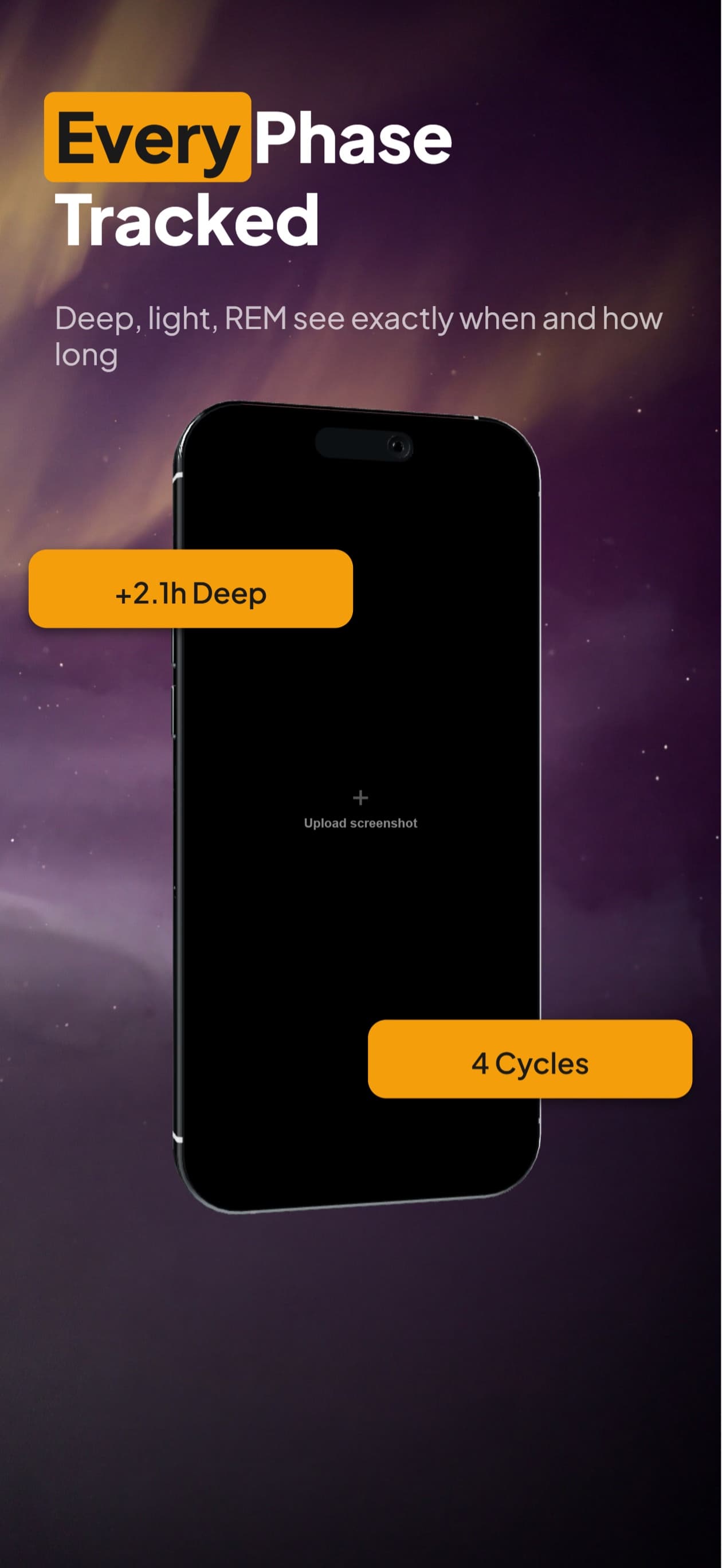
Describe your app. Five store-ready cards stream in. Change any single frame with another message, then make the variants to test it against. No blank canvas, no reroll-and-hope.
2,205 screenshots designed here so far
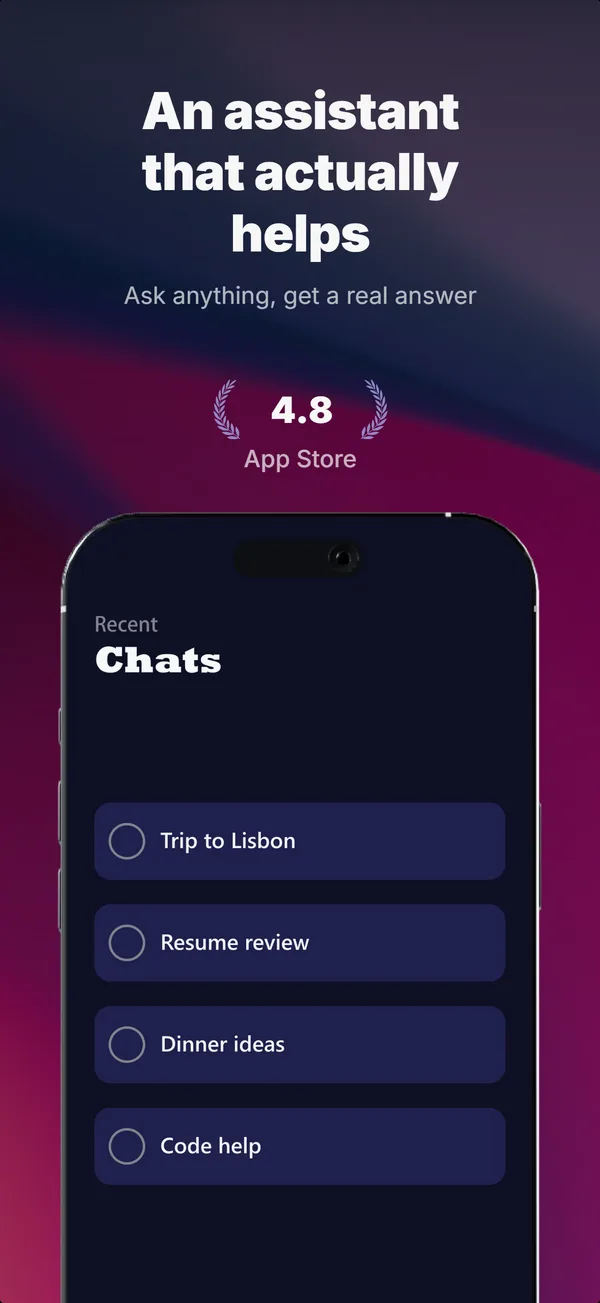
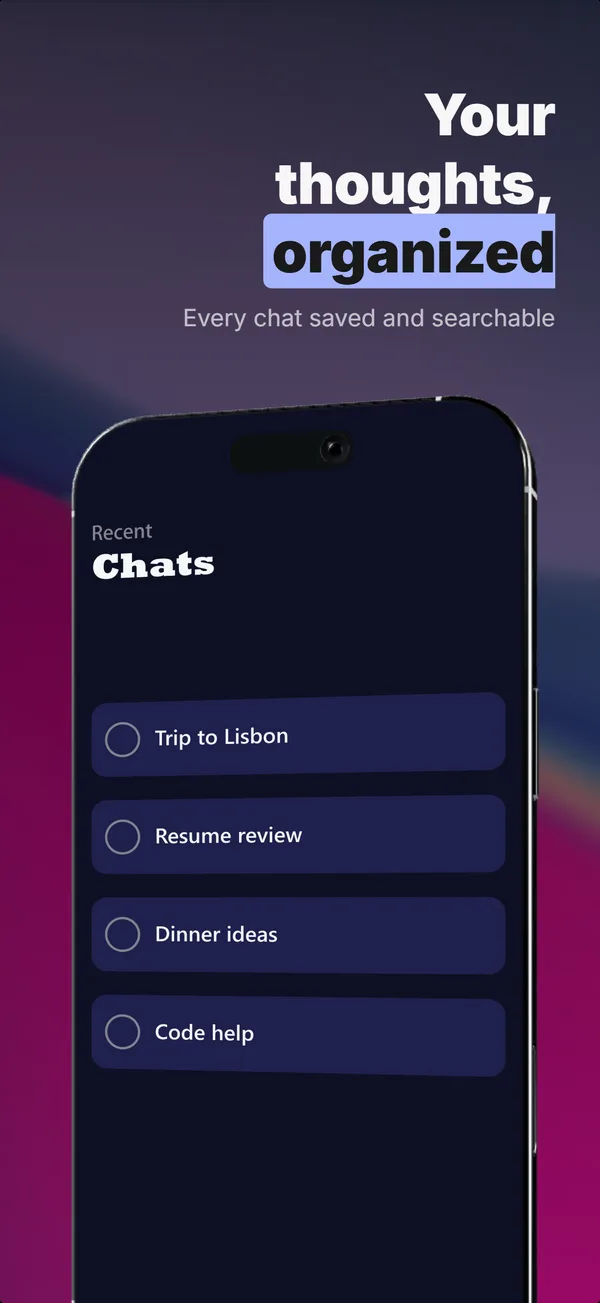
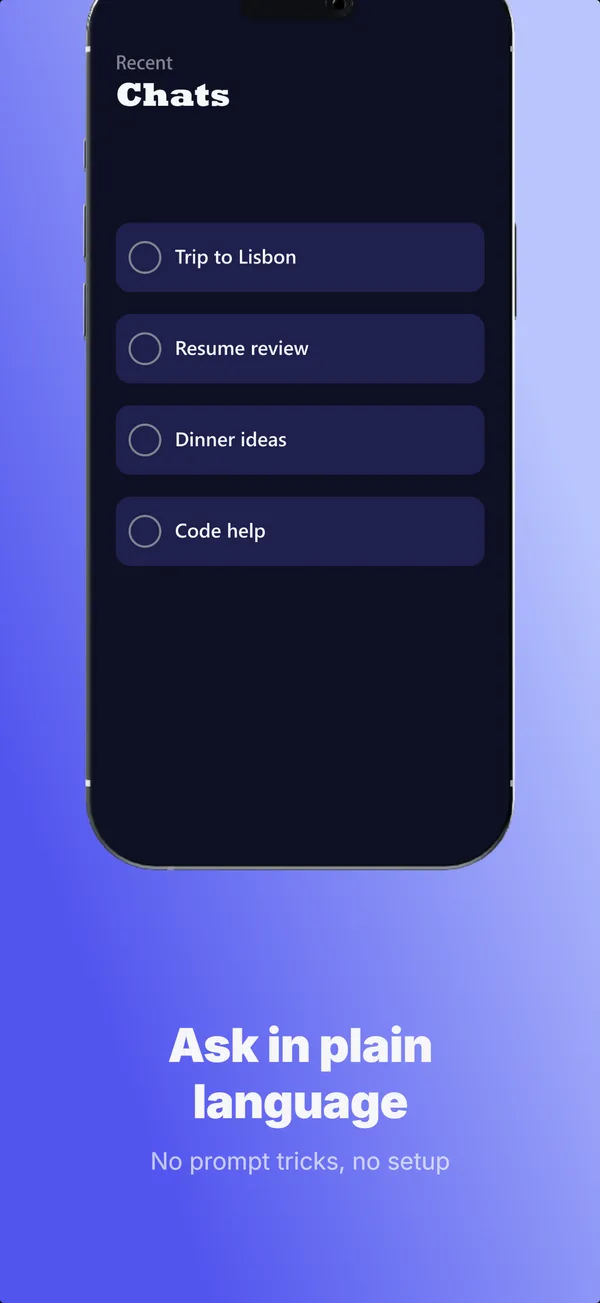
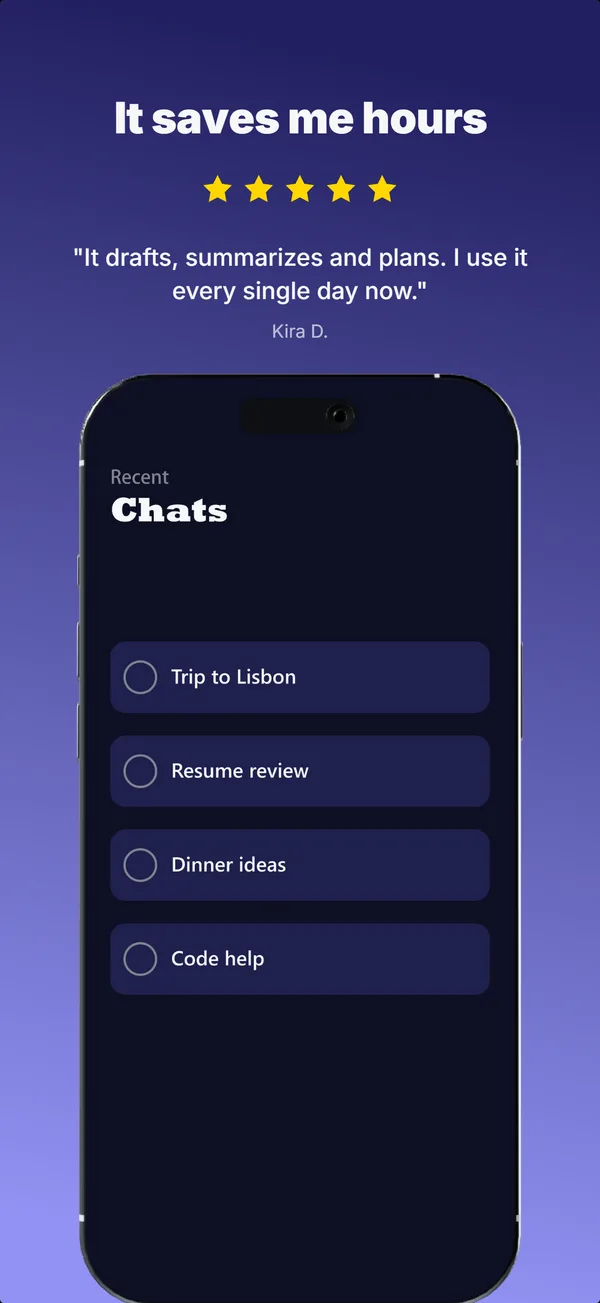
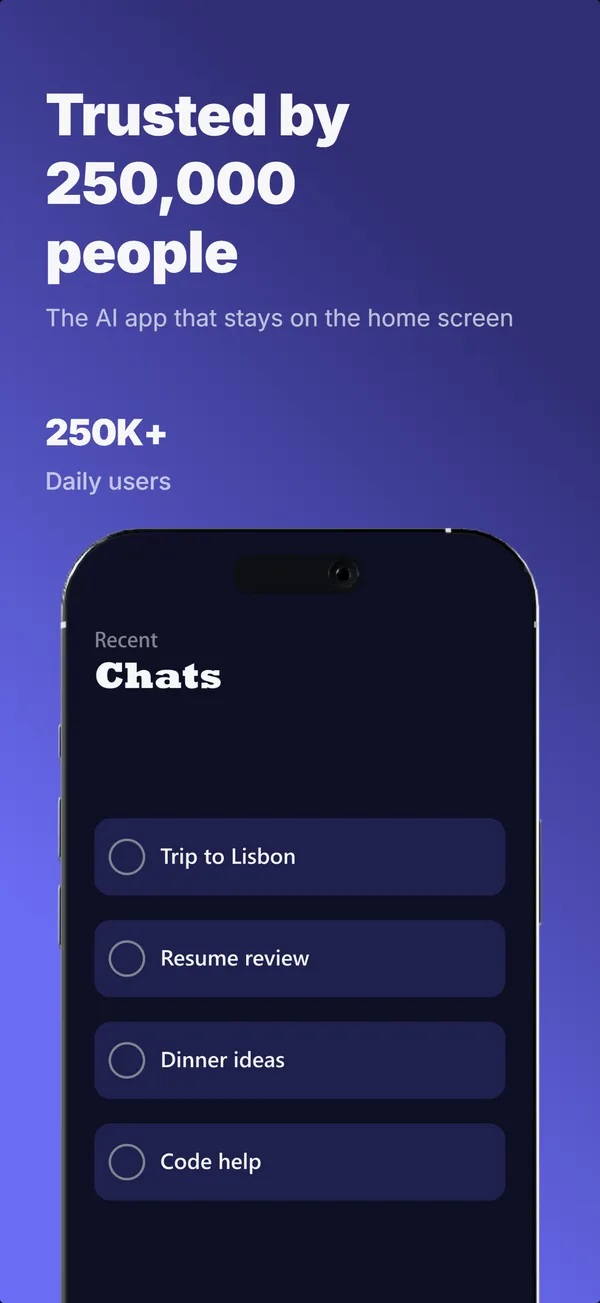
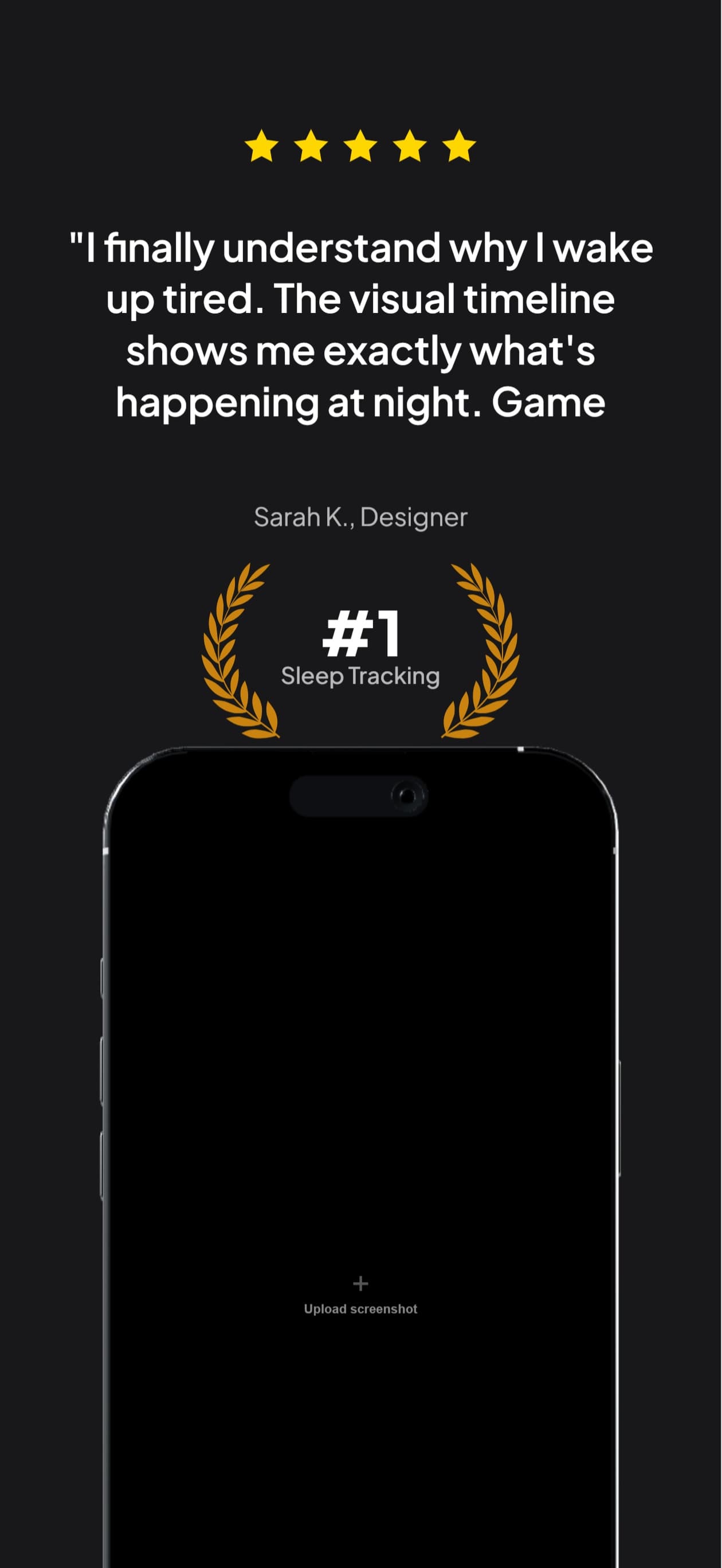
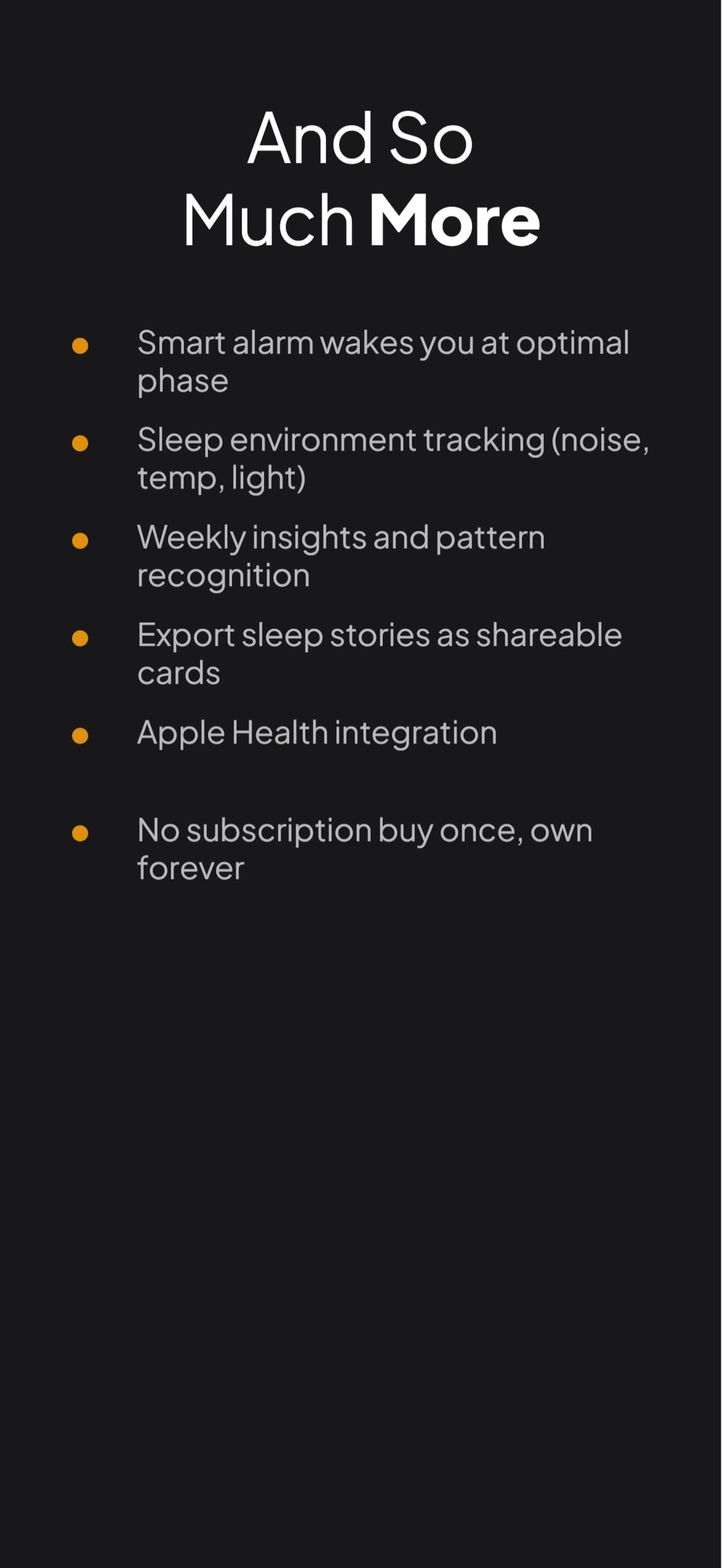
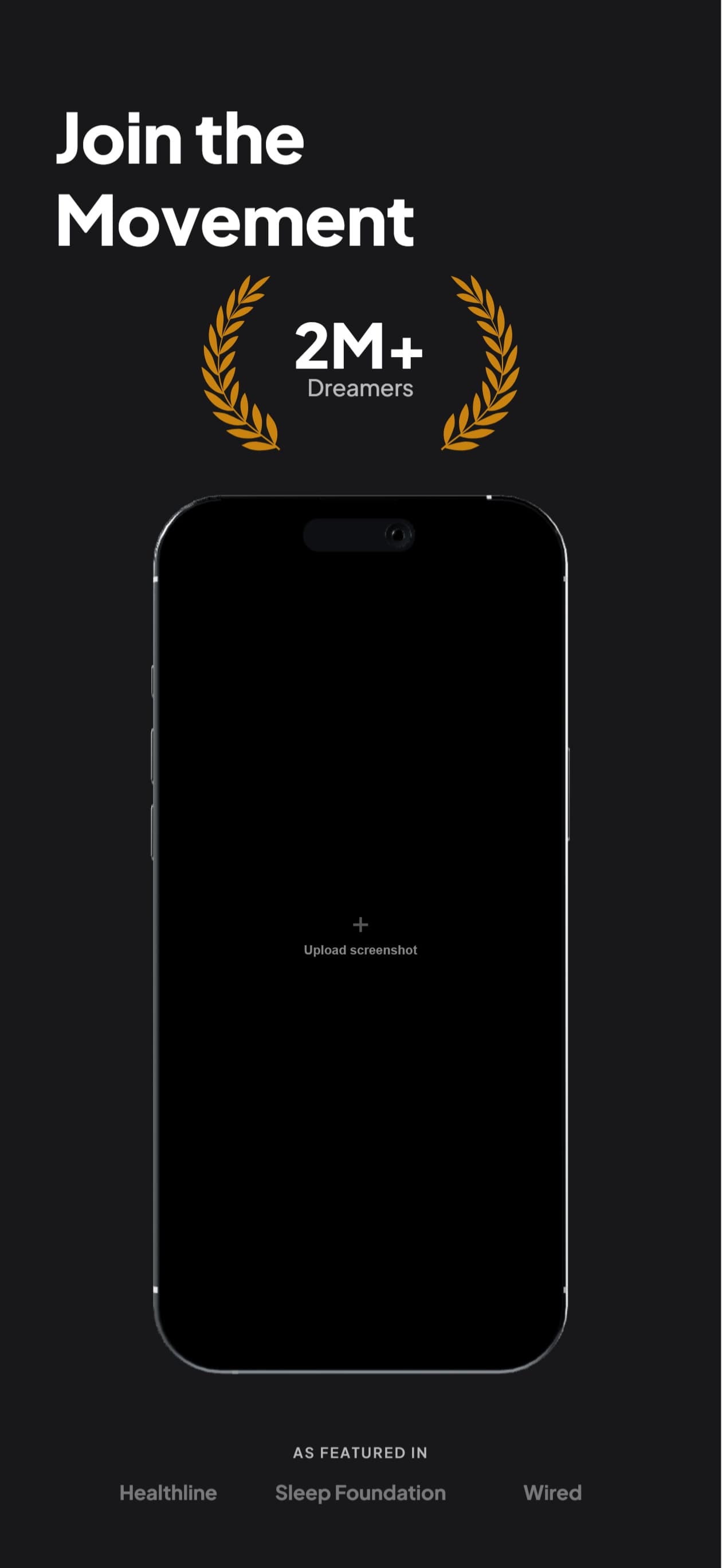
A complete set generated from one description. Nimbus is an example app, and the ratings shown are illustrative.
Why AI screenshot tools usually disappoint
The generation is rarely the hard part. What breaks is everything after the first result.
One shot, then a reroll
Most generators give you a set and a regenerate button. Hate frame three? Your only move is to reroll all five and lose the two you liked.
Sizes that get rejected
Generic image models output whatever aspect ratio they feel like. App Store Connect wants exact pixel dimensions, and rejects anything else.
Five frames, five unrelated designs
Frame-by-frame generation produces five images that share no palette, no type scale, and no through-line. It reads as a stock pack, not a product.
Describe, see, refine, ship
You do not have to know what you want up front. You have to be able to recognise it when you see it, and then say what to change.

AppScreenshotStudio
AppScreenshotStudio
AppScreenshotStudio
AppScreenshotStudio
For developers
Generate and refine screenshots without leaving Claude Code, Cursor, or any MCP client. The same loop, in the tools you already work in.
- Works with Claude Code, Cursor, and any MCP-compatible IDE
- Create and manage projects from the command line
- Generate backgrounds and chat programmatically
- Full REST API access on Growth and Pro plans
What it handles for you
- Exact App Store Connect dimensions for every device size, exported as ready-to-upload PNG images
- Real app UI kept in every frame across the set
- Generated backgrounds, plus panoramic scenes that span frames
- 9 device perspectives, including isometric and landscape
- Headlines written per frame, editable by chat or on canvas
- 50 languages, with layout reflowed per locale
Editing is a sentence
Every frame stays editable after generation. Ask for a darker background on frame two, a shorter headline on frame four, or the whole set in German, and only what you asked about changes. Prefer to drag things? The same set opens on a visual canvas.
Make the variants. Let the store decide.
A set you like is still a guess. One run makes up to 3 alternates of it for Apple's Product Page Optimization, which shows each version to real shoppers and reports which one converts better.
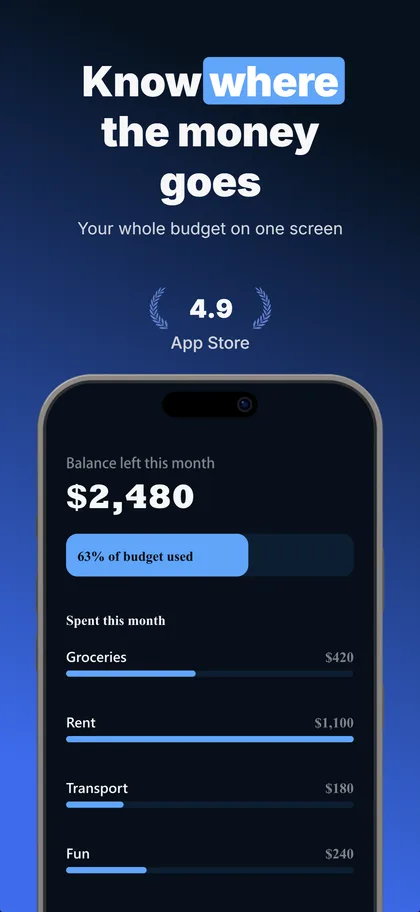
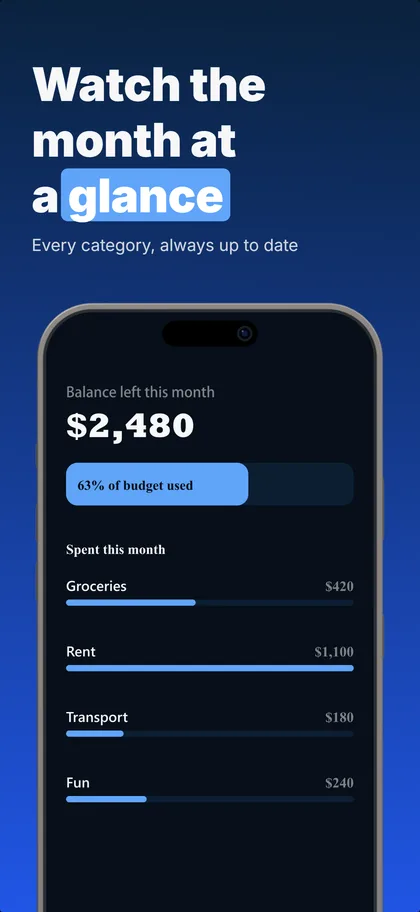
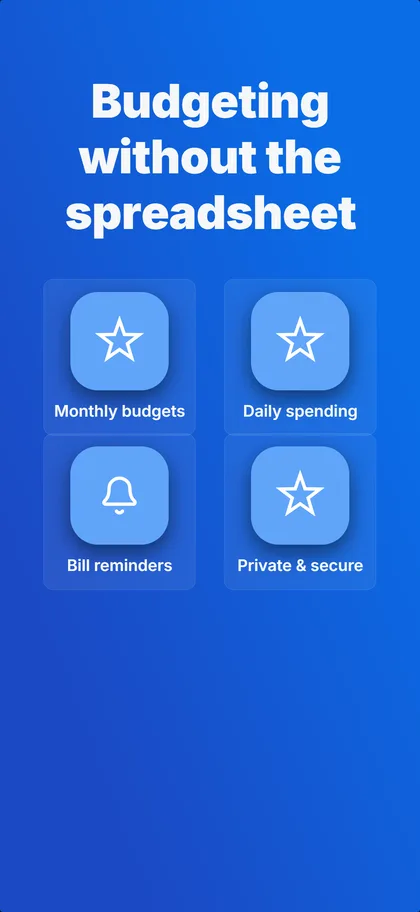
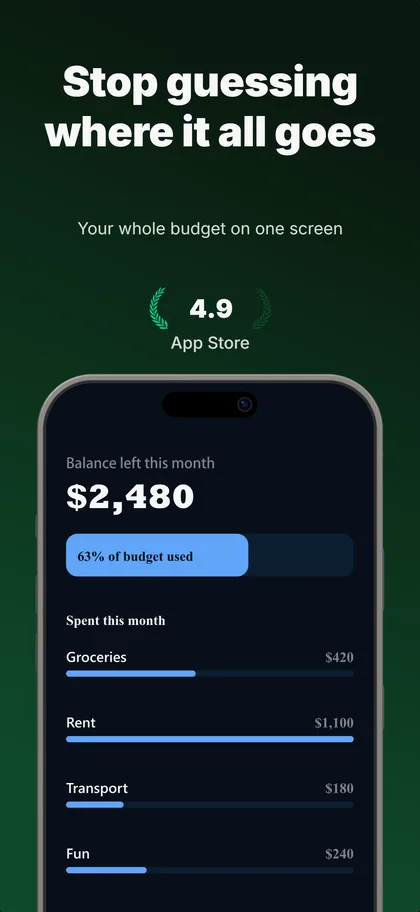
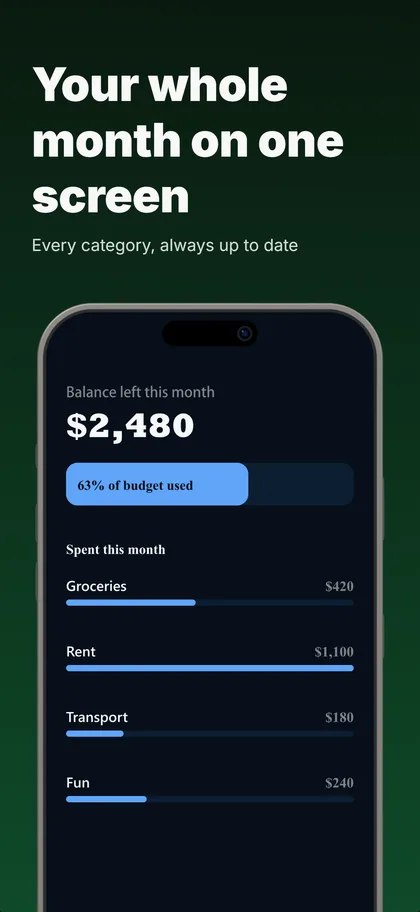
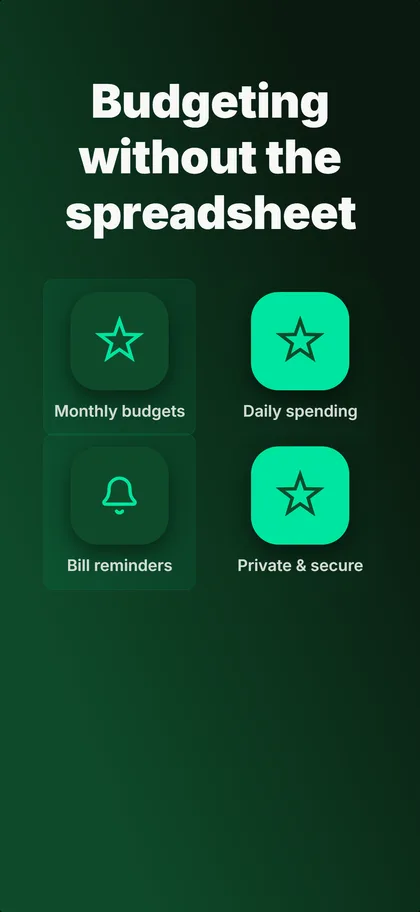
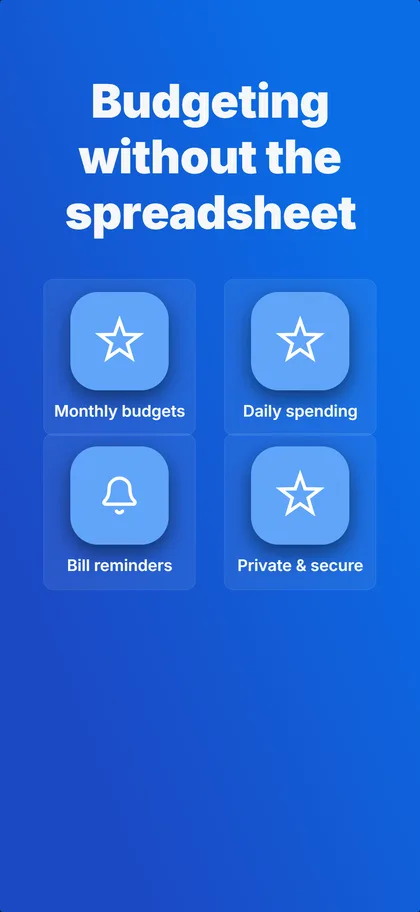
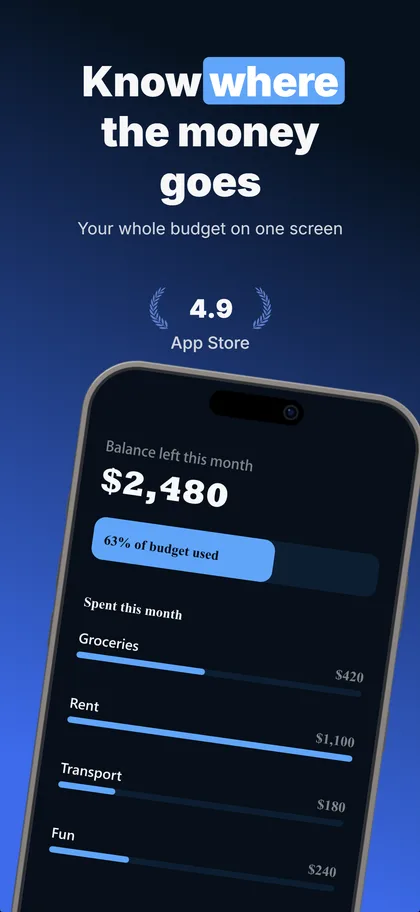
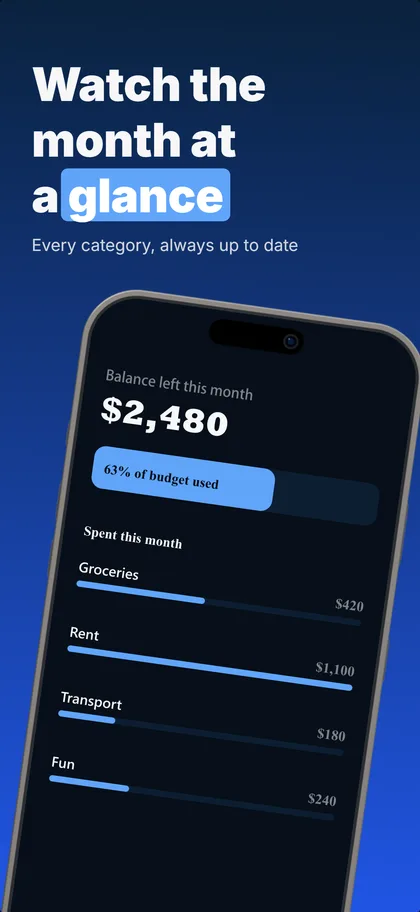
Real output: three concepts the builder made from our budgeting example set, first three screenshots of each.
Up to 3 per set
The same number of treatments Apple tests against your current page.
Concepts or one change
Concepts try a different reason to install, ready in under a minute. One change each shows exactly what won.
5 credits each
A variant that fails its readability or layout checks is refunded.
Compared as they download
Every version on its real cards, flipped card by card.
Apple's test needs store traffic: practitioners put the floor around 500 product page views a day. A new app launches with the concept it believes in and keeps the rest ready for the day the traffic arrives.
AI screenshot generator questions
What does an AI App Store screenshot generator actually do?
Can I change one frame without regenerating the whole set?
What sizes does it export?
Do I need to upload screenshots of my app first?
Will AI-generated screenshots get rejected by App Store review?
Is there a free version?
Describe your app. See what comes back.
14-day trial with 25 credits. Card required, cancel anytime before it ends. A builder message costs 5, so that is a first set and a round of refinement.