Play Store images: four assets, and one reversed rule.
An icon, a feature graphic, screenshots and an optional video. Here is what each one takes, straight from Google, including the single spec that is the exact opposite of Apple's.
Four assets, three of them required
A Play listing takes one more image than an App Store listing does, and asks for all of them as uploads.
App icon
512 x 512, 32-bit PNG with alpha
Uploaded in Play Console, up to 1024KB.
The one that trips people porting from iOS. Google asks for a 32-bit PNG with alpha; the App Store rejects an icon that has one. It is also the only Play asset that takes alpha at all, because the feature graphic and the screenshots are both flattened.
Feature graphic
1024 x 500, no alpha
A banner above your screenshots.
JPEG or 24-bit PNG. Your listing does not publish without it, and it becomes the cover image when you attach a promo video. The App Store header Apple added in October 2026 is optional and a wider 21:9 shape, so this is still a design of its own rather than something an iOS set can supply.
Screenshots
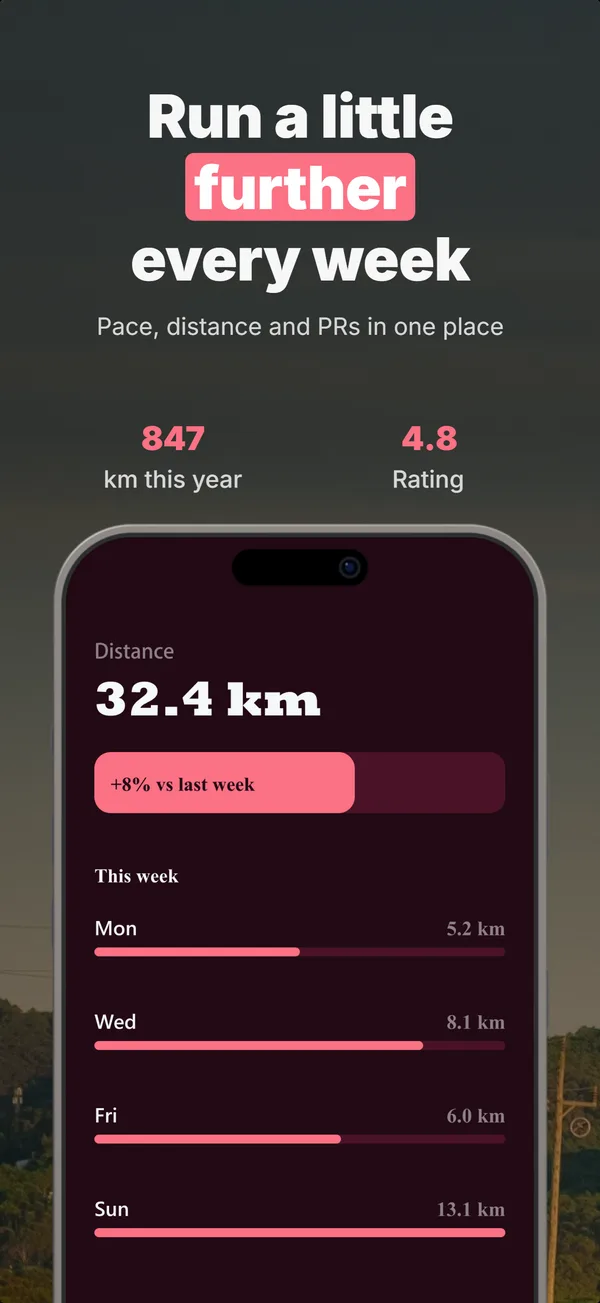
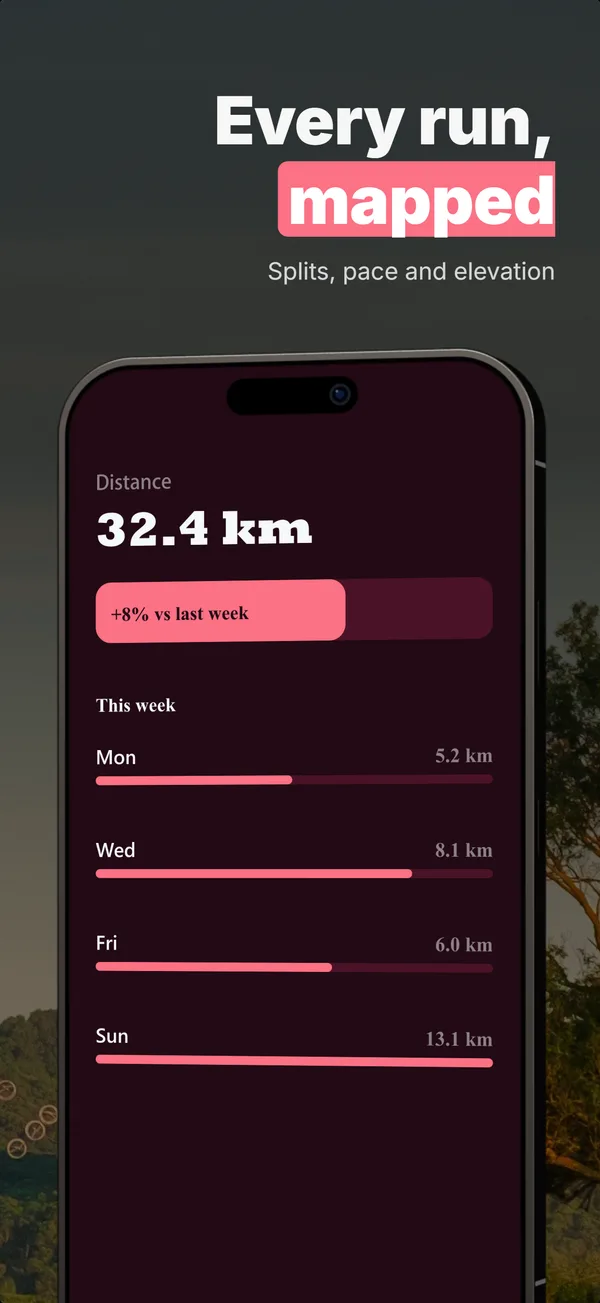
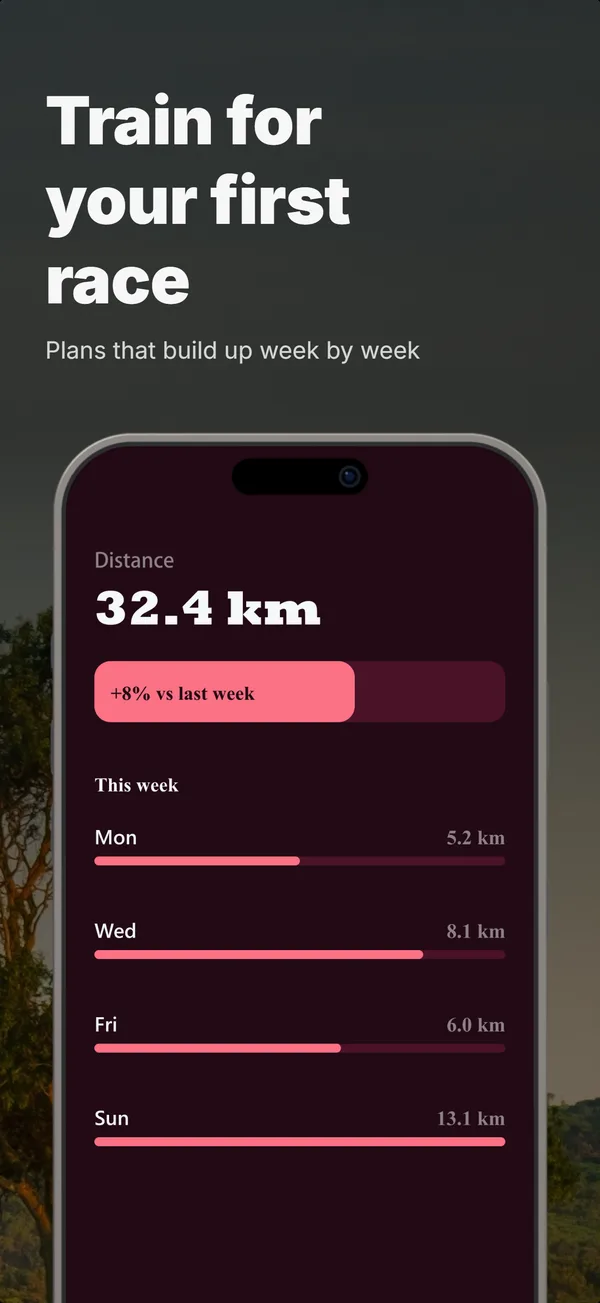
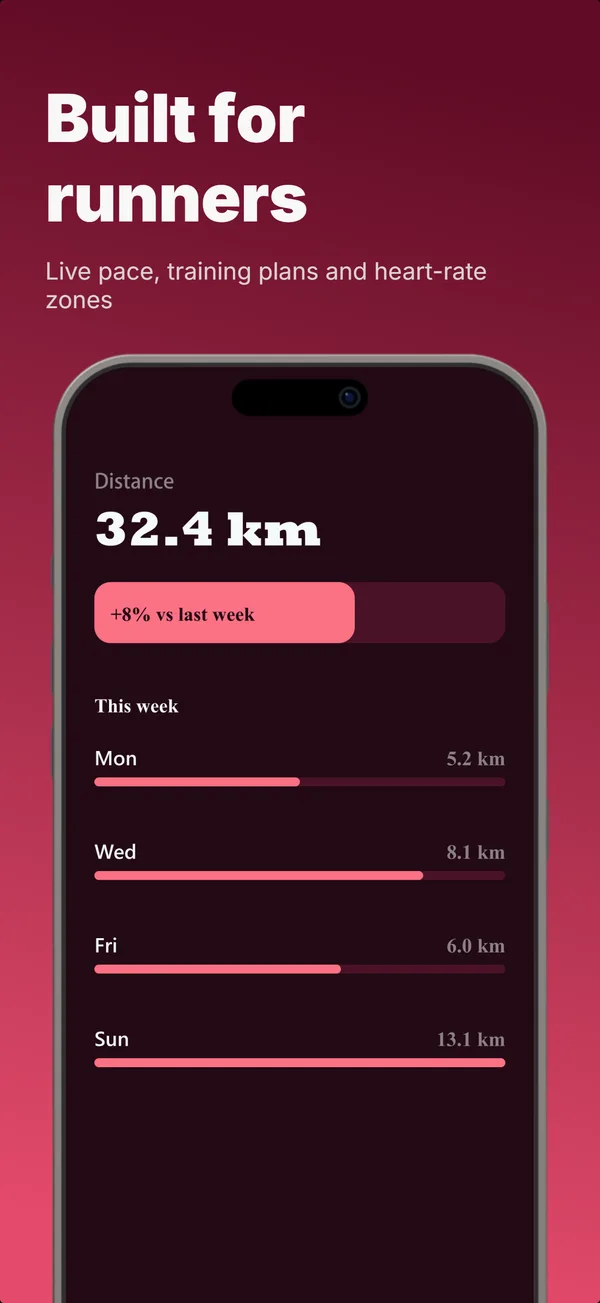
2 minimum, up to 8 per device type
320px to 3840px, no alpha.
A range rather than a fixed size, which is the opposite of Apple asking for exact pixels per device. Google recommends at least four at a minimum 1080px, 16:9 landscape or 9:16 portrait, for promotion eligibility.
Promo video
A YouTube URL
A link, not an upload.
Google plays it from YouTube, so a store video needs a channel rather than a rendered file. The App Store works the other way and takes an uploaded 15 to 30 second clip, so the same cut rarely serves both without a re-edit.
The Play icon wants the alpha channel Apple rejects
One line in each spec, pointing opposite ways, on the same file you are about to upload twice.
Google asks for the app icon as a 32-bit PNG (with alpha) at 512 x 512. Apple rejects an App Store icon that carries one, with validation error ITMS-90717 saying the icon “can’t be transparent nor contain an alpha channel”. Same artwork, two stores, contradictory requirements.
What makes it easy to get wrong is that the rule also reverses inside Google Play. The feature graphic and the screenshots are both “JPEG or 24-bit PNG (no alpha)”, so the icon is the only asset in the whole listing that takes transparency. Flatten everything out of habit and the icon is the one that was supposed to keep it.
If you are shipping to both stores, the practical order is to treat them as two exports rather than one file with two names. The App Store asset list covers the Apple side, and the cross-platform workflow guide covers sequencing the two so you are not rebuilding a set twice.
Every asset differs from the App Store
Not one of these four carries over unchanged, which is why an iOS set is a starting point rather than an export.
| Asset | Google Play | App Store |
|---|---|---|
| App icon | 512 x 512, 32-bit PNG with alpha, uploaded | 1024 x 1024, no alpha, ships in your build |
| Banner | Feature graphic 1024 x 500, required | Header 3840 x 1646, optional, iOS 27+ |
| Screenshots | A 320 to 3840px range | Exact pixel sizes per device |
| Video | A YouTube link | An uploaded file, 15 to 30s |
The screenshots are the slot that takes the real work on either store, and the one worth generating rather than resizing. The Play Store screenshot generator renders the five Android formats at exact pixels, the App Store generator does the same for iOS sizes, and the feature graphic breakdown covers the one asset neither of them renders.
Google Play image questions
What images do you need for a Google Play listing?
What size is the Google Play app icon?
Is the feature graphic required on Google Play?
How many screenshots does Google Play require?
Can you upload a video to Google Play?
What is the difference between Play Store and App Store images?
Do Google Play screenshots need to be a specific aspect ratio?
The screenshots are the slot that takes real work
The icon and the feature graphic are single files you make once. The screenshot set is the part you iterate on. Describe your Android app and get one back at Google's exact pixels, then change any single frame by chatting instead of starting over.