To-do list app App Store screenshots
A to-do set built on gradients only, no photos, for a focused-and-calm feel. Clear-your-head hook, today list, an annotated feature, a how-it-works step flow, and social proof. Cool slate.
Open this brief in the builder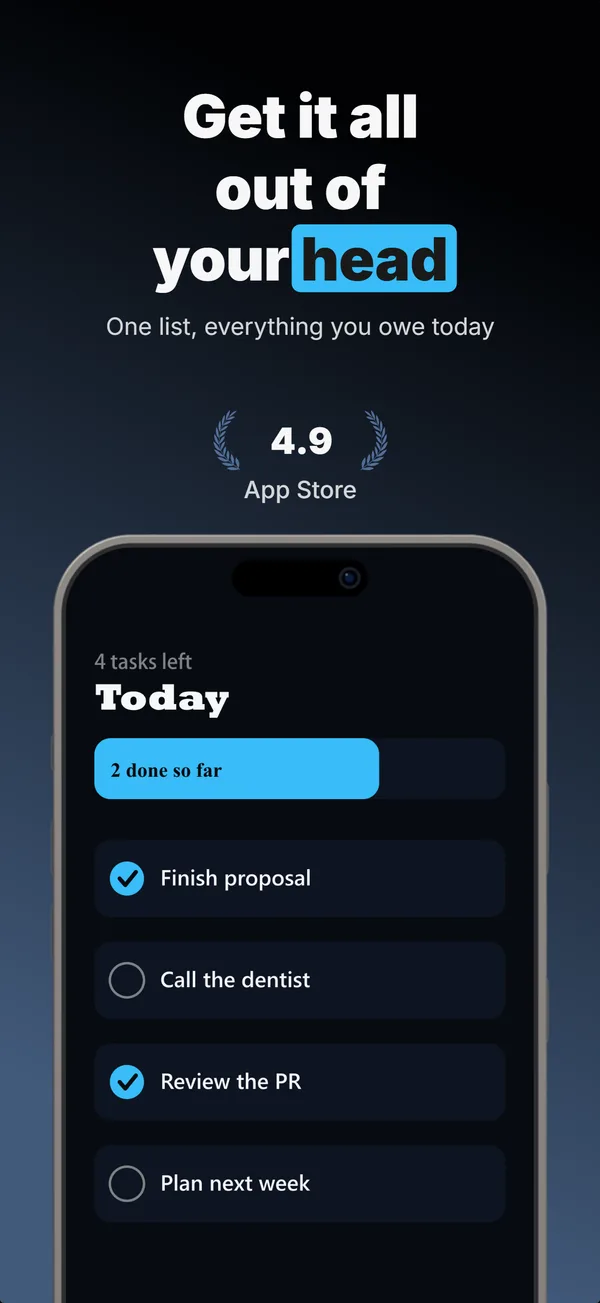
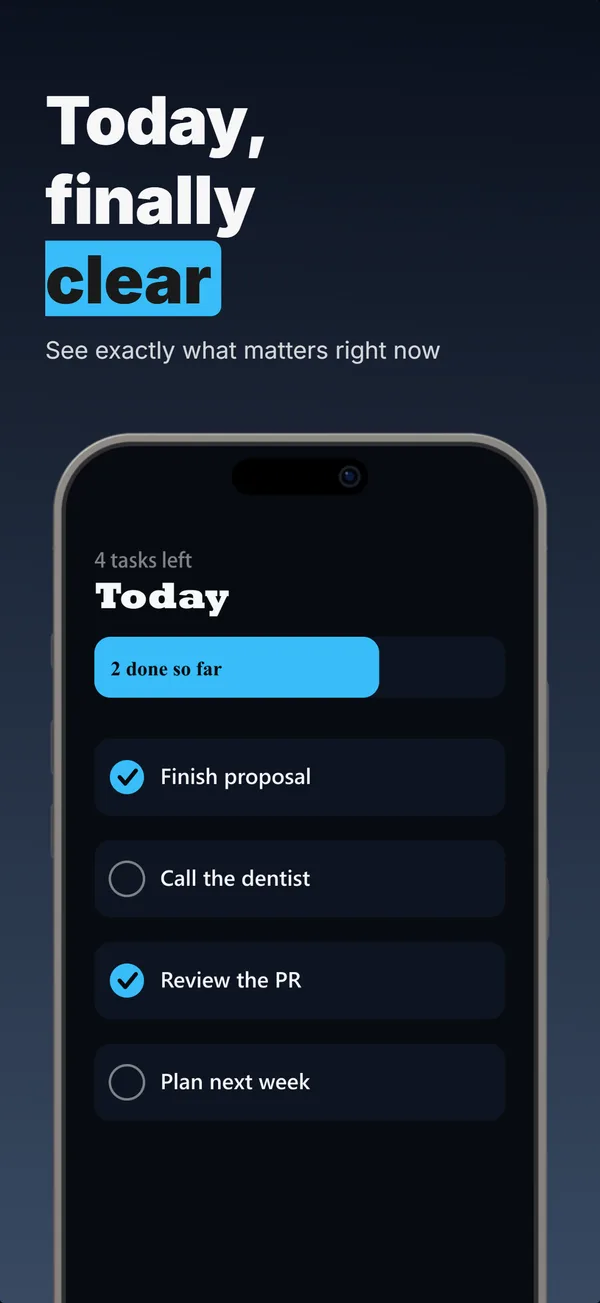
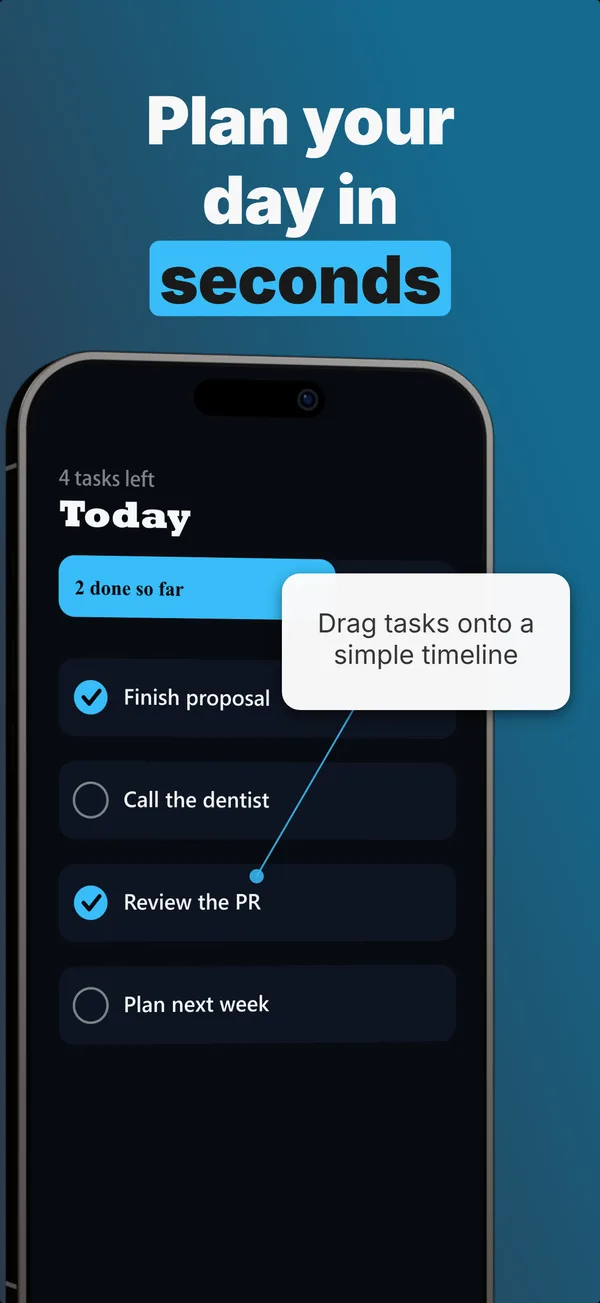
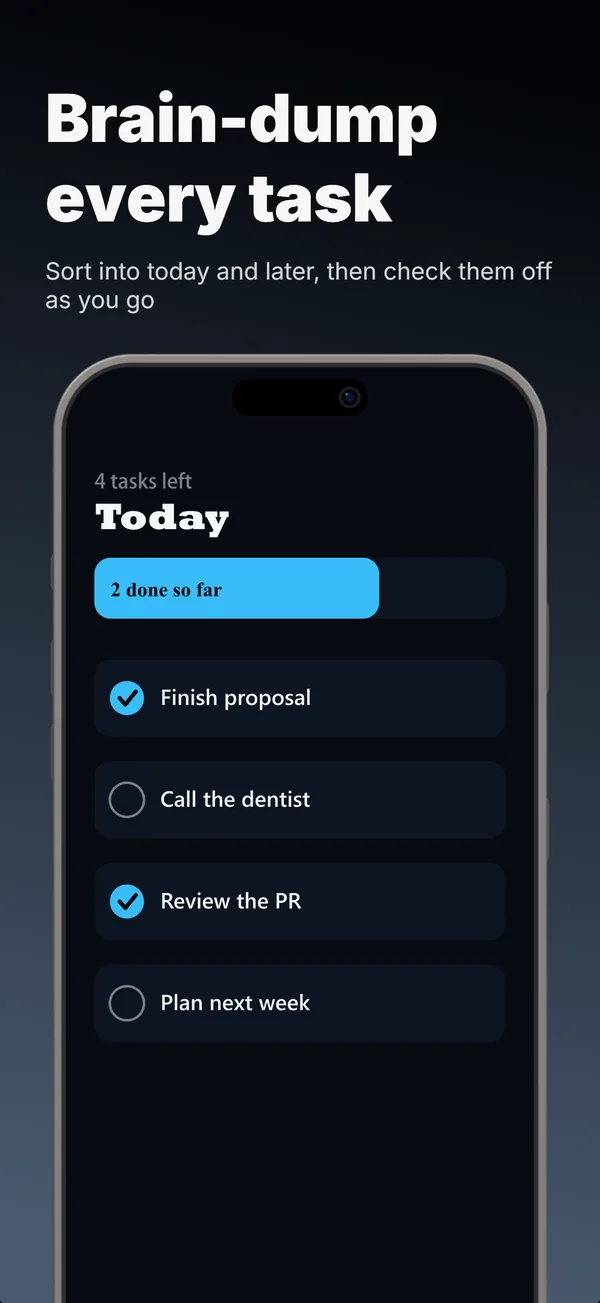
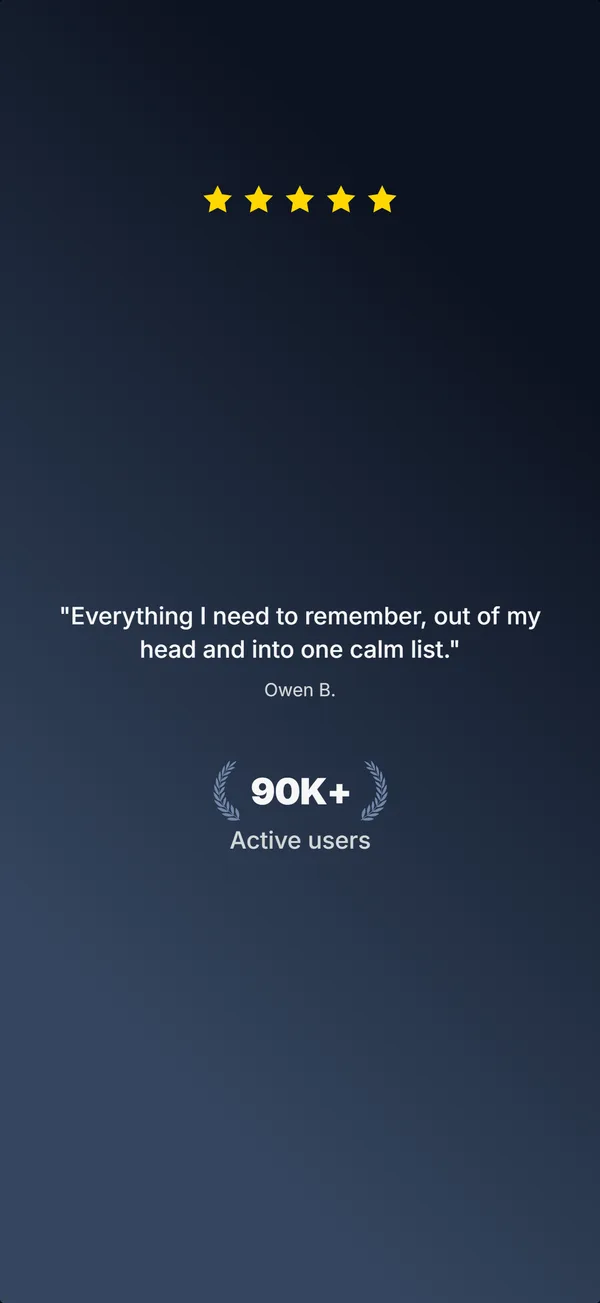
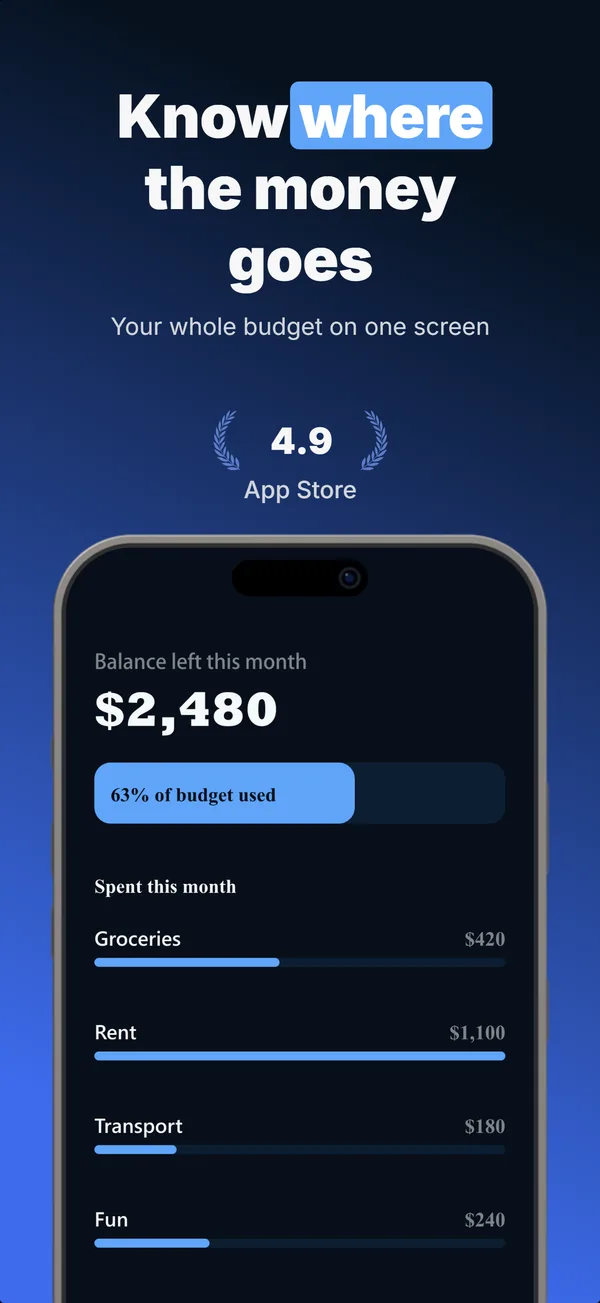
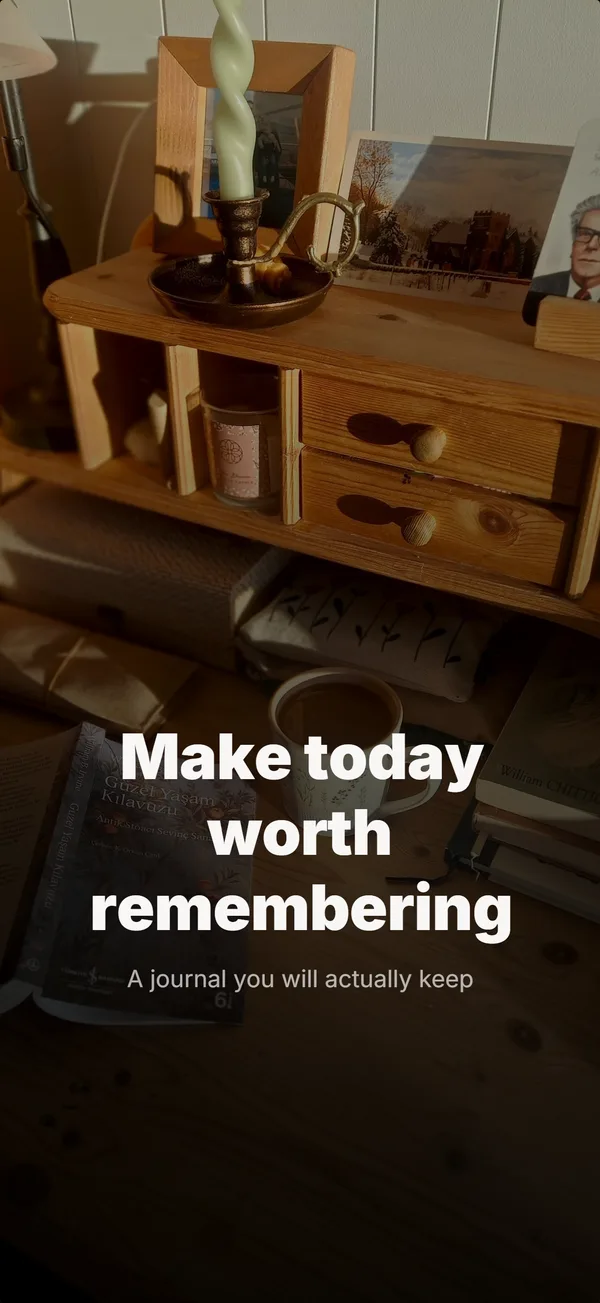
All 5 frames generated in AppScreenshotStudio. Clearly illustrative: Cleartask is a sample app.
The brief that made this set
This is the whole input. You describe the app in plain language, see options, then refine from there. No layout picking, no design decisions up front.
“Cleartask is a to-do and task app. I want a clean, no-photo 5-frame App Store set on gradients: lead with the clear-your-head hook, show today’s list, an annotated feature, a how-it-works step flow, and social proof. Cool slate.”
Lands in the builder pre-filled. Swap in your app, your features, your numbers.
Frame by frame
Each frame has a job in the set. The builder assigns the layout that fits the slot, so the opening hooks, the middle teaches, and the close proves. 4 of 5 frames show the app interface, which is what Apple's Guideline 2.3.3 asks for.
Make a set like this for your app
Describe your app, see a full set in this shape, then refine each frame in chat. Designers charge $150+. We take 2 minutes.
Get screenshots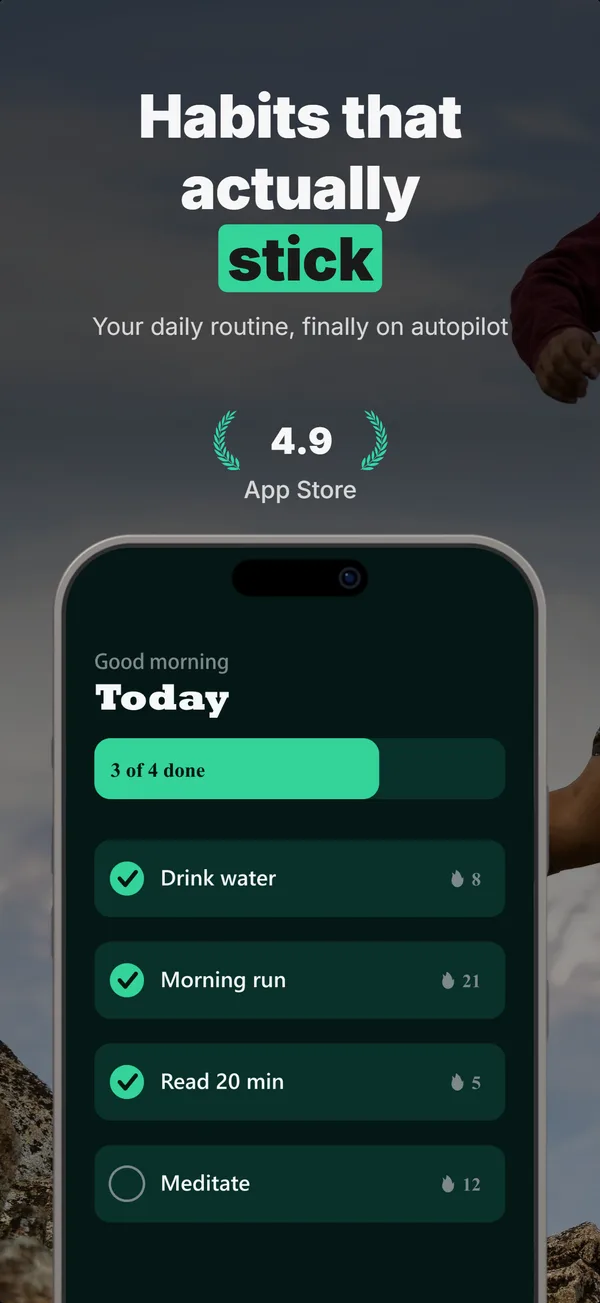
Want to see every layout these sets are built from?
Browse the 13 App Store screenshot layouts