Review Clip Layout
A star rating and a real customer quote above a bottom-clipped device. The prove layout that pairs a testimonial with the product in one frame.
Try this layout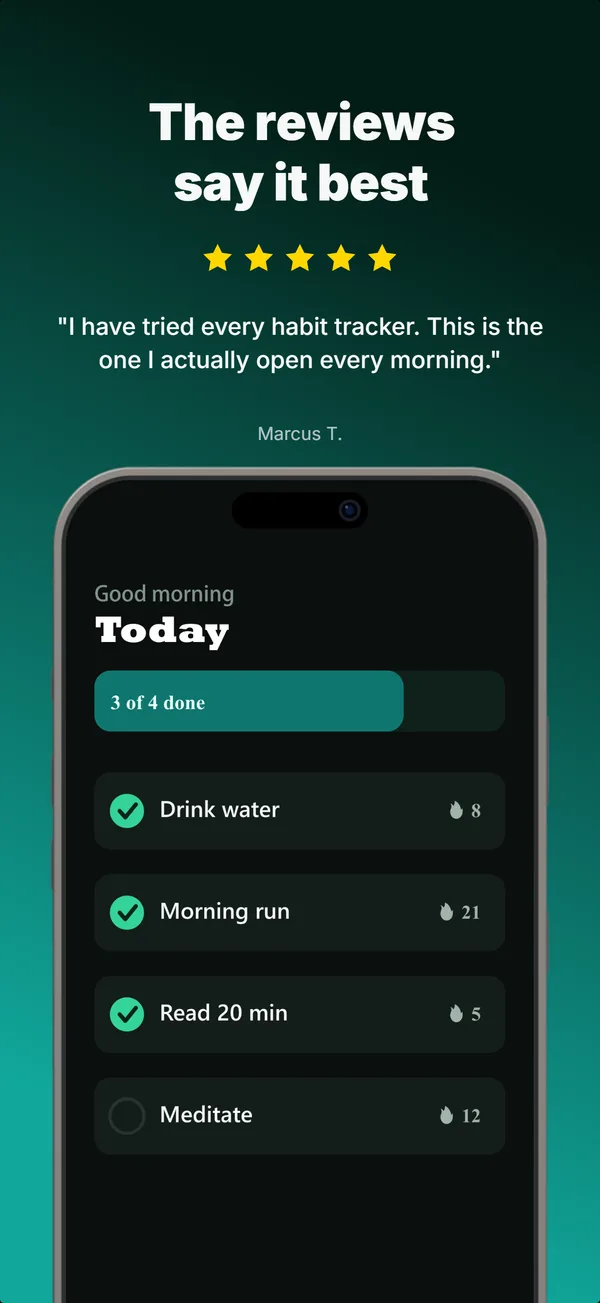
What is the review clip layout?
The review clip layout puts a star rating and a short customer quote at the top of the frame, with a device clipped at the bottom so the app screen anchors the testimonial to the actual product. Its narrative job is prove: it shows that a real person used the app and stayed. Unlike the social proof layout, which drops the device to focus entirely on trust signals, review clip keeps the product in view, so the quote reads as being about the thing the viewer is looking at. Use it in the credibility slot of a set; frame 3 of a five-frame gallery is the conventional spot, since it is the last screenshot the App Store shows in search results before a tap. The quote has to be from a real user, because fabricated testimonials are grounds for rejection under the App Store Review Guidelines.
Layout spec
- Narrative job
- Prove
- Device mockup
- Yes
- Works in frames (of 5)
- 12345
- Renders
- Star ratingCustomer quote
Read from the builder engine: the narrative job, device, valid frame positions, and trust signals this layout actually renders.
When to use this layout
Use review clip when you have a real, specific quote and want the product visible while it lands. If your strongest asset is raw numbers (ratings count, downloads) rather than a quote, social proof or stats hero fit better. One quote per frame; a wall of testimonials reads as noise at thumbnail size.
Best for
- Frame 3, the credibility moment, when you want product and proof together
- Apps with a genuine standout review worth quoting
- Cases where the testimonial is more persuasive next to the UI it praises
- Subscription apps where proof reduces the paywall commit risk
Common pitfalls
- Quoting a fabricated or paraphrased review (App Store Review Guidelines violation)
- Using a quote too long to read at thumbnail scale
- Burying the rating, which is the fastest-read trust signal
Generate a review clip screenshot
Describe your app, and the builder generates a frame in this layout. No design decisions, just finished output.
Get screenshotsRelated layouts

prove
Social Proof
Star rating, customer quote, and laurel-wrapped stats, no device. Built for the prove job: credibility lands by frame 3, the last screenshot the App Store shows in search results.
prove
Metric Badge
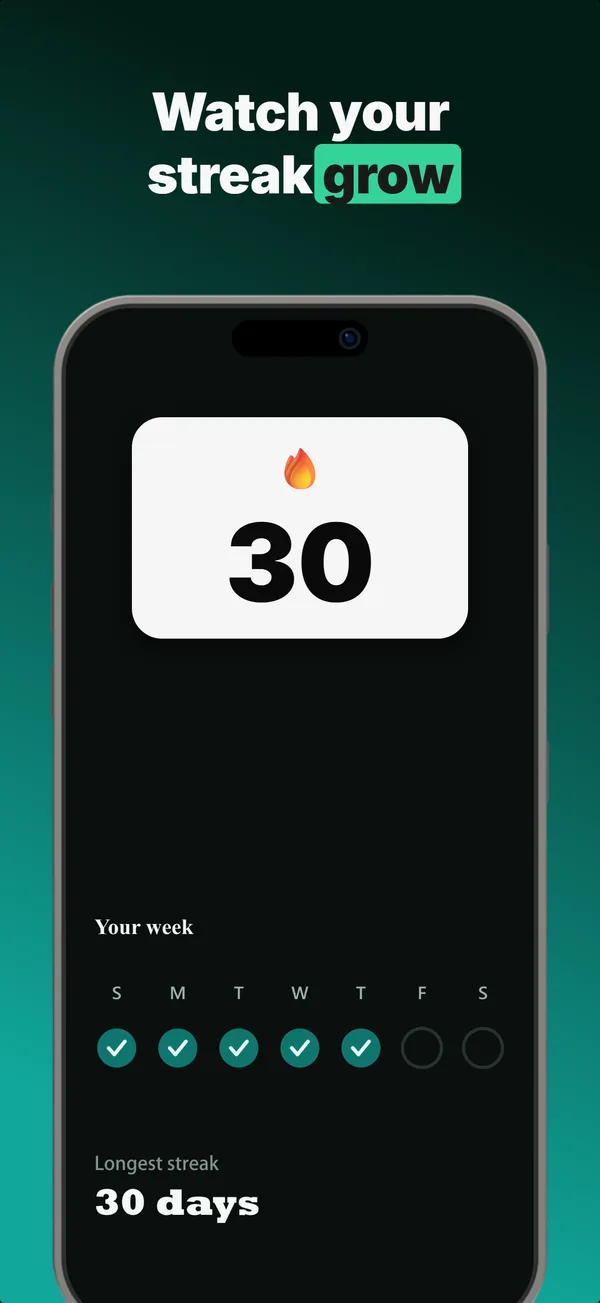
A centered device with a chunky achievement-card badge over its upper screen. The prove layout when one number is the whole story.
hook
Device Hero
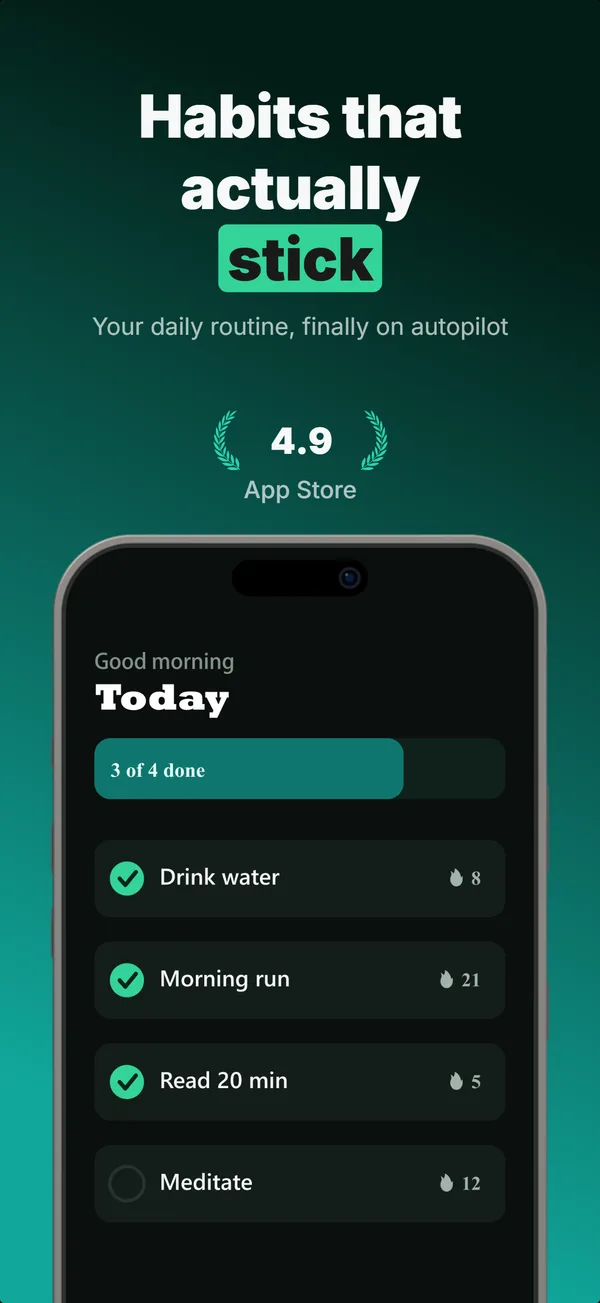
Centered flat device with a strong headline above. The product-forward hook layout: frame 1 is the one screenshot almost every App Store visitor sees before deciding.
prove
Before / After
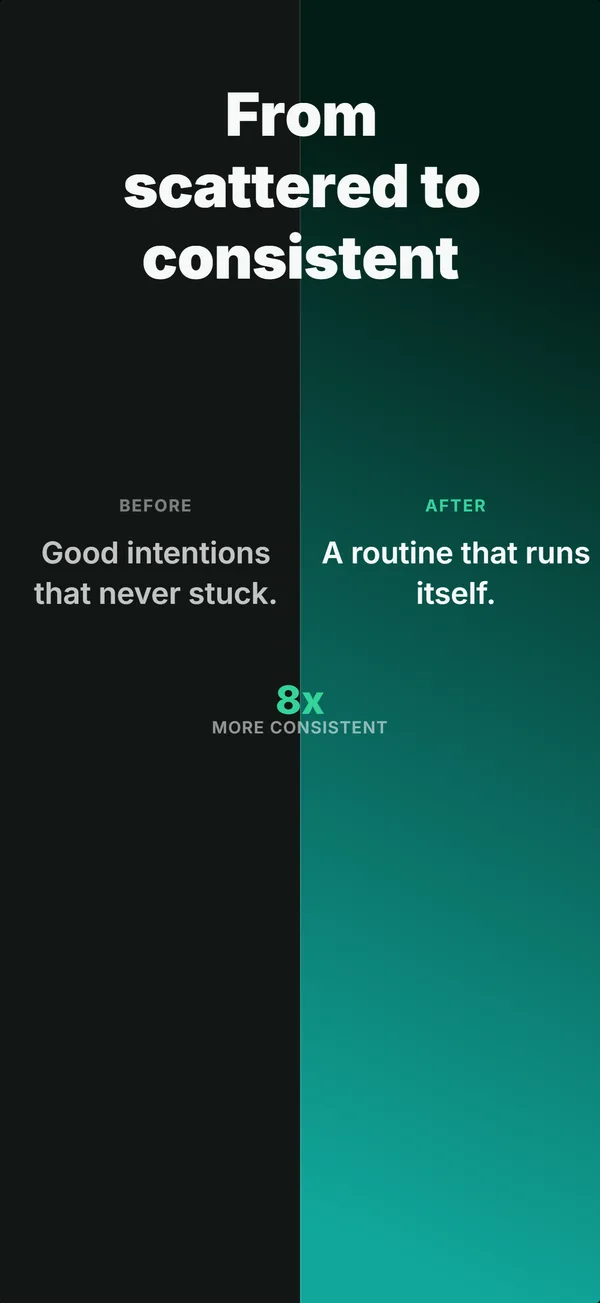
Split frame: dark before-half on the left, bright after-half on the right. The prove layout for transformation apps where the gap is the value.
Review Clip in finished sets
Every set below uses this layout in at least one frame. Each one shows all five frames plus the brief that produced them.
Browse everything, or get the strategy: