Lifestyle Hero Layout
Full-bleed photo with text overlay in the lower third, no device. The mood-first hook layout for lifestyle apps where context beats product shots.
Try this layout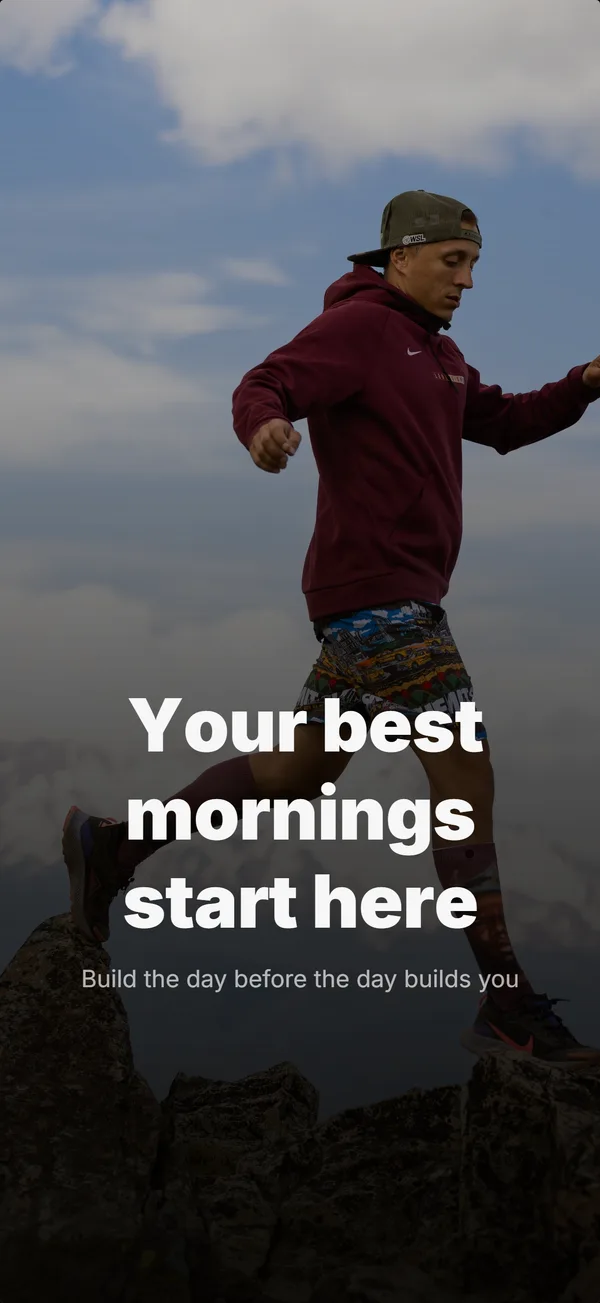
What is the lifestyle hero layout?
The lifestyle hero layout is a full-bleed photographic background with a text overlay anchored in the lower third of the frame, and no device mockup. It earns the hook slot when the app's value is contextual rather than UI-driven. Fitness apps, meditation apps, dating apps, and travel apps frequently use lifestyle-hero on frame 1 because the install decision depends on emotional context (the runner, the calm room, the destination) more than on showing the in-app interface. Trade-off: you spend frame 1 without showing UI, so frames 2 and 3 must do extra educate work to compensate. Use it when the app fits an aspirational moment a user wants to feel.
Layout spec
- Narrative job
- Hook
- Device mockup
- No
- Works in frames (of 5)
- 12345
Read from the builder engine: the narrative job, device, valid frame positions, and trust signals this layout actually renders.
When to use this layout
Use lifestyle-hero when the user is buying a feeling, not a tool. If you can name the emotional state the app delivers in one word (calm, strong, connected, inspired), lifestyle-hero works. If the app is a tool that gets a job done (utility, finance, productivity), device-hero converts better. Always pair lifestyle-hero with a strong educate-job frame 2 to recover the UI explanation budget.
Best for
- Fitness, meditation, dating, travel, and lifestyle apps
- Frame 1 when contextual mood beats UI-first hook
- Apps where the user buys an outcome (calm, fitness, connection), not features
- Brands with photography assets that match the brand frame
Common pitfalls
- Using lifestyle-hero on utility/productivity apps where it confuses the audience
- Skipping the educate-job follow-up on frame 2, which leaves the UI unexplained
- Choosing stock photography that doesn't feel native to the brand (instantly looks templated)
Generate a lifestyle hero screenshot
Describe your app, and the builder generates a frame in this layout. No design decisions, just finished output.
Get screenshotsRelated layouts
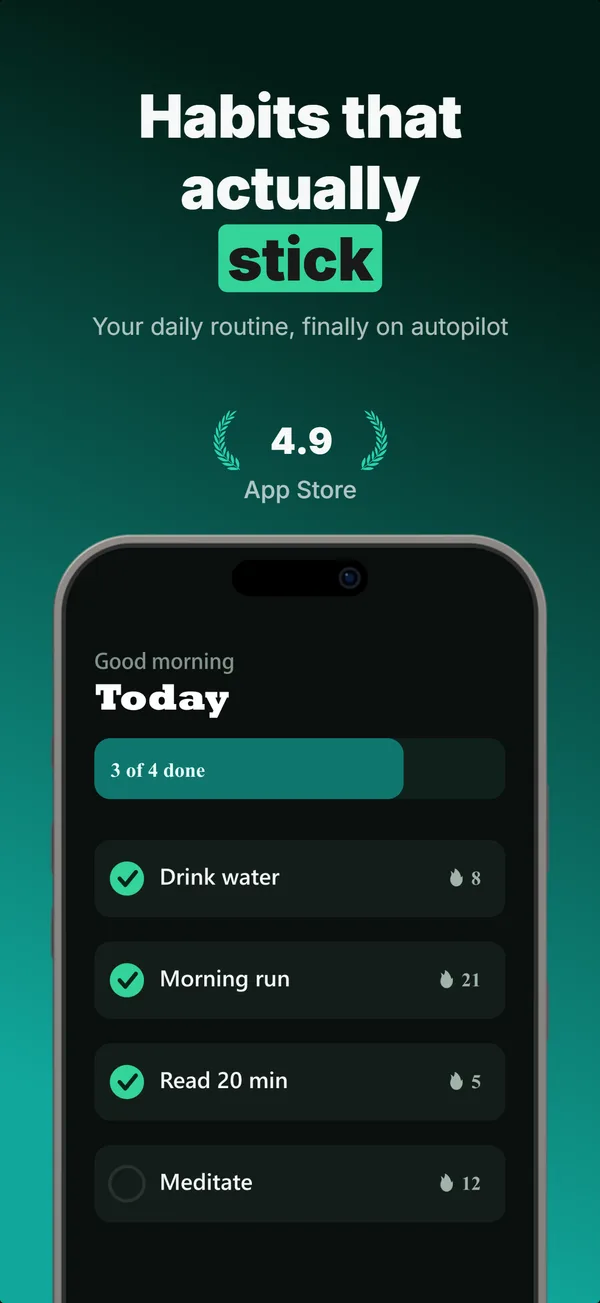
hook
Device Hero
Centered flat device with a strong headline above. The product-forward hook layout: frame 1 is the one screenshot almost every App Store visitor sees before deciding.
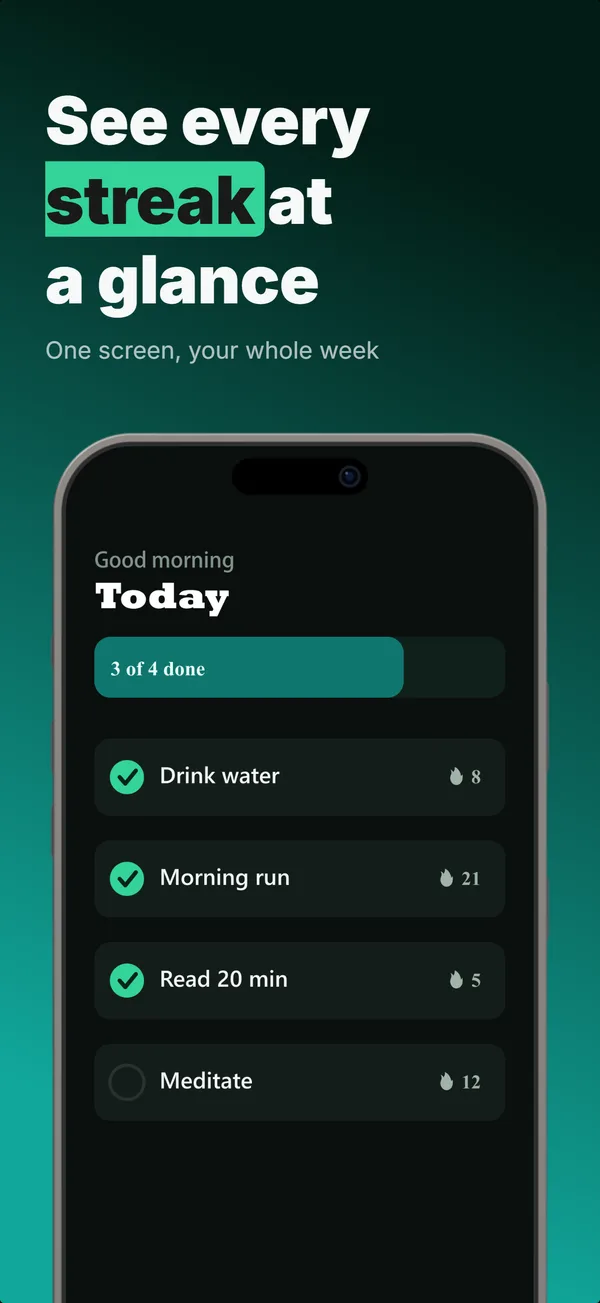
educate
Text-Top Device-Bottom
Headline at the top, flat device anchored at the bottom. The default educate layout for frames 2 and 3 where feature explanation has to land before the scroll-off point.
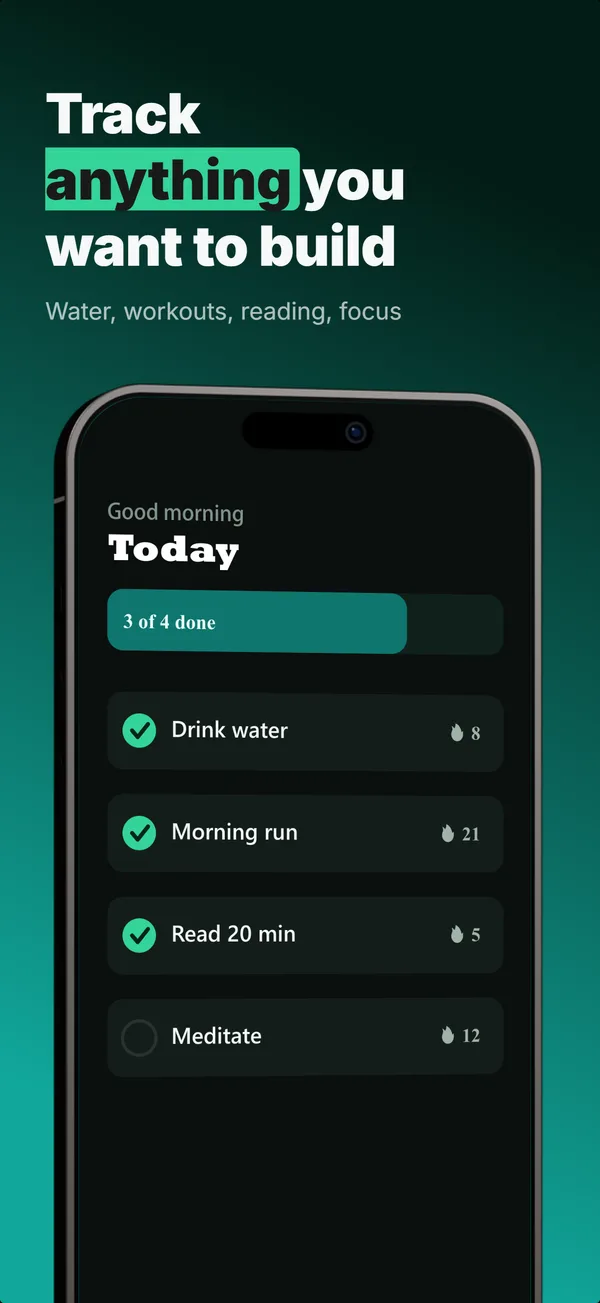
educate
Text-Top Tilted
Headline at the top, device rotated 15-30 degrees for dimensional depth. Same educate role as text-top-device-bottom, but adds visual energy.
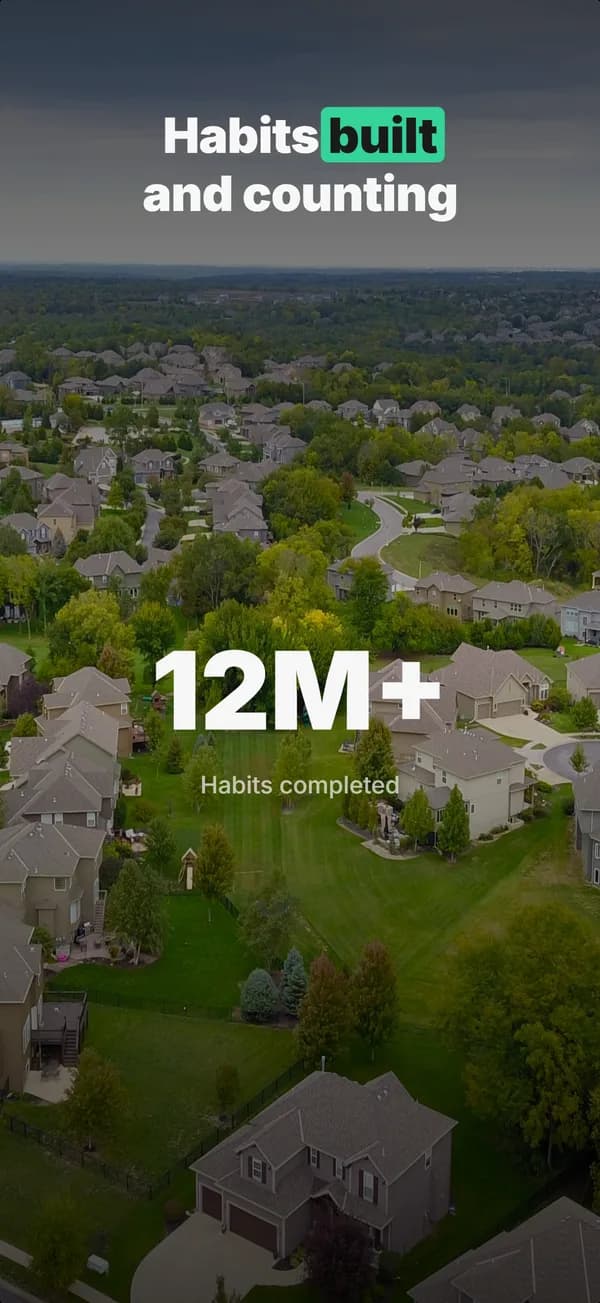
hook
Stats Hero
Giant centered stat or number, no device. The hook layout when the metric itself is the selling point: 1M users, 10K reviews, 4.8 stars.
Lifestyle Hero in finished sets
Every set below uses this layout in at least one frame. Each one shows all five frames plus the brief that produced them.
Browse everything, or get the strategy: